Why More Businesses Are Turning to Bulk Mini PC Purchases
The way companies approach technology procurement has shifted quite a bit over the past few years. Gone are the days when massive desktop towers dominated every office space. Now, compact computing solutions have become the go-to choice for organizations ranging from small startups to large enterprises.
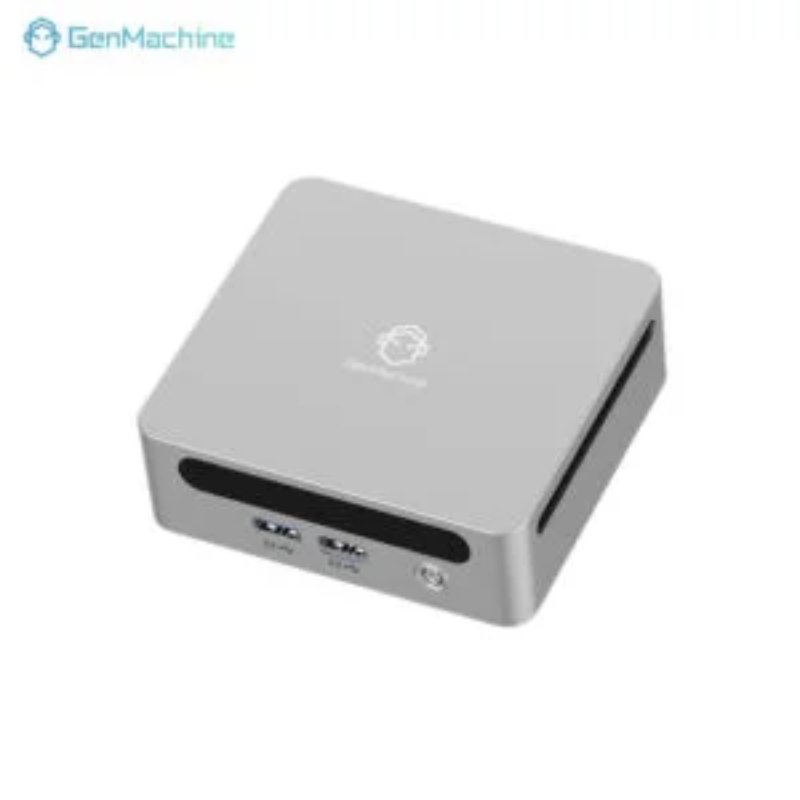
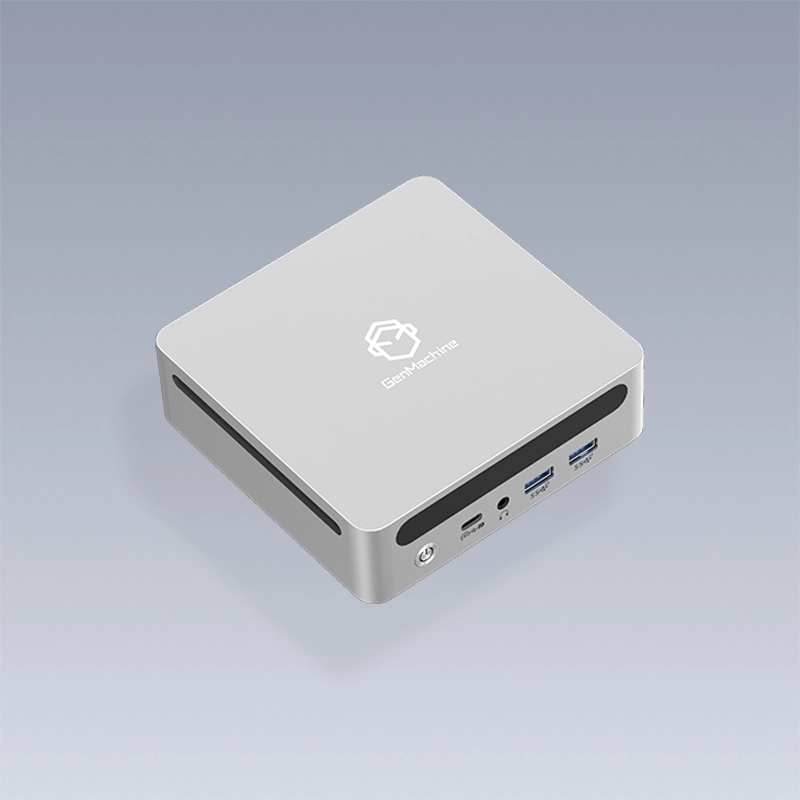
When a business needs to equip multiple workstations, purchasing bulk mini PCs makes practical sense from both financial and operational standpoints. These small but capable machines offer surprising versatility—something that catches many business owners off guard when they first explore this option.

Significant Cost Savings with Bulk Mini PC Orders
One of the most compelling reasons to consider volume purchases comes down to simple economics. Vendors typically offer substantial discounts when businesses commit to larger orders, and mini computers are no exception to this rule.
Understanding Volume Pricing Structures
Most suppliers structure their pricing in tiers, which means the per-unit cost drops as order quantities increase. A company buying fifty units might see savings of 15-25% compared to purchasing the same model individually over time.
| Order Quantity |
Typical Discount Range |
Estimated Savings |
|---|---|---|
10-25 units |
8-12% |
Moderate |
26-50 units |
13-20% |
Substantial |
51-100 units |
18-28% |
Significant |
100+ units |
25-35% |
Maximum |
Beyond the upfront discounts, there’s the matter of reduced shipping costs and simplified procurement processes. Handling one large order requires far less administrative overhead than managing dozens of separate transactions throughout the year.
Space Efficiency That Transforms Workplaces
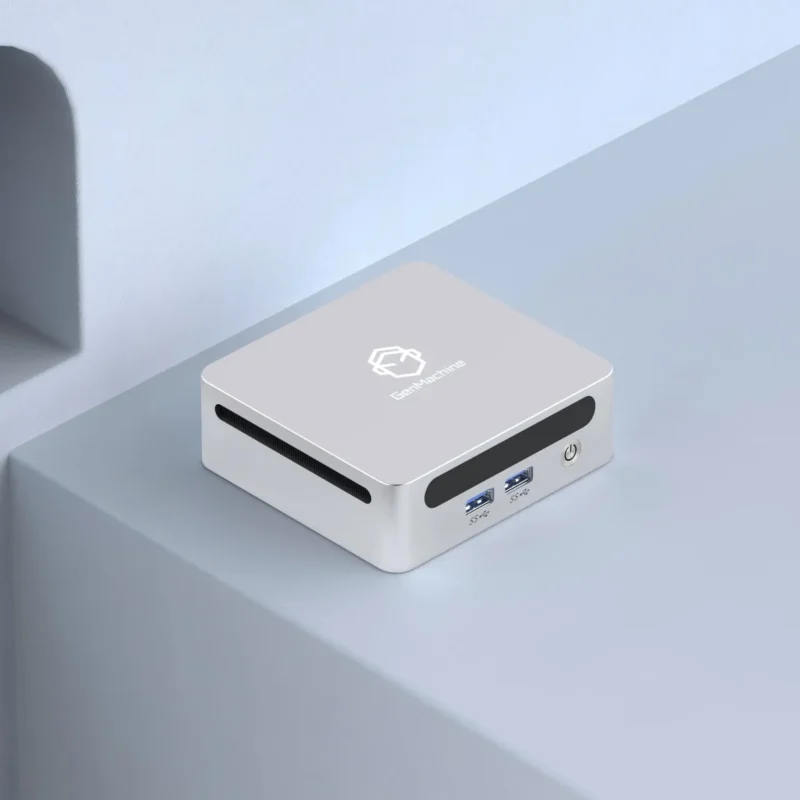
Traditional desktop computers consume valuable real estate on desks and underneath them. Mini PCs, on the other hand, can be mounted behind monitors, tucked into small corners, or even attached to VESA mounts—basically disappearing from view while still delivering solid performance.
For businesses operating in expensive urban locations where every square foot matters, this compact form factor proves remarkably valuable. Some organizations have reported reclaiming enough desk space to add additional workstations without expanding their physical footprint.
The aesthetic improvements shouldn’t be overlooked either. Cleaner workspaces tend to create better impressions on clients and can contribute to employee satisfaction in ways that are hard to quantify but definitely noticeable.
Energy Consumption and Long-Term Operational Costs
Here’s something that doesn’t always get mentioned in initial purchasing discussions: mini computers typically consume 65-80% less electricity than their full-sized counterparts. When multiplied across an entire organization, those savings add up rather quickly.
Environmental Considerations
Lower power consumption means reduced carbon footprint
Less heat generation requires less air conditioning
Smaller components often mean fewer raw materials used in manufacturing
Extended lifespan compared to laptops in many business applications
Companies with sustainability goals find that switching to compact computing solutions helps them meet environmental targets without sacrificing productivity. It’s one of those rare situations where doing the right thing environmentally also happens to save money.
Simplified IT Management Through Uniformity
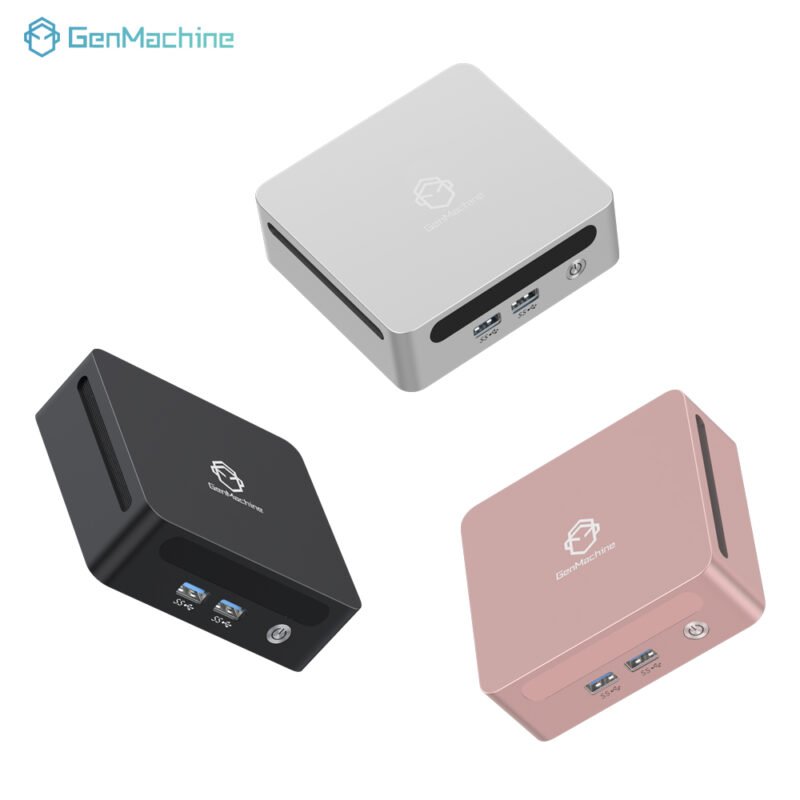
When all workstations run identical hardware, the IT department’s job becomes considerably more manageable. Troubleshooting, software deployment, driver updates—everything flows more smoothly when dealing with homogeneous systems.
Standardization Benefits Include
Faster onboarding of new employees with consistent setups
Simplified inventory management and spare parts stocking
Streamlined training for IT support staff
More predictable maintenance schedules and budget planning
Easier implementation of security protocols across the organization
This uniformity also extends to warranty claims and vendor relationships. Having a single point of contact for hardware support, rather than juggling multiple suppliers, reduces headaches considerably.
Versatility Across Different Business Applications
Mini PCs handle a surprising range of tasks despite their diminutive size. From basic office productivity to digital signage, point-of-sale systems, and even light content creation—these machines adapt to various business needs without complaint.
Some common deployment scenarios include:
Reception desks and customer service stations
Conference room presentation systems
Retail checkout counters
Thin client configurations for VDI environments
Educational computer labs
The flexibility to repurpose these units as business needs evolve adds another layer of value to volume purchases. If you want to know more about bulk mini pc, please read Enterprise Deployment: A Guide to Bulk Mini PC Rollouts.
FAQ
What specifications should businesses prioritize when ordering bulk mini PCs?
Focus on RAM capacity, storage type (SSD preferred), and processor generation. Also consider expansion ports relevant to specific use cases—some deployments need multiple display outputs while others prioritize USB connectivity.
How long do mini computers typically last in business environments?
With proper maintenance, most quality units deliver 4-6 years of reliable service. This lifespan often exceeds laptops used in similar roles, partly because stationary devices experience less physical stress.
Can bulk orders be customized to include specific configurations?
Many vendors accommodate customization requests for larger orders, including pre-installed software, specific RAM or storage configurations, and even branded packaging in some cases.