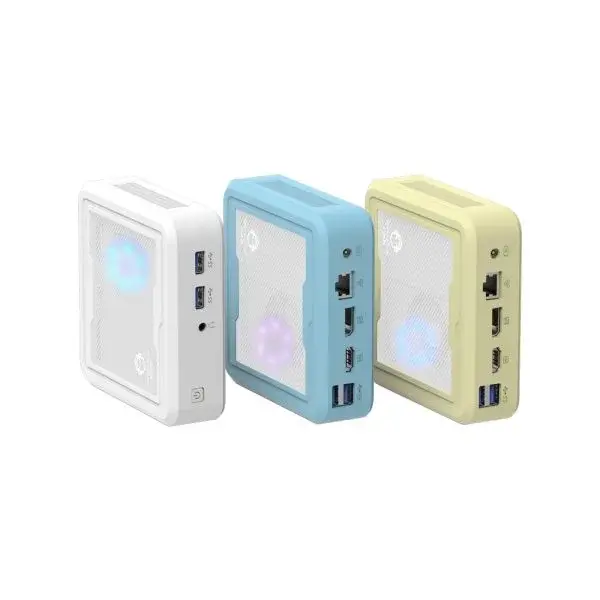
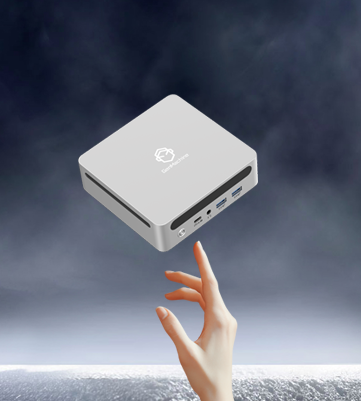
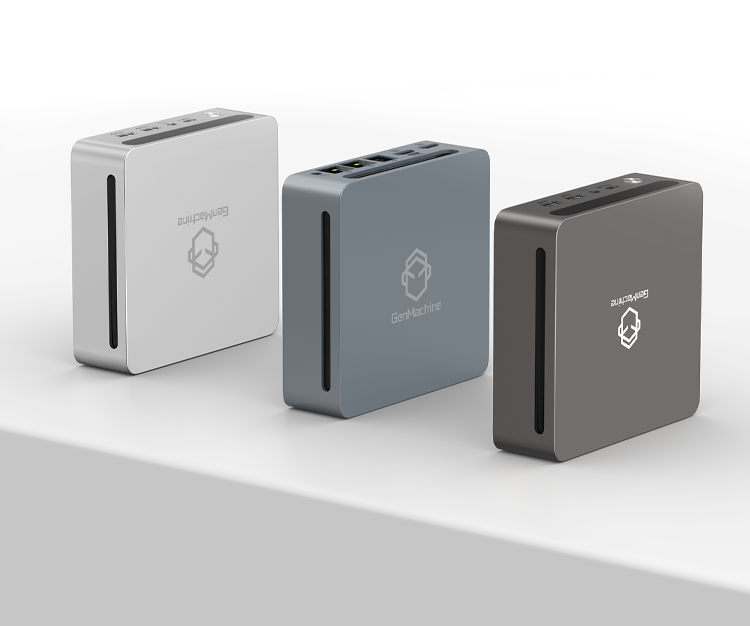
Creative work used to demand big towers, loud fans, and a dedicated room. Not anymore. The rise of compact systems has changed what’s possible on a small desk or in a cramped studio. An AMD Ryzen mini PC now offers enough horsepower for serious photo and video editing—without eating up half your workspace.
But does smaller really mean capable? Let’s dig into what makes these little machines tick and whether they actually hold up for creative workflows.
Why Creatives Are Looking at AMD Ryzen Mini PC Options
There’s been a noticeable shift. Photographers and video editors who once swore by massive workstations are now eyeing compact alternatives. Part of it is practical—studio space costs money, and not everyone has room for a full tower setup. Part of it is just curiosity. Can something this small actually edit 4K footage without choking?
Turns out, yes. Modern Ryzen processors pack a surprising amount of performance into efficient packages. The integrated RDNA graphics found in newer chips handle GPU-accelerated tasks better than expected. Not perfect for heavy 3D rendering or cinema-grade color grading, but more than adequate for most independent creators and enthusiasts.
The appeal isn’t just size, though. These systems run quieter than traditional desktops. They consume less power. And honestly, there’s something satisfying about a tidy workspace where the computer doesn’t dominate the room.
Key Specs That Matter for Video and Photo Editing on an AMD Ryzen Mini PC
Not all mini PCs are created equal. Some cut corners in ways that hurt creative work. Others strike a genuinely useful balance. Here’s what to look for:
Processor Generation and Core Count
Ryzen 7 mini pc chips from the 7000 or 8000 series tend to hit the sweet spot. Eight cores handle multi-threaded tasks like video encoding and batch photo exports without too much struggle. Older generations work, but export times stretch noticeably.
RAM Capacity
Photo editing in Lightroom or Capture One benefits from 32GB or more. Video editing in DaVinci Resolve or Premiere Pro practically demands it. Anything less and the system starts swapping to disk, which slows everything down.
Storage Speed
NVMe drives make a real difference. Scrubbing through a timeline feels smoother. Loading RAW files happens faster. SATA SSDs still work, but the experience just isn’t as responsive.
Integrated vs Discrete Graphics
Most AMD Ryzen mini PC models rely on integrated RDNA graphics. For 1080p and basic 4K editing, that’s usually fine. Anyone doing heavy effects work or complex compositing might feel the limits, though.
A Quick Comparison of Popular AMD Ryzen Mini PC Models
| Model | Processor | RAM (Typical) | Storage | Best For |
|---|---|---|---|---|
| Beelink SER8 Pro | Ryzen 7 8845HS | 32GB | 500GB–1TB NVMe | Balanced editing and gaming |
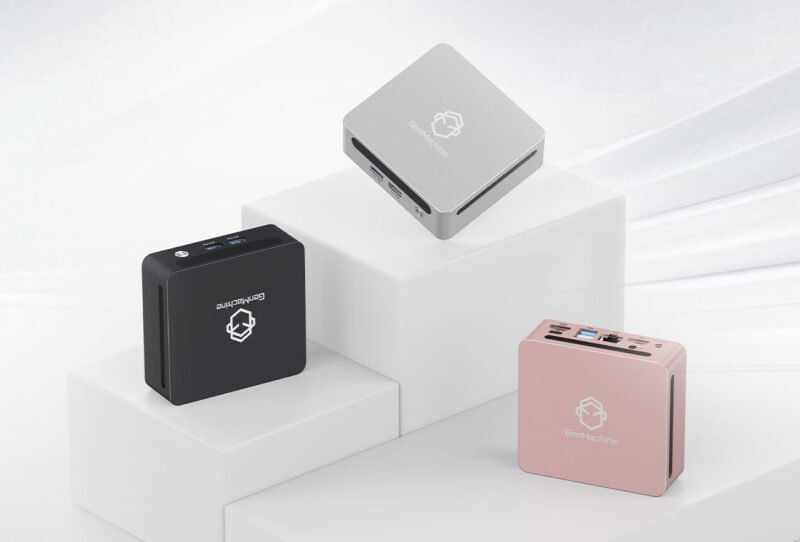
| GenMachine Yi7000 | Ryzen 7 7840HS | 32GB | 512GB NVMe | Budget-conscious creators |
| Minisforum UM790 Pro | Ryzen 9 7940HS | 32–64GB | 512GB–1TB NVMe | Heavier workloads |
| ASUS NUC 14 Pro | Ryzen 7 8840U | 16–32GB | 512GB NVMe | Light editing and portability |
Each has trade-offs. Some run cooler but throttle under sustained loads. Others offer better port selection or upgrade paths. No single model fits every use case perfectly.
Editing Experience Of AMD Ryzen Mini PC—What to Expect
Specs on paper don’t always translate to smooth editing. So what actually happens when pushing these machines?
For photo editing, most AMD Ryzen mini PC systems handle Lightroom Classic reasonably well. Culling large shoots, applying presets, exporting JPEGs—all manageable. Photoshop runs fine for compositing and retouching, though extremely large PSD files with dozens of layers can slow things down.
Video editing is where limitations sometimes appear. Timeline playback in Premiere Pro or Resolve works smoothly for 1080p projects. 4K footage plays back okay with proxy workflows enabled. Without proxies, scrubbing gets choppy on complex timelines. Color grading and effects rendering lean on the GPU, and integrated graphics handle basic corrections but struggle with node-heavy grades.
Exporting is slower compared to systems with dedicated GPUs. A 10-minute 4K video might take 15–20 minutes to render, depending on settings. Not terrible, but worth knowing.
Practical Tips Before Buying An AMD Ryzen Mini PC
A few considerations that often get overlooked:
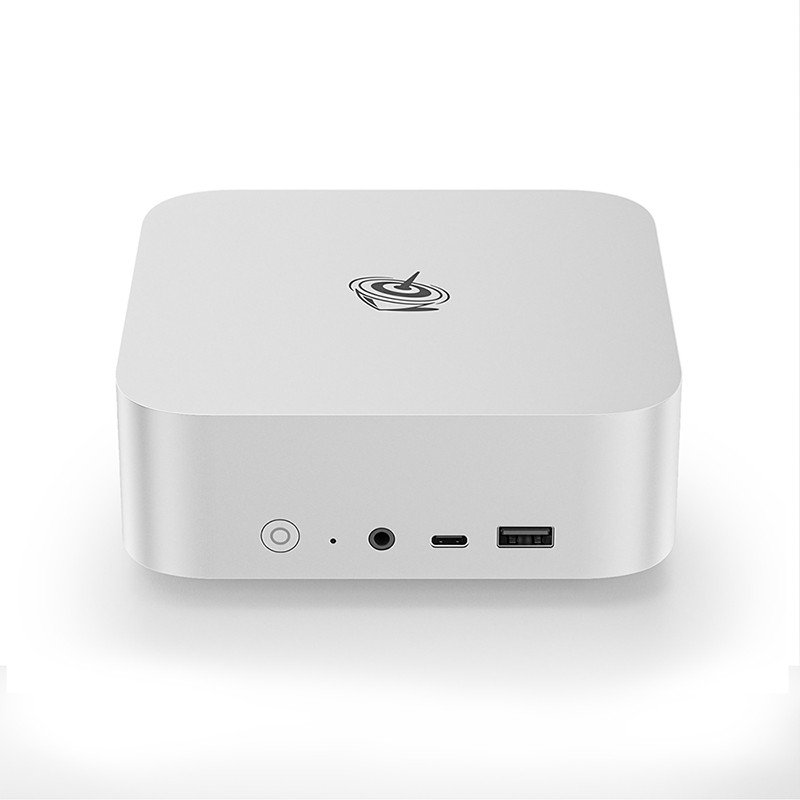
- Check the port selection carefully. Some models skimp on USB-A ports or lack SD card readers, which matters for photographers.
- Look at cooling design. Fanless models exist but tend to throttle under sustained creative workloads.
- Verify RAM upgradeability. Some systems solder memory to the board, locking in capacity forever.
- Consider monitor support. Dual 4K displays require specific output configurations—not every model handles this well.
- Read user reviews from actual editors, not just general tech enthusiasts.
Final Thoughts
The idea of editing video and photos on something small enough to tuck behind a monitor seemed unrealistic a few years ago. Now it’s genuinely practical—with the right expectations.
An AMD Ryzen mini PC won’t replace a maxed-out Mac Studio or a custom-built editing rig. But for a huge number of creators, it delivers enough performance in a form factor that just makes life easier. Less noise, less heat, less clutter. And honestly, that tradeoff feels worth it for plenty of workflows. If you want to know more about AMD Ryzen mini pc, please resd about Which users are more suitable for the AMD Ryzen Mini PC.
FAQ
Can an AMD Ryzen mini PC handle 4K video editing?
Yes, though with some caveats. Proxy workflows help significantly. Native 4K timeline playback works but can stutter on complex projects. Exporting takes longer compared to systems with dedicated graphics cards.
How much RAM is recommended for photo and video editing?
32GB is the practical minimum for comfortable editing in most professional applications. 16GB works for lighter tasks but runs tight when multitasking or handling large files.
Are mini PCs upgradeable?
It depends on the model. Many allow RAM and storage upgrades. Some solder components to the motherboard, limiting future expansion. Always check specifications before purchasing.