The idea of running a full DAW session on something the size of a paperback book sounds almost too good. Mini PCs have gotten surprisingly capable over the past few years—powerful enough that producers, beatmakers, and even composers are starting to wonder if they could replace a bulky tower setup. But can these compact machines really handle the demands of music production? Well, it depends. (It always does, right?)
This post breaks down what works, what doesn’t, and whether a mini PC makes sense for different types of music workflows.
What Exactly Counts as a Mini PC?
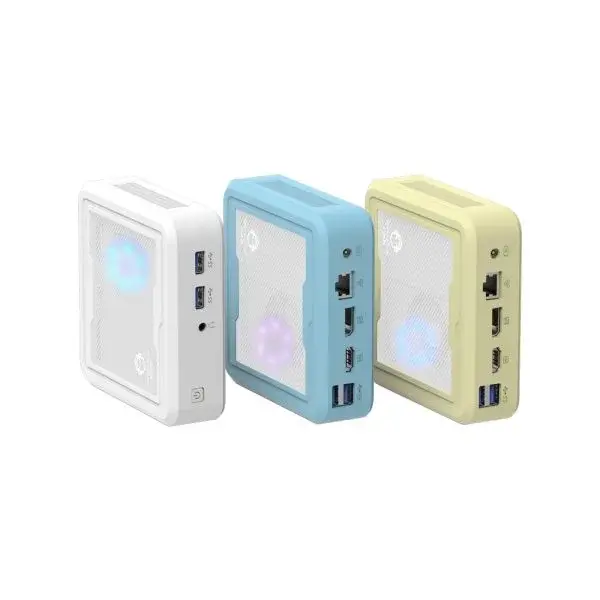
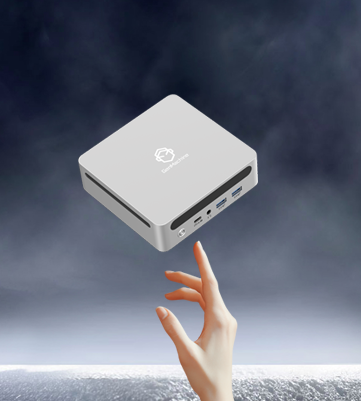
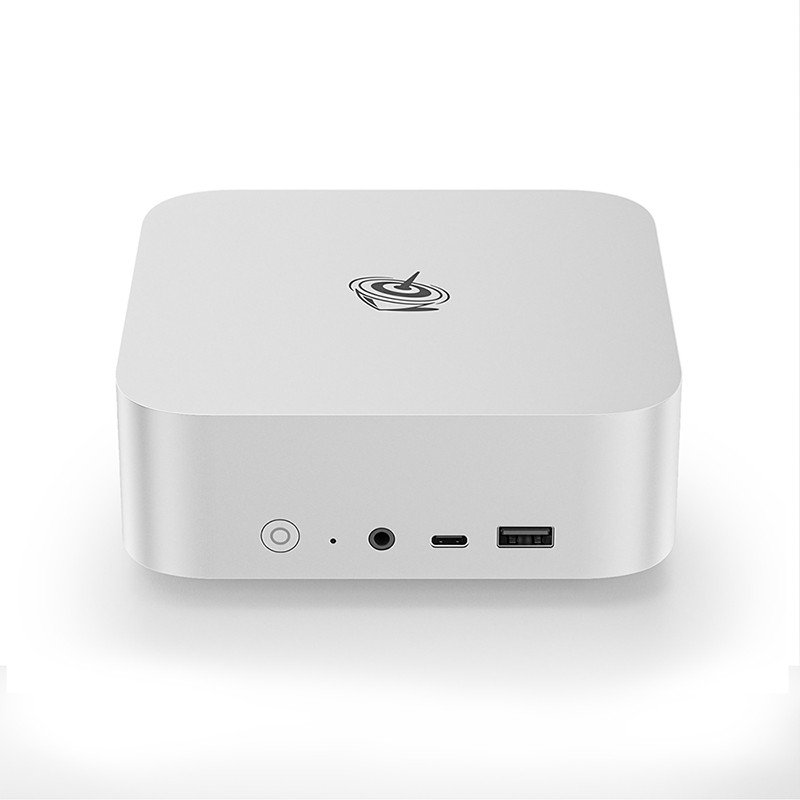
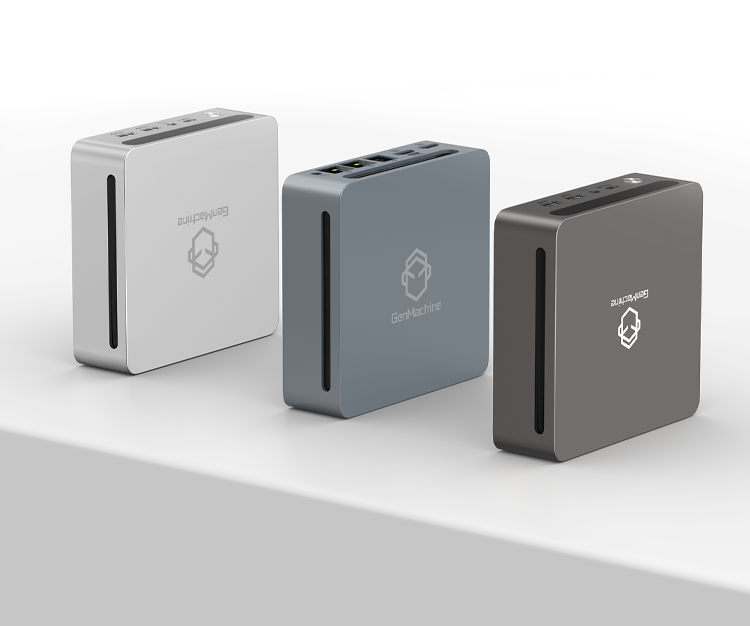
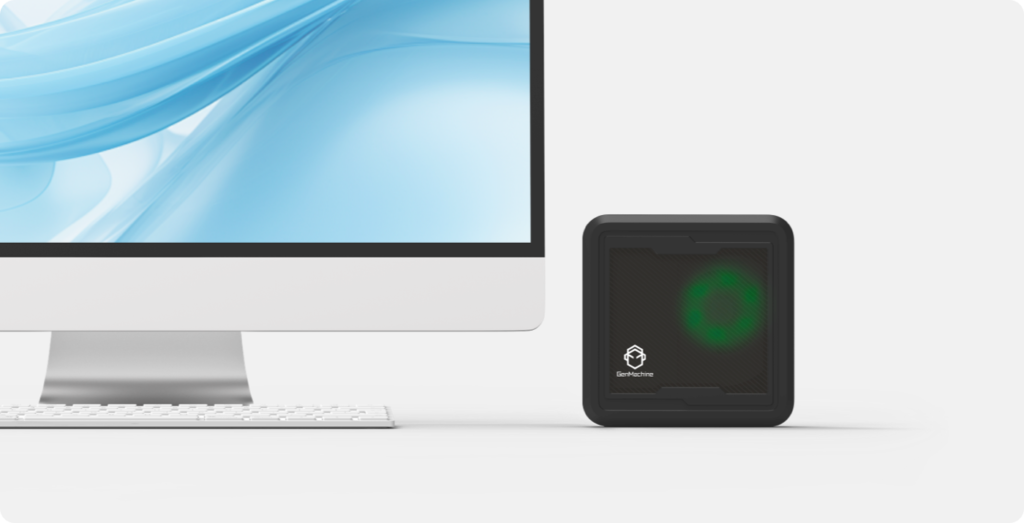
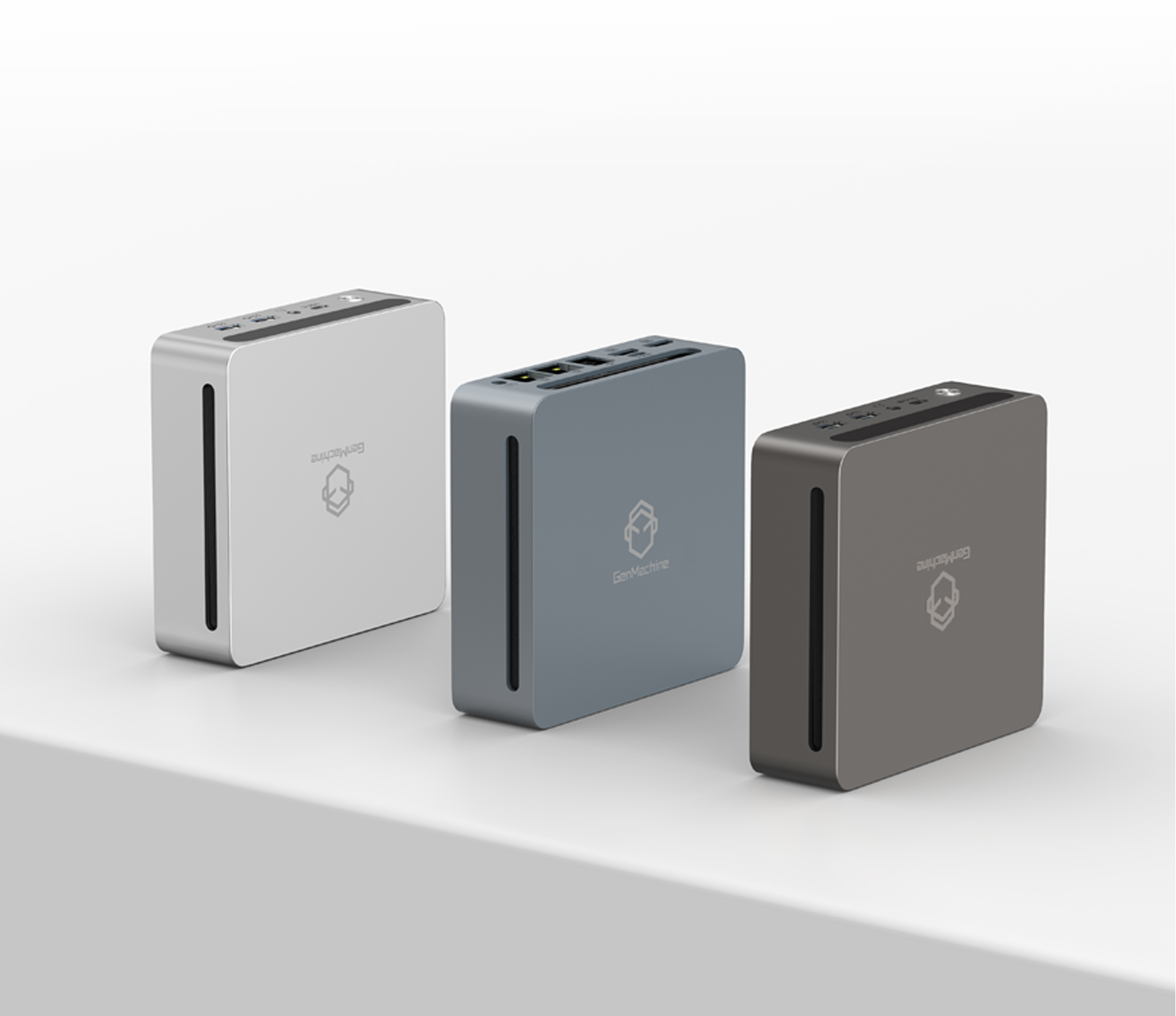
Before diving deeper, it helps to clarify. A mini PC is generally a compact desktop computer—often around one liter in volume or smaller. Think Intel NUC, Beelink, Minisforum, or similar brands. These aren’t laptops; they’re small form factor desktops that sit quietly on a desk or mount behind a monitor.
Most mini PC models pack laptop-grade CPUs, though some higher-end options now feature desktop-class processors. RAM and storage vary widely—some are barebones (bring your own memory), others come fully configured.
Why Producers Are Looking at Mini PCs?
A few reasons keep coming up:
- Space savings. Studio desks get crowded fast with gear, monitors, controllers. A mini PC basically disappears.
- Portability. Easier to move between rooms or take to sessions elsewhere.
- Lower noise. Many are designed for quiet operation (though not all—check reviews).
- Price. Decent mini PCs can cost less than equivalent laptops with similar specs.
For someone working in a bedroom studio or small production space, the appeal is obvious. Less clutter, less noise, more focus on the music.
Where a Mini PC Might Struggle?
Here’s where things get a bit more nuanced. Music production isn’t one thing—it’s many things. Recording a podcast has different demands than running Kontakt with a 200 GB orchestral library and thirty plugin instances.
Common concerns include:
- Thermal throttling. Small cases mean limited cooling. Under sustained heavy loads, the CPU may slow down to prevent overheating.
- Limited upgradeability. Some mini PCs have soldered RAM or only one storage slot. Expanding later might not be an option.
- Fewer ports. USB ports fill up quickly (interface, MIDI controller, external drives, dongles). Thunderbolt is rare on budget models.
- No dedicated GPU. Irrelevant for audio, but worth noting if video work is also part of the workflow.
These aren’t dealbreakers, but they’re real. It’s worth being honest about them.
Recommended Specs for Music Production
Not all mini PCs are created equal. Some are basically glorified web browsers; others can genuinely compete with mid-range towers. Here’s a rough guideline for what to look for:
| Component | Minimum for Light Work | Recommended for Serious Production |
|---|---|---|
| CPU | Intel i5 / Ryzen 5 | Intel i7 / Ryzen 7 (recent gen) |
| RAM | 16 GB | 32 GB or more |
| Storage | 512 GB NVMe SSD | 1 TB NVMe + external for samples |
| USB Ports | 4+ (USB 3.0 or better) | 6+ or Thunderbolt support |
| Cooling | Active fan | Efficient active cooling system |
Obviously, bigger sample libraries and heavier plugin use push toward the right column. Light MIDI work, basic recording, or mixing sessions with mostly stock plugins? The left column is probably fine.
Matching the Mini PC to the Workflow
This is really where the decision gets personal. Different production styles demand different things from hardware.
Beatmaking and Electronic Production
Generally works well on a mini PC. Most software synths and drum machines are CPU-efficient. Sessions rarely get as heavy as orchestral scoring. A modern mini PC with 16–32 GB RAM handles this comfortably—assuming plugin counts stay reasonable.
Recording and Mixing
Recording audio itself isn’t that demanding. The bottleneck is usually the audio interface, not the computer. Mixing depends on plugin load. Stock plugins? Fine. Thirty instances of resource-hungry third-party plugins? Might start pushing limits.
Composing with Large Sample Libraries
This is where mini PCs can feel constrained. Kontakt libraries, orchestral templates, streaming samples from disk—all of it taxes both CPU and storage speed. A high-end mini PC can manage, but a tower with better cooling and more drive bays might still be the smarter choice for this kind of work.
Tips for Getting the Most Out of a Mini PC
A few practical suggestions for anyone going this route:
1. Freeze or bounce tracks to reduce real-time CPU load.
2. Use an external SSD for large sample libraries (USB 3.1 or better).
3. Disable unnecessary background processes and startup apps.
4. Choose an audio interface with solid drivers—low-latency performance matters.
5. Monitor CPU temperatures occasionally, especially during long sessions.
Also—don’t underestimate the value of reading user forums. Real-world experiences from other producers often reveal quirks that spec sheets miss.
Conclusion
Honestly? For many workflows, yes. A well-chosen mini PC can run sessions smoothly, stay quiet, and free up valuable desk space. The limitations exist but aren’t necessarily prohibitive—especially for producers who aren’t maxing out their systems with massive orchestral templates.
That said, expectations matter. A mini PC isn’t a workstation replacement for heavy-duty professional scoring. It’s more like a capable, compact tool that fits certain needs really well. For bedroom producers, mobile rigs, or secondary studio machines, a mini PC often makes a lot of sense.
The technology keeps improving, too. Each generation brings better thermals, faster processors, more efficient designs. What felt like a compromise a few years ago now feels surprisingly viable.
Worth considering, at least.If you want to know more about Mini PC, please read:Are mini computers good for office work?