The search for compact computing solutions has taken an interesting turn lately. With OpenClaw gaining serious traction among hobbyists and developers alike, the question of hardware compatibility keeps coming up in forums and community discussions. Finding the Best Mini PC for OpenClaw is not exactly straightforward, mostly because the software has some quirky requirements that catch people off guard. It handles certain tasks beautifully on modest hardware, then suddenly demands more resources during intensive operations. This unpredictability makes choosing the right OpenClaw Mini PC something of an adventure.
What works perfectly for one user might struggle for another, depending on how the software gets deployed. The whole situation has created a niche market of sorts, where specific hardware configurations have emerged as community favorites. Rather than just listing specs and calling it a day, this guide digs into what actually matters when running OpenClaw on compact machines.
Why the Best Mini PC for OpenClaw Requires Special Consideration
There is something unusual about how OpenClaw interacts with system resources. Unlike typical applications that scale predictably with better hardware, this software has certain bottlenecks that cheaper components simply cannot handle gracefully. Memory speed matters more than total capacity in many scenarios, which is counterintuitive for people used to traditional computing logic.
The thermal envelope of OpenClaw mini PCs creates additional challenges worth noting:
Sustained workloads generate heat that tiny chassis struggle to dissipate effectively
Throttling becomes a real concern during extended sessions
Fan noise can reach annoying levels on budget models
Component longevity suffers when cooling solutions are inadequate
These factors combine to make hardware selection genuinely tricky. An OpenClaw Mini PC needs to balance performance with thermal management, and that balance point differs based on intended usage patterns. Someone running occasional light tasks has completely different requirements than a user planning continuous operation.
Hardware Specifications for an Ideal OpenClaw Mini PC
Getting into specifics helps clarify what actually matters. The community has more or less settled on certain baseline requirements through collective trial and error, though opinions still vary on some finer points.
Processor Requirements
Modern processors handle OpenClaw reasonably well, but integrated graphics quality varies dramatically between chip generations. AMD’s latest APUs have earned a solid reputation here, probably because their graphics architecture aligns well with certain software functions. Intel alternatives work fine too, just with occasional driver hiccups that require manual intervention.
Memory and Storage Considerations
DDR5 has become practically essential for serious usage. The bandwidth improvements translate directly into smoother operation during memory-intensive tasks. Storage speed matters less than one might expect, though NVMe drives are still recommended for general responsiveness.
Here is a breakdown of recommended specifications based on usage intensity:
| Usage Level | Processor | RAM | Storage | Cooling Type |
| Light | Ryzen 5 8600G | 16GB DDR5 | 512GB NVMe | Passive or single fan |
| Moderate | Ryzen 7 8700G | 32GB DDR5 | 1TB NVMe | Active dual fan |
| Heavy | Ryzen 9 8945HS | 64GB DDR5 | 2TB NVMe | Vapor chamber or liquid |
The jump from light to moderate usage is where most people land after initial experimentation. Starting with minimal specs often leads to upgrades within months, so purchasing slightly above current needs tends to save money long-term.
Top Recommendations for Best Mini PC for OpenClaw in 2026
Several models have emerged as community favorites after extensive real-world testing. None of them are perfect, which seems appropriate given how personal computing preferences can be.
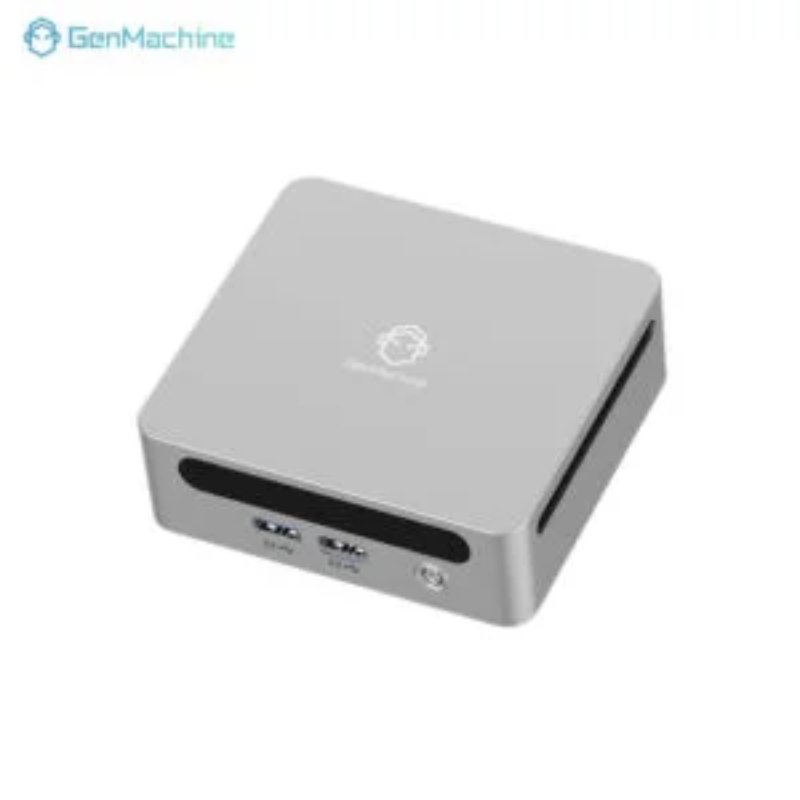
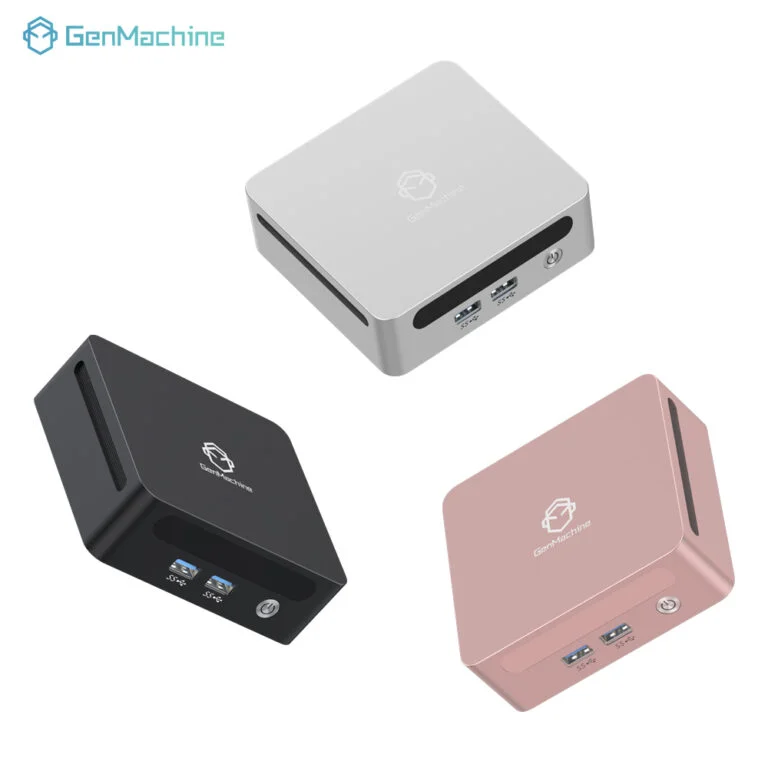
An AMD-based solution for users who prefer that ecosystem. Integrated Radeon graphics deliver impressive performance, and multi-threaded workloads are handled with ease. It carries a slightly higher price than some Intel-based alternatives, though the capable integrated GPU and strong CPU performance make it a worthwhile investment for many.

2. Mac mini M4 Pro)
A natural choice for users deeply embedded in the Apple ecosystem, particularly creative professionals who rely on Apple Intelligence and high-efficiency computing. It runs whisper-quiet, with the fan rarely audible even during intensive tasks, yet handles 8K video editing, complex AI model processing, and heavy code compilation with ease. The starting price is relatively accessible at $599, though its gaming capabilities and compatibility with certain specialized software lag behind Windows rivals. For those prioritizing a stable, high-performance creative workflow, however, it remains an indispensable tool.
3. ASUS NUC 14 Pro
Intel-based option for those who prefer that ecosystem. Driver support is exceptional, and compatibility issues are rare. It costs more than AMD alternatives with similar specifications, though the reliability factor justifies the premium for some users.
Setting Up Your OpenClaw Mini PC Properly
Hardware selection is only part of the equation. Configuration choices significantly impact the actual experience, and some steps are easy to overlook during initial setup.
Follow these steps for optimal results:
Update BIOS firmware before installing any operating system
Configure power management settings to prevent aggressive sleep states
Install the latest chipset drivers directly from the manufacturer
Adjust thermal profiles if the software allows customization
Run benchmark tests to establish baseline performance metrics
Monitor temperatures during initial usage to identify potential issues
Skipping the BIOS update is tempting but often causes problems down the road. Manufacturers frequently release fixes for compatibility issues that affect software like OpenClaw specifically.
FAQ
Does an OpenClaw Mini PC need dedicated graphics?
Not necessarily. Integrated graphics on current-generation processors handle most tasks adequately. Dedicated GPUs help with specific workloads but add cost, heat, and power consumption that may not be justified for typical usage.
How much should someone budget for the Best Mini PC for OpenClaw?
Expect to spend between 500and500and900 for a capable system. Cheaper options exist but often require compromises that become frustrating over time. Premium models exceeding $1000 offer diminishing returns unless specific features are genuinely needed.
Can older mini PCs run OpenClaw effectively?
Systems from 2023 or 2024 can work, though performance varies significantly. The main limitations involve memory bandwidth and integrated graphics capabilities. Upgrading RAM sometimes helps, but processor limitations cannot be overcome without replacing the entire unit.