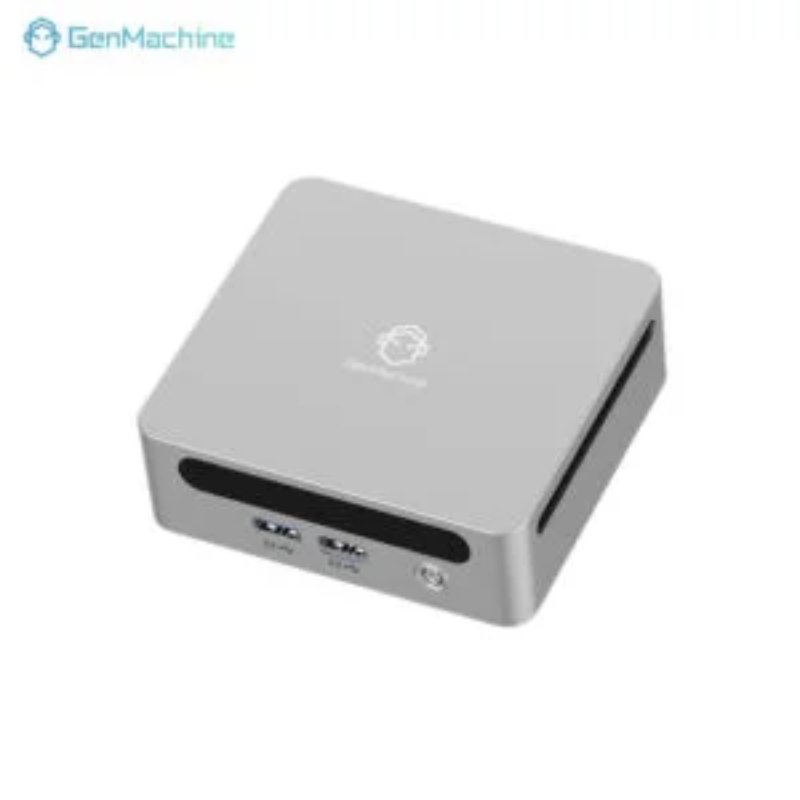
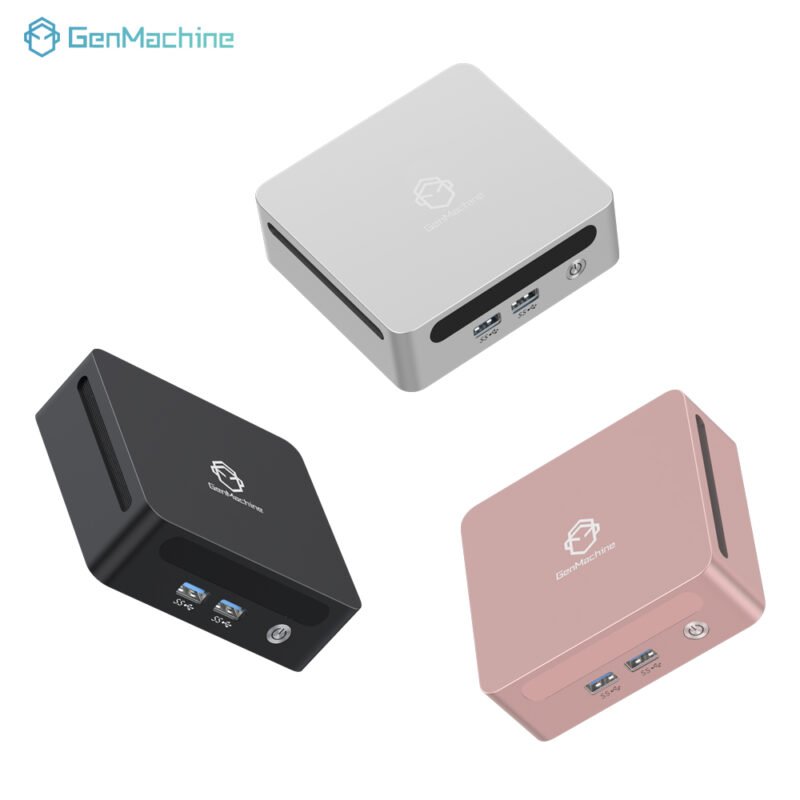
The conversation around AI usually points to the cloud. Big servers, big costs, big latency. But lately, something interesting has been happening. More people are running models locally. Offline. On small computers that fit in a palm. It sounds counterintuitive—AI on a Mini PC?—but it’s actually becoming viable.
Seen this shift firsthand. A few years ago, running even a small language model on a tiny box was painful. Slow. Frustrating. Now? Newer hardware with NPUs, better memory bandwidth, and improved thermal designs have changed the game. A Mini PC won’t replace a $10,000 workstation. But for certain AI workloads—speech-to-text, image classification, embeddings, small LLMs—it’s surprisingly capable.
So which Mini PC actually works for local AI? Here are three picks based on real-world observation. Each fits a different use case and budget.
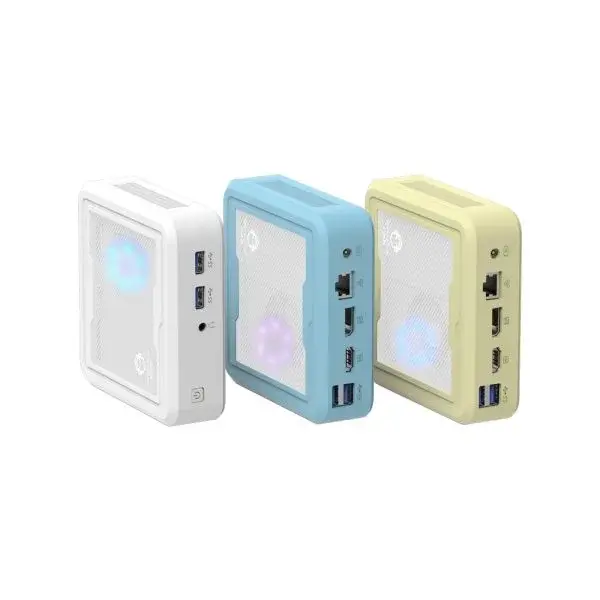
What Makes a Mini PC Good for AI Processing
Before jumping into specific models, it helps to know what to look for. AI workloads aren’t like gaming or office work. They stress different parts of the system.
Key specs to prioritize:
NPU or powerful iGPU – Neural Processing Units handle AI tasks efficiently. Failing that, a strong integrated GPU (like AMD Radeon 780M) accelerates many models.
RAM capacity and speed – Models need memory. Lots of it. 16GB is the absolute minimum for local AI. 32GB is comfortable. 64GB opens up larger models.
Thermal design – AI tasks run the system hard. Sustained loads need cooling that doesn’t throttle after five minutes.
Storage speed – Loading models into memory benefits from fast NVMe drives. PCIe 4.0 makes a noticeable difference.
One more thing: software support matters. Some Mini PC models have better Linux driver support or easier setup for tools like Ollama, LM Studio, or Whisper. That’s often overlooked but becomes obvious once trying to get things running.
Here’s a quick comparison of what to look for across different AI use cases:
| AI Workload | Minimum RAM | Recommended RAM | Key Hardware |
|---|---|---|---|
| Speech-to-text (Whisper) | 8GB | 16GB | NPU or iGPU |
| Text embeddings (LLM) | 16GB | 32GB+ | Fast RAM bandwidth |
| Image generation (Stable Diffusion) | 16GB | 32GB | iGPU with 8+ cores |
| Multi-modal (vision + text) | 32GB | 64GB | High-end iGPU or eGPU |
Pick 1 – The NPU-Focused Option
For AI workloads, a dedicated NPU changes the experience. It handles inference tasks without hogging the CPU or GPU. Models run cooler. Battery draw is lower (though most Mini PCs are plugged in anyway). More importantly, NPUs are optimized for the exact kind of math AI models use.
From what’s been observed, the current sweet spot is the 7330U AMD Mini PC with an integrated NPU. It’s not the fastest on paper, but the efficiency is noticeable. Running Whisper for speech-to-text? The NPU handles it with barely a fan spin. Ollama for small LLMs like Phi-3 or Llama 3 8B (quantized)? Usable. Not blazing fast, but steady.
Why this one works:
NPU offloads AI tasks from CPU
Efficient thermals – runs cool even under sustained loads
USB4 support for external GPU if needed later
The trade-off? It’s not for heavy image generation. Stable Diffusion runs but slowly. For that, need more GPU horsepower.
Pick 2 – The Performance iGPU Option
Sometimes the best AI accelerator is a strong integrated GPU. AMD’s RDNA 3 architecture in the Ryzen 7 series handles compute workloads surprisingly well. This is the category where a 6600H 16G AMD Mini PC shines.
Seen these running Stable Diffusion with ONNX runtime at reasonable speeds. Not real-time, but a few seconds per image. For batch processing? Fine. For experimentation? Absolutely. The memory bandwidth on these chips makes a real difference compared to lower-end options.
What works well:
Image generation with Stable Diffusion (via DirectML or ROCm)
Embedding generation for vector databases
Local LLMs up to 13B parameters with quantization
One thing worth noting: this setup needs good cooling. AI workloads push the iGPU hard. If the Mini PC is in a tight space, expect fan noise. Placement matters.

Pick 3 – The Expandable Workstation Alternative
Sometimes the Mini PC isn’t the endpoint. It’s the starting point. This pick is less about what’s inside and more about what it can connect to. A Mini PC with Thunderbolt or USB4 support opens the door to an external GPU. Suddenly that tiny box can run much larger models.
The 5500U AMD Mini PC fits this category well. It’s not the most powerful on its own. But with USB4, it can connect to an eGPU enclosure holding a desktop graphics card. That combination—small Mini PC plus big GPU—handles almost anything locally.
Consider this route for:
Running 30B+ parameter models
Fine-tuning or LoRA training
Multi-modal AI with video understanding
It’s not the cheapest approach. eGPU enclosures aren’t cheap. But for someone wanting a compact desktop that can scale up for AI work, this is the most flexible path.
Three Picks Side by Side
| Feature | NPU-Focused | Performance iGPU | Expandable Workstation |
|---|---|---|---|
| Recommended Model | 7330U AMD Mini PC | 6600H 16G AMD Mini PC | 5500U AMD Mini PC |
| Best For | Speech, text embeddings, small LLMs | Image generation, mid-sized LLMs | Large models, fine-tuning, flexibility |
| RAM Capacity | 16–32GB | 32–64GB | 16–64GB (eGPU optional) |
| AI Acceleration | Integrated NPU | RDNA 3 iGPU | USB4 + eGPU |
| Thermal Profile | Cool, quiet | Warm, fans audible under load | Depends on eGPU setup |
| Entry Price | Mid-range | Mid-to-high | Low (plus eGPU cost) |
FAQ
Can a Mini PC really run AI models locally?
Yes, within limits. A Mini PC with an NPU or strong iGPU handles smaller models comfortably. Think Whisper, Phi-3, Llama 3 8B (quantized), Stable Diffusion (slow but functional). For massive models like GPT-4 scale? No. But for many real-world AI tasks—transcription, classification, summarization—a Mini PC works just fine.
Do I need an NPU for AI on a Mini PC?
Not strictly. A good iGPU (like AMD Radeon 780M) also accelerates AI workloads. But NPUs are more efficient. They handle inference without heating up the whole system. For sustained use—like running a local voice assistant all day—the NPU option is noticeably better. For occasional image generation, iGPU is fine.
What's the biggest limitation of using a Mini PC for AI?
Memory bandwidth and VRAM. Cloud AI runs on GPUs with massive memory pools. A Mini PC shares system RAM between CPU and GPU. That works, but speeds are slower. And model size is capped by total RAM. 32GB Mini PC runs 8B–13B models okay. 64GB pushes to 20B–30B. Beyond that, need a dedicated GPU setup.