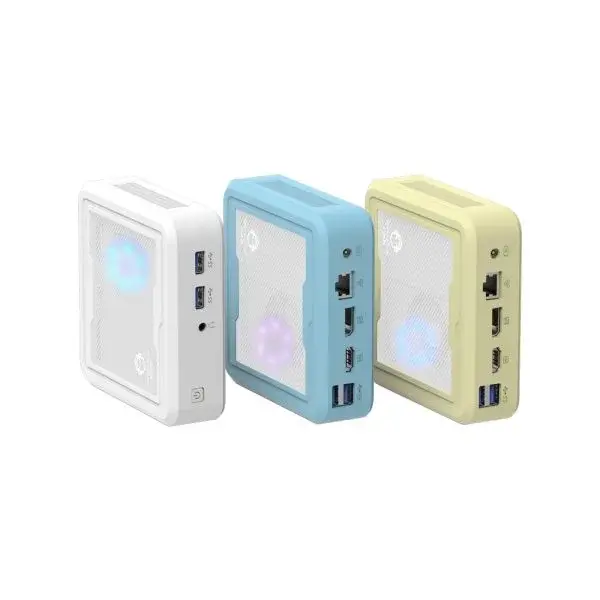
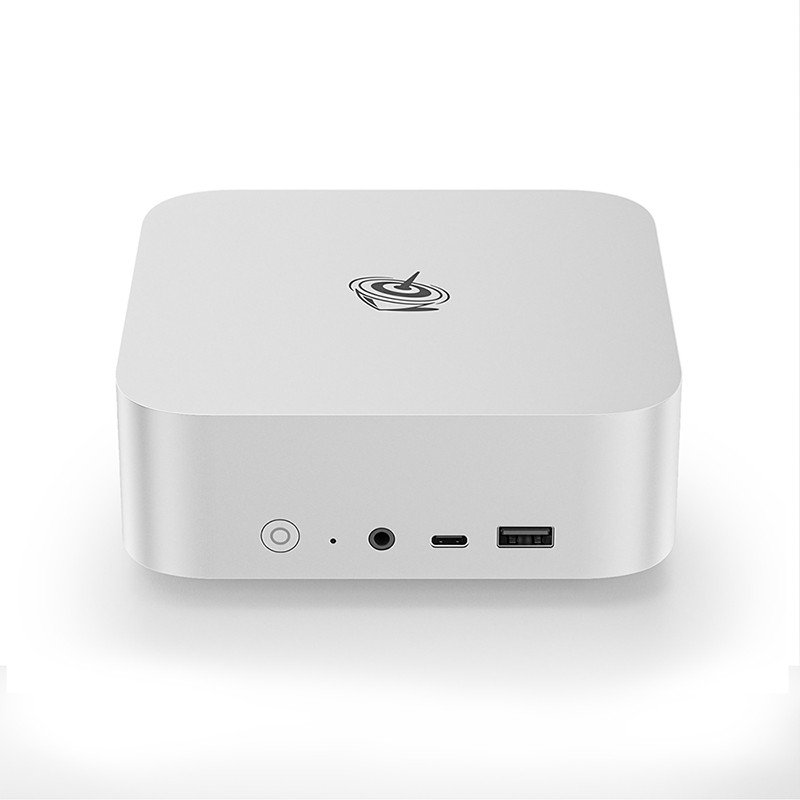
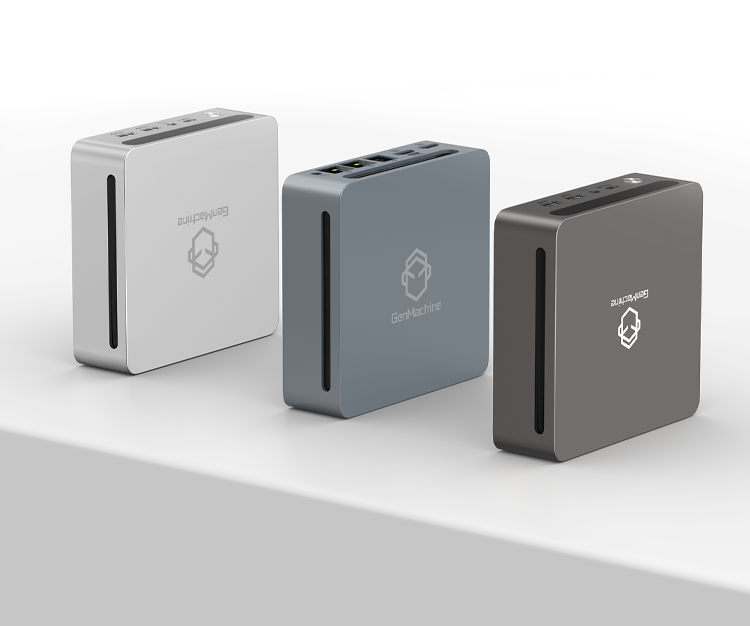
The Appeal of a Mini PC for Constant AI Tasks
The idea of having a personal AI assistant running locally, always ready to answer questions, summarize documents, or control smart home devices sounds a bit like science fiction. But things have shifted recently. Cloud subscriptions add up quickly over time, and privacy concerns naturally push people toward local hosting. Nobody really wants their private documents sent to external servers just to get a quick summary.
That is exactly where a mini pc comes into the picture as a surprisingly capable solution. Large desktop computers draw massive amounts of power. Running a standard desktop graphics card 24/7 just to keep a local large language model awake will definitely show up on the monthly electricity bill in a painful way.
A low-power mini pc solves this exact problem. Most of these compact machines idle at somewhere between 5 to 15 watts. It is essentially the same power footprint as a smart LED bulb. Watching a heavy, RGB-lit desktop rig spin up its massive fans just to generate a text recipe feels like massive overkill anyway. Small hardware handles these background tasks with much less drama and noise.

Selecting Mini PC Hardware for AI Workloads
Buying hardware for AI feels a bit weird right now. It is not entirely about graphics horsepower anymore, especially when dealing with low-power continuous setups.
Memory is Everything
Running AI models locally is incredibly RAM intensive. The processor matters to a degree, but if the model file does not fit into the system memory, the whole thing crashes or slows down to an unusable, stuttering crawl. A mini pc equipped with 16GB of RAM is sort of the bare minimum these days for anything useful. Jumping to 32GB or even 64GB provides a much smoother experience (and lets the system run smarter, more capable models).
Storage Speed Realities
Loading a 7-billion parameter model into active memory takes time. Slow hard drives make this process agonizingly long. Fast NVMe solid-state storage changes the game here, allowing the assistant to switch between different AI personalities or tasks in seconds.
| AI Model Size | Minimum RAM | Expected Mini PC Tier | Typical Power Draw |
|---|---|---|---|
3B Parameters | 8GB | Budget / Intel N100 | 6-12 Watts |
7B-8B Parameters | 16GB | Mid-range / Ryzen 5 | 15-35 Watts |
13B+ Parameters | 32GB+ | High-end / Core i7 | 35-65+ Watts |
Setting Up the Mini PC Environment
Software configuration on a tiny pc is usually where patience gets tested. It rarely works perfectly on the first try, which is just part of the reality of self-hosting experimental technology.

Picking the Operating System
Linux generally handles these continuous background tasks much better than alternatives. It uses fewer underlying system resources, leaving more memory free for the actual AI tasks. Ubuntu Server is a very common choice for this, though headless Debian works just as well. Truth be told, avoiding random Windows updates that forcibly restart the machine in the middle of the night is reason enough to choose Linux.
Maintaining a 24/7 Mini PC Assistant
Leaving electronics running constantly brings up some inescapable physical realities. Heat builds up over time. Dust accumulates in tiny vents. Even though a mini pc uses low power overall, it still generates sudden bursts of thermal energy when processing complex text prompts.
Taking a few simple precautions keeps the system from dying an early, heat-related death:
Keep the unit elevated slightly to allow cool airflow underneath the chassis.
Avoid placing the device inside closed media cabinets unless there is active ventilation installed.
Reboot the system maybe once a week to clear out minor memory leaks that inevitably happen.
Blow out the cooling fan vents with compressed air every few months.
Those small maintenance habits make a huge difference. A well-placed mini pc can easily run for years without hardware failure, just quietly processing text and answering network queries in the background. It feels somewhat magical having a totally private, subscription-free brain just sitting quietly on the bookshelf.
FAQ
What is the best AI model to run on a low-power setup?
Smaller, highly quantized models perform best on low-power hardware. Models in the 3-billion to 8-billion parameter range, such as Llama 3 (8B) or Phi-3, offer an excellent balance of speed and reasoning capabilities without overloading compact processors.
Can I use a mini pc to generate AI images too?
Yes, but expectations need to be managed. While text generation relies heavily on RAM and CPU logic, image generation strongly prefers dedicated graphics cards. Image generation on a compact PC will work through CPU processing, but a single image might take several minutes rather than seconds.
Do I need a monitor connected to the system all the time?
Not at all. Once the initial setup is complete, the system can run completely “headless.” Operators simply access the assistant through a web browser on their everyday phone or laptop, while the actual device just needs a power cable and a network connection.