The question keeps coming up — can a mini PC actually replace a full-sized desktop? It’s not a simple yes or no. The answer really depends on what someone needs from their computer, how they use it daily, and whether they’re willing to accept some trade-offs. Mini PCs have come a long way in recent years. They’re no longer just underpowered boxes for basic browsing. But calling them a perfect substitute for desktops? That’s a stretch, at least for some users.
What Exactly Is a Mini PC?
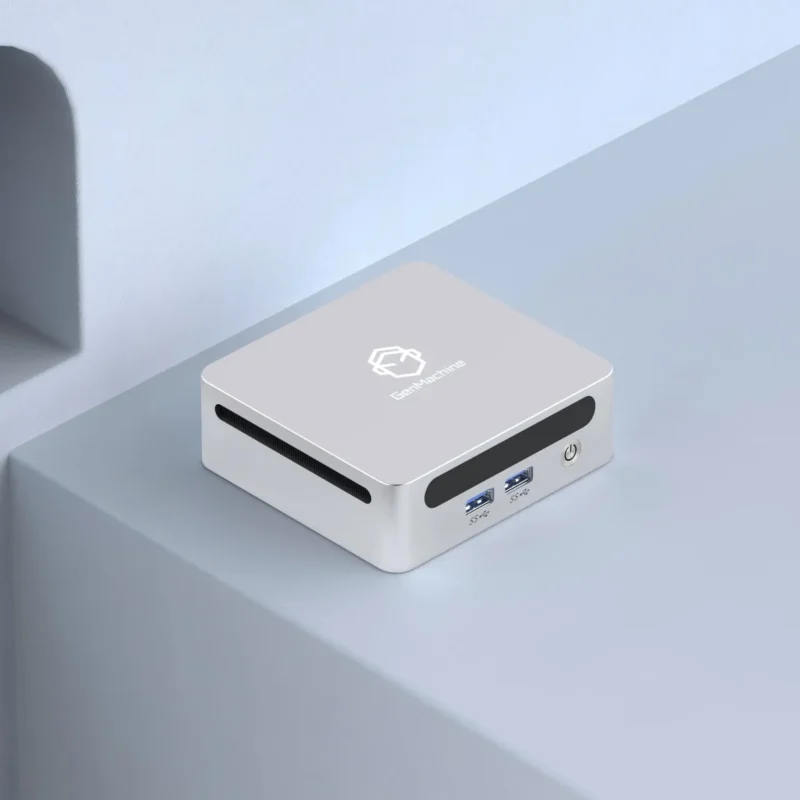
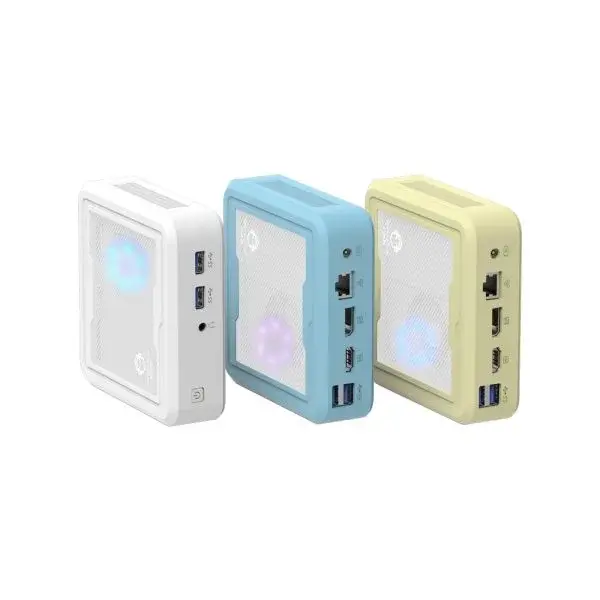
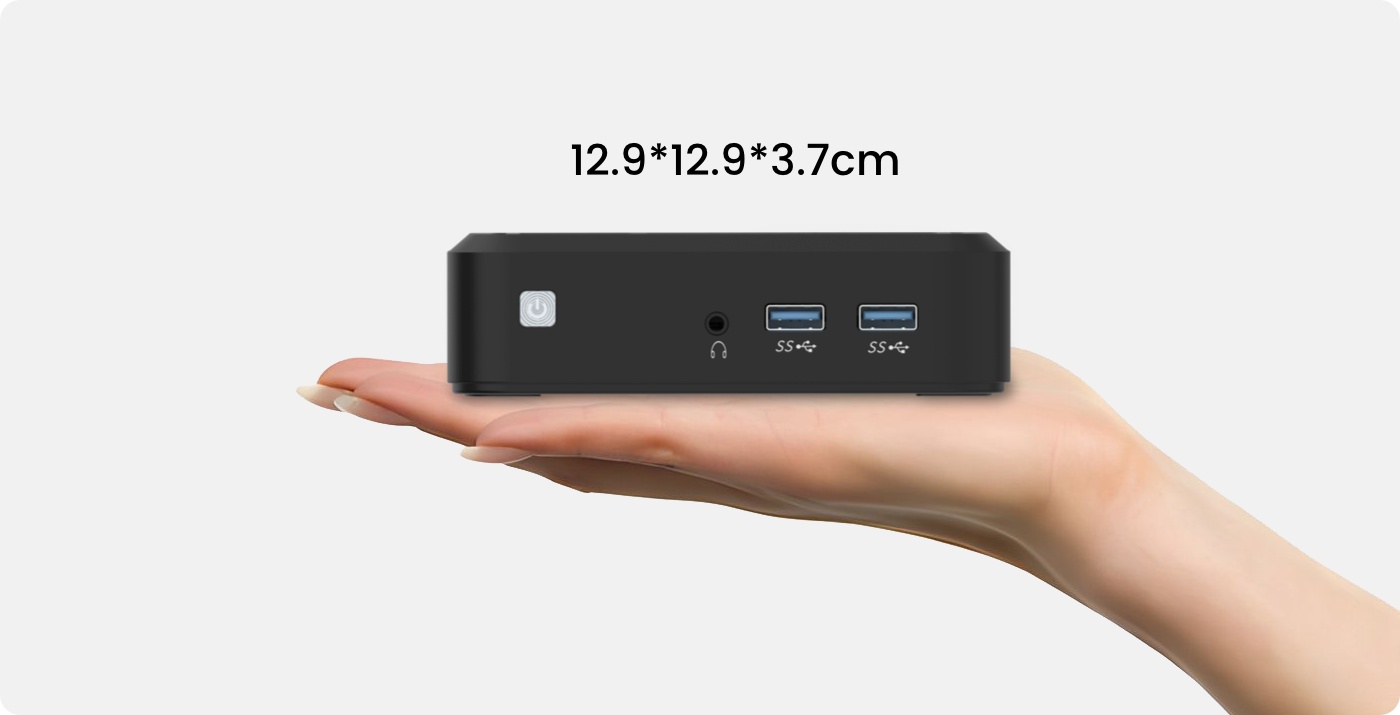
A mini PC is essentially a compact computer — usually small enough to fit in one hand or mount behind a monitor. These devices pack a processor, RAM, storage, and all the necessary ports into a tiny chassis. Some are barely larger than a smartphone. Others look like small lunch boxes (weird comparison, but accurate).
The appeal is obvious. Less clutter. Less noise. Less power consumption. And often, surprisingly decent performance for everyday tasks. But there’s always a catch, right?

Where Mini PCs Shine
For certain use cases, a mini PC makes a lot of sense. Here’s where these compact machines tend to excel:
- Office work and productivity— Word processing, spreadsheets, email, video calls. A modern mini PC handles all of this without breaking a sweat.
- Media streaming and entertainment— Hooking up a mini PC to a TV for Netflix, YouTube, or even local media playback works beautifully.
- Light photo editing— Basic adjustments in Lightroom or similar software run fine on most mid-range models.
- Home servers and NAS setups— Low power draw makes them ideal for always-on applications.
- Space-constrained environments— Small apartments, dorm rooms, or minimalist desk setups benefit greatly.
The thing is, for a lot of people, these tasks cover 90% of daily computing. Maybe more. So in that sense, a mini PC could absolutely serve as a primary machine.
Where Desktops Still Have the Edge
But let’s be honest. Desktops aren’t going anywhere — and for good reason. Some workloads simply demand more power, better cooling, and expandability that a mini PC can’t offer (or can’t offer affordably).
Consider these scenarios:
- Gaming at high settings— Most mini PCs rely on integrated graphics. That’s fine for casual games, but serious gaming requires a dedicated GPU. Some mini PCs do support external graphics docks, though that adds cost and complexity.
- Video editing and 3D rendering— Heavy creative work benefits from powerful processors, lots of RAM, and fast storage. While high-end mini PCs exist, they often run hot under sustained loads.
- Upgradeability— Want to swap out a graphics card in three years? Add more RAM? Expand storage with multiple drives? Desktops make this easy. Mini PCs, not so much.
- Professional workstations— Engineers, architects, and developers running resource-intensive software usually need something beefier.
So there’s a clear divide. General users might not notice any limitation. Power users likely will.
A Quick Comparison
Here’s a side-by-side look at how mini PCs and traditional desktops stack up across key factors:
| Feature | Mini PC | Desktop |
|---|---|---|
| Size | Compact, portable | Bulky, stationary |
| Power consumption | Low (15–65W typical) | Higher (200–500W+ with GPU) |
| Noise level | Quiet to silent | Varies (can be loud with fans) |
| Performance ceiling | Moderate | High to very high |
| Upgradeability | Limited | Extensive |
| Price range | $150–$800+ | $300–$3000+ |
| Best for | Everyday tasks, media, light work | Gaming, creative work, heavy multitasking |
The table tells part of the story. But numbers don’t capture everything — like how satisfying it feels to have a clean, uncluttered desk (which, honestly, might matter more than benchmarks to some people).
Things to Consider Before Switching
Thinking about replacing a desktop with a mini PC? A few things worth mulling over:
- Current usage patterns— What does a typical day look like? If it’s mostly browsing and documents, a mini PC fits perfectly.
- Future needs— Plans to get into video editing or gaming down the road? A desktop offers more headroom.
- Peripheral compatibility— Most mini PCs have USB-A, USB-C, HDMI, and sometimes DisplayPort. Check that monitors, keyboards, and other gear will connect without adapters.
- Thermal performance— Small cases mean limited airflow. Some mini PCs throttle under heavy loads. Reviews often mention this, so it’s worth researching specific models.
- Budget— A mid-range mini PC might cost the same as a decent desktop tower. But the desktop could outperform it and last longer with upgrades.
Popular Mini Ryzen PC Options Worth Exploring
For those curious about specific models, here are a few categories to consider:
Budget-Friendly Options
- TRIGKEY Speed S5 (Ryzen 5 5600H Mini PC) — Good value for students and light office work.
- ACEMAGICIAN AM06 Pro (Ryzen 5 5500U Mini PC) — Affordable, runs quiet, good enough for browsing and office apps.
Mid-Range Performers
- Beelink SER7 (Ryzen 7 7735HS Mini PC) — Well-reviewed thermals, solid port selection, handles light creative work.
- AOOSTAR MN57 (Ryzen 7 5700U Mini PC) — Dual 2.5G LAN, good for home server setups or everyday productivity.
High-End Mini Ryzen PCs
- Minisforum UM790 Pro (Ryzen 9 7940HS Mini PC) — Near desktop-class performance in a small box.
- Beelink GTR7 Pro — Fingerprint reader, solid build, powerful for creative work.
Prices and availability shift, so checking current listings before buying makes sense. But these names pop up frequently in reviews and forum discussions.
Final Thoughts
So, can a mini PC replace a desktop? For many people — yes, absolutely. The average user who browses, streams, works on documents, and occasionally edits photos won’t miss a full tower. A well-chosen mini PC delivers enough performance, takes up minimal space, and runs quietly in the background.
But for gamers, content creators, and professionals who push their machines hard? A desktop remains the safer bet. The flexibility, raw power, and upgrade paths are hard to replicate in a tiny form factor.
It’s not really about which is “better.” It’s about matching the tool to the task. A mini PC excels at being compact and efficient. A desktop excels at being powerful and adaptable. Knowing which one fits a particular lifestyle — that’s the real answer.
And hey, some people even keep both. A mini PC for the living room and a desktop in the office. There’s no rule saying it has to be one or the other.If you want to know more about Mini PC, please read How to Choose Mini PC for Different Needs?