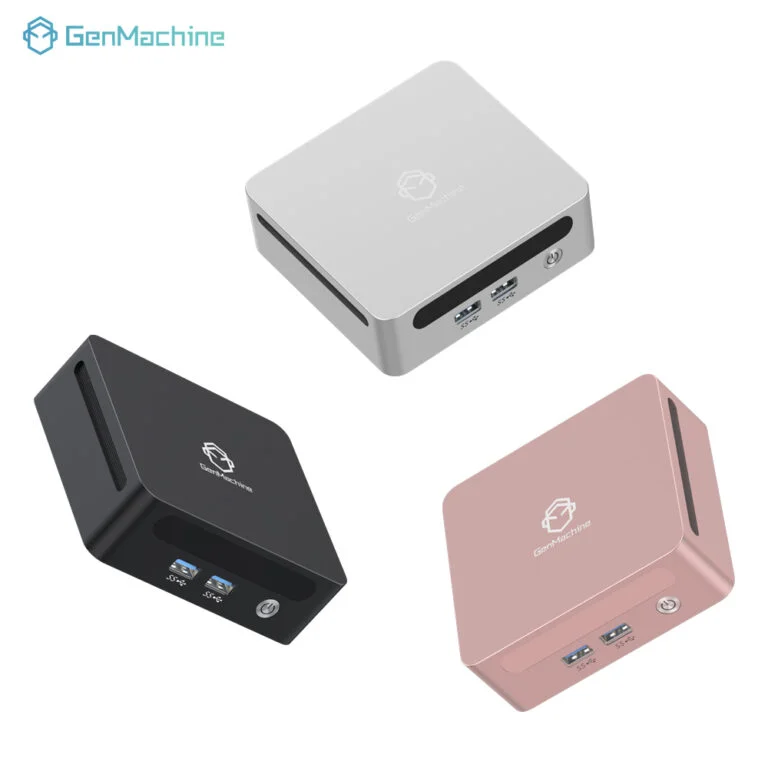
It’s a tempting question. Cloud AI APIs—like image recognition or text generation—are powerful but come with recurring costs, latency, and data privacy concerns. On the other hand, a small box sitting on a desk has no monthly fees. So can a Mini PC realistically step into that role? The short answer is: sometimes yes, but often no. It really depends on what kind of AI workload we’re talking about.
From what’s been observed across different setups, a Mini PC can handle certain AI tasks surprisingly well. But replacing the full range of cloud APIs? That’s a different story. Let’s walk through where it works, where it fails, and why the answer might be “it depends.”

Why Someone Might Want to Replace Cloud AI APIs with a Mini PC
The cloud is convenient, no doubt. But convenience has a price. Every API call costs money, and those tiny charges add up fast when a project scales. There’s also the latency thing—sending data to a server somewhere (maybe across the country) and waiting for a response. For real-time applications, that round trip can feel like an eternity.
A Mini PC running a local model eliminates both issues. No per-inference fees. No internet dependency. And the data never leaves the room, which is a big deal for anything sensitive—medical records, internal documents, or just user privacy.
Another angle is control. Cloud APIs change their pricing or deprecate endpoints all the time. A local Mini PC keeps running the same model indefinitely. That stability matters for certain long-term projects.
The Performance Gap Between a Mini PC and Cloud AI Services
Here’s where reality sets in. Cloud AI APIs run on massive GPU clusters with dozens of GBs of VRAM. A Mini PC, even a decent one, has maybe an integrated GPU or a low-power discrete GPU. The gap is not small.
For large language models or high-resolution image generation, a Mini PC will choke. Inference might take seconds instead of milliseconds, or it might not run at all if the model doesn’t fit into memory. Cloud APIs handle thousands of requests per second; a Mini PC handles maybe one at a time.
But for smaller models? That’s a different picture. Let’s compare some key factors side by side:
| Aspect | Cloud AI API | Local Mini PC |
|---|---|---|
| Latency | 100–500ms (plus network) | 10–50ms (local inference) |
| Cost per 1M inferences | $5–$50+ | Electricity only (pennies) |
| Model size limit | Virtually unlimited | 4GB–32GB RAM/VRAM |
| Privacy | Data sent to third party | Fully local, no upload |
| Maintenance | None (provider handles) | User updates models/drivers |
Where a Mini PC Actually Holds Its Own
It would be unfair to say a Mini PC is useless for AI. In fact, for certain narrow tasks, it works beautifully. Think of it as a specialized tool rather than a general-purpose cloud replacement.
Scenarios where a Mini PC makes sense:
Running a local voice assistant that never phones home
Basic object detection on a security camera feed (YOLO variants, for example)
Embedding generation for a small recommendation engine
Offline OCR for scanned documents (Tesseract or similar)
Simple classification tasks like sentiment analysis on short texts
What’s interesting is that newer Mini PC models with NPUs (neural processing units) are closing the gap. Those chips are designed specifically for this kind of workload. They’re not as fast as a cloud GPU, but they’re efficient and predictable—and a device like the 6600H 16G AMD Mini PC shows just how far local AI has come.
From an observational standpoint, anyone who’s tried running Whisper for speech-to-text on that same 6600H 16G AMD Mini PC knows it’s totally usable. A few seconds of processing for a minute of audio. Not instant, but fine for batch jobs.

Limitations You Can’t Ignore
Now for the honest part. There are real limits here. Pretending a Mini PC can do everything a cloud API does would be misleading. Some things just won’t work well, no matter how optimized the setup.
Common limitations seen in practice:
Model size ceiling – Anything above 7B parameters on a quantized model starts to struggle. 13B models? Forget it unless the Mini PC has 32GB+ of RAM and even then, it’s slow.
Multitenancy – A cloud API can handle hundreds of simultaneous users. A Mini PC handles one, maybe two, concurrent requests before things grind to a halt.
Training or fine-tuning – Forget about it. A Mini PC lacks the VRAM for anything beyond the tiniest LoRA adjustments.
Multi-modal complexity – Video understanding, high-res image generation, or audio + text together? The cloud wins every time.
Another thing that’s easy to overlook is the setup time. Cloud APIs work right away. A Mini PC requires installing runtimes, downloading models, managing dependencies. It’s not hard, but it’s not plug-and-play either.
FAQ
Can a Mini PC run Llama 3 or GPT-scale models locally?
Not really. Even the smallest Llama 3 variants (8B parameters) can run on a high-end Mini PC with 32GB RAM, but it will be slow—maybe 2–3 tokens per second. For chat applications, that’s barely usable.
What’s the cheapest Mini PC that can handle basic AI tasks?
From what’s been seen, something with an AMD Ryzen 7 5800U or Intel N100 (with an NPU) works for lightweight inference. Those go for around $200–$300. But for anything beyond simple classification, a Mini PC with 16GB RAM and an NPU is the real starting point.
Is data privacy alone a good enough reason to switch from cloud to a local Mini PC?
Absolutely—for sensitive workloads. Healthcare, legal documents, financial analysis. Sending that data to a cloud API is a compliance nightmare (HIPAA, GDPR, etc.). A Mini PC running local models removes that risk entirely.