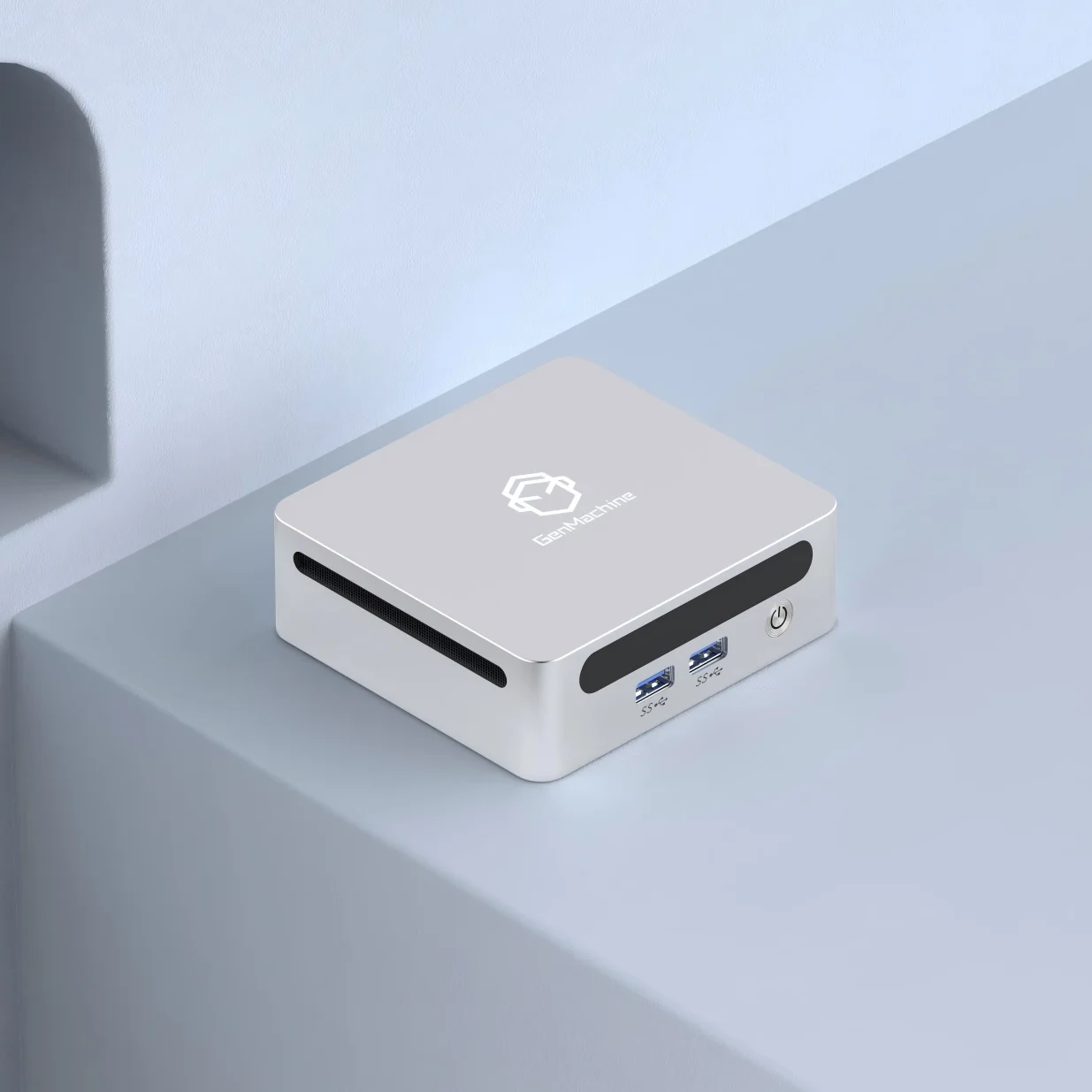
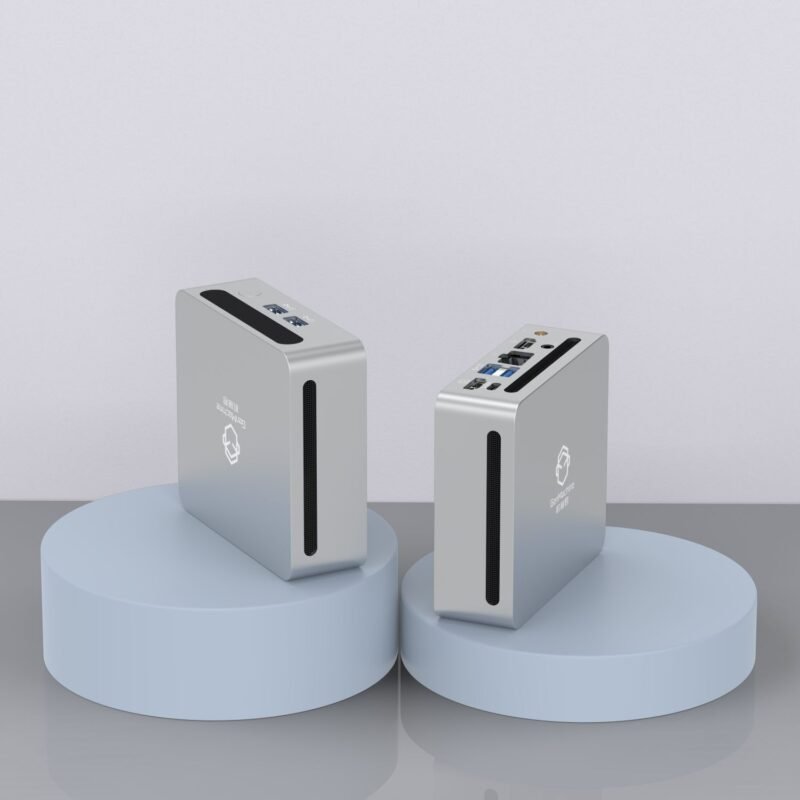
The short answer is yes — absolutely. A mini PC connects to a TV just like any other display, and honestly, it’s one of those setups that feels obvious once you try it. The real question isn’t whether it’s possible, but whether it makes sense for a particular situation. And for a lot of people, it really does.
Connect a Mini PC to a TV in the First Place
There’s something appealing about having a full computer experience on a big screen. Smart TVs are fine for basic streaming, sure, but they come with limitations. App stores are restricted. Browsers feel clunky. Updates stop coming after a few years. A mini PC sidesteps all of that.
With a mini PC hooked up to a TV, suddenly there’s access to:
• Any streaming service (not just what the TV manufacturer supports)
• A real web browser with extensions
• Productivity apps like word processors or spreadsheets
• Light gaming and emulation
• Video calls on a large display
It’s not a niche thing anymore. Plenty of households are discovering that a compact machine tucked behind the TV offers way more flexibility than the built-in smart features ever could.
Discuss the Mini Ryzen PC Specifically
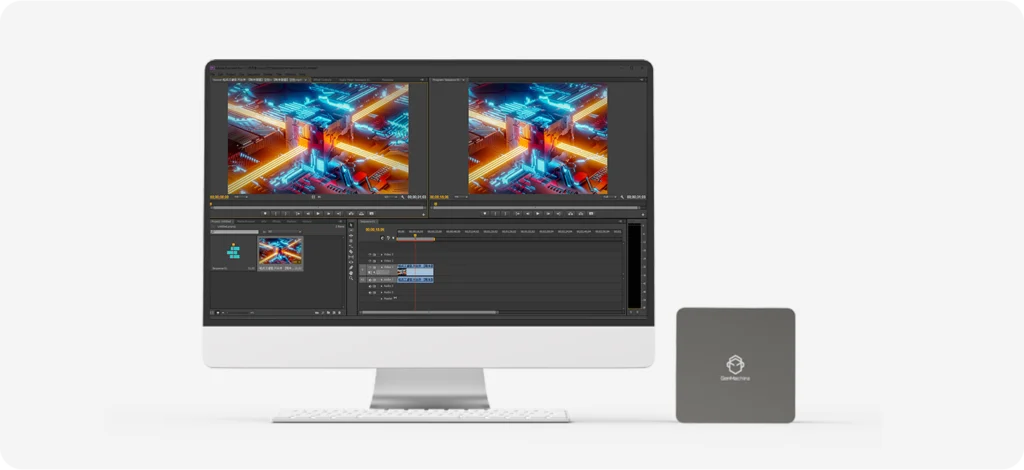
Here’s where things get interesting. A Mini Ryzen PC — meaning a small form factor system powered by AMD’s Ryzen processors — tends to punch above its weight. These chips handle multitasking really well, and the integrated graphics (especially on newer Ryzen APUs) are surprisingly capable.
For a living room setup, a Mini Ryzen PC can manage 4K video playback without breaking a sweat. Some models even handle casual gaming at decent settings. Cloud gaming services like GeForce Now or Xbox Cloud Gaming run smoothly too, which opens up a lot of possibilities without needing a dedicated graphics card.
The thermal design matters though. Mini PCs run warm in small enclosures, and Ryzen chips do generate heat under load. Picking a model with proper cooling — or at least good ventilation — helps avoid throttling during longer sessions.
The Way to Set It Up (Step by Step)
Connecting a mini PC to a TV isn’t complicated, but a few details are worth paying attention to.
- Check the ports — Most TVs have multiple HDMI inputs. The mini PC will need HDMI output (or DisplayPort with an adapter).
- Use a quality cable — For 4K at 60Hz, an HDMI 2.0 cable or better is necessary. Cheap cables sometimes cause flickering or handshake issues.
- Power on and configure — Once connected, the TV should detect the signal. Adjust resolution and scaling in the operating system settings.
- Set audio output — Route sound through HDMI to the TV speakers, or connect external speakers via USB or Bluetooth.
- Tweak display scaling — Desktop interfaces can look tiny on a TV viewed from across the room. Bumping scaling to 125% or 150% usually helps.
It’s mostly plug-and-play, though occasionally there’s some fiddling involved. Nothing too frustrating, usually.
Comparing Options: Mini PC vs. Other Living Room Devices
Choosing between a mini PC and alternatives depends on priorities. Here’s a rough comparison:
| Feature | Mini PC | Streaming Stick | Smart TV Apps | Game Console |
|---|---|---|---|---|
| Full desktop OS | Yes | No | No | No |
| App flexibility | Very high | Limited | Limited | Moderate |
| Gaming capability | Moderate to good | None | None | Excellent |
| Price range | $150–$600+ | $30–$100 | Built-in | $300–$500 |
| Upgradability | Sometimes | No | No | Rarely |
| Compact size | Yes | Very small | N/A | Medium |
A Mini Ryzen PC sits comfortably in that middle ground — more powerful than a streaming stick, more flexible than a console, and often more affordable than a full gaming rig.
Practical Considerations and Minor Annoyances
Using a mini PC with a TV isn’t without quirks. Some things to keep in mind:
- Input lag — Most TVs have a “Game Mode” that reduces lag. Worth enabling for gaming or anything requiring quick response.
- Keyboard and mouse — A wireless combo with a built-in touchpad works well from the couch. Some people prefer air mice or mini keyboards with trackpads.
- Noise levels — Fanless mini PCs exist, but models with fans (including many Mini Ryzen PC units) might produce audible noise during heavy tasks.
- Wake-on-LAN or remote power — Handy for turning the system on without getting up, if the mini PC and network support it.
There’s also the occasional HDMI handshake issue where the TV doesn’t recognize the signal immediately. Usually unplugging and replugging fixes it. Annoying, but rare.
Who Benefits Most From This Setup?
Honestly, a lot of different users find value here:
- Cord-cutters who want maximum streaming flexibility
- Casual gamers looking for emulation or cloud gaming
- Remote workers who occasionally need a big-screen workspace
- Families wanting a shared media and browsing station
- Tech enthusiasts who just like tinkering with setups
A Mini Ryzen PC, in particular, appeals to those wanting solid performance without the bulk or power consumption of a traditional desktop. It’s a reasonable middle ground — capable enough for most tasks, quiet enough for a living room, and small enough to stay hidden.
Final Thoughts
So yes, using a mini PC on a TV works great. It’s not a complicated setup, and the benefits are pretty clear once everything’s running. Whether it’s a basic streaming box replacement or a more ambitious Mini Ryzen PC build for gaming and productivity, the combination of compact hardware and a large display just makes sense for a lot of use cases.
There might be small hiccups along the way — scaling issues, audio routing, the occasional cable swap — but nothing that should discourage anyone from trying it. For many people, it ends up being one of those upgrades that feels long overdue once it’s in place.If you want to know more about Mini PC, please reaad:What are mini PCs used for?