Why Enterprises Choose Bulk Mini PC Deployments
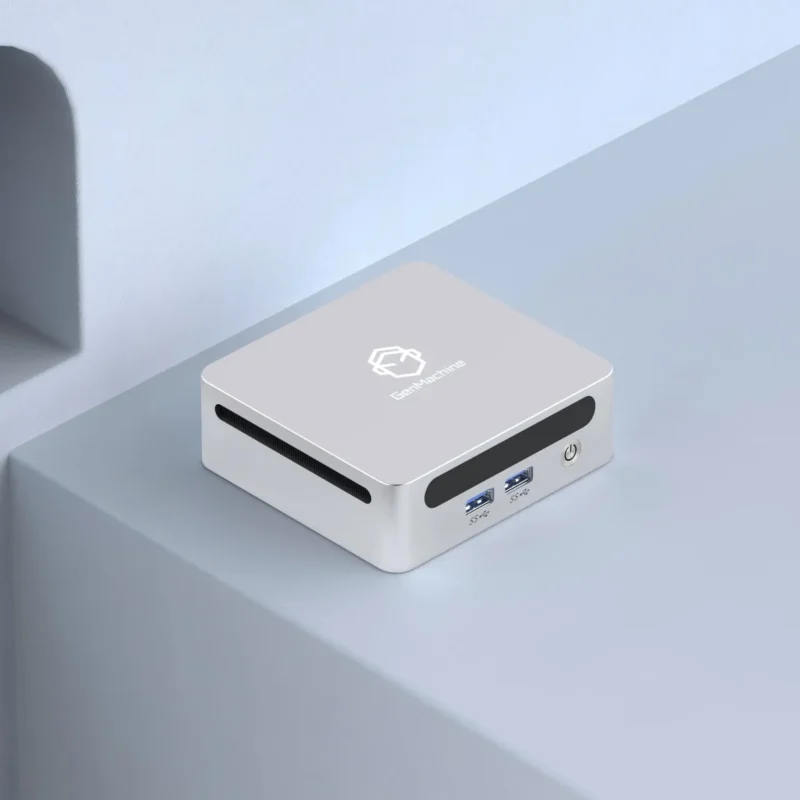
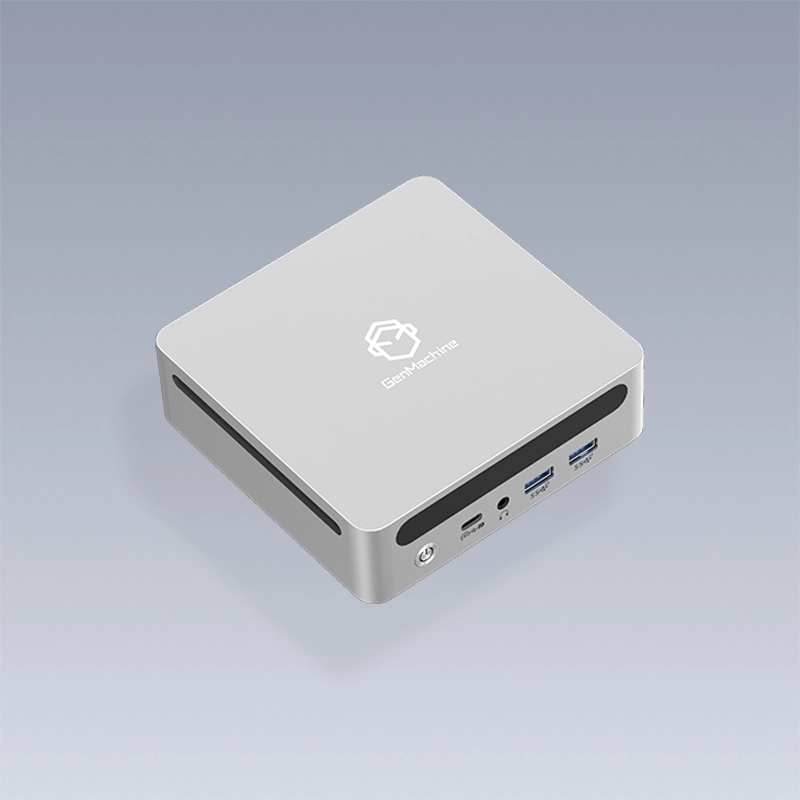
Large-scale computing deployments have shifted considerably over recent years. Traditional tower desktops occupy significant real estate, consume substantial power, and create maintenance headaches that IT teams would rather avoid. Mini PCs offer a compelling alternative for organizations deploying hundreds or thousands of workstations.
The compact form factor appeals to enterprise environments for practical reasons. Mounting behind monitors saves desk space. Lower power consumption reduces electricity costs meaningfully at scale. Standardized configurations simplify support and troubleshooting. And when something does fail, swapping a small unit takes minutes rather than disrupting entire workspaces.
But bulk mini PC deployments introduce complexities that smaller rollouts don’t encounter. Planning becomes critical. Configuration standardization requires careful thought. Logistics demand coordination. And ongoing management needs systematic approaches. Getting these elements right determines whether a deployment succeeds smoothly or becomes a prolonged headache.

Planning Your Bulk Mini PC Deployment Strategy
Needs Assessment and Specification Development
Every successful deployment starts with understanding what the machines actually need to accomplish. Rushing toward hardware selection before clarifying requirements—a surprisingly common mistake—leads to overspending, underperformance, or both.
Key questions worth answering early:
What applications will users run daily?
What performance levels do those applications require?
What peripheral connections are necessary?
What security and compliance requirements apply?
How long should hardware remain in service?
What existing infrastructure must integrate with new systems?
These answers inform specification decisions that cascade through the entire project. A call center deployment running browser-based applications needs different hardware than engineering workstations handling CAD software. Treating them identically wastes money or creates frustrated users.
Creating Configuration Tiers
Most enterprises benefit from defining two or three standard configurations rather than customizing endlessly or forcing everyone into identical hardware.
| Configuration Tier |
Target Users |
Typical Specifications |
|---|---|---|
Standard |
General office, administrative |
Core i3, 8GB RAM, 256GB SSD |
Professional |
Power users, analysts |
Core i5, 16GB RAM, 512GB SSD |
Performance |
Developers, engineers, designers |
Core i7, 32GB RAM, 1TB SSD |
This tiered approach balances cost efficiency with appropriate resource allocation. Putting everyone on performance-tier hardware wastes budget. Forcing power users onto basic configurations generates complaints and workarounds.
Procurement and Logistics for Bulk Mini PC Orders
Vendor Selection Considerations
Purchasing hundreds or thousands of units—whether a specific model like the 5300U AMD Mini PC or other hardware—differs fundamentally from buying a dozen. Vendor selection criteria expand beyond simple pricing to encompass reliability, support infrastructure, and partnership capacity.
Factors warranting evaluation:
Production capacity for required quantities
Quality control systems and defect rates
Warranty terms and service response times
Configuration and imaging capabilities
Delivery scheduling flexibility
Account management and communication
Financial stability and business continuity
Requesting references from similar-sized deployments provides valuable perspective. Vendors performing well on 50-unit orders sometimes struggle with 500-unit projects. Past performance at comparable scale matters.
Staging and Inventory Management
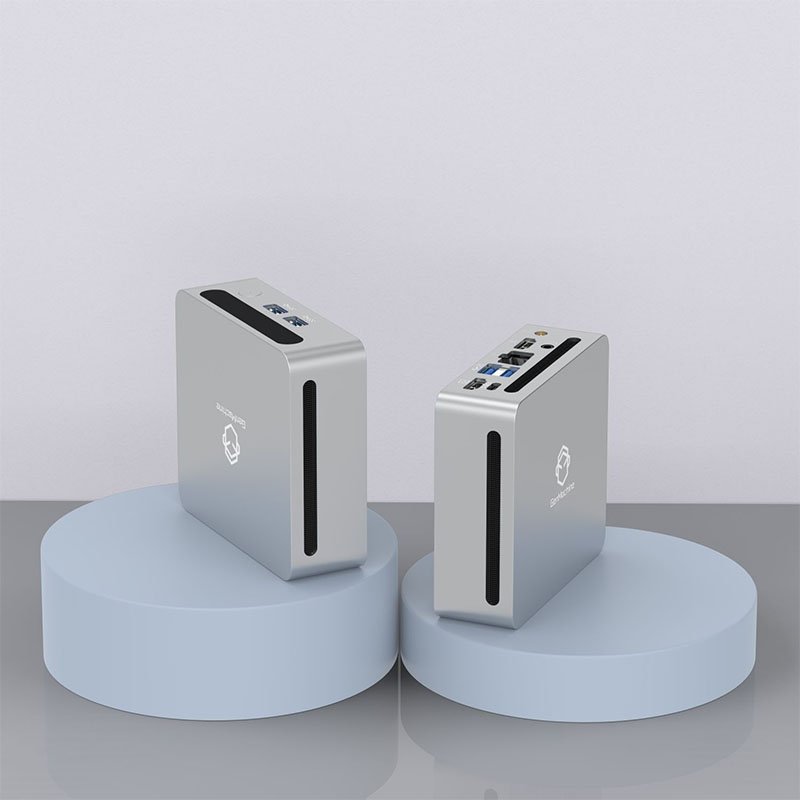
Receiving thousands of mini PCs simultaneously creates storage and handling challenges. Most enterprises stage bulk mini PC shipments in waves aligned with deployment schedules rather than accepting everything at once.
Effective staging involves:
Coordinating delivery schedules with installation timelines
Securing appropriate storage space for inventory
Implementing tracking systems for asset management
Establishing quality inspection protocols on receipt
Creating efficient workflows for configuration and deployment
The staging phase also provides opportunity for sample testing before full deployment—catching issues when fixes remain straightforward rather than after machines scatter across multiple locations.
Executing Successful Enterprise Deployments
Bulk mini PC rollouts demand more planning and coordination than smaller projects, certainly. But the effort invested in proper preparation pays dividends through smoother execution and fewer problems during operation. Organizations approaching these deployments systematically—from initial requirements through ongoing management—position themselves for successful outcomes that deliver value for years afterward.
FAQ
How long does a typical bulk mini PC deployment take from planning to completion?
Timeline varies significantly based on scale and complexity. A deployment of 200-500 units typically requires 3-4 months from initial planning through completion. Larger deployments spanning thousands of units and multiple locations might extend to 6-12 months. Rushing timelines introduces risks that careful planning avoids—though extended timelines create their own challenges with technology changes and organizational patience.
Should enterprises handle bulk mini PC internally or use external partners?
The decision depends on internal capabilities and competing priorities. Organizations with experienced deployment teams often handle projects internally at lower direct cost. Those lacking expertise or bandwidth benefit from specialized deployment partners who execute efficiently despite higher service costs. Hybrid approaches—internal management with external labor for physical installation—work well for many enterprises balancing capability with capacity.
What percentage of units should be ordered as spares for bulk mini PCs?
Most enterprise deployments include 5-10% spare inventory for replacements and rapid swap-outs. Critical environments sometimes maintain higher percentages. The calculation balances carrying costs against support responsiveness—having spares available enables quick resolution when hardware fails. Ordering spares alongside initial bulk mini PC purchases ensures configuration consistency and often secures better pricing.