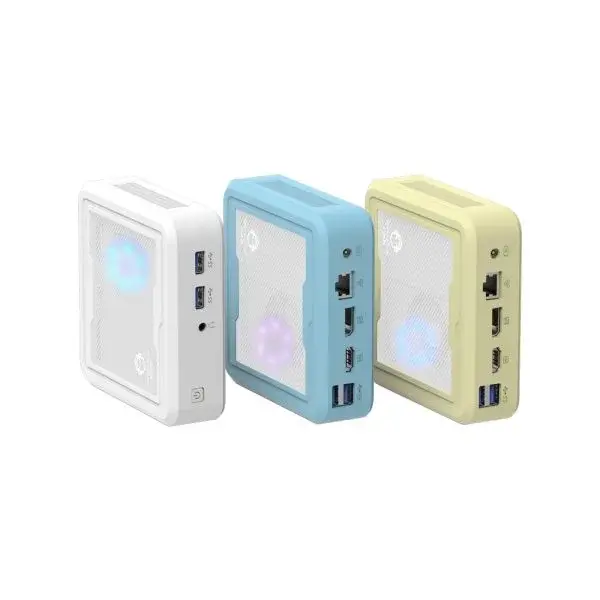
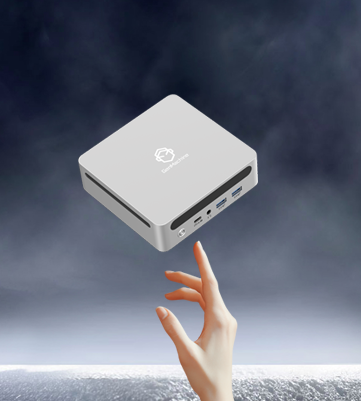
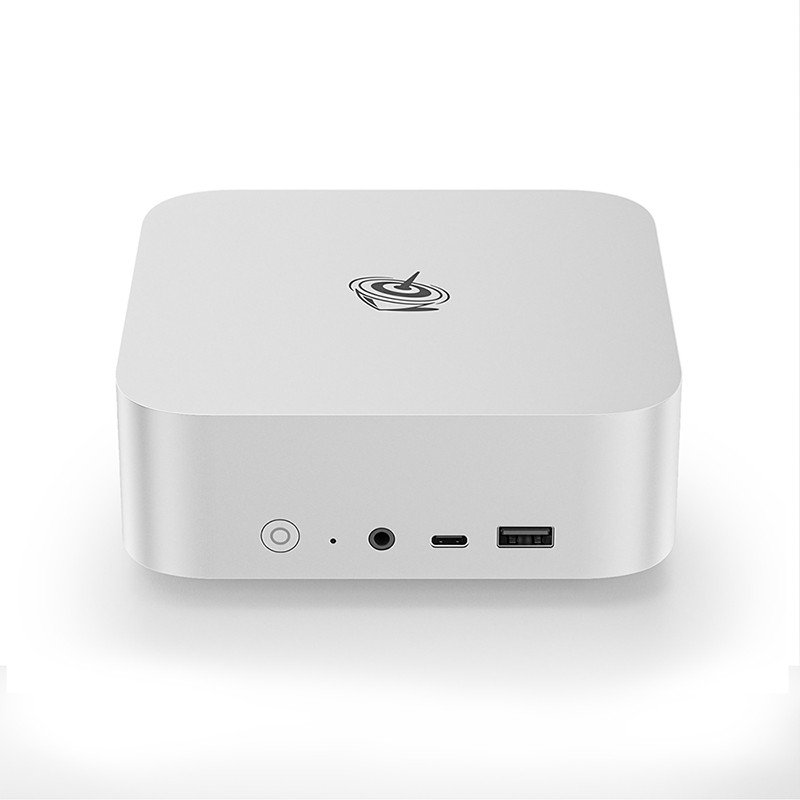
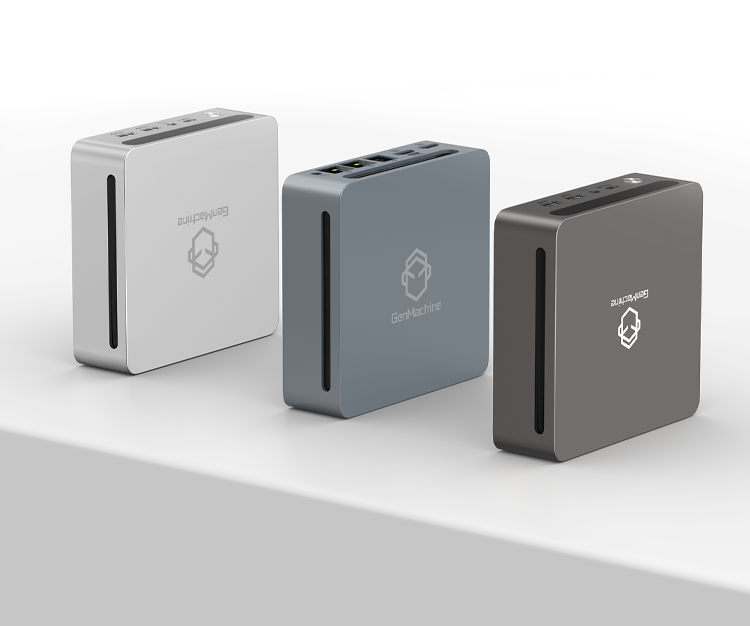
Shopping for a small desktop computer sounds straightforward enough. Compact size, decent power, fits on any desk. But once the research begins, things get complicated fast. There are mini PCs, slim towers, NUC-style boxes, and everything in between. Some look great but run hot. Others seem affordable until the specs disappoint.
The trick isn’t finding the “best” model — it’s asking the right questions first. That way, the final choice actually fits real needs (not just marketing promises).
What Will This Computer Actually Do?
This question seems obvious. Yet many buyers skip it or give vague answers like “general use.” The problem? General use means different things to different people.
A small desktop computer for web browsing and documents is vastly different from one meant for video editing or gaming. Here’s a rough breakdown:
- Basic tasks: Email, browsing, streaming, office apps
- Media consumption: 4K video playback, home theater setup
- Creative work: Photo editing, light video projects, graphic design
- Gaming: Casual titles versus demanding AAA games
- Professional use: Software development, CAD, data analysis
Being honest about intended use prevents overspending on unnecessary power — or worse, buying something too weak that frustrates within months.
How Much Performance Is Really Needed?
Performance expectations and reality don’t always match. A small desktop computer with impressive-sounding specs might still struggle under certain workloads. Heat management in compact cases is tricky (physics doesn’t care about marketing).
CPU Considerations
Modern processors vary wildly. Low-power chips (think Intel’s U-series or AMD’s efficient Ryzen options) handle everyday tasks beautifully. But demanding applications need something beefier — and beefier means more heat, which means louder fans or potential throttling in tiny enclosures.
RAM and Storage
8GB of RAM feels limiting quickly these days. 16GB is comfortable for most users, though content creators and power users often want 32GB. As for storage, SSDs are basically mandatory now. NVMe drives are faster, and many small desktop computer models only have room for one drive — so capacity matters upfront.
What Ports and Connectivity Options Are Available?
Port selection gets overlooked until it becomes a daily annoyance. Small cases mean fewer connection options, sometimes frustratingly few.
Think about what actually needs plugging in:
1. How many monitors? (Check HDMI and DisplayPort counts)
2. USB devices? (Keyboard, mouse, external drives, webcam…)
3. Wired ethernet or Wi-Fi only?
4. Any legacy devices needing older port types?
Some compact systems rely heavily on USB-C with dongles and adapters. That works, but adds clutter and potential points of failure. Others include surprisingly generous port arrays despite their size.
| Port Type | Why It Matters | Common in Small Desktops? |
|---|---|---|
| USB-A 3.0/3.2 | Standard peripherals, drives | Usually yes (2-4 ports) |
| USB-C | Modern devices, sometimes displays | Increasingly common |
| HDMI 2.0/2.1 | Monitor connectivity | Almost always included |
| DisplayPort | Higher refresh rates, daisy-chaining | Sometimes, varies by model |
| Ethernet (RJ45) | Stable wired internet | Often, but some skip it |
| Audio jack | Headphones, speakers | Usually present |
Wireless connectivity matters too. Wi-Fi 6 or 6E is preferable. Bluetooth 5.0+ helps with wireless peripherals.
How Loud Will It Get?
Noise is subjective, sure. But there’s a noticeable difference between a whisper-quiet small desktop computer and one that sounds like a tiny jet engine under load. Compact systems generate heat in tight spaces, so fans work harder.
For living rooms or quiet offices, this matters more than specs might suggest. Some manufacturers prioritize silent operation; others prioritize performance and let acoustics suffer. Reviews from actual users (not just spec sheets) reveal the truth here.
Can It Be Upgraded Later?
This is where many small desktop computer buyers get disappointed. That sleek, minimal design often comes at a cost: limited or zero upgradability.
Questions worth asking:
- Is the RAM soldered or socketed?
- How many storage slots exist?
- Can the Wi-Fi card be replaced?
- Is the power supply standard or proprietary?
Some mini PCs seal everything inside — beautiful to look at, expensive to replace entirely when outdated. Others allow RAM and storage swaps with basic tools. The difference matters for longevity.
What About Power Consumption?
Electricity costs add up. A small desktop computer typically draws less power than full-sized towers, which is nice for both bills and environmental impact. But efficiency varies significantly between models.
For always-on uses (media servers, home automation hubs), low idle power consumption becomes genuinely important. Some compact systems sip just 10-15 watts at idle. Others pull 50+ watts doing nothing.
Does the Budget Match Expectations?
Price ranges for small desktop computers span widely. Entry-level options start surprisingly affordable. Premium compact workstations cost considerably more — sometimes matching or exceeding traditional desktop prices.
Consider the total cost:
- Base unit price
- Necessary upgrades (RAM, storage)
- Peripherals not included (keyboard, mouse, monitor)
- Warranty and support options
- Potential future upgrade costs
That $300 mini PC becomes $500+ after adding RAM and a larger SSD. Meanwhile, a $600 model with better base specs might need nothing extra.
Where Will It Actually Sit?
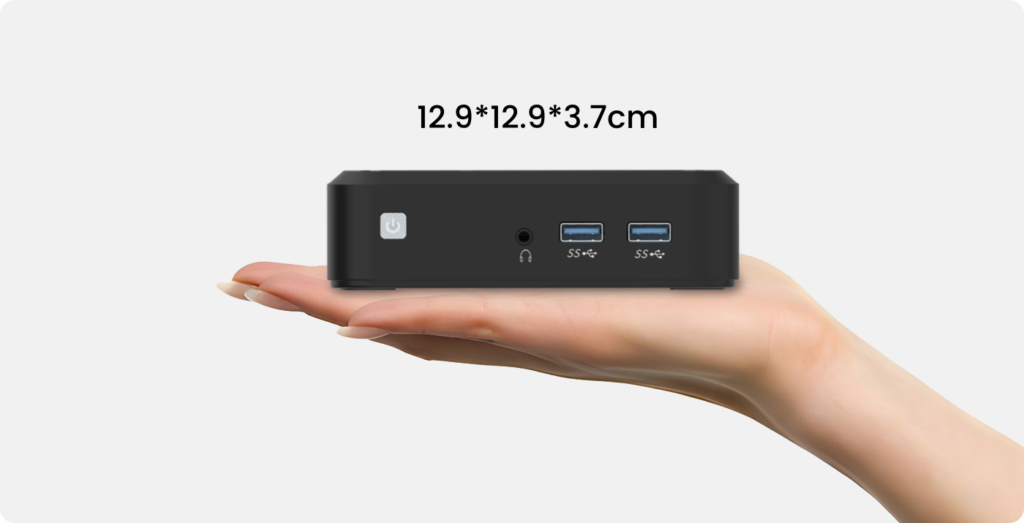
Physical placement affects both aesthetics and performance. Some small desktop computer designs mount behind monitors (VESA compatible). Others sit on desks. A few tuck into entertainment centers.
Ventilation matters wherever it goes. Cramped shelves with no airflow cause overheating. Even the best cooling system can’t fight physics in a sealed cabinet.
Final Thoughts
Buying a small desktop computer works out well when expectations align with reality. Ask about actual use cases, required performance, port needs, noise tolerance, upgrade paths, and total budget. The answers point toward the right choice — not the flashiest advertisement or the cheapest option.
Taking time with these questions upfront saves frustration later. And honestly, that’s worth more than any spec sheet comparison.If you want to know more about small desktop computer, please read: Guide to Choosing the Right Mini Desktop Computer.