How Manufacturers Ride AI Wave with OpenClaw Mini PC
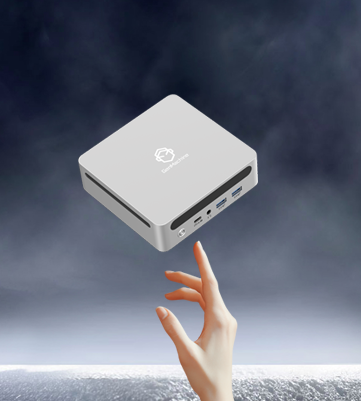
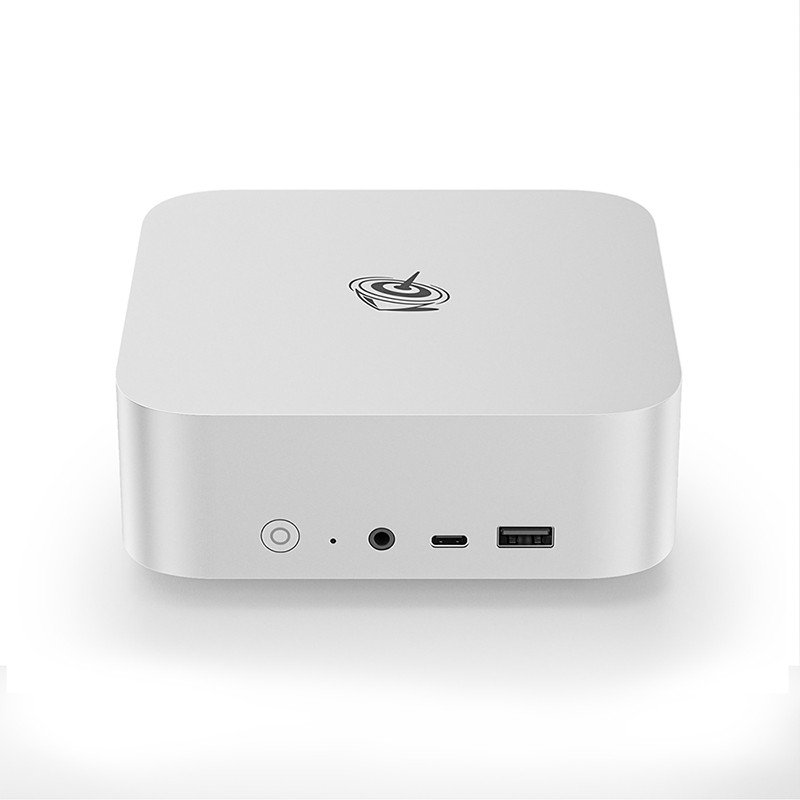
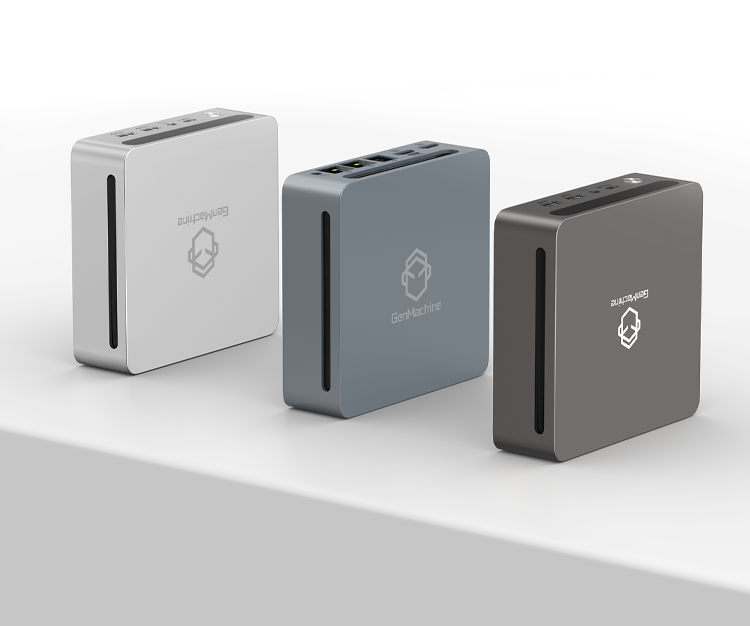
Manufacturing lines are quietly changing. Small, efficient compute nodes now sit near machines, collecting real-time signals and running models that once needed a data center. The OpenClaw Mini PC pops up in many shop-floor conversations because it mixes edge AI capability with a tiny footprint. For manufacturers watching costs and latency, the OpenClaw Mini PC offers an appealing middle ground between cloud dependence and heavy-duty servers. It’s not perfect, of course — but the trade-offs often favor speed and practicality.
Why the OpenClaw Mini PC Fits Modern Production Needs
Deploying AI at scale in factories has little to do with chasing peak benchmark scores and everything to do with reliability, consistent connectivity, and long-term maintainability. The OpenClaw Mini PC tends to be the hardware of choice in environments where these practical factors outweigh raw specs.
Low latency inference is often mission-critical—whether for real-time visual inspection on a fast-moving line or detecting subtle anomalies in equipment vibration. The OpenClaw handles these workloads locally, avoiding cloud delays.
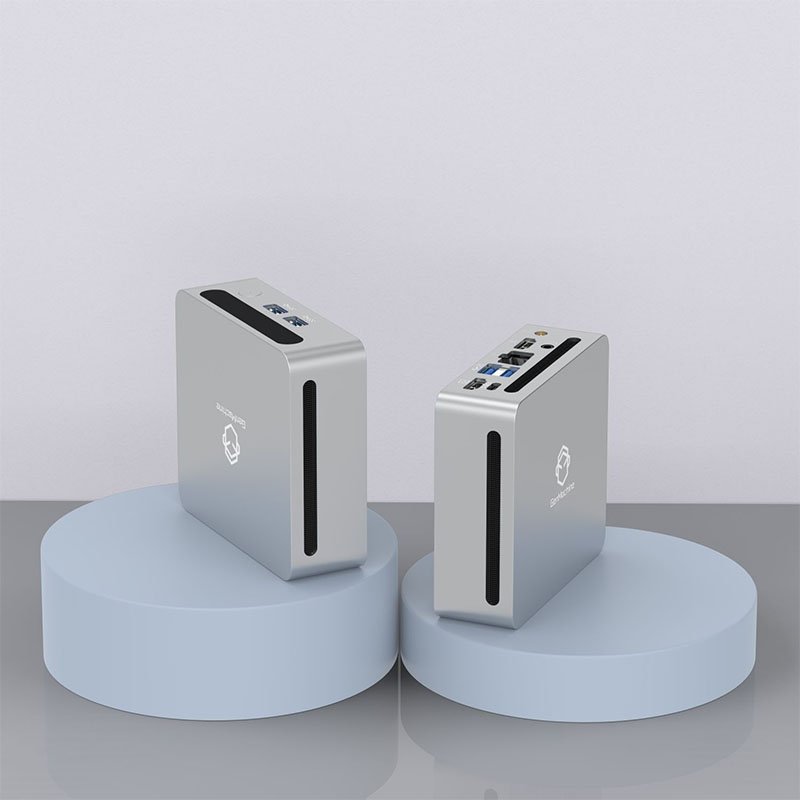
Space constraints are another major factor. Retrofitting AI into older production lines leaves little room for bulky server racks. The OpenClaw’s compact footprint slides easily into existing enclosures or control panels.
Power efficiency matters too. Drawing significantly less wattage than traditional industrial servers, it keeps energy costs down and reduces heat buildup in tightly packed areas—no need for extra cooling infrastructure.
Typical Use Cases on the Line
Visual quality inspection (camera to model to pass/fail)
Predictive maintenance (vibration and temperature analytics)
Robotics offloading (local path planning and control)
Energy optimization (real-time power gating)
Practical Comparison: OpenClaw Mini PC vs Other Edge Devices
A quick glance at specs helps frame decisions when choosing nodes for distributed AI.
| Feature |
OpenClaw Mini PC |
Standard Edge Server |
Microcontroller Node |
|---|---|---|---|
Form Factor |
Compact desktop |
Rack-mount |
PCB-sized module |
AI Capability |
On-device models, moderate GPU/accelerator |
High throughput |
Tiny NN, sensor fusion |
Power Use |
Low–moderate |
High |
Very low |
Maintenance |
Easy swap |
Requires IT |
Often soldered in |
Best For |
Camera-based inspection, small robots |
Centralized inference |
Simple sensing and alerts |
Steps to Deploy OpenClaw Mini PC at Scale
Rolling out dozens (or hundreds) of units has its own rhythm. The following ordered steps are pragmatic and have shown up repeatedly in deployment notes:
Define edge use cases and baseline model performance targets.
Pilot with a small batch of OpenClaw Mini PC units on representative lines.
Standardize imaging, cabling, and mounting to simplify swaps.
Automate firmware and model updates via a central management system.
Monitor performance and temperature, then iterate on cooling or placement.
Small checklist items help prevent surprises: consistent power supplies, surge protection, and clear labeling save maintenance time.
Integration Tips and Common Pitfalls
Here is an expanded version of those three operational guidelines, providing deeper context for each point:
Use wired connections when latency and reliability matter most.
Wireless introduces variables you can’t control—interference from other equipment, signal degradation over distance, and unpredictable congestion on shared frequencies. For real-time inference tasks like visual inspection or motion control, a single dropped packet can mean a missed defect or a mistimed robotic movement. Wired Ethernet or USB connections provide deterministic performance, consistent bandwidth, and one less variable to troubleshoot when something goes wrong at 2 a.m.
Plan for model rollback paths; sometimes a new model introduces subtle regressions.
In production environments, newer isn’t always better. A freshly trained model might show higher accuracy in test data but fail on edge cases the previous version handled gracefully—odd lighting conditions, unusual product variants, or rare anomaly types. Building a simple rollback mechanism into your deployment process (like keeping the last three stable versions on disk or maintaining a bootable fallback image) turns what could be a hours-long crisis into a five-minute fix. This isn’t just defensive; it enables faster iteration because your team knows they can revert safely if something slips through.
Factor in spare units for rapid replacement; mini PCs are easy to swap, but configurations can take time.
Hardware fails—it’s not a matter of if, but when. Keeping a pre-configured hot spare on the shelf turns a potential production outage into a quick swap. The trick is making sure the spare is truly ready: same OS version, same drivers, same network settings, same inference models. Document the setup process or use automated provisioning tools (Ansible, Clonezilla, etc.) so rebuilding a replacement doesn’t require hunting for that one obscure dependency you installed two years ago. When a line is down, every minute counts, and having a ready-to-go unit eliminates the most time-consuming part of recovery.
Business Benefits Observed with OpenClaw Mini PC Deployments
Manufacturers often point to three practical wins after adopting local AI nodes:
Faster detection cycles, reducing scrap and rework.
Reduced bandwidth costs, since raw footage stays local.
Improved uptime via early fault detection before catastrophic failures.
There’s also an intangible benefit: confidence. When local inference consistently flags issues before operators notice them, trust in automation grows (slowly, and sometimes grudgingly). If you want to know more about Openclaw mini pc, please read How to Transform Your Mini PC into an OpenClaw Digital Brain.

FAQ
Is the OpenClaw Mini PC secure enough for factory networks?
Security depends on configuration. Segmentation, hardened OS images, and encrypted update channels make the OpenClaw Mini PC suitable for production zones. Out-of-the-box units often need some hardening.
How hard is maintenance for many deployed OpenClaw Mini PC units?
Maintenance is simpler than full servers. Standardized images, automated provisioning, and documented swap procedures turn what could be chaos into manageable routines.
Will models trained in the cloud run the same on an OpenClaw Mini PC?
Not always. Model optimization (quantization, pruning) and hardware-aware compilation may be necessary to match latency and memory constraints on the OpenClaw Mini PC.