Why Micro Desktop PCs Are Reshaping Office Environments
The traditional office setup has changed considerably over the past decade. Those bulky tower computers that once dominated desk space? They’re becoming increasingly rare in forward-thinking workplaces. Something smaller has taken their place—and the shift makes a lot of sense when you really think about it.
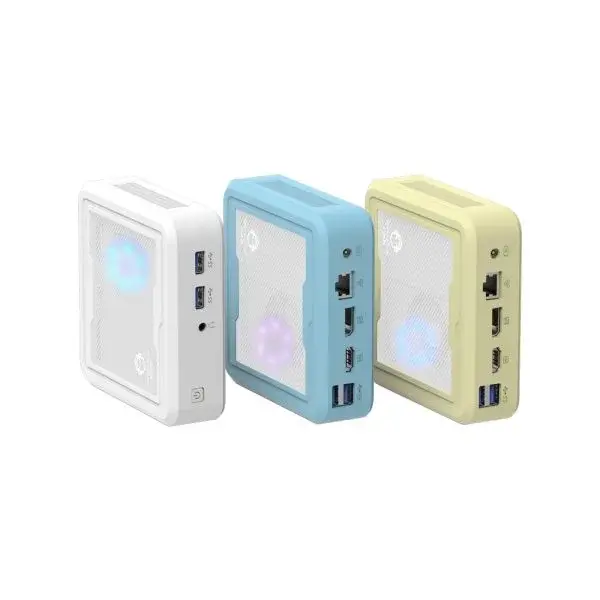
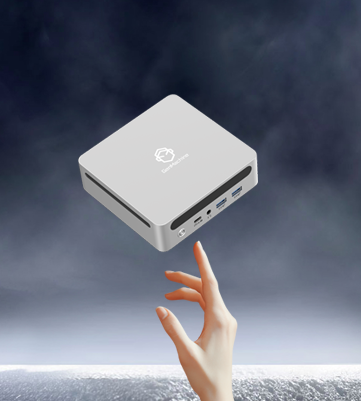
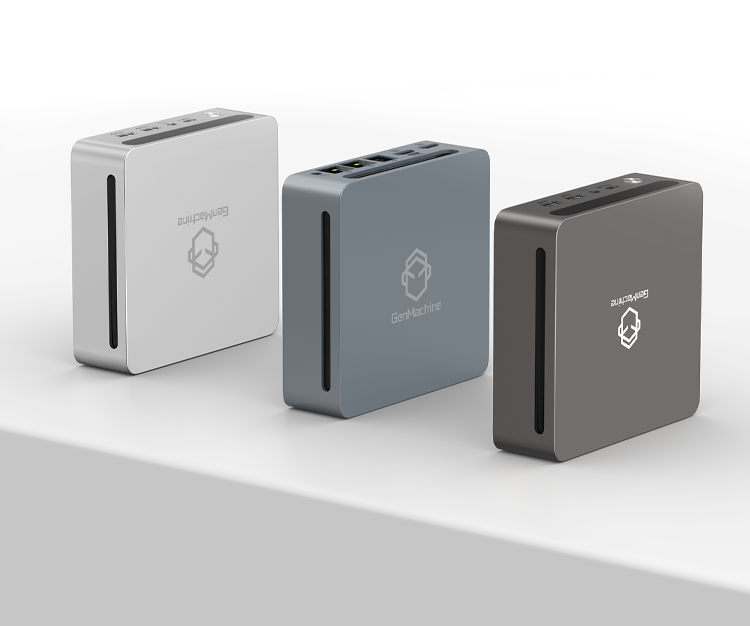
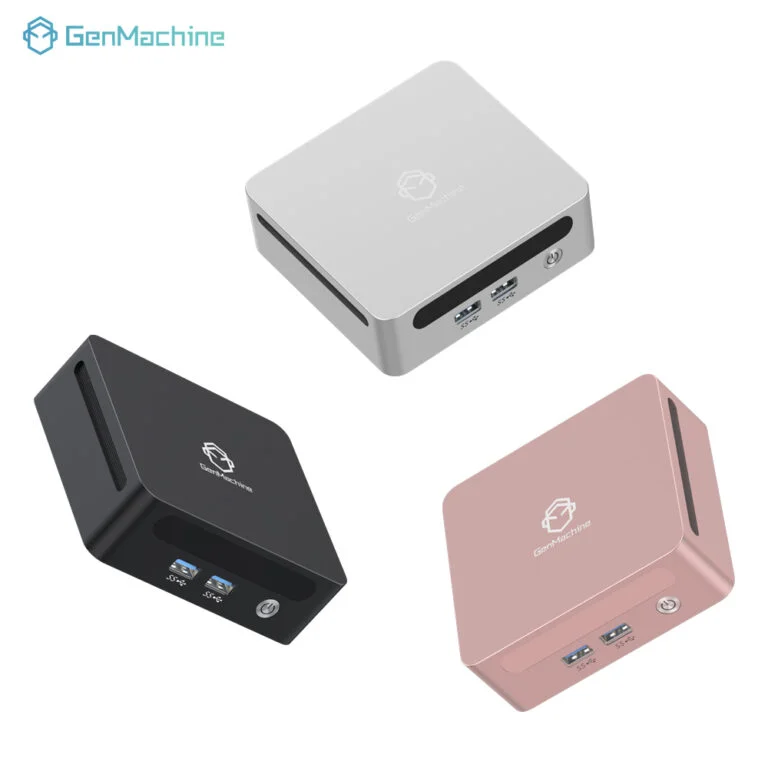
A micro desktop PC packs genuine computing power into a form factor that seems almost impossibly small. We’re talking about devices roughly the size of a thick sandwich or a small hardcover book. Yet they handle spreadsheets, video conferencing, database management, and most standard business applications without breaking a sweat.
The appeal goes beyond mere size reduction, though. Modern offices face challenges that didn’t exist twenty years ago. Real estate costs keep climbing. Hot-desking arrangements require flexible technology. Sustainability concerns influence purchasing decisions. Energy bills add up fast when running dozens of computers. These compact machines address all of these pain points in ways traditional desktops simply cannot match.
Space Efficiency and the Micro Desktop PC Advantage
Reclaiming Valuable Desk Real Estate
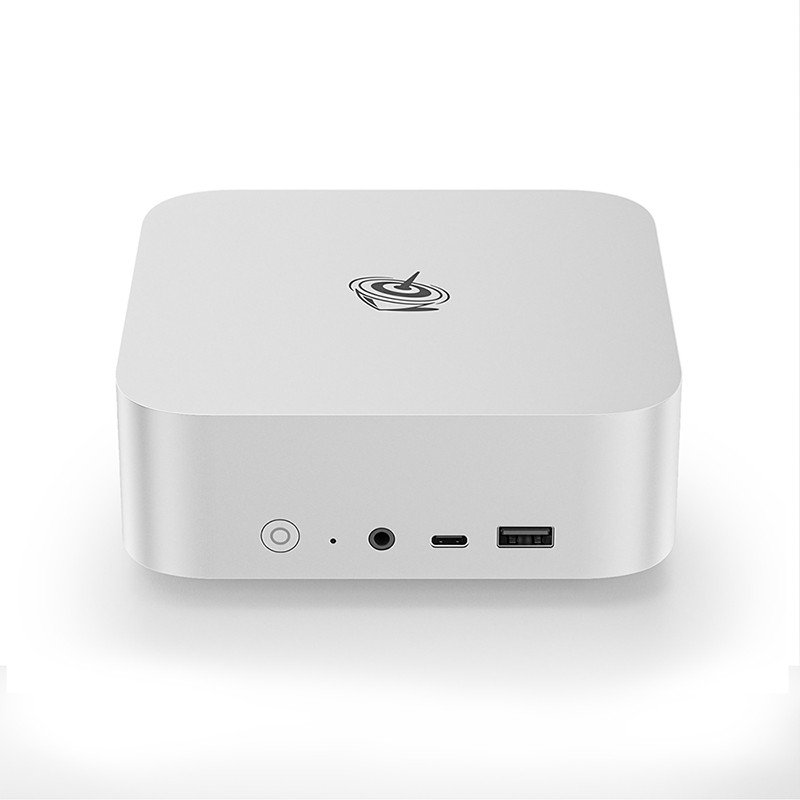
Office space costs money. Every square foot matters, especially in urban centers where rents have gone through the roof. A micro desktop PC occupies perhaps 5% of the space a traditional tower requires—and that’s not an exaggeration.
Consider what this means practically:
- Cleaner, less cluttered workstations
- More room for documents, personal items, or additional monitors
- Easier cable management
- Simpler hot-desking implementations
- Better aesthetics in client-facing areas
Flexible Mounting Options
These compact systems offer mounting possibilities that bulky desktops never could. Behind a monitor, under a desk, attached to a wall—the options are surprisingly varied. Some organizations mount them directly onto monitor stands using VESA brackets, essentially hiding the computer entirely from view.
This flexibility proves particularly valuable in:
- Reception areas where aesthetics matter
- Conference rooms with limited space
- Healthcare settings requiring sterile surfaces
- Retail point-of-sale locations
- Educational environments with restricted desk space
Energy Savings With Micro Desktop PC Technology
Power consumption rarely gets the attention it deserves in technology discussions. But for businesses running dozens or hundreds of computers, electricity costs accumulate significantly over time.
A typical micro desktop PC draws somewhere between 35 and 65 watts during normal operation. Compare that to traditional desktop towers pulling 150 to 300 watts or more. The difference adds up fast.
| Computer Type | Typical Power Draw | Annual Cost (8hrs/day)* | Heat Generated |
|---|---|---|---|
| Traditional Tower | 150-300W | $45-90 | High |
| Micro Desktop PC | 35-65W | $10-20 | Low |
| Laptop (docked) | 45-90W | $14-27 | Medium |
| Workstation | 250-500W | $75-150 | Very High |
Performance Capabilities That Surprise
Modern Hardware in Compact Packages
There’s a lingering misconception that smaller computers must mean weaker computers. That assumption made sense maybe ten years ago, but not anymore. Today’s compact systems pack processors, RAM, and storage that rival or match traditional desktops for typical office workloads.
Most business tasks don’t actually require massive computing power. Email, web browsing, document editing, video calls—a micro desktop PC handles all of these smoothly. Even moderate photo editing, light video production, and database work fall well within capabilities.
What These Systems Handle Well
Standard office applications thrive on compact hardware:
- Microsoft Office suite (Word, Excel, PowerPoint, Outlook)
- Web-based productivity tools (Google Workspace, project management platforms)
- Video conferencing applications (Zoom, Teams, Webex)
- Accounting and ERP software
- Customer relationship management systems
- Standard graphic design tasks
Heavy 3D rendering, professional video editing, or high-end gaming? Those still require more powerful machines, admittedly. But that describes a small fraction of office computing needs.
Simplified IT Management
Easier Deployment and Maintenance
IT departments often appreciate compact computers for reasons end-users never consider. These machines are genuinely easier to deploy, swap, and maintain.
When a system fails—and eventually something always does—replacing a small desktop takes minutes rather than hours. Unplug a few cables, slide in the replacement, reconnect everything. Done. The compact form factor makes inventory storage simpler too. Keeping spare units on hand doesn’t require much shelf space.
Standardization Benefits
Running a fleet of identical micro desktop PC units simplifies troubleshooting considerably. Same drivers, same configurations, same quirks across the entire organization. Problems that arise on one machine likely apply to others, making solutions more transferable.
Security and Reliability Considerations
Physical security sometimes gets overlooked in office environments. Traditional towers are heavy and awkward to steal—but they’re also hard to secure properly. Compact systems can be locked to desks, hidden from view, or stored in secure cabinets overnight.
Many models include:
- Kensington lock slots
- TPM chips for encryption
- BIOS-level security features
- Chassis intrusion detection
Reliability has improved substantially too. Fewer moving parts (many use solid-state storage exclusively) means fewer mechanical failures. Quieter operation indicates less stress on internal components. Some IT managers report notably lower failure rates compared to traditional desktop fleets, though specific experiences vary.
Making the Transition
Switching an entire office to compact computing doesn’t happen overnight, nor should it. Most organizations transition gradually—replacing aging equipment with smaller alternatives rather than performing wholesale swaps. This approach spreads costs over time and allows IT teams to identify any workflow adjustments needed.
The benefits accumulate regardless of transition speed. Even partial adoption brings noticeable improvements in desk organization, energy consumption, and maintenance simplicity. Each traditional tower replaced with a micro desktop PC represents a small step toward a more efficient workspace. If you want to know more about mini pc, please read about Are mini computers good for office work.
Frequently Asked Questions
Can a micro desktop PC handle multitasking with multiple monitors?
Absolutely. Most modern compact desktop systems support dual or even triple monitor setups without issue. The key is checking the available video outputs—HDMI, DisplayPort, and USB-C connections vary between models. For standard office multitasking across two or three screens, these machines perform admirably. Heavy graphics work might push limits, but typical business applications run smoothly across multiple displays.
How long do micro desktop PCs typically last in office environments?
With reasonable care, expect four to six years of productive use—comparable to traditional desktops. Longevity depends partly on initial specifications and partly on evolving software demands. Purchasing slightly more RAM or storage than currently needed helps extend useful lifespan. Many organizations refresh hardware on five-year cycles regardless of whether machines still function, so actual failure rates rarely become the limiting factor.
Are micro desktop PCs more expensive than traditional computers?
Initial purchase prices fall within similar ranges, actually. Entry-level compact systems start around the same price points as entry-level towers. Mid-range options compare favorably too. The total cost of ownership often favors smaller machines when factoring in energy savings, reduced cooling demands, easier deployment, and space efficiency. Some organizations report lower five-year costs overall despite comparable upfront investments.