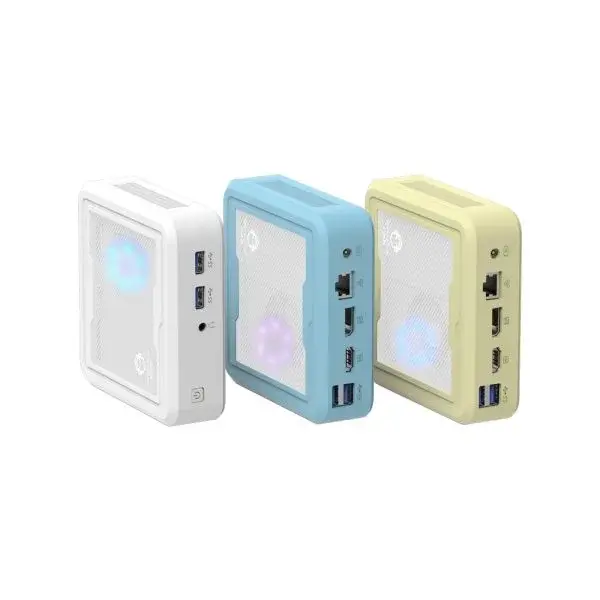
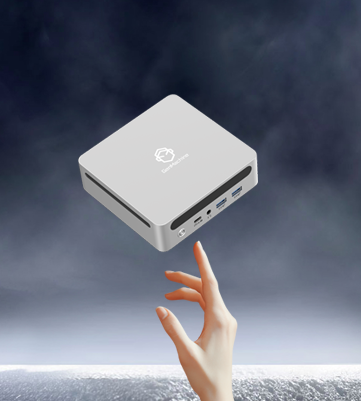
Walk into a modern classroom today, and the old bulky computer towers are mostly gone. In their place? Tiny machines mounted behind monitors or tucked into corners, barely visible but doing serious work. The shift toward micro desktop PCs in education has been quietly revolutionary.
Schools face unique challenges. Limited budgets. Cramped spaces. Students who somehow find ways to break everything. Traditional desktop computers often feel like overkill—expensive, space-hogging, and frankly more power than most classroom tasks require. That’s where these compact alternatives enter the picture.
Why Micro Desktop PCs Work for Education
The appeal isn’t complicated, really. A micro desktop PC takes up roughly the space of a thick paperback book. Mount it behind a monitor with a simple VESA bracket, and suddenly desk space opens up for actual learning activities. Students have room to spread out notebooks. Teachers stop tripping over cable nests.
But size alone doesn’t explain the adoption. Several practical factors combine:
- Lower power consumption means reduced electricity costs
- Quieter operation keeps classrooms focused
- Easier deployment when setting up computer labs
- Simpler maintenance for already-stretched IT staff
- Surprisingly capable performance for educational software
That last point catches some people off guard. There’s an assumption that small means weak. Modern micro desktop PCs challenge that notion pretty effectively. Basic productivity, educational applications, web-based learning platforms, even light video editing—all handled without drama.
Understanding What Makes Micro PCs Different
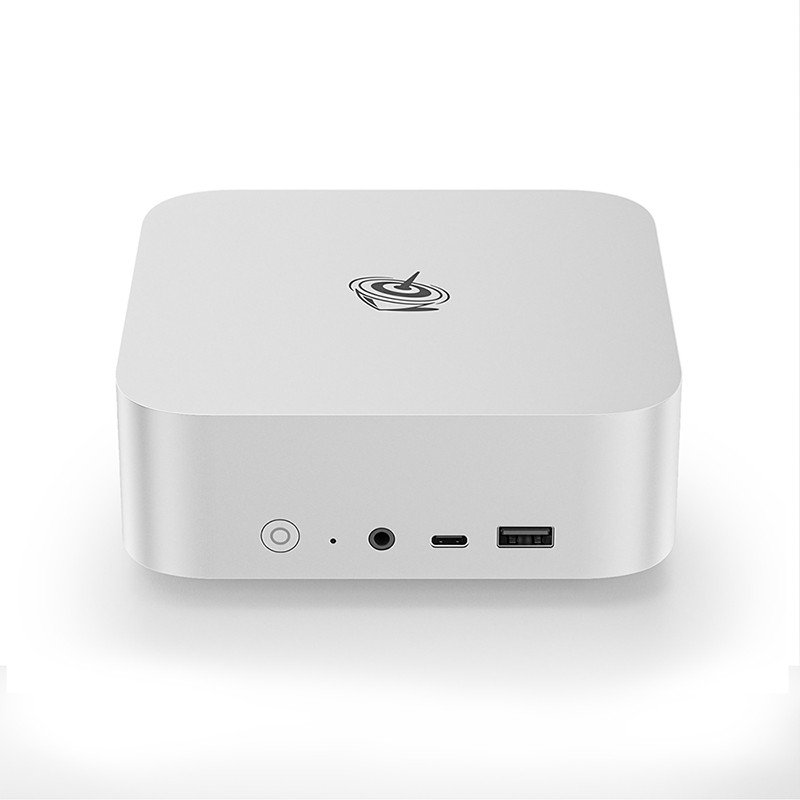
Not all small computers are created equal. The micro desktop PC category specifically refers to ultra-compact systems, typically under two liters in volume. They’re distinct from all-in-ones, laptops, or regular small-form-factor desktops.
Key Components and Specifications
What’s actually inside these tiny machines? The internals might surprise anyone expecting compromises everywhere.
| Component | Typical Classroom Spec | Why It Matters |
|---|---|---|
| Processor | Intel Core i3/i5 or AMD Ryzen 3/5 | Handles multitasking smoothly |
| RAM | 8-16 GB | Runs multiple browser tabs and apps |
| Storage | 256-512 GB SSD | Fast boot times, sufficient space |
| Graphics | Integrated | Fine for educational content |
| Ports | USB-A, USB-C, HDMI, DisplayPort | Connects peripherals easily |
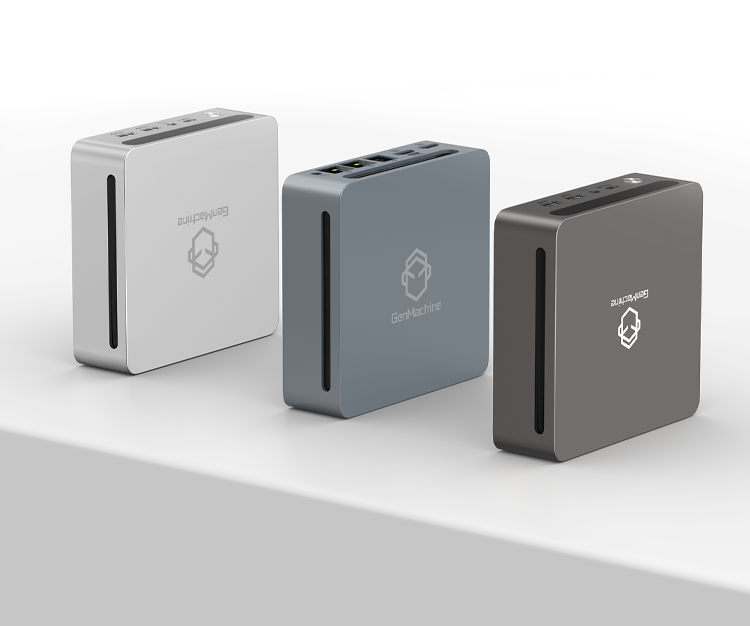
The GenMachine AMD Ryzen Mini PC offers a concrete example worth examining. Equipped with a Ryzen 5 processor, 16GB RAM, and 512GB NVMe storage, it delivers performance that rivals much larger systems. Dual display support allows teachers to extend their workspace. The compact chassis—smaller than most textbooks—disappears behind monitors entirely.
Space and Deployment Advantages
Physical footprint matters enormously in schools. Classrooms weren’t designed with technology infrastructure in mind, especially older buildings. A micro desktop PC fits where traditional towers simply cannot.
Consider a typical computer lab renovation:
- Remove old tower systems (heavy, awkward, time-consuming)
- Install VESA mounts on existing monitors
- Attach micro PCs directly to monitor backs
- Connect single power cable and peripherals
- Deploy standardized software image across all units
The whole process takes dramatically less time. Fewer cables mean fewer failure points. Students don’t accidentally kick power supplies or yank connections loose during class. IT departments appreciate the reduced maintenance burden—something that sounds minor until multiplied across dozens or hundreds of machines.

Practical Classroom Applications
Theory is one thing. How do these machines actually perform during real school days?
Educational tasks typically handled without issues:
- Google Workspace and Microsoft 365 applications
- Learning management systems like Canvas or Schoology
- Video conferencing for remote instruction
- Basic coding environments for computer science classes
- Digital art programs at entry levels
- Research and web browsing
The micro desktop PC handles this workload comfortably. Where limitations appear—heavy video rendering, advanced 3D modeling, serious gaming—those tasks rarely define typical classroom needs anyway.
Budget Considerations for Schools
Money talks in education. Always has. The cost equation for micro desktop PCs looks favorable from multiple angles.
Initial purchase prices often run lower than comparable traditional desktops. Energy savings accumulate over years of operation. Longer refresh cycles become possible when machines aren’t pushed to their limits daily. Reduced repair costs matter too, since fewer moving parts means fewer things breaking.
That said, cheapest isn’t always wisest. Bottom-tier micro PCs might frustrate users with sluggish performance. Mid-range options like purpose-built educational models typically strike the right balance between capability and cost. Spending slightly more upfront often prevents headaches later. If you want to know more about mini pc, please read about Does a mini PC work like a normal PC.
FAQ
Can micro desktop PCs run standard educational software?
Yes, most educational software runs smoothly on properly specified micro desktop PCs. Productivity suites, learning platforms, assessment tools, and browser-based applications all function normally. Only resource-intensive programs like professional video editing or CAD software might struggle.
How long do micro desktop PCs typically last in school environments?
With reasonable care, five to seven years of service is realistic. Solid-state storage eliminates mechanical hard drive failures. Compact designs with minimal moving parts reduce wear. Schools often refresh based on software requirements rather than hardware failure.
Are micro desktop PCs difficult for IT departments to manage?
Generally easier, not harder. Standardized hardware simplifies imaging and deployment. Remote management works identically to larger systems. Physical maintenance takes less time when machines are accessible and uniform. Most IT staff prefer managing fleets of identical micro PCs over mixed traditional desktop inventories.