Why Running OpenClaw Locally on a Mini PC Makes Financial Sense
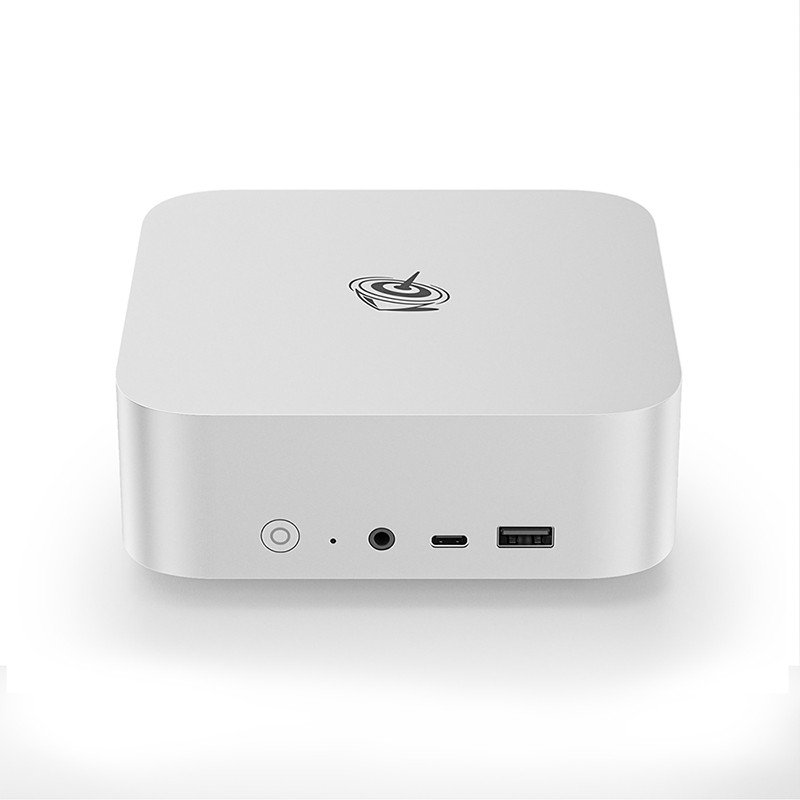
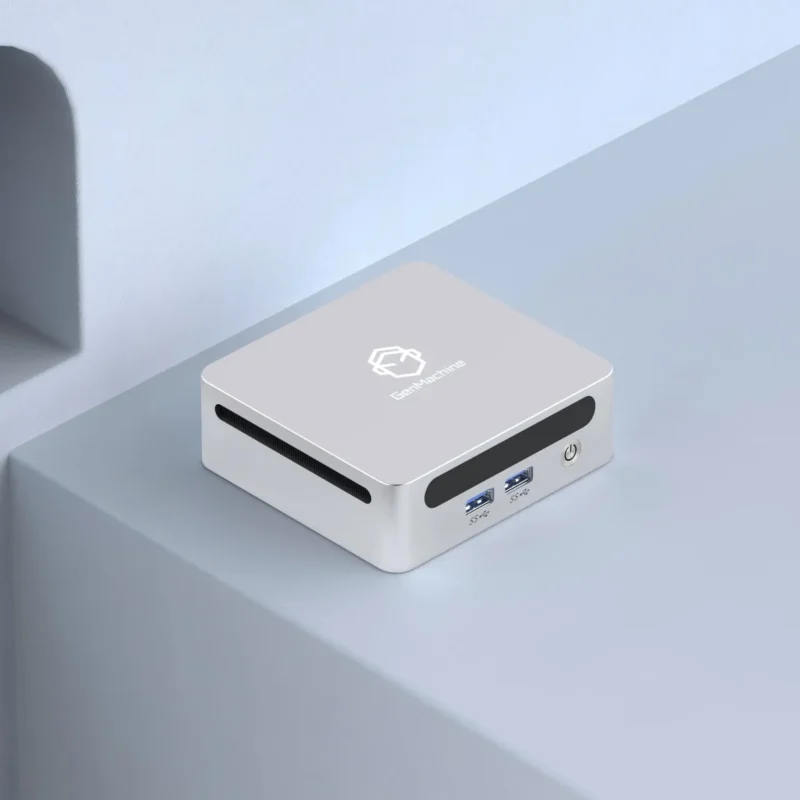
OpenClaw has opened up possibilities for arcade enthusiasts and small business owners alike. But when it comes to actually running the system, a critical decision emerges: cloud-based hosting or local hardware? The answer, for most practical scenarios, points toward local deployment—and specifically toward using a mini pc as the foundation.
Cloud solutions carry recurring monthly fees. They just do. And while those fees might seem manageable initially, they compound over time in ways that catch people off guard. A local mini pc involves upfront investment, sure, but that one-time cost typically pays for itself within six to twelve months of operation.
There’s also the latency question. Claw machines require responsive controls—players expect immediate feedback when they press buttons. Even minor delays frustrate users and reduce repeat plays. Local processing eliminates network-dependent lag entirely.

Breaking Down the True Costs of Mini PC Deployment
Initial Hardware Investment
Getting started with a local setup requires purchasing actual equipment. Here’s what a typical budget breakdown looks like:
| Component | Budget Option | Mid-Range Option |
|---|---|---|
Mini PC Unit | $150-200 | $280-350 |
Mounting Hardware | $15-25 | $15-25 |
Cables and Adapters | $20-40 | $30-50 |
Backup Storage | $30-50 | $60-80 |
Total | $215-315 | $385-505 |
Ongoing Operational Expenses
Once installed, a mini pc costs remarkably little to keep running. Electricity consumption typically falls between 15 and 45 watts depending on workload—barely noticeable on utility bills. Maintenance requirements? Minimal, really. Maybe cleaning dust filters quarterly and checking cable connections every few months.
Software updates for OpenClaw remain free through the open-source community. No subscription fees. No licensing renewals. The ongoing costs essentially amount to electricity and occasional hardware replacement parts.
Performance Benefits of Local Mini PC Processing
Zero Latency Control Response
This point deserves emphasis because it directly affects user experience. When someone operates the claw, the following sequence happens:
Button press detected by controller
Signal sent to processing unit
Software interprets command
Motor control signal transmitted
Claw responds physically
With local processing, steps two through four happen almost instantaneously. Cloud-based systems introduce network round trips at multiple points—sometimes adding 50-200 milliseconds of delay. Doesn’t sound like much, but players notice. They definitely notice.
Reliability During Network Outages
Internet connections fail. It happens to everyone eventually. Could be the ISP having issues, could be local router problems, could be construction crews cutting cables down the street. Whatever the cause, cloud-dependent systems become expensive decorations during outages.
A mini pc running locally keeps the game operational. Players can still enjoy the experience. Revenue keeps flowing. The only features affected might be remote monitoring or online payment options—and even those can be designed with offline fallback modes.
Practical Setup Considerations for Mini PC Installations
Getting the most value from local deployment involves some planning. The physical placement matters—adequate ventilation prevents thermal throttling, which could affect performance during extended operation. Most operators mount their mini pc units either behind the display screen or in an upper corner of the cabinet where airflow exists naturally.
Cable management deserves attention too. A clean installation with properly secured wiring prevents accidental disconnections and makes future troubleshooting easier. Spending extra time during initial setup pays dividends later.
Power protection through a basic surge protector or UPS adds security against electrical issues. These devices cost relatively little compared to replacing damaged computing hardware.
Software configuration should include:
Automatic startup after power interruption
Remote access capability for troubleshooting
Regular automated backups of configuration files
System health monitoring tools

When Cloud Solutions Might Still Make Sense
To be fair, local mini pc deployment isn’t universally superior. Certain situations favor cloud approaches:
Operating many machines across distant geographic locations
Lacking technical comfort with hardware maintenance
Needing centralized management dashboards desperately
Testing OpenClaw before committing to permanent installation
For single-location operators or small-scale deployments, though? Local processing wins the cost-effectiveness competition handily. If you want to know more about OpenClaw mini pc, please read Why Mini PCs Are the Ultimate Choice for OpenClaw.
FAQ
How difficult is setting up OpenClaw on a local mini pc?
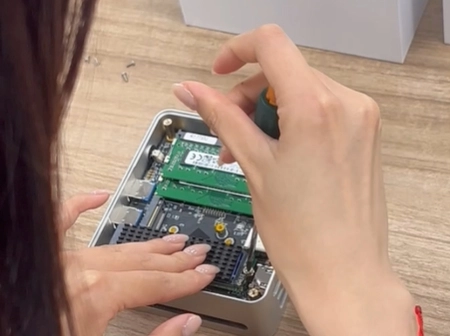
The process requires basic computer skills—installing an operating system, configuring software settings, connecting cables. Most people with moderate technical comfort complete setup within an afternoon. Community guides help tremendously.
What happens if the mini pc hardware fails?
Having a backup unit or spare parts on hand minimizes downtime. Many operators keep a pre-configured secondary mini pc ready for quick swaps. Complete failure with no backup means ordering replacement hardware, which typically arrives within days.
Can local and cloud solutions work together?
Absolutely. Some operators run primary processing locally while using cloud services for analytics, remote monitoring, or backup purposes. This hybrid approach captures benefits from both methods without full dependence on either.