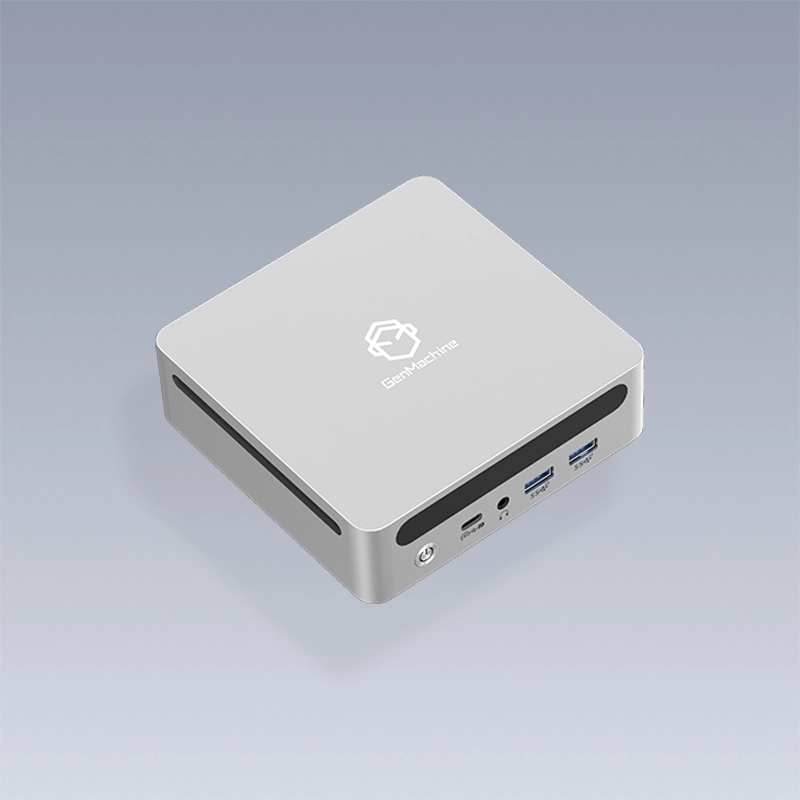
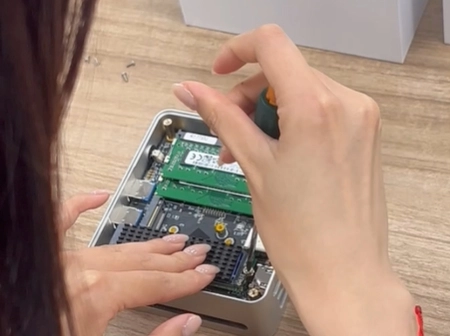
Getting Started with OpenClaw on a Mini PC Without Headaches
Setting up OpenClaw seems straightforward enough on paper. Install the software, connect the hardware, configure a few settings, and start operating. Reality proves messier than documentation suggests, unfortunately. Newcomers encounter obstacles that experienced operators learned to avoid through trial and error—sometimes expensive error.
The good news? Most pitfalls follow predictable patterns. Understanding what commonly goes wrong helps prevent those same mistakes before they happen. This collection of frequent issues comes from observing community discussions, forum threads, and operator feedback over time.
A mini pc offers excellent value for OpenClaw deployment, but only when configured properly. Poor setup decisions create frustrations that make people question their hardware choice unfairly. Usually the hardware performs fine—the problems stem from configuration oversights.
Hardware-Related Mini PC Pitfalls
Underestimating USB Port Requirements
This one catches people repeatedly. OpenClaw systems typically need connections for:
Motor controller board
Joystick and button inputs
Camera feed (sometimes multiple cameras)
Payment processing terminal
Audio output device
Lighting controller
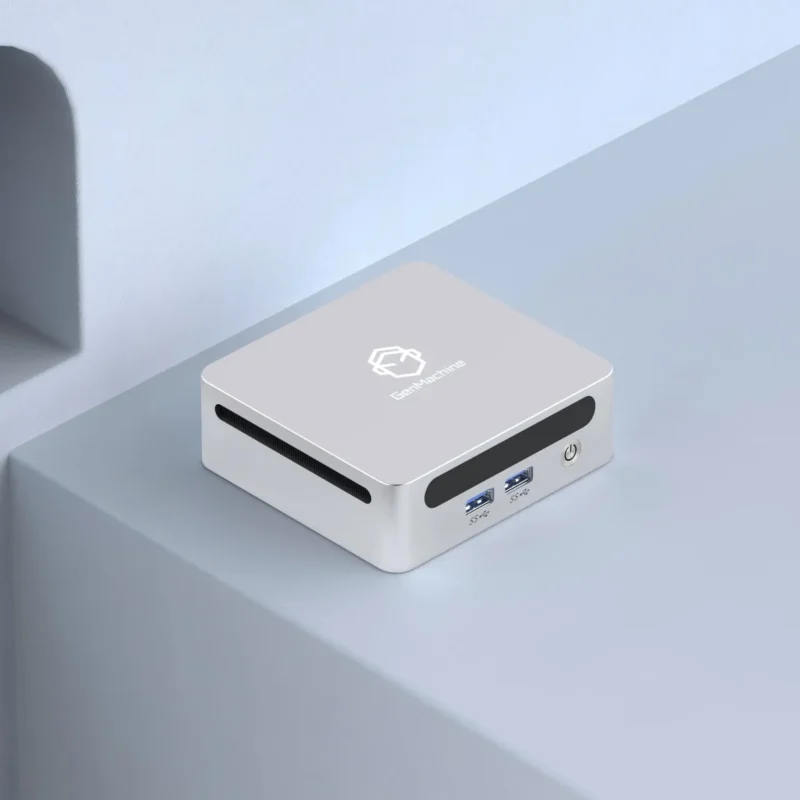
That’s potentially six USB connections right there. Many budget mini pc models include only three or four ports. Suddenly operators find themselves short on connectivity with no obvious solution.
USB hubs seem like an easy fix, but powered hubs are necessary for devices drawing significant current. Cheap unpowered hubs cause intermittent disconnections and strange behavior that’s maddening to troubleshoot. Spending a bit more on quality powered hubs—or simply choosing a mini pc with adequate native ports—prevents hours of frustration.
Ignoring Thermal Considerations
Arcade cabinets get warm inside. Motors generate heat. Power supplies add more warmth. Displays contribute thermal output too. Place a mini pc into this environment without planning for airflow and problems emerge gradually.
| Temperature Range | System Behavior | Long-term Impact |
|---|---|---|
Under 70°C | Normal operation | None expected |
70-85°C | Possible throttling | Reduced lifespan |
85-95°C | Performance degradation | Component stress |
Over 95°C | Shutdown likely | Potential damage |
Passive cooling designs work wonderfully in open environments but struggle inside enclosed cabinets. Active cooling with fan systems handles heat better, though dust accumulation becomes the tradeoff. Neither approach is wrong—just requires awareness of the consequences.
Software Configuration Mistakes on Mini PC Setups
Using Wrong Operating System Settings
OpenClaw runs on Linux primarily, though Windows installations exist. Each platform requires specific configurations that newcomers overlook. Common software-related errors include:
Leaving power management settings at defaults (causing sleep mode during idle periods)
Not disabling automatic system updates (triggering restarts at inconvenient times)
Failing to configure automatic login (requiring keyboard access after every reboot)
Missing startup script configurations (OpenClaw doesn’t launch after power restoration)
Incorrect permission settings for USB device access
That last point deserves special attention. Linux systems often require explicit permission grants for software to communicate with USB devices. Without proper configuration, OpenClaw simply cannot control the motor board or read input signals. The system appears broken when actually it’s just a permission oversight.
Network Configuration Oversights
Even primarily offline systems, like a modern mini Ryzen PC, benefit from network connectivity for remote monitoring and troubleshooting. Setting up networking improperly creates security vulnerabilities or connectivity failures.
Static IP addresses work better than DHCP for arcade applications. Dynamic addressing can reassign different IP addresses after router restarts, breaking remote access configurations. Small detail, big consequences when trying to connect remotely.
Firewall settings need attention too. Blocking necessary ports prevents legitimate communication while overly permissive rules expose the system unnecessarily. Finding appropriate middle ground requires some networking knowledge.

Integration Pitfalls Between Mini PC and OpenClaw Components
Serial Communication Problems
Motor controllers typically communicate through serial protocols. The mini pc needs correct baud rates, proper port identification, and appropriate timeout settings. Getting any of these wrong results in unresponsive motors or erratic behavior.
Port identification particularly confuses newcomers. Linux assigns device names like /dev/ttyUSB0 or /dev/ttyACM0 that can change between reboots or when USB devices get reconnected. Creating persistent device rules solves this instability but requires command-line configuration that intimidates some users.
Camera Feed Issues
Live camera feeds for remote play features demand adequate processing headroom and correct driver support. Not every camera model works seamlessly with every mini pc configuration. Some require specific driver packages. Others produce choppy video without hardware acceleration enabled.
Testing camera functionality thoroughly before completing installation prevents discovering problems after the cabinet is fully assembled. Disassembling finished installations to troubleshoot camera issues ranks among the more frustrating experiences operators report.
Avoiding These Mini PC Pitfalls Moving Forward
Planning ahead eliminates most difficulties. Researching specific mini pc models for OpenClaw compatibility before purchasing saves money and time. Reading community forums reveals which configurations work reliably and which create problems.
Documentation exists, though scattered across various sources. Taking notes during successful setup creates personal reference material for future installations or troubleshooting. The OpenClaw community generally responds helpfully to questions asked respectfully—especially when people demonstrate they’ve attempted solving problems independently first.
FAQ
What mini pc specifications reliably avoid performance problems?
Systems with at least 8GB RAM, quad-core processors from recent generations, and solid-state storage handle OpenClaw comfortably. Intel N100 or AMD Ryzen 5000 series embedded chips represent popular reliable choices among active operators.
How can thermal issues be detected before causing damage?
Installing monitoring software that logs temperature readings over time reveals problematic heat patterns. Alternatively, physically checking whether the mini pc feels excessively hot after several hours of operation provides a rough assessment.
Are there OpenClaw-specific mini pc configurations available pre-built?
Some community members offer pre-configured systems with software already installed and tested. These carry premium prices but eliminate setup complexity entirely. Checking community marketplaces and forums occasionally reveals such offerings.