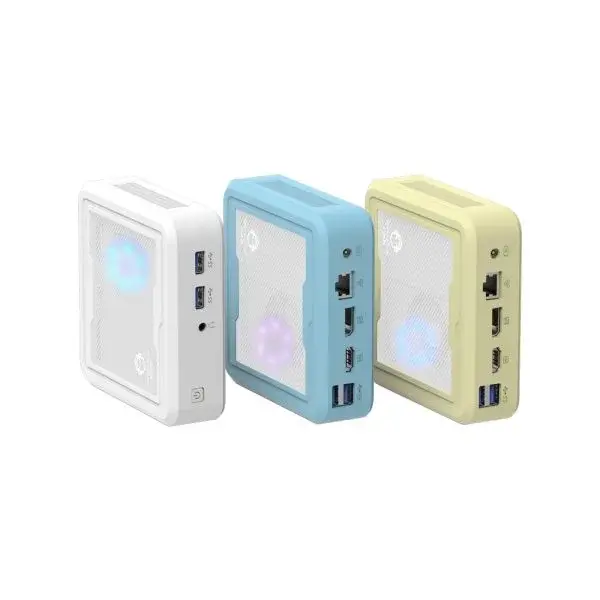
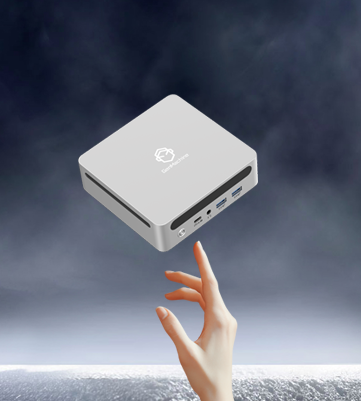
The Stability Challenge of Running OpenClaw on a Mini PC
OpenClaw installations look deceptively simple. Connect the hardware, install software, run continuously forever. That’s the expectation, anyway. Reality introduces complications that surface unexpectedly—sometimes weeks or months after seemingly successful deployment.
Stability issues differ from setup problems. Setup problems appear immediately and demand immediate attention. Stability problems? They lurk. They wait. Then they strike at the worst possible moment, like Saturday evening during peak arcade hours when revenue matters most.
Running a mini pc for continuous operation exposes hardware and software to stresses that casual computing never encounters. Desktop computers restart regularly. Gaming systems get powered down between sessions. But arcade equipment? It runs constantly, sometimes for months without interruption. This operational pattern reveals weaknesses that shorter usage periods never expose.
Understanding these hidden traps before they manifest saves considerable grief. What follows represents patterns observed repeatedly across numerous OpenClaw deployments.
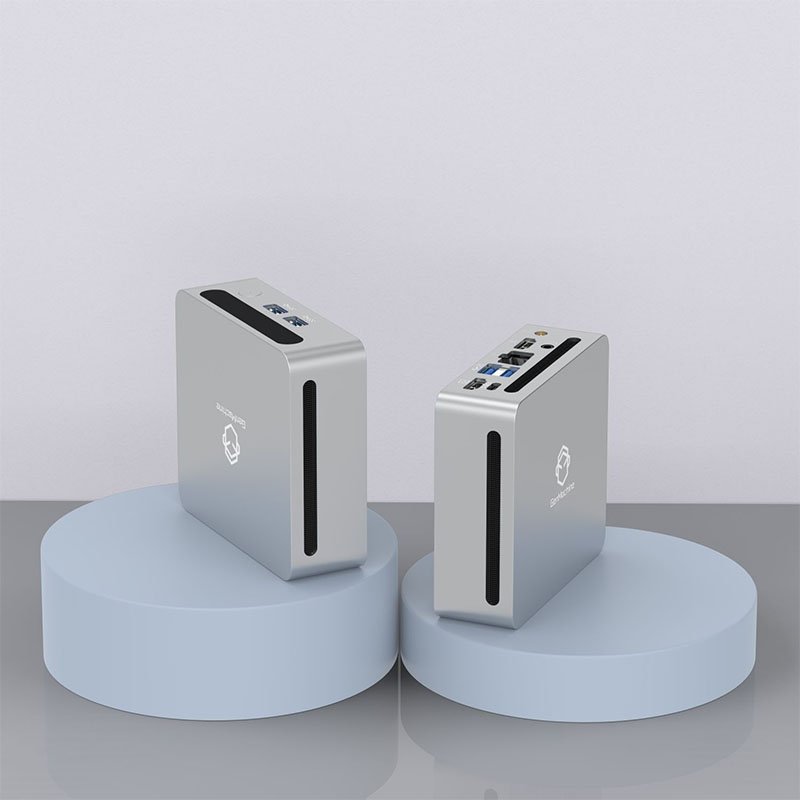
Trap One - Memory Leaks Crashing Your Mini PC Over Time
How Memory Leaks Develop Silently
Software consumes memory during operation. Properly written software releases that memory when no longer needed. Not all software behaves properly, though. Small memory leaks accumulate gradually until available RAM depletes entirely.
A fresh system restart clears everything. Performance returns to normal. Everything seems fine for another few days or weeks—then crashes recur. This cycle repeats indefinitely until someone identifies the actual cause.
OpenClaw itself generally handles memory responsibly. The problems typically originate from:
Camera streaming processes
Payment processing integrations
Custom modifications or plugins
Background system services
Logging utilities that never clear old data
Monitoring memory usage over extended periods reveals problematic patterns. Many operators skip this step, assuming initial stability guarantees ongoing stability. It doesn’t work that way.
Practical Solutions
Scheduled automatic restarts during low-traffic hours represent the simplest mitigation. Daily restarts at 4 AM, for example, clear accumulated memory issues before they cause daytime problems. Inelegant solution perhaps, but effective.
Better long-term fixes involve identifying specific memory-hungry processes and either optimizing them or replacing them with alternatives. This requires more technical effort but addresses root causes.
Trap Two - Storage Degradation Affecting Mini PC Performance
The Slow Decline Nobody Notices
Solid-state drives in modern mini pc systems don’t fail suddenly like old hard drives did. Instead, performance degrades gradually. Read speeds slow. Write operations take longer. Eventually the system feels sluggish without clear explanation.
Storage degradation accelerates with constant write operations. Log files, temporary data, database transactions—all these activities consume write cycles. Most mini pc units ship with consumer-grade storage not designed for continuous heavy workloads.
| Storage Health Indicator |
Healthy Range |
Warning Level |
Critical Level |
|---|---|---|---|
Write Cycles Remaining |
Above 70% |
30-70% |
Below 30% |
Reallocated Sectors |
Zero |
1-10 |
Above 10 |
Read Error Rate |
Zero |
Occasional |
Frequent |
Temperature During Use |
Under 50°C |
50-60°C |
Above 60°C |
Checking storage health quarterly catches deterioration before complete failure occurs. Replacement drives cost relatively little compared to emergency downtime recovery.
Trap Three - USB Controller Exhaustion on Mini PC Hardware
When Connections Mysteriously Drop
This trap genuinely surprises people. USB ports share underlying controller resources. Heavy simultaneous usage can exhaust those resources, causing seemingly random disconnections. In a compact mini desktop PC, where space is tight and every port may be in use, this issue becomes even more pronounced.
One moment the motor controller works perfectly. Next moment it vanishes from the system. Reconnecting the cable fixes nothing. Rebooting resolves the issue—temporarily. Then disconnections happen again.
The problem intensifies when operators add more USB devices over time:
Initial installation uses three ports
Someone adds a better camera later
Then auxiliary lighting controls
Perhaps additional payment options
Maybe diagnostic monitoring hardware
Each addition increases controller load. Eventually the threshold exceeds capacity.
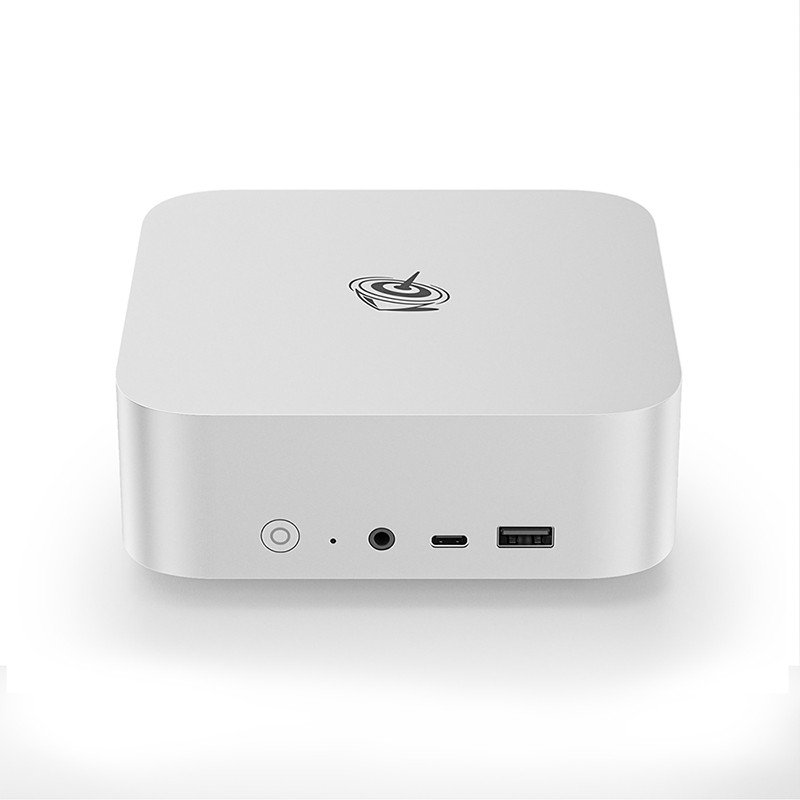
Trap Four - Thermal Throttling During Mini PC Extended Operation
Performance That Varies by Temperature
Processors protect themselves from heat damage by reducing speed when temperatures climb too high. This thermal throttling happens automatically without notification. The system simply becomes slower.
Morning performance might be excellent. Afternoon performance acceptable. Evening performance during peak hours—when cabinet interior temperatures peak—noticeably degraded. The correlation between time-of-day and performance problems points toward thermal issues.
Seasonal variations appear too. Summer months bring complaints that winter never saw. Air conditioning changes affect internal cabinet temperatures more than people realize.
Signs of thermal throttling include:
Inconsistent response times
Video feed stuttering during busy periods
Occasional brief system pauses
Fans running constantly at maximum speed
Addressing Heat-Related Stability
Improving airflow within cabinets helps significantly. Sometimes this means cutting additional ventilation holes. Sometimes repositioning internal components creates better air circulation. External cooling solutions exist—small fans directing air toward the mini pc unit—though they add noise and maintenance requirements.
Choosing mini pc hardware with better thermal designs prevents problems entirely. Fanless designs work in well-ventilated environments but struggle in enclosed heated spaces. Active cooling handles difficult thermal environments more reliably.
Trap Five - Power Quality Issues Destabilizing Mini PC Operation
The Invisible Stability Killer
Electricity seems constant. Plug something in, it receives power, everything works. This oversimplification ignores voltage fluctuations, brief interruptions, and electrical noise that affect sensitive electronics.
Arcade environments often share electrical circuits with high-draw equipment. Prize dispensers activating. Lighting systems cycling. Air conditioning compressors starting. Each event momentarily affects power quality throughout the circuit.
Quality power supplies in mini pc units filter some irregularities. Cheaper units pass problems through directly. The result: random freezes, corrupted data, or unexplained reboots with no apparent cause.
Uninterruptible power supplies solve this problem completely. They filter incoming power and provide battery backup during outages. The investment seems unnecessary until the first power-related crash during peak hours.
FAQ
How often should a mini pc running OpenClaw be restarted for stability?
Weekly restarts provide reasonable preventive maintenance for most deployments. Systems experiencing memory issues benefit from daily restarts. Extremely stable configurations might run monthly without problems—but weekly restarts rarely cause harm.
Can stability problems damage OpenClaw hardware components?
Repeated power-related crashes can corrupt storage and occasionally damage connected controllers. Thermal issues potentially shorten processor lifespan over years of operation. Most stability problems cause inconvenience rather than permanent damage, fortunately.
What monitoring tools help detect stability issues early?
Linux utilities like htop for memory, smartctl for storage health, and lm-sensors for temperatures provide essential visibility. Setting up automated alerts when values exceed thresholds enables proactive response before problems become critical.