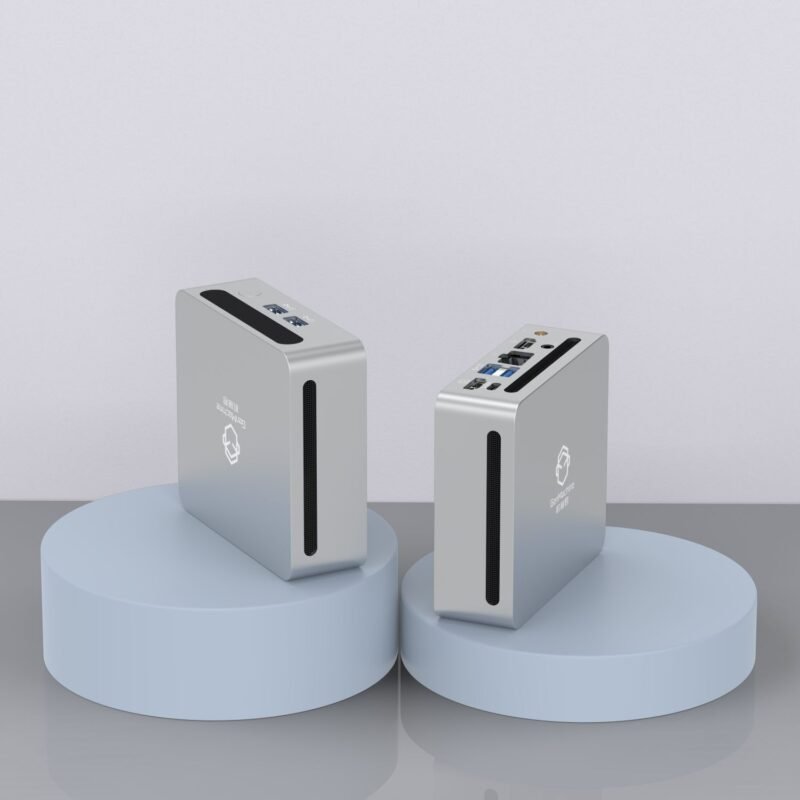
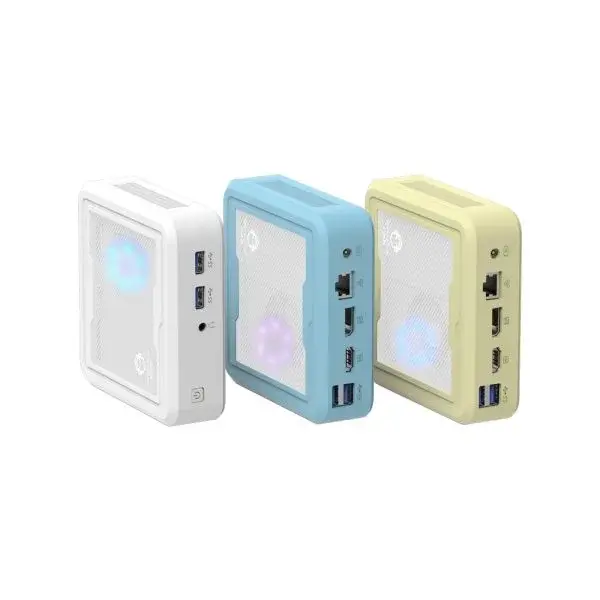
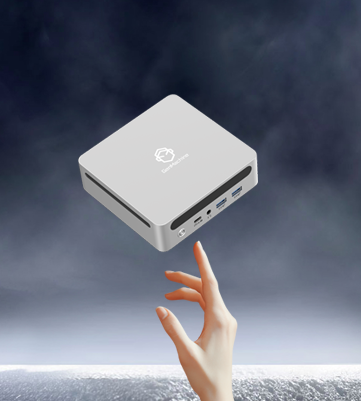
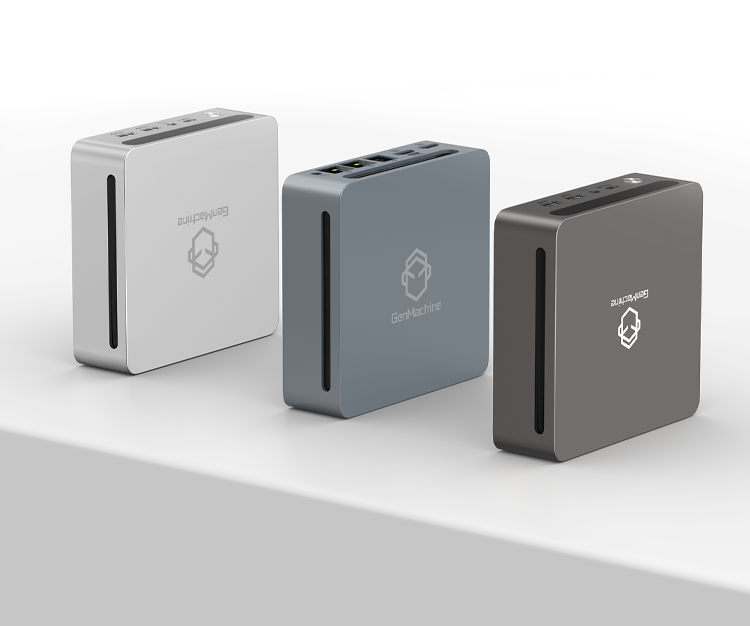
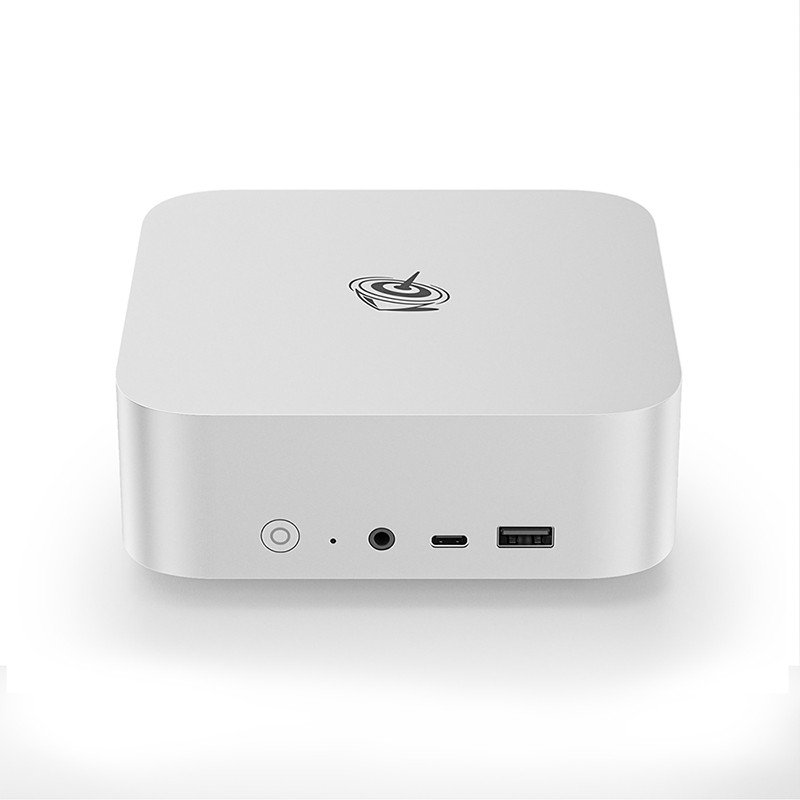
There is something strangely satisfying about clearing a massive, dusty tower off a desk and replacing it with a box that is barely larger than a sandwich. In the world of compact computing, the market is currently flooded with options, but one specific category seems to be hitting a sweet spot for value right now: the Ryzen 5000 series Mini PC. While technology moves incredibly fast, and we are already seeing 7000 and 8000 series chips, the 5000 series (Zen 3 architecture) has settled into a very comfortable position.
The Zen 3 Legacy in the Mini PC
When looking at the specs of a typical Mini PC equipped with a Ryzen 5560U, 5600H, or 5800H, it is easy to dismiss them as “old tech.” But that misses the point of how processor maturity works. The Zen 3 architecture was a massive leap forward for AMD, and that performance hasn’t suddenly evaporated just because a newer sticker came out.
For the vast majority of users, the bottleneck in their computer isn’t the CPU speed anymore; it is usually the internet connection or the software itself. A Ryzen 5000 Mini PC generally feels snappy. Windows 11 animations are fluid, apps open instantly, and there is a distinct lack of that “laggy” feeling you get with ultra-budget Celeron or Pentium chips. It sits in a tier where performance is sufficient for 90% of daily tasks, yet the price has dropped significantly because retailers are clearing stock for newer models.
Performance Breakdown: What Can Mini PC Actually Handle?
It is important to be realistic about what these small boxes can do. They are powerful, but they have limits dictated by physics and heat.
Productivity and Multitasking
For general office work, these machines are absolute workhorses. A Ryzen 7 5800H, for example, has 8 cores and 16 threads. That is a lot of multitasking headroom. You can have a web browser open with fifty tabs, Spotify playing in the background, a Word document open, and maybe even some light photo editing software running, and the system won’t really stutter.
The thermal management in a Mini PC is tighter than a laptop, but because they don’t run off a battery, they can often sustain higher clock speeds for longer. It handles specialized software like coding environments or complex Excel spreadsheets with surprising competence.
The Graphics Reality: Gaming and Media
This is where things get a bit subjective and where expectations need to be managed. Most Ryzen 5000 series chips in this form factor rely on Radeon Vega graphics. It is reliable, driver support is great, and it runs cool. However, it is not a PlayStation 5.
- Esports: Games like League of Legends, Dota 2, or CS:GO will run beautifully, often hitting high frame rates at 1080p.
- AAA Titles: Trying to play the latest graphical blockbuster is going to be a struggle. It might run at 720p with everything set to “Low,” but it won’t be pretty.
- Media Playback: As a home theater PC (HTPC), a Ryzen 5000 Mini PC is excellent. It handles 4K video playback effortlessly, supports modern codecs, and stays relatively quiet, which is crucial when watching a movie.
Suitability: Who is Mini PC Actually For?
Identifying the “target audience” for these devices is interesting because they are surprisingly versatile. They aren’t just for one type of person.
The Home Office Minimalist
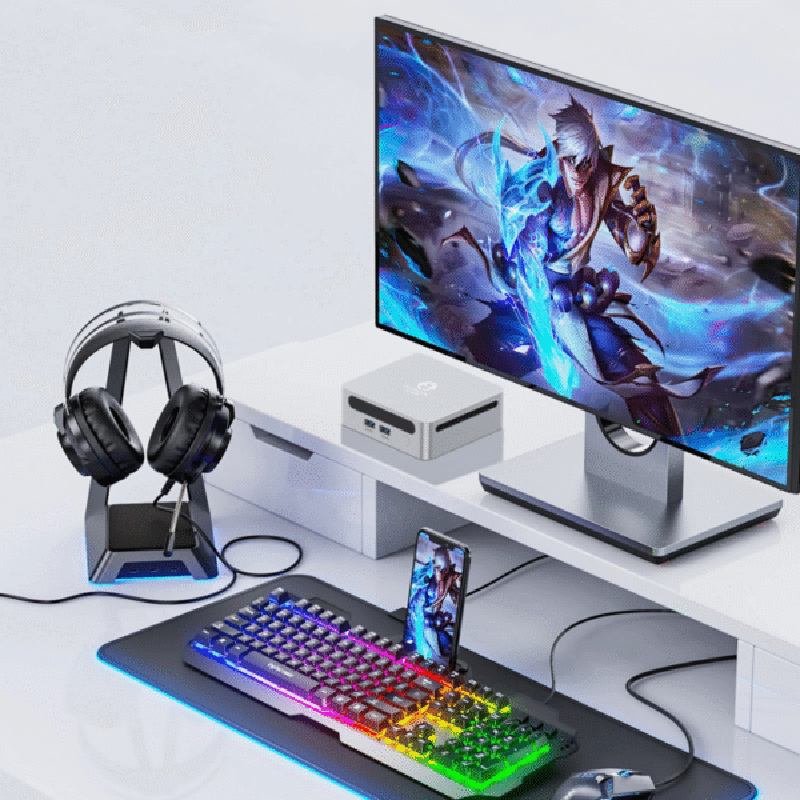
If the goal is to have a clean, aesthetic workspace, a Mini PC is hard to beat. It can be mounted to the back of a monitor using a VESA mount, effectively turning a regular screen into an All-in-One computer. For remote workers, students, or writers who need focus and desk space, the Ryzen 5000 series offers more than enough power to ensure the computer never feels like the thing slowing you down.
The Home Lab Hobbyist
Tech enthusiasts often buy these to run “headless” (without a monitor) as home servers. They are low power, quiet, and the multi-core performance of the Ryzen chips makes them perfect for running virtual machines, Plex servers, or Home Assistant setups.
The "Grandparent" PC
Because these units are reliable and fast enough to not be frustrating, they make perfect computers for family members who just want to check email, pay bills, and Facebook video call without dealing with a massive tower taking up floor space.
Comparing the Generations
| Feature | Budget Option (Intel N100) | Value Option (Ryzen 5000 Series) | Premium Option (Ryzen 7000/Intel Core Ultra) |
| Price Point | Very Low (\$150-\$200) | Moderate (\$300-\$450) | High (\$600+) |
| Multitasking | Basic (2-3 apps) | Excellent (Heavy multitasking) | Extreme (Pro workflows) |
| Gaming | barely minimal | Decent for older titles/Esports | Good (RDNA graphics) |
| Longevity | 2-3 Years | 4-6 Years | 5+ Years |
| Best For | Kiosks, simple browsing | Home office, family PC, coding | Video editing, serious gaming |
Thermal Constraints and Noise
One thing observational reviews often note about the Mini PC form factor is the fan noise. When you cram a 45-watt processor into a 4×4 inch box, the heat has to go somewhere. Under heavy load, a Ryzen 5000 Mini PC will spin its fan up.
Unlike a desktop tower that can be shoved under a desk to muffle the sound, the Mini PC sits right there next to the keyboard. If silence is golden to you, it might be worth looking for models with larger cases or “silent” BIOS profiles, though the 5000 series is generally quite efficient compared to older Intel chips.If you want to know more about Ryzen Mini PC, please read Which users are more suitable for the AMD Ryzen Mini PC?