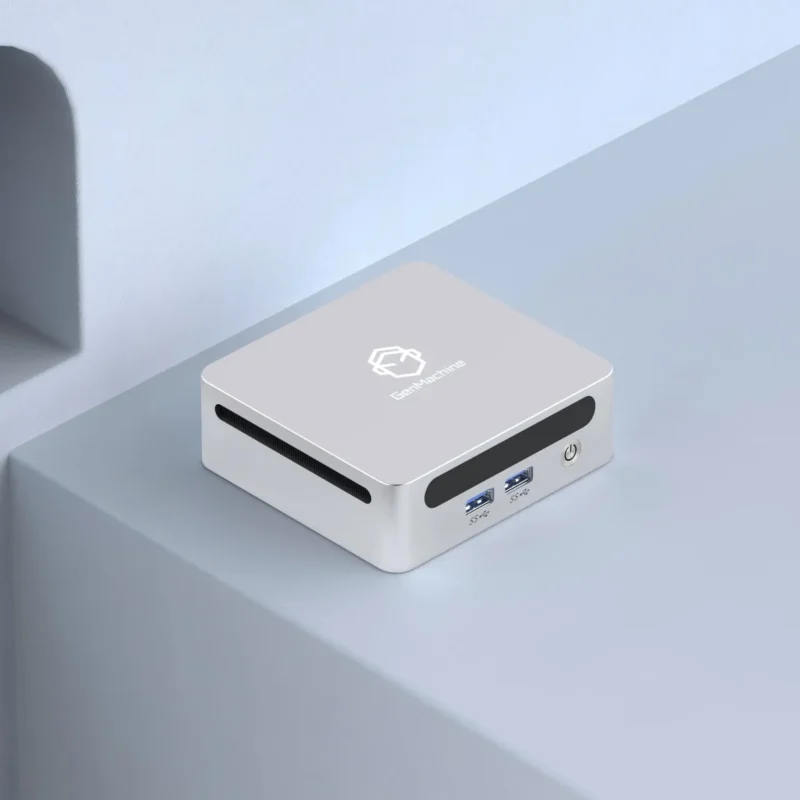
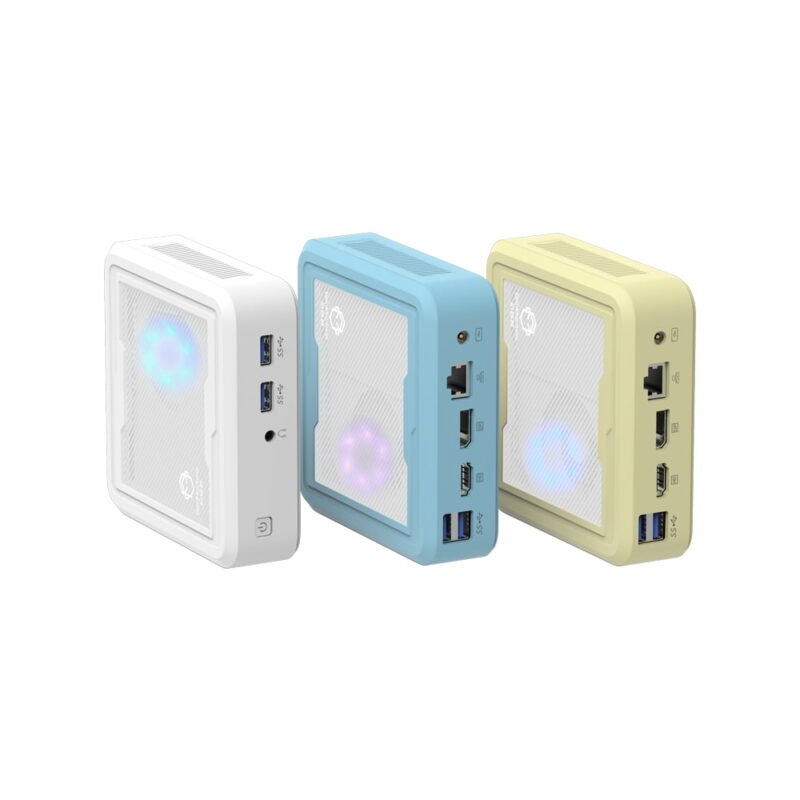
Desks always seem to accumulate clutter no matter what you do. Between giant monitors, coffee cups, and endless tangles of cables, freeing up physical workspace becomes somewhat of a quiet obsession. That is exactly why ditching a massive desktop tower makes so much sense nowadays. But figuring out the hardware—specifically the processor—for a mini PC can be surprisingly tricky. It isn’t just a matter of buying the fastest chip on the market and calling it a day. There are actual physical limits and thermal constraints to consider when dealing with small form factor computing.
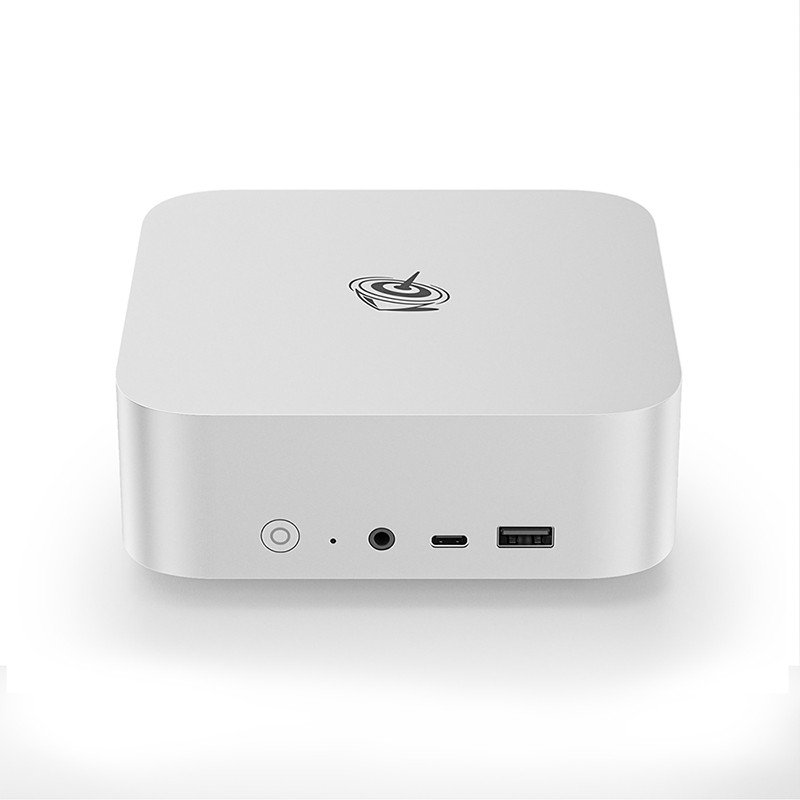
Decoding the Brain of a Mini PC
To really understand these tiny machines, it helps to realize they are essentially laptops without screens or batteries. The processors inside them usually carry mobile designations (like Intel’s “U” or “H” series, or AMD’s mobile chips) rather than the standard desktop variants. Desktop processors simply generate way too much heat. And heat, as it turns out, is completely unforgiving when you are working inside tight, confined spaces.
The Intel vs. AMD Situation
People tend to argue endlessly on internet forums about which brand is better, but the reality is quite nuanced and often comes down to specific use cases. Both companies make phenomenal silicon right now. AMD Ryzen chips often have a slight edge when it comes to integrated graphics performance, making them a really solid choice if the machine is going to be used for light, casual gaming or basic video editing. On the other hand, Intel Core processors—especially the newer generations—are absolute beasts at single-core tasks. This makes everyday application launches and web browsing feel incredibly snappy and responsive.
Matching Your Mini PC to the Actual Workload
It is painfully common for buyers to overspend on hardware they will literally never use. Buying an ultra-high-end processor just to scroll through web articles and watch YouTube is basically throwing money away. The trick is honestly assessing your daily routine and matching the silicon to those specific habits.
The Basics: Web Browsing and Office Work
For someone just doing standard administrative tasks or working from home, a mid-range processor is usually more than enough. An Intel Core i5 or an AMD Ryzen 5—the kind you’d find in something like a 5500U AMD Mini PC—is generally considered the sweet spot. They run fairly cool, keep annoying fan noise down to a minimum, and handle multiple background applications without breaking a sweat.
Here is what a standard daily workload usually looks like for this mid-tier processor category:
Managing massive, messy spreadsheets without lag.
Keeping twenty or more browser tabs open simultaneously.
Running video conference calls while typing up documents.
Streaming high-definition music or video in the background.
Heavy Lifting: Creative Work and Gaming
Things change drastically when the workload involves rendering high-resolution video, compiling heavy code, or playing modern video games. This is where stepping up to an Intel Core i7 or Ryzen 7 (or even a Ryzen 9) becomes almost necessary. However, successfully setting up a high-performance mini PC requires a bit of a strategy rather than just clicking “buy” on the most expensive option:
Identify the absolute most demanding software that will be used regularly.
Check the recommended (not just the bare minimum) processor specs for that specific software.
Look for a machine that physically features robust ventilation and a high-quality internal fan.
Ensure the system RAM is dual-channel, as integrated graphics rely incredibly heavily on memory speed to function well.
To make things a bit clearer, here is a general breakdown of how different processors align with real-world usage scenarios.
| Processor Tier |
Example Chips |
Best For |
|---|---|---|
Entry-Level |
Intel N100, Celeron |
Basic browsing, digital signage, retro emulation |
Mid-Range |
Intel Core i5, Ryzen 5 |
Office productivity, multitasking, home theater setups |
High-End |
Intel Core i7/i9, Ryzen 7/9 |
Heavy video editing, 3D rendering, light modern gaming |
Why Cooling Matters for Any Mini PC Processor
There is a dirty little secret in the ultra-compact computer world: thermal throttling. It genuinely doesn’t matter if a mini PC has the most expensive, top-tier processor inside it if the cooling system is terrible.
When a CPU works hard, it generates a massive amount of heat. If that heat cannot escape the tiny plastic or metal chassis fast enough, the processor will automatically slow itself down to prevent itself from literally melting. It’s a built-in survival mechanism. Because of this, a constantly overheating i9 processor might actually perform worse in real life than a properly cooled, cheaper i5. It is always worth taking a few minutes to look at user reviews specifically regarding fan noise and temperatures before making a purchase. A slightly thicker chassis is usually a good sign, as it means the manufacturer left some actual breathing room for a decent heatsink.
FAQ
What is the difference between mobile and desktop processors in these machines?
Most of the time, a mini PC uses mobile processors (the exact same ones found in laptops) because they are specifically designed to draw less power and generate less heat. Putting a full-size desktop CPU in a tiny chassis usually leads to severe overheating unless the device is equipped with a massive, painfully noisy fan.
Can a processor in a compact computer be upgraded later?
Generally speaking, no. Unlike bulky desktop towers where you can swap parts easily, the processor in a mini PC is almost always soldered directly onto the motherboard to save space. What you buy on day one is exactly what you are stuck with for the life of the machine, though you can usually upgrade the RAM and storage drives.
Is an Intel N100 processor fast enough for daily use?
Surprisingly, yes. For basic, low-intensity tasks like checking email, writing word documents, and watching Netflix, it performs remarkably well. It will struggle heavily with gaming or video editing, but for a budget-friendly living room media box, it handles everyday chores beautifully.