The Search for a Truly Reliable Mini PC Brand
Looking around a modern office space or a minimalist home setup, it becomes quite obvious that massive, glowing desktop towers are slowly becoming a thing of the past. Tiny, unassuming boxes tucked behind monitors are doing all the heavy lifting these days. But as this shift happens, the market has flooded with options, making the search for a reliable Mini PC Brand somewhat overwhelming.
There are dozens of companies making these small computers right now. Some are massive legacy tech giants, while others are obscure names that seem to appear out of nowhere on large e-commerce sites. Finding the right Mini PC Brand isn’t just about reading a specification sheet and picking the highest numbers. It is really about how the machine behaves after six months of sitting on a dusty desk, rendering videos, or managing dozens of open browser tabs.
What Actually Defines a Dependable Mini PC Brand Today
Honestly, raw performance specs are relatively cheap to source. Anyone with a bit of capital can buy a decent processor and slap it into a small metal chassis. What separates a highly rated Mini PC Brand from a temporary cash-grab usually boils down to the engineering hidden inside that little box.
The Silent Killer of Small Computers
Heat is the absolute worst enemy of any compact electronics. A truly trustworthy Mini PC Brand spends an unreasonable amount of time engineering airflow, configuring heat pipes, and selecting the right thermal paste. When companies cut corners here (which happens far too often in budget models), the computer might run incredibly fast for about ten minutes. Then, it gets too hot, the system throttles the performance to prevent a meltdown, and suddenly a brand-new machine feels like a sluggish decade-old laptop.
Component Selection and BIOS Stability
Another thing that often gets overlooked is the software environment, specifically the BIOS. Established brands continuously release updates to fix bugs, patch security vulnerabilities, or improve fan curves. Less reliable manufacturers tend to ship the product and immediately forget it exists, leaving users stuck with whatever quirky bugs were present on launch day.
Key Indicators of a Trustworthy Mini PC Brand
When observing how people end up with hardware they actually love, a few patterns emerge. There are specific traits that point toward a company actually caring about the lifecycle of their products.
Here are a few things to look for when evaluating different companies:
Routine BIOS and driver updates that are actually easy to find on their official website
Clear, straightforward warranty terms without impossible loopholes
An active community forum or a highly responsive customer service presence
Quality power supplies included in the box, rather than generic, flimsy adapters
Transparent marketing that doesn’t exaggerate cooling capabilities
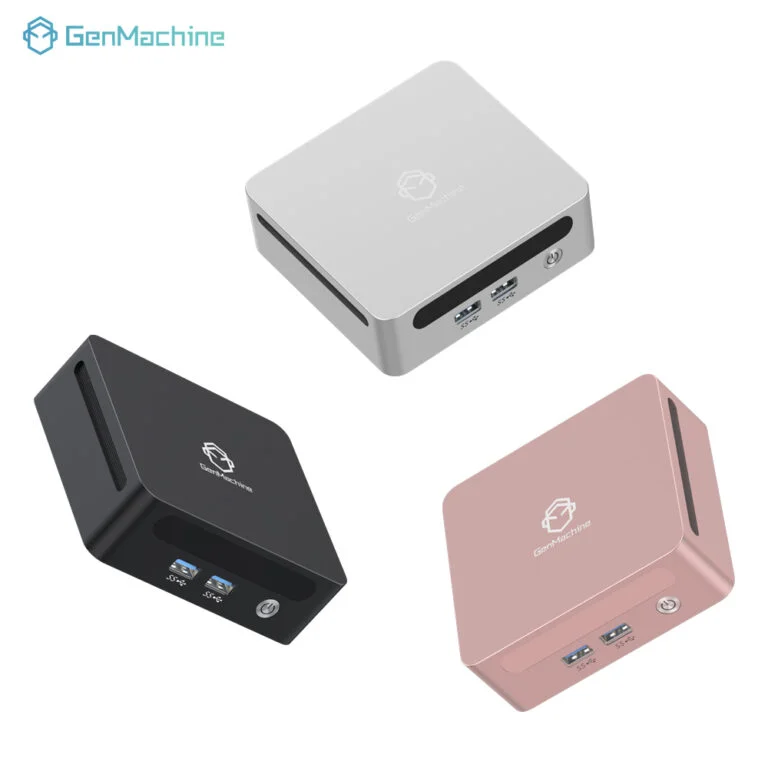
Categorizing the Market: Which Mini PC Brand Fits Where
| Market Category |
Typical Price Range |
Support Quality |
Best Suited For |
|---|---|---|---|
Legacy Tech Giants |
High to Premium |
Highly structured, sometimes slow |
Corporate deployments, strict warranties |
Dedicated Specialists |
Medium to High |
Very engaged, enthusiast-focused |
Power users, home labs, gaming |
Budget Newcomers |
Very Low |
Hit or miss, often nonexistent |
Basic web browsing, digital signage |
Understanding these categories makes it easier to set realistic expectations before making a purchase. A specialized Mini PC Brand often provides the best middle ground for individual buyers, offering strong performance and dedicated support without the massive corporate markup.
Red Flags When Choosing a Mini PC Brand
Just as there are signs of quality, there are glaring warnings that a certain Mini PC brand might not be worth the investment. Sometimes buyers see a system with seemingly insane specifications for next to nothing. This usually means corners were cut somewhere out of sight.
When evaluating options, watch out for these specific warning signs:
Non-existent official websites, or sites where all the links lead to broken pages.
The use of completely unbranded RAM and storage drives, which frequently fail within the first year of heavy use.
Cooling fans that sound like tiny jet engines even under very mild workloads, indicating terrible thermal design.
Promotional materials that rely entirely on computer-generated renders rather than showing photos of the actual physical product.
At the end of the day, a reliable device is one that users simply forget is there. It turns on, it runs quietly, it handles the workload, and it doesn’t crash randomly. Paying a slight premium for a recognized Mini PC brand—one that offers proper personalization Mini PC options and actually engineers their chassis while supporting their hardware—is almost always cheaper than buying a poorly made budget unit twice.
FAQ
How long should a computer from a reputable Mini PC Brand last?
Assuming the device is kept reasonably free of dust and placed in a well-ventilated area, a quality compact computer should easily last three to five years for standard computing tasks. Many units push past the five-year mark if the internal components are well-cooled and not pushed to their absolute thermal limits daily.
Can components be upgraded in most mini computers?
This depends heavily on the specific Mini PC Brand and the model in question. Many reliable manufacturers design their systems to allow easy access to RAM and storage drives, making them highly upgradeable. However, the processor and graphics chip are almost always permanently soldered to the motherboard and cannot be changed.
Are compact computers from unknown brands safe to use?
While many generic brands use standard, safe components, the risk lies in longevity and software support. Unknown brands rarely offer BIOS updates, which can leave systems vulnerable to security flaws. Furthermore, if a proprietary motherboard component fails, getting replacement parts from an obscure company is usually impossible.