Understanding OpenClaw and Its Hardware Requirements
OpenClaw represents an interesting shift in how arcade enthusiasts approach claw machine gaming. Essentially, it’s an open-source platform that allows users to build, customize, and operate their own claw machines—whether for personal entertainment or small business ventures. The software handles everything from motor control to payment processing, but here’s the thing: it needs reliable hardware–a mini pc to run properly.
Most people initially consider using full-sized desktop computers or even laptops for this purpose. However, these options come with obvious drawbacks. Desktops take up considerable space inside or near the machine cabinet. Laptops, while portable, weren’t really designed for continuous operation in what can sometimes be a dusty arcade environment.
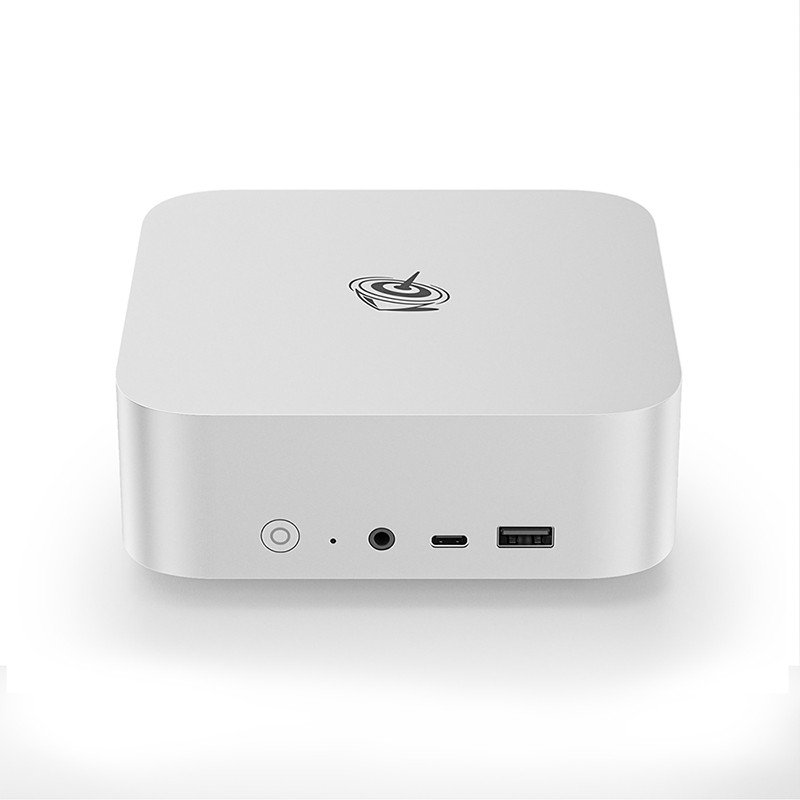
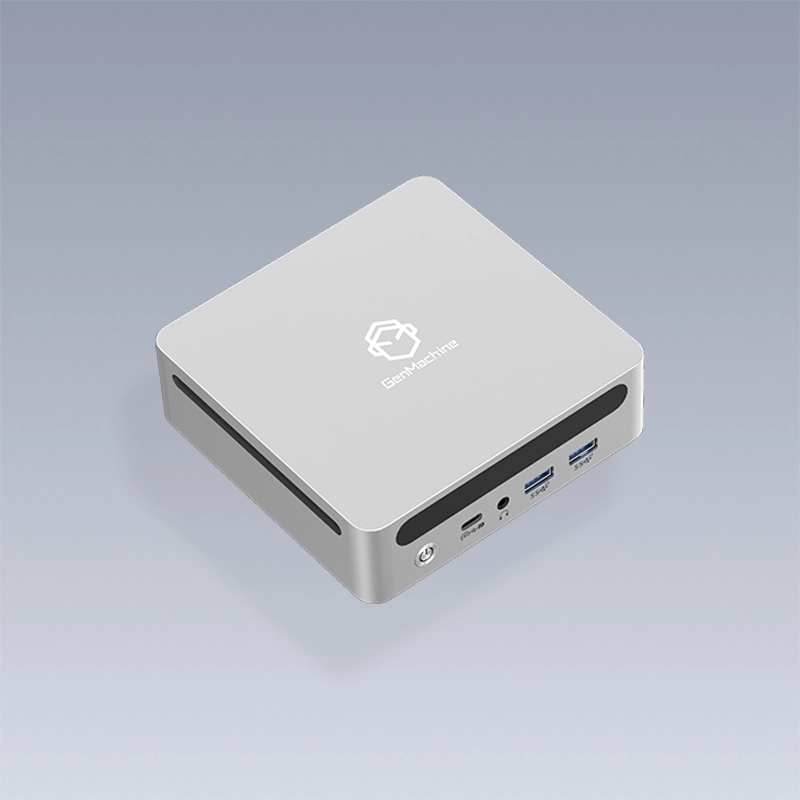
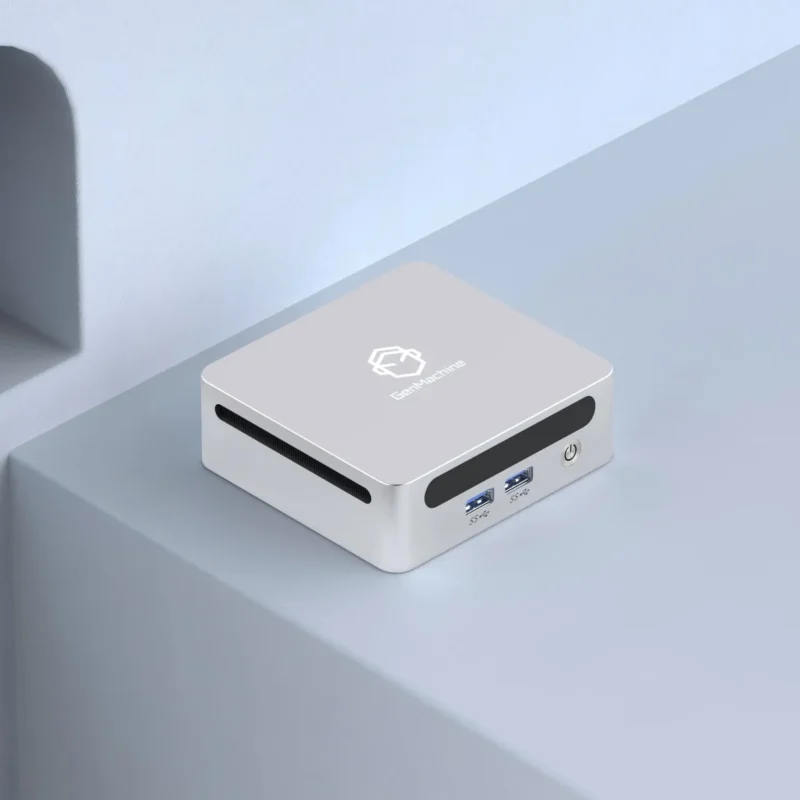
That’s where a mini pc enters the conversation. These compact computing devices have evolved dramatically over recent years, offering processing power that rivals traditional desktops while maintaining a footprint small enough to fit in your palm.

Key Advantages of Using a Mini PC for OpenClaw Systems
Compact Form Factor Solves Space Constraints
Anyone who has worked on arcade cabinets knows that internal space is precious. A typical OpenClaw setup requires room for:
The motor assembly and gantry system
Power supply units
Wiring and cable management
Coin mechanisms or card readers
The computing unit itself
Standard desktop towers simply don’t fit well in this equation. A mini pc, measuring roughly 4-5 inches on each side, tucks away behind a monitor or mounts directly to the cabinet frame using VESA brackets. Some operators have reported mounting them inside the prize compartment ceiling, completely hidden from view.
Power Efficiency Matters More Than People Realize
Running an arcade machine means operating for extended periods—sometimes 12 hours daily or more. The power consumption difference between a traditional desktop and a mini pc adds up surprisingly fast.
| Component | Average Power Draw | Monthly Cost (12hr/day) |
|---|---|---|
Standard Desktop | 150-300W | $15-30 |
Mini PC | 15-65W | $2-7 |
Laptop | 45-90W | $5-10 |
These figures will vary based on local electricity rates and specific hardware configurations, of course. Still, the savings become significant when operating multiple machines or running them year-round.
Adequate Performance Without Overkill
OpenClaw doesn’t require gaming-grade graphics or massive processing power. The software primarily handles:
Real-time motor control signals
Camera feed processing for remote play options
User interface rendering
Payment system communication
Basic logging and analytics
Modern AMD Ryzen mini PCs or Intel N100 units handle these tasks without breaking a sweat. The days when compact meant underpowered have passed, honestly.

Practical Considerations When Selecting a Mini PC
Connectivity Options to Look For
Not all small form factor computers offer the same port selection. For OpenClaw applications, certain connections prove more useful than others.
USB ports remain essential—ideally four or more—for connecting motor controllers, cameras, and input devices. HDMI output handles display duties, though some setups benefit from having dual display capability for operator monitoring. Ethernet connectivity, while sometimes overlooked, provides more stable network connections than wireless alternatives in environments with electrical interference from motors.
Thermal Management in Enclosed Spaces
Here’s something that doesn’t always get mentioned: heat buildup inside arcade cabinets can become problematic. Passive cooling designs found on certain mini pc models eliminate fan noise and reduce dust accumulation, but they need adequate airflow to function properly.
Active cooling models work fine too—just expect occasional filter cleaning. Placing the unit near existing ventilation holes helps considerably.
Installation Tips and Common Mistakes
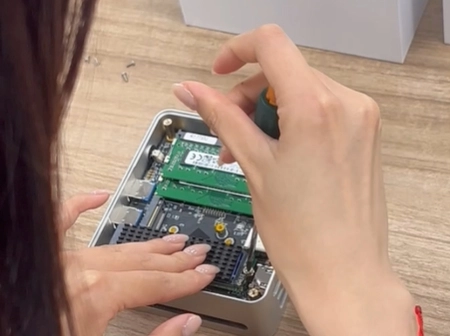
Getting the hardware mounted properly saves headaches later. Some practical suggestions from various operator experiences include securing all cables with zip ties before closing up the cabinet, keeping the mini pc accessible for occasional maintenance, and testing the complete system outside the cabinet before final installation.
Rushing the setup phase tends to create problems that surface weeks or months down the road. Taking an extra hour during initial installation beats troubleshooting inside a cramped cabinet later.
FAQ
What operating system works best for OpenClaw on a mini pc?
Linux distributions, particularly Ubuntu-based options, see the widest use in OpenClaw communities. Windows works too but requires more system resources and licensing costs.
Can older mini pc models run OpenClaw effectively?
Generally yes, provided they have at least 4GB RAM and a dual-core processor from 2018 or later. USB 3.0 ports improve camera performance noticeably.
How long do mini pc units typically last in arcade environments?
With proper ventilation and occasional cleaning, three to five years of continuous operation seems reasonable based on operator reports. Industrial-grade models may last longer.