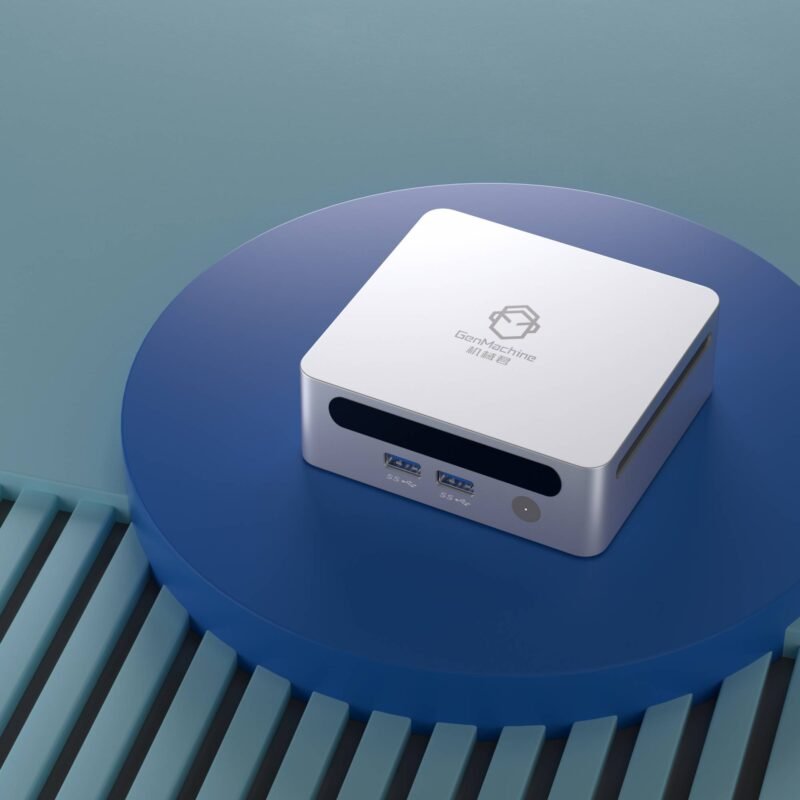
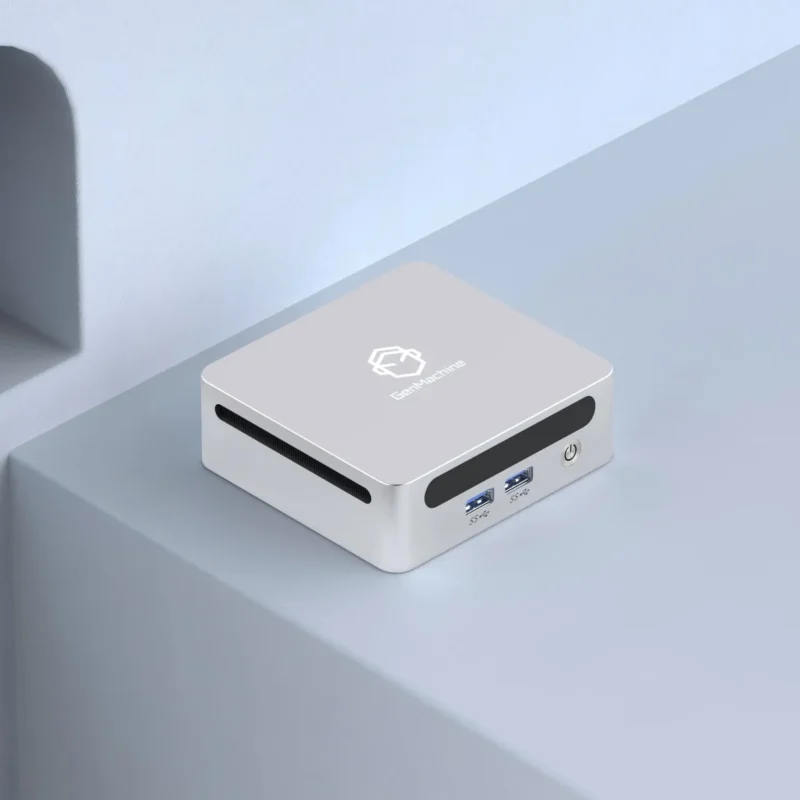
Looking around modern workspaces lately, those massive, noisy desktop towers are practically relics. It is wild how fast the tech landscape shifts. The current trend is leaning heavily into ultra-compact setups, and honestly, the sheer computing power crammed into these tiny boxes today is hard to believe. For the longest time, choosing a small computer meant sacrificing a ton of performance, but that narrative has completely flipped. Going into 2026, the tech community is seeing a massive surge in a very specific type of hardware. Setting up Mini PCs with AMD has become kind of the default recommendation for anyone wanting a clean desk without losing raw speed. The silicon architecture has just hit this weirdly perfect sweet spot where things do not instantly overheat the moment a heavy application opens. It really changes the dynamic of what a minimalist desk can actually do.

Why Mini PCs with AMD Are Dominating the Desk
The processor is basically the heart of any tiny computer, and recent iterations of silicon have been nothing short of fascinating. When looking at the current generation of these tiny machines, the big talking point is usually the integrated graphics. They call them APUs (Accelerated Processing Units), and they basically fuse the main brain of the computer with a surprisingly beefy graphics engine. You don’t need a massive, separate graphics card to get decent visuals anymore.
There are a few distinct reasons why this specific hardware approach is catching on so fast:
The power efficiency is ridiculous, meaning the system draws way less electricity from the wall during normal web browsing or video playback.
Built-in Radeon graphics make casual gaming and even some light video editing surprisingly smooth (which was basically impossible on small computers a few years ago).
Thermal output is much easier to manage, so the tiny cooling fans do not have to spin up and sound like a vacuum cleaner every five minutes.
It just makes sense for the average user who wants decent power but absolutely refuses to deal with a bulky machine.
Decoding the Specs in Mini PCs with AMD
Figuring out exactly which box to buy can be a bit of a headache. The market is flooded with varying configurations, and some are definitely better than others. When evaluating different units, it is super easy to get lost in a sea of confusing model numbers and marketing jargon. You kind of have to ignore the flashy box art and focus on what is actually under the hood. Memory and storage are usually the two areas where manufacturers try to cut corners to keep the price down.
Because these units rely so heavily on integrated graphics, system memory is shared with the video processor. That means skimping on RAM is a massive mistake.
| Component Focus |
Bare Minimum Setup |
The 2026 Recommended Sweet Spot |
Why This Actually Matters |
|---|---|---|---|
System Memory |
16GB DDR5 |
32GB DDR5 |
The integrated graphics need fast, abundant memory to prevent annoying screen stutters. |
Primary Storage |
512GB NVMe SSD |
1TB or 2TB Gen4 NVMe |
Games and creative files are huge, and a nearly full drive actually slows down the whole computer. |
CPU Generation |
Ryzen 7000 series |
Ryzen 8000 or 9000 series |
Newer chips feature dedicated AI processing cores that help with modern software workloads. |
Upgrading later is sometimes possible, but opening up these cramped little cases is often a highly frustrating experience involving incredibly tiny screws and fragile ribbon cables.

Setting Up Mini PCs with AMD for Maximum Efficiency
Getting the physical hardware onto the desk is only half the battle. Actually configuring Mini PCs with AMD requires a little bit of logical planning, mostly because you are dealing with very limited port selections and spatial constraints. Dumping the box on the desk and plugging in random cables usually leads to a messy, tangled disaster.
To get the cleanest and most efficient setup, it usually helps to follow a specific flow:
Mount the unit directly to the back of the primary monitor using a standard VESA bracket (this completely hides the computer from view).
Hook up a high-bandwidth DisplayPort or USB-C cable to ensure the monitor gets the full refresh rate the internal graphics can push out.
Connect wireless peripherals like a Bluetooth keyboard and mouse to save the precious few physical USB ports for essential things like external hard drives.
Doing it this way just makes the whole desk feel incredibly futuristic and empty, in a good way.
FAQ
Can Mini PCs with AMD actually handle modern gaming?
Yes, to a certain extent. While they are not going to push 4K resolution on the newest, incredibly demanding blockbuster titles, modern Mini PCs with AMD are surprisingly capable. They can easily run popular esports titles, indie games, and even heavier games at 1080p resolution if the visual settings are turned down a bit.
Do these tiny computers overheat during heavy workloads?
Generally speaking, no. The silicon is specifically engineered to run within the thermal limits of a tiny metal box. These systems will automatically adjust their processing speeds if things get a bit too toasty. That said, keeping the computer in a well-ventilated area rather than shoving it inside a closed desk drawer is always highly recommended.
Are they a good choice for professional video editing?
It really depends on the complexity of the footage. For basic YouTube videos, social media clips, or editing 1080p timelines, Mini PCs with AMD are absolutely fantastic and will chew through the footage easily. However, if the daily workflow involves massive 8K raw cinema files or heavy 3D motion graphics, a larger desktop with a dedicated, high-end graphics card is probably still necessary.