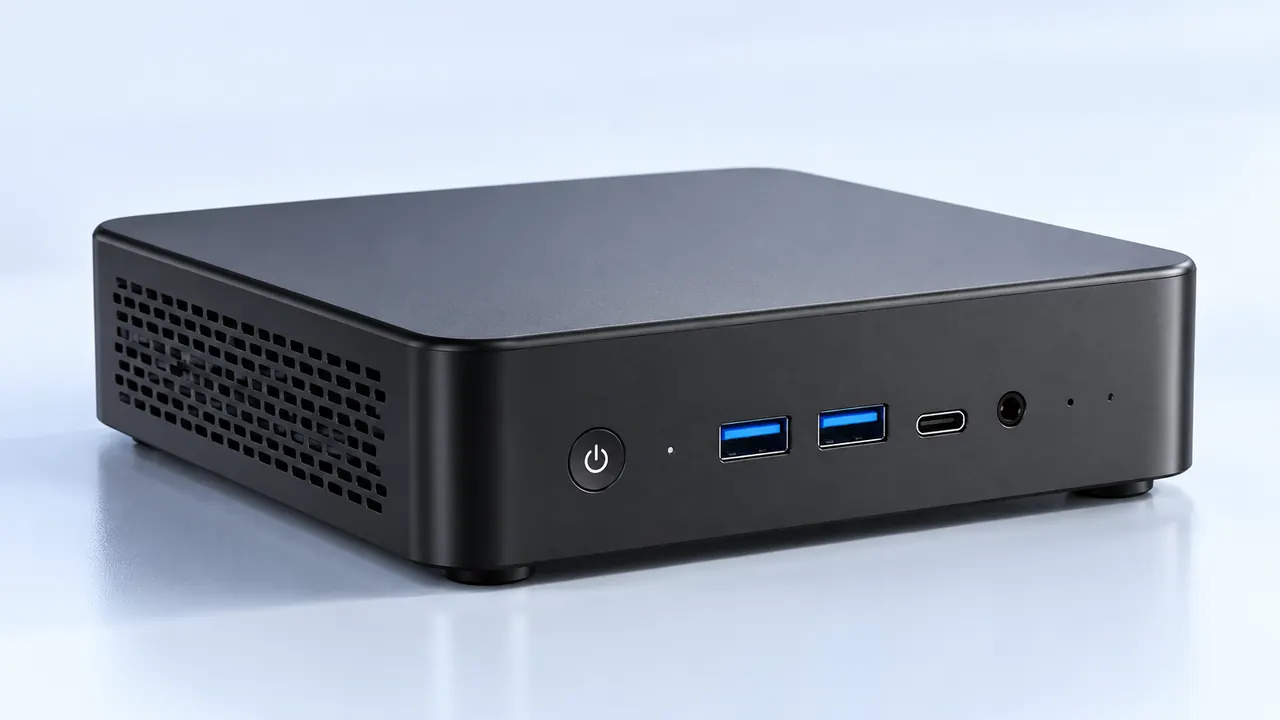
Looking at the average desk setup these days, those massive glass boxes full of blinking lights are starting to feel a bit archaic. It is actually kind of weird how fast the hardware landscape has shifted heading into 2026. People are heavily leaning toward clean, minimalist spaces, but they still want enough graphical horsepower to run demanding games without annoying frame drops. Enter the high-performance gaming mini PC. This little metal brick has evolved from a niche novelty into a completely viable main rig. Watching this transition happen is genuinely fascinating, mostly because the technology has finally caught up to the tiny form factor.

The Shift Toward Specialized Processors in a Gaming Mini PC
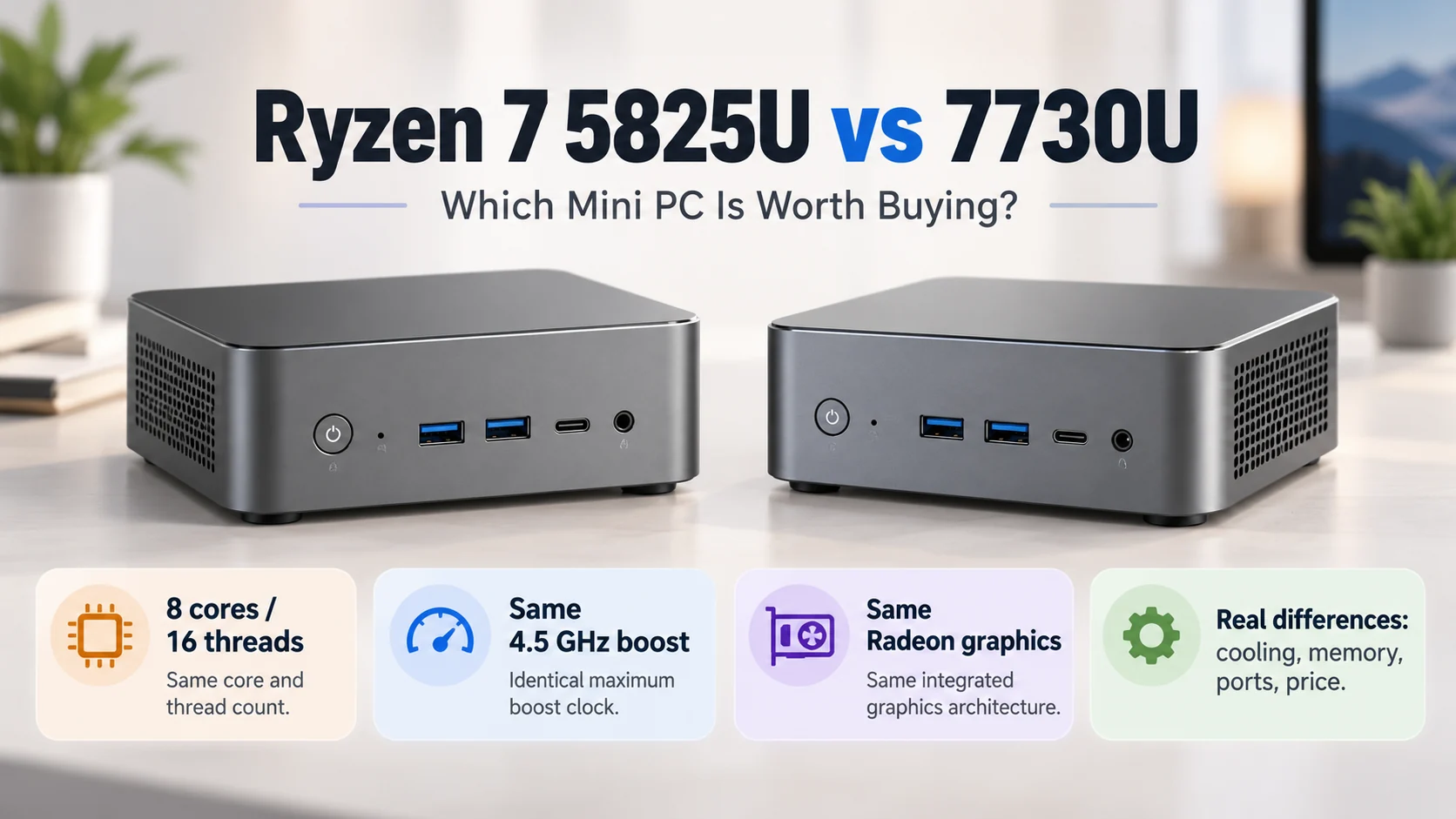
The biggest shift driving hardware buying trends right now comes down to how silicon is actually designed. A few years ago, shoving a high-end processor into a tiny box basically meant dealing with constant thermal throttling. But in 2026, the architecture inside a typical gaming mini PC relies heavily on highly advanced APUs (accelerated processing units) that integrate insane graphics performance directly onto the main chip. It totally removes the need for a massive dedicated graphics card in many desktop scenarios. That is precisely why a powerful mini PC with a well-tuned cooling system can now hold steady frame rates at 1080p and 1440p with nothing but integrated silicon.
Plus, there is the whole AI processor thing. Hardware manufacturers are stuffing dedicated neural processing units into everything now. For a modern gaming mini PC, having an onboard NPU changes a bunch of things behind the scenes:
- It handles background tasks like AI upscaling, instantly boosting frame rates without making the system run significantly hotter.
- Dynamic power routing shifts electricity precisely where it is needed, either to the CPU or the graphics cores, depending on what is currently happening on screen.
- Background noise cancellation and streaming overlays are handled locally without eating into game performance (which is super helpful for casual streamers).
Cooling and Liquid Metal Trends for a Gaming Mini PC
Whenever anyone talks about tiny computers, the very first question is always about the heat. It is a completely fair concern. Physics is stubborn, and powerful chips naturally generate an absurd amount of heat. However, the internal layout of a high-end gaming mini PC today looks vastly different than older models. The days of tiny, whiny plastic fans buzzing annoyingly on the desk are pretty much over.
Manufacturers have heavily embraced vapor chamber technology and liquid metal thermal compounds as standard features. Liquid metal transfers heat way faster than traditional gray thermal paste, allowing the heat to quickly reach the outer chassis or a massive copper heatsink. It makes a staggering difference in keeping the machine quiet during an intense gaming session.
| Cooling Component | Heat Dissipation Efficiency | Typical Noise Level | Lifespan in Small Cases |
|---|---|---|---|
Standard Thermal Paste | Moderate | Tends to cause fan ramping | Dries out after a couple of years |
Premium Liquid Metal | Extremely High | Keeps fans running low and quiet | Generally lasts the life of the machine |
Custom Vapor Chambers | High | Virtually silent passively | Zero maintenance required |
By spreading the heat across a wider internal surface area, the fans inside a high-end gaming mini PC just gently push warm air out the back, rather than spinning like tiny jet engines just to keep the silicon from melting down.
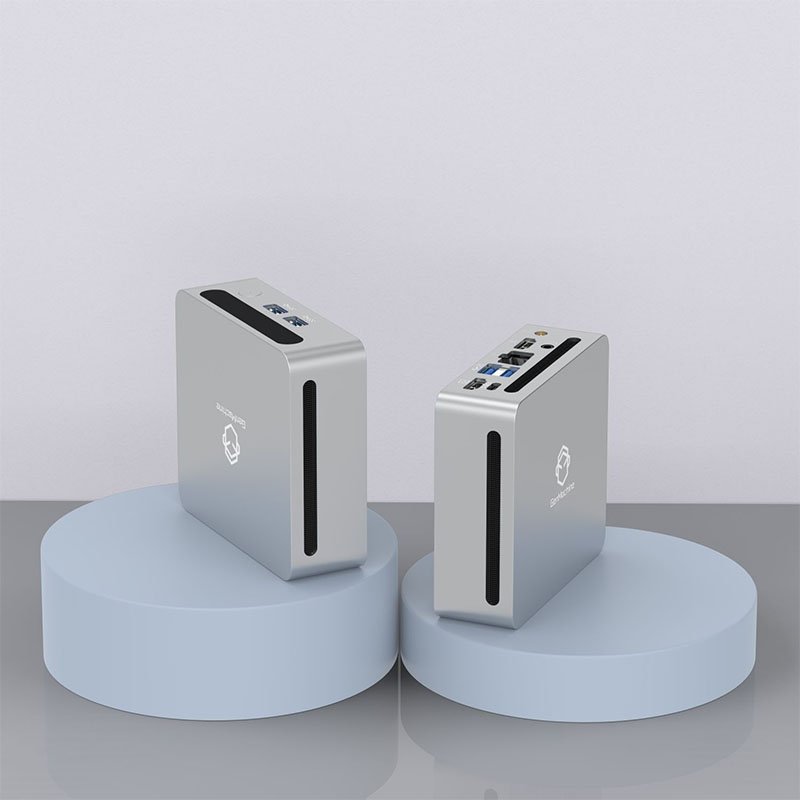
External Upgradability Features in a 2026 Gaming Mini PC
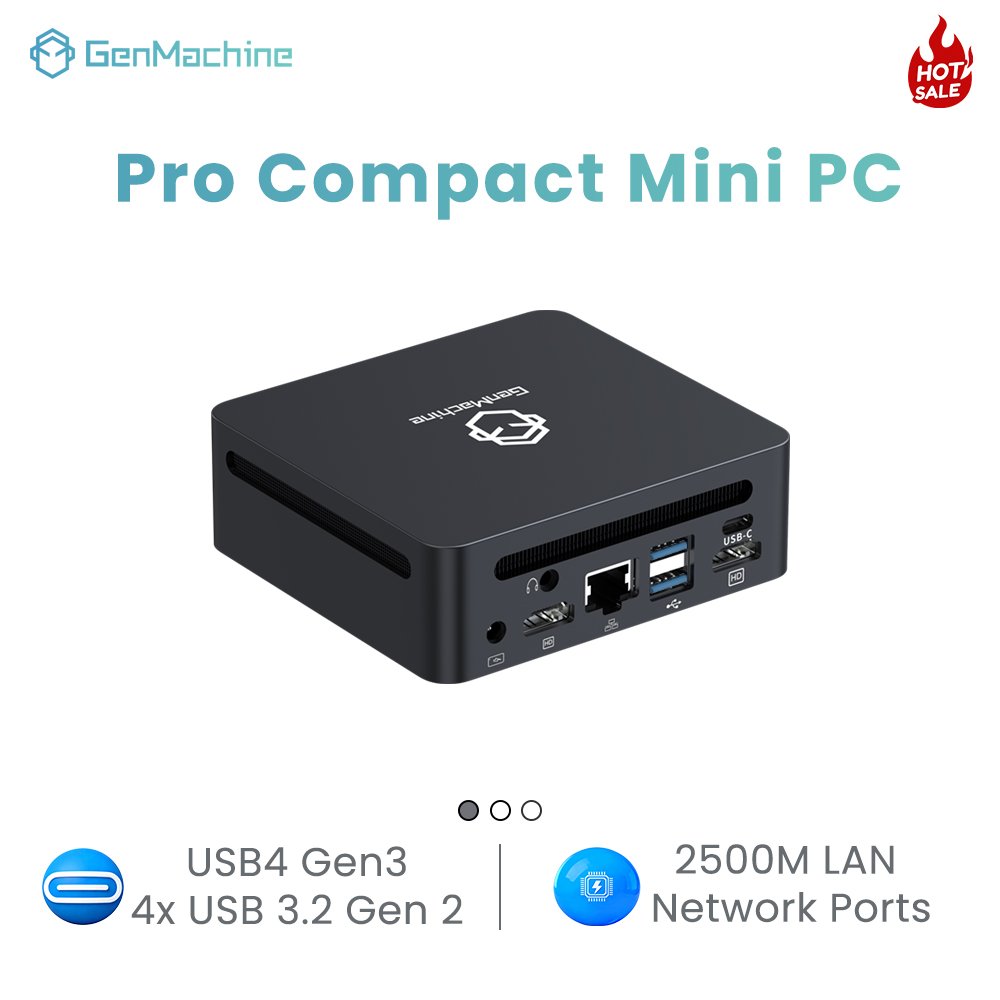
There used to be this massive drawback with buying small form factor hardware, where the machine was basically a sealed box. Whatever specs it came with on day one were exactly the specs it died with. But the current trend totally flips that narrative. The integration of ultra-fast external connection ports means a modern intellectual mini PC can actually tap into desktop-class graphics cards externally when sitting at a desk.
It is a highly practical way to buy hardware today. The setup process for expanding a system’s graphical power has become surprisingly simple:
- Purchase an empty external GPU enclosure and drop in any standard desktop graphics card off the shelf.
- Connect the enclosure to the gaming mini PC using a high-bandwidth Oculink or USB4 cable.
- Install the necessary desktop drivers, allowing the system to seamlessly switch over to the heavier graphics hardware whenever it gets plugged in.
Choosing between an integrated GPU and an external GPU setup really comes down to how often you actually sit at the same desk. This modularity is heavily driving sales, mainly because it gives users the portability of a small box alongside the raw power of a giant desktop setup.
FAQ
Are these tiny machines more expensive than building a full tower?
Generally, there is still a slight premium attached to miniaturized technology. Cramming advanced cooling and densely packed motherboards into a metal enclosure that fits in one hand requires specialized engineering. However, when factoring in the cost of buying a massive case, extra case fans, and a dedicated power supply for a traditional tower, the overall price gap has shrunk significantly in recent years.
Can a modern gaming mini PC run games in 4K resolution?
It really depends on the specific game and the exact configuration of the machine. The highest-end models equipped with the latest APUs can certainly handle older or highly optimized games in 4K. But for the absolute heaviest, most demanding new releases, playing comfortably at 1440p is usually the sweet spot for these devices, unless they happen to be hooked up to an external graphics dock.
How difficult is it to upgrade the internal storage or RAM?
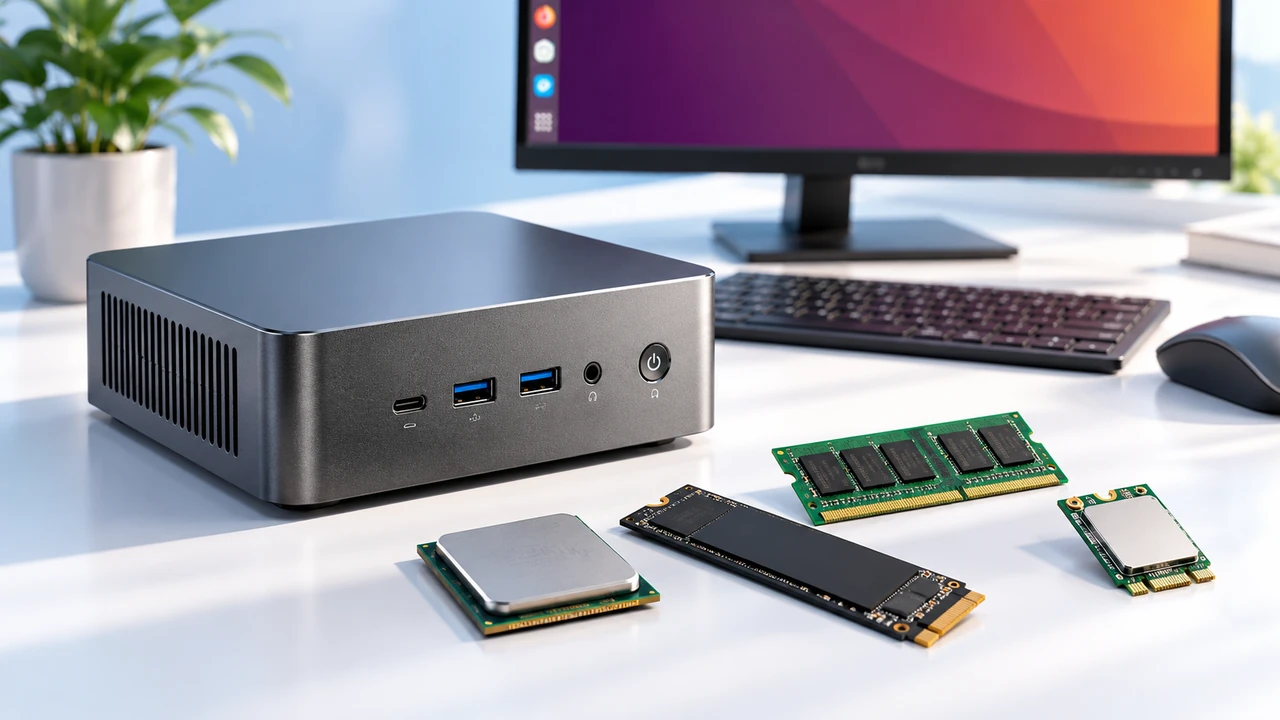
Surprisingly easy. While the main processors are permanently soldered to the board, almost every high-performance gaming mini PC on the market features tool-less or simple screw-off bottom panels. Getting inside to snap in a larger NVMe solid-state drive or swap out the memory sticks usually takes less than five minutes, even for someone who has never tinkered with computer hardware before.