AMD Ryzen mini PCs have become the default small host for home labs, edge nodes and quiet offices, and many buyers intend to replace the preinstalled Windows licence on day one. Most walkthroughs reduce the installation to next-button clicks and omit what decides success: firmware defaults and driver coverage.
Ubuntu installs on an AMD Ryzen mini PC in five stages: match the release to your APU generation, write a verified ISO to a USB drive in UEFI mode, set firmware to UEFI boot with Secure Boot enabled, install to the internal NVMe drive with a GPT layout, and confirm after the first reboot that amdgpu and the wireless module work. The processor is rarely the obstacle; firmware defaults and peripheral modules cause almost every failure.
The sections below follow that sequence.
Is an AMD Ryzen Mini PC Ready for Ubuntu Out of the Box?
Yes, for any Ryzen mini PC built on Zen or later. amdgpu lives inside the kernel, so no proprietary package is needed before the display works, and every APU from entry-level dual-core parts to eight-core Zen 4 chips is covered by a current long-term-support image. What varies is firmware defaults, the wireless module, and the age of the kernel inside the ISO.
Why AMD Ryzen Mini PCs Work Well With Linux
Three layers decide how well Linux runs on these machines, and only one is the processor. amdgpu is part of the mainline kernel, present in the live session and the installed system from the first boot. Mesa supplies the OpenGL and Vulkan implementations applications call, and its version shapes real performance more than the kernel number does. A firmware package provides the microcode the graphics and wireless blocks load at boot.
On an AMD Ryzen Mini PC built in the last five years, the installer reaches an accelerated desktop on the first attempt. Peripherals are the weak point: wireless modules are soldered to the board and change between production runs.
Where Compatibility Still Breaks
Four patterns account for most reports, none requiring new hardware.
- A new APU paired with an ISO whose kernel predates its graphics block.
- Firmware defaulting to a storage mode the installer cannot read, or hiding the USB drive.
- A wireless module whose firmware postdates the ISO.
- Suspend behaviour that depends on firmware tables.
Matching the Ubuntu Release to Your Ryzen Generation
| Ryzen generation | Typical models | 24.04.5 LTS | 26.04.1 LTS |
| Zen and Zen+ APUs | 2200U, 2500U, 2700U | Works | Works |
| Zen 2 and Zen 3 APUs | 4500U to 5800U, 5700U | Works | Works |
| Zen 3+ and Zen 4 | 6600H, 6800H, 7735HS | Works | Works |
| Zen 4 Phoenix | 7840HS, 7940HS, 8845HS | Works | Works |
Both LTS lines now reach the same kernel series: 24.04.5 tracks the hardware-enablement kernel, which has arrived at 7.0, and 26.04 ships 7.0 as its general-availability kernel. A newer release therefore does not by itself buy better graphics support, and the 26.04 release announcement documents the support window. Nor does the amd64v3 optimisation level gate installation, since standard desktop images stay on the baseline target.
What Do You Need Before Installing Ubuntu?
A USB drive of 8 GB or more, a verified ISO, a wired keyboard, a monitor cable matching a port the machine has, and a backup of anything on the internal drive. No network connection is required during installation, although a wired one shortens the first update cycle.
Ubuntu Desktop vs Server: Which Installation Should You Choose?
The two images answer different questions. The desktop image boots a live session and, at the installation-type step, offers a Default and an Extended selection. Default is the lean configuration, with no office suite or media applications, which answers the minimal-installation question: no separate minimal image exists.
The server image has no graphical stack and produces a command-line system, the correct choice for a headless node. Its requirements are far lower: the official Ubuntu system requirements list 1.5 GB of RAM and 5 GB of storage for an ISO install, with 3 GB and 25 GB suggested for real use.
The Physical Checklist
- An 8 GB USB drive on a USB 3 port, or 16 GB to keep more than one image.
- A wired keyboard and a monitor cable matching a port the machine has, since Bluetooth peripherals are not paired until an operating system runs.
How Do You Create a Bootable Ubuntu USB?
Verify the checksum first, then write the image in a mode that produces a GPT layout with a UEFI bootloader. A drive written for legacy boot will not appear in the boot menu of a machine set to UEFI-only.
Flashing From Windows
Use a writer that writes the ISO as a raw image rather than extracting its files. Set the partition scheme to GPT, the target system to UEFI, the file system to FAT32, and leave the image in ISO mode. Compare the published SHA256 checksum before writing; a truncated download fails at a different point each time.
Flashing From Linux or macOS
Identify the device with lsblk, confirm the size, then write with dd using a 4 MB block size and a sync on completion. The command is short and the failure mode is total, because writing to the wrong device destroys that disk. A graphical startup-disk writer achieves the same result with less risk.
Which BIOS Settings Should You Check?
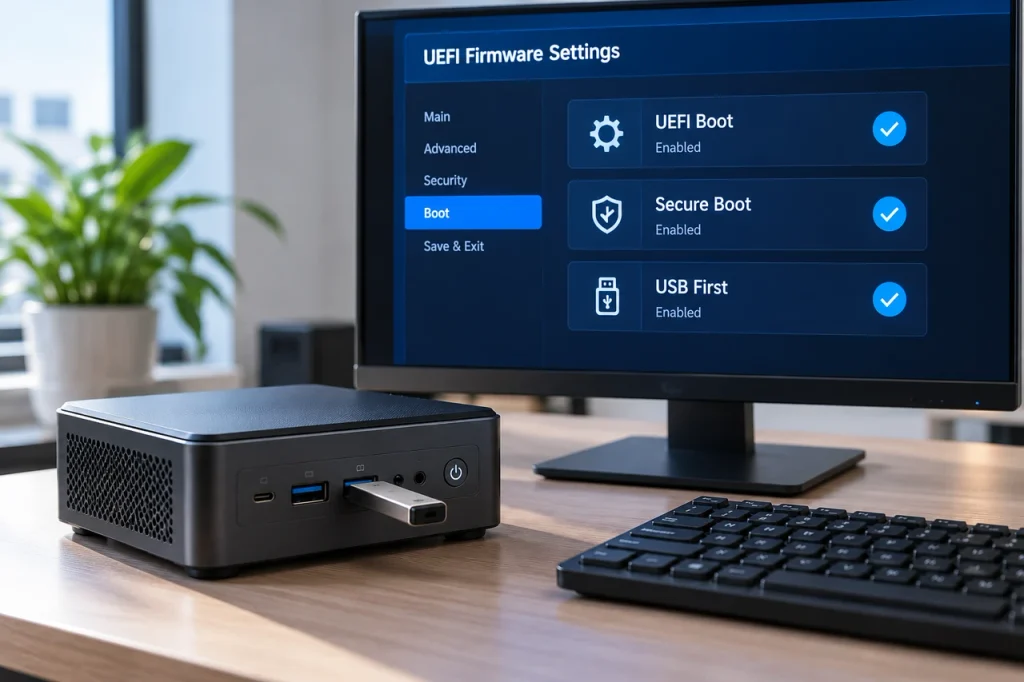
Only three settings have to be right: boot mode set to UEFI, boot order pointing at the USB drive, and Secure Boot left enabled. Everything else is conditional troubleshooting or should stay where the vendor put it. Disabling Secure Boot as a first move hides the real fault instead of fixing it.
| Setting | Classification | Value | Why it matters |
| Boot mode | Required | UEFI | A GPT install needs it; legacy CSM creates a mixed layout |
| Secure Boot | Required | Keep enabled | The bootloader is signed |
| Boot order | Required | USB first, NVMe second | Otherwise the internal drive wins |
| Fast Boot | Check if needed | Disable temporarily | The USB drive is not enumerated in time |
| Storage or NVMe mode | Check if needed | AHCI or NVMe, not RAID | The installer shows no disks |
| IOMMU | Leave at default | Auto | Only matters for passthrough |
| Above 4G Decoding | Leave at default | Auto | Current boards handle it |
| UMA Frame Buffer | Leave at default | Auto | Reduce only to reclaim memory |
| ErP or ErP Ready | Leave at default | Disabled | Enables wake-on-LAN |
Getting Into the Firmware Menu
Firmware keys vary by vendor and batch: Delete, F2, F7 and F11 all appear on compact AMD boards. Connect the keyboard before switching on and tap the key repeatedly from power-on. A Mini PC BIOS setup tutorial covers the same menus page by page.
How to Install Ubuntu on an AMD Ryzen Mini PC: Step by Step
Boot the USB drive, choose the try-before-install option, confirm networking and display output, then install with a GPT layout and a 1 GB EFI system partition. The only irreversible step writes the partition table.
Try Ubuntu Before You Commit
The live session exists so that this check happens before anything is destroyed. Confirm the wired connection works, the wireless network appears and the display reaches its native resolution, then suspend once and wake. A missing adapter here will still be missing afterwards.
The Installer Walkthrough
- Select the USB entry from the one-time boot menu. If it does not appear, the drive was written for legacy boot or fast boot is hiding it.
- Choose the try-before-install option, complete the checks above, then start the installer.
- Set language and keyboard layout, and test a special character, because the layout governs every password typed afterwards.
- Connect the network if a cable is available, then choose Default or Extended selection.
- Choose the disk: erase-and-install for a dedicated machine, manual partitioning for dual boot.
- Create the user account and hostname, which is how the machine is reached over SSH, so avoid spaces.
- Reboot, remove the drive, and confirm the internal drive is first in the boot order.
Partition Layout for a Single NVMe Drive
| Partition | Size | Format | Flags | Purpose |
| EFI system partition | 1 GB | FAT32 | esp, boot | Bootloader and kernels |
| Root | 60 to 100 GB, or the remainder | ext4 | none | System and applications |
| Swap | zram by default, or a 4 to 8 GB file | swap | none | Memory pressure |
| Home, optional | Remainder | ext4 | none | Survives a reinstall |
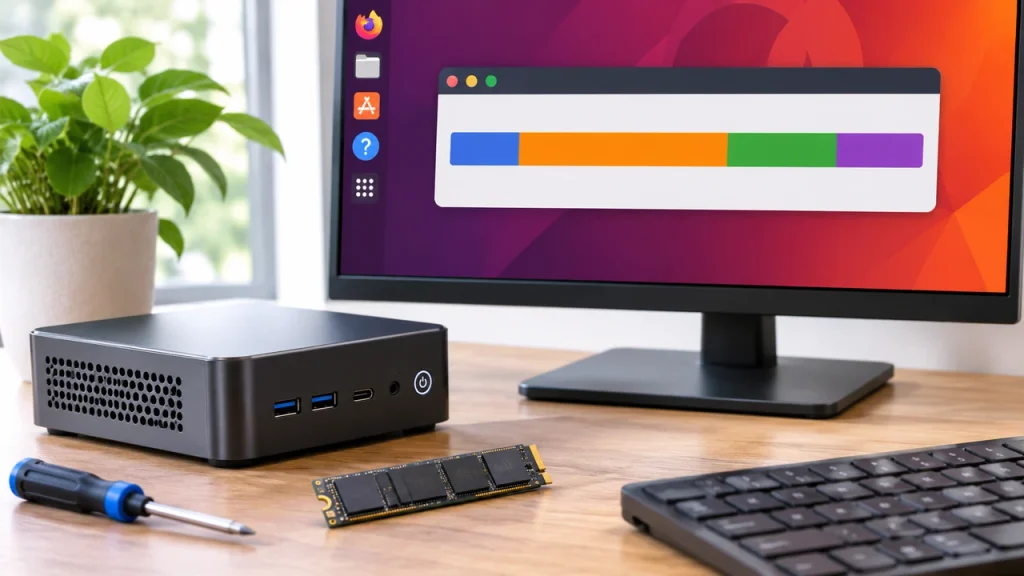
The EFI partition deserves scrutiny: a 100 MB partition inherited from Windows is often too small once kernels accumulate, and running out of space looks like a bootloader bug. If you are replacing the drive, install an SSD and partition it first.
Dual Booting With the Pre-Installed Windows
- Back up files and save the BitLocker recovery key first; without it, a firmware change can lock the volume.
- Check the encryption state: suspending protection is not decrypting, so suspend it for repartitioning or decrypt the volume if the edition allows.
- Shrink the Windows volume from inside Windows, leaving the space unallocated and avoiding a layout shaped around immovable files.
- Install into the unallocated space and keep the existing EFI partition; formatting it takes Windows with it.
- Confirm both loaders are listed in the boot order; a missing Windows entry can be regenerated from a live session.
What Should You Do After Installing Ubuntu?
Update the package index and installed packages, confirm that amdgpu has bound to the display controller, verify that wireless and Bluetooth loaded their firmware, and apply any board firmware update the vendor publishes. These four checks take ten minutes and prevent most problems that surface a week later.
Verifying the Graphics Stack
Two commands settle whether the graphics stack works. lspci with the kernel driver flag should report amdgpu in use for the display controller, and a query of the OpenGL renderer should name the integrated Radeon block; a software renderer such as llvmpipe means the driver loaded but never took over. If the renderer is software, check for a leftover nomodeset parameter, then a firmware package older than the hardware, then a kernel older than the APU. AMD’s official processor specifications identify which graphics block a model carries.
Wireless, Firmware, and Kernel Updates
Perform a full upgrade before diagnosing anything else, then check the firmware update service for board-level updates, which on compact machines often fix suspend and fan behaviour. On a machine built within two years the hardware-enablement kernel is usually the better default.
How Do You Fix Common Ubuntu Installation Problems?
Diagnose inside the live session rather than after the install. If the installer cannot see the disk, the problem is the storage mode. If the screen stays black after the boot menu, it is the graphics modeset. If the system installs but will not start, it is the boot entry or the EFI partition.
| Symptom | Most likely cause | First action |
| Black screen after the boot menu | Modeset on an unsupported block | Boot with nomodeset, then remove it |
| Installer lists no disks | Storage mode set to RAID | Switch to AHCI and restart |
| Freeze at the logo | ACPI or interrupt routing | Try the software IOMMU option |
| Installs but will not boot | EFI partition too small | Check the partition and boot order |
| No wireless after installation | Firmware newer than the ISO | Update the firmware package |
| Freezes under sustained load | Power management or firmware | Update firmware, disable deep idle |
Reading Logs the Right Way
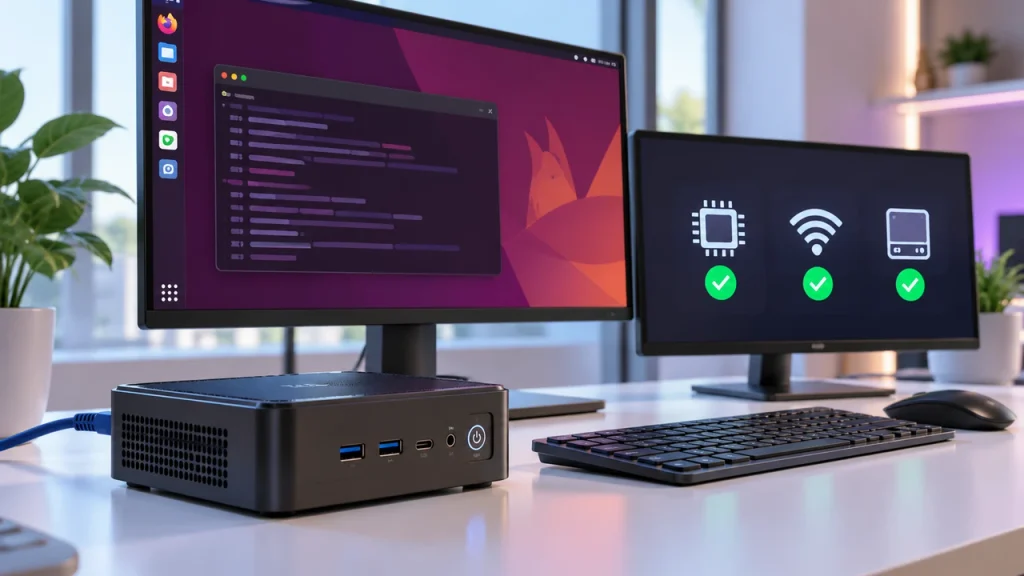
Use the journal first, because it exists on every current installation. A query scoped to the current boot shows what happened during startup, and a kernel-only query isolates driver and firmware messages from service noise. Installer logs live in their own directory and are the place to look when the failure falls between partitioning and bootloader installation, while a file-based system log exists on some images only.
How Much RAM Does Ubuntu Need on a Mini PC?
Eight gigabytes is the practical floor for a comfortable desktop, four gigabytes is workable for a lean desktop or light server role, and two gigabytes is realistic only for a headless server or one of the lighter Ubuntu editions. Published minimums describe what the installer needs, not what a desktop session consumes.
| Installed RAM | Desktop role | Server role | Realistic verdict |
| 2 GB | Not recommended | Minimal headless services | No headroom for containers |
| 4 GB | Lean desktop, browser and terminal | File or DNS server | Expect swapping |
| 8 GB | Comfortable general desktop | Application server, containers | The sensible default |
| 16 GB | Development with virtual machines | Database or build server | Comfortable for one node |
| 32 GB | Heavy multitasking, local models | Multiple services on one host | Beyond most mini PCs need |
When 2 GB Stops Being Enough
Two gigabytes stops being enough when the machine must hold a compositor, a browser and a package manager at once. Swap and compressed memory postpone that failure rather than preventing it. A lighter Ubuntu edition, or the server image, runs acceptably at that size; a full desktop does not.
If the plan includes containers or virtual machines alongside a desktop session, memory becomes the constraint before the processor does. An eight-core Ryzen 7 Mini PC with 32 GB is a reasonable floor.
Is Ubuntu Better Than Windows on a Ryzen Mini PC?
For a headless server, a development node or a kiosk, Ubuntu is the better fit: lower idle memory, no per-machine licence, and remote administration over SSH from the first boot. For office productivity, commercial creative software and gaming, Windows remains the simpler choice, and the hardware ships tuned for it.
| Dimension | Ubuntu | Windows |
| Idle memory | Lower, no background service stack | Higher, with telemetry and update services |
| Driver source | In-kernel, plus one firmware package | Vendor packages per component |
| Update cadence | Controlled by the administrator | Scheduled by the vendor, restarts imposed |
| Remote management | Native over SSH | Requires additional tooling |
| Gaming and media playback | Improving, still narrower | Broader hardware and title support |
Choose Ubuntu when the machine is a server, a build agent or a developer workstation and nobody depends on commercial desktop applications. Keep Windows when it is someone’s primary office computer or the software is Windows-only.
Should You Standardise on Ubuntu Mini PCs for a Fleet?
Yes, when the machines are headless or centrally managed. One image replicates across identical hardware, updates can be scheduled, remote access works from the first boot, and there is no per-device licence to track. The conditions are hardware consistency and one LTS release across the estate.
The failure mode in fleet deployment is variation, not Linux. Two units with the same model name but different wireless modules will not behave identically after imaging, and three APU generations multiply the kernel and firmware combinations to validate. Standardising on one model and one LTS release, then validating suspend, networking and graphics on one unit before ordering the rest, removes most of the risk. Where the estate justifies it, Wholesale Mini PC purchasing on a single specification is easier to support than the same count from mixed batches.
FAQ
Can you install Ubuntu on a mini PC that shipped with Windows 11?
Yes. The preinstalled licence does not lock the hardware, and Secure Boot does not block the installation because the bootloader is signed. The licence stays attached to the firmware and can be reused if you return to Windows. The only real preparation is the encryption state of the existing volume.
Does Ubuntu support the Radeon 780M integrated graphics?
Yes. The 780M is driven by amdgpu, part of the mainline kernel, with Mesa providing the user-space stack. Hardware video decode and Vulkan both work on current LTS releases. What varies is performance, not support: the block shares system memory, so memory speed affects results more than the driver version does.
Can you run Ubuntu from the USB drive without installing it?
Yes. The desktop image boots a live session from the drive and the machine’s memory, with no writes to the internal disk. It is slower than an installed system and nothing persists between reboots, but it is the right way to test wireless, display output and suspend before committing.