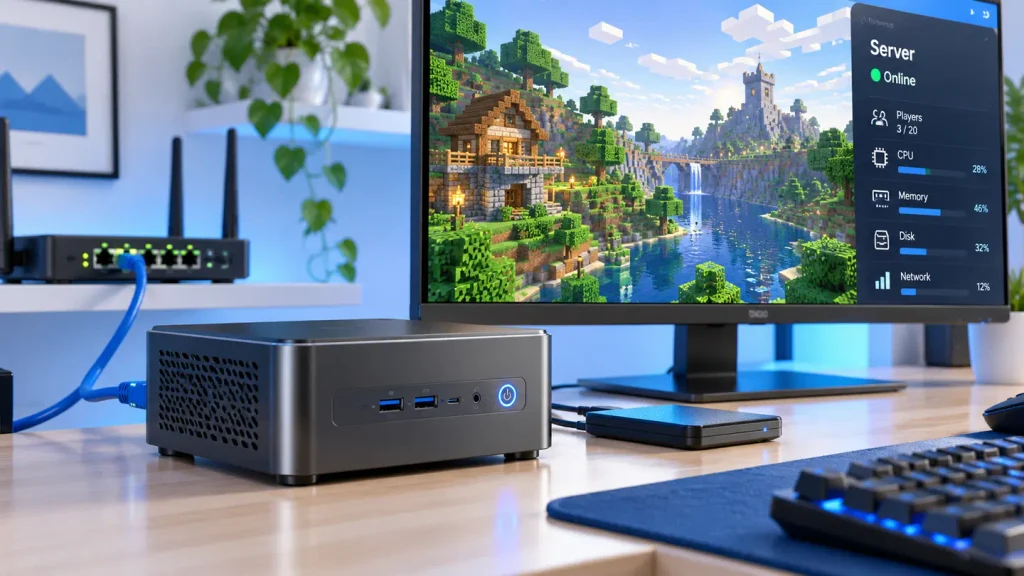
A spare desk, a fibre router, and a handful of friends who want a world that stays online after everyone logs off: that is how most private servers begin. A rented host bills monthly for a machine nobody can touch, and a tower hums in the corner all year. A compact desktop sits between those options: small enough for a shelf, cheap enough to leave on.
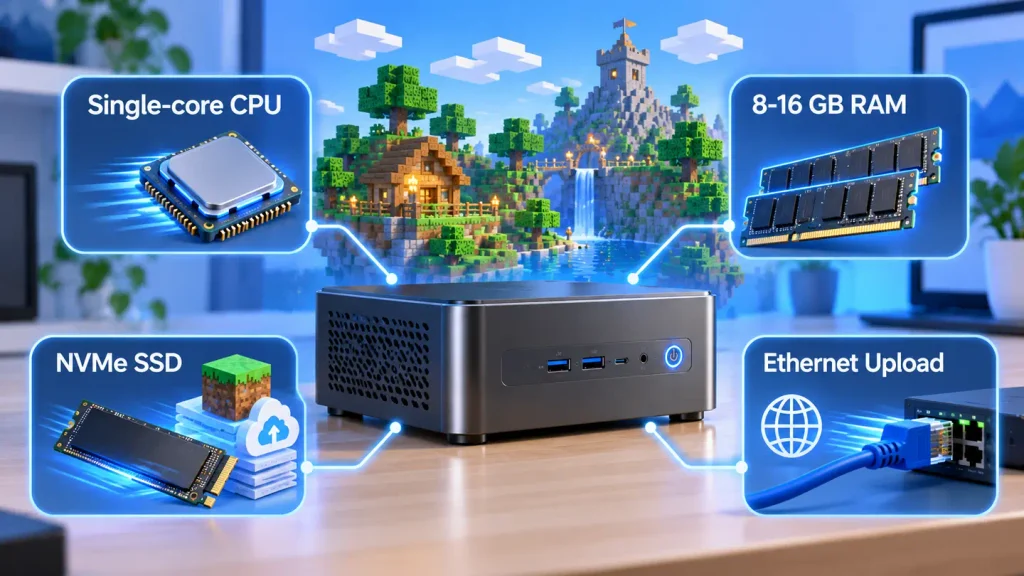
A Mini PC can run a Minecraft server, and for most private groups it is the better choice. A modern four-thread processor with 8 GB of memory holds a vanilla world for one to five players at default view distance, while a 16 GB machine with stronger single-core performance carries ten to fifteen players, plugins, and backups without strain. What decides success is not the size of the case but single-core speed, memory headroom, and storage that can absorb constant world writes.
The sections below work through those three variables, then turn them into a specification you can buy against.
Can a Mini PC Be Used for a Minecraft Server?
Yes. A compact desktop built around a modern mobile processor has more than enough compute for a private Java Edition world, and its low idle power and small footprint make it a better fit for always-on hosting than a gaming tower.
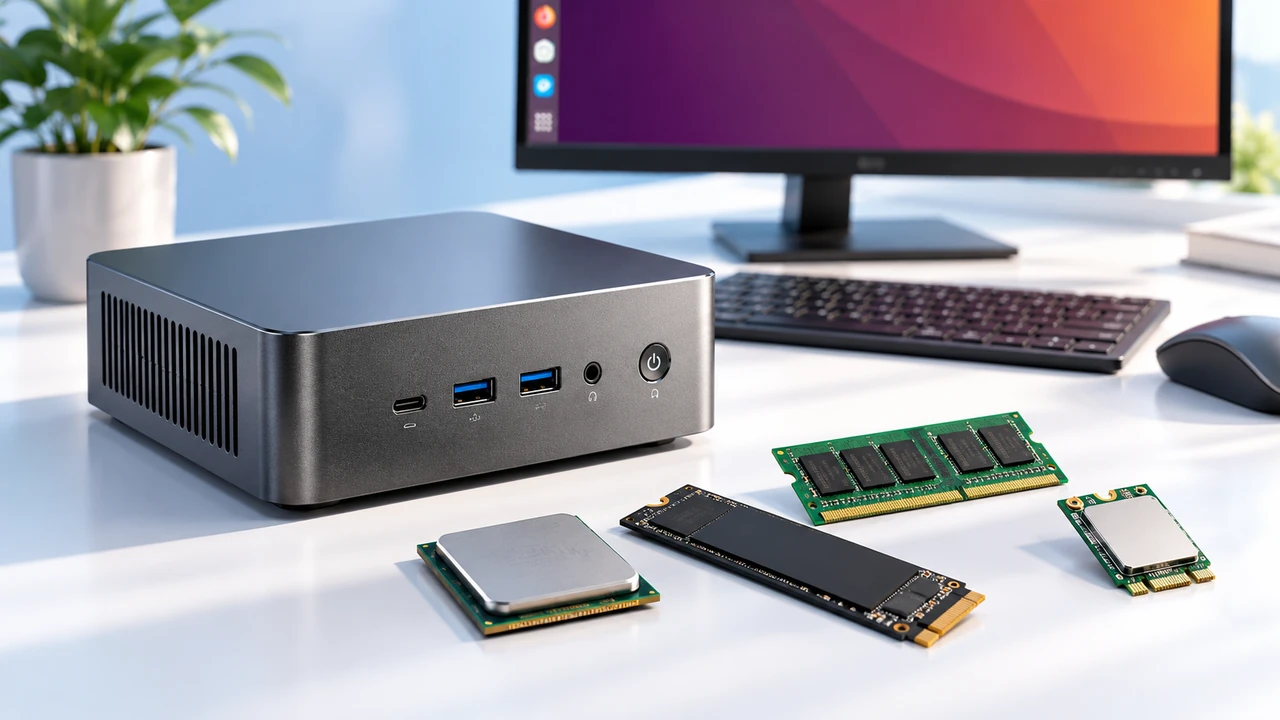
Server software is a console application. It renders nothing, needs no display adapter, and spends its life advancing a simulation and writing region files. That workload maps poorly onto gaming hardware and very well onto hardware built for office fleets: modest sustained clocks, a solid-state drive, and a chassis designed to run unattended. The same components appear in a mini PC for NAS and server build, which is why the form factor became the default for home hosting.
Why Mini PCs Work Well for 24/7 Hosting
- Idle draw of 6 to 12 watts, against 40 to 60 for a desktop at idle.
- No discrete graphics card, so fewer parts to fail and no second fan at night.
- Serviceable memory and storage on most models.
- A footprint that fits a network shelf.
When a Mini PC May Not Be Powerful Enough
A modded pack with two hundred mods and twenty players exhausts both memory and single-core headroom, and a public server averaging thirty concurrent players needs bandwidth and redundancy that belong on rented infrastructure. Dense chassis also throttle under sustained load, and most models stop at two memory slots.
What Does a Minecraft Server Actually Need?
The server is a tick-driven simulation rather than a graphics workload. One thread advances the world twenty times per second, and chunk generation, network traffic, and garbage collection are scheduled around that thread. Every sensible hardware decision follows from that fact.
Why Single-Core CPU Performance Matters
A server that cannot finish twenty ticks per second falls behind, and every player feels it as block lag. Because the tick loop is effectively serial, the metric that predicts smooth play is single-core throughput: instructions per clock multiplied by the frequency the processor holds for hours, not the boost figure on the box. Extra cores help with chunk generation and the collector.
Four threads is a sensible floor for a small server, and returns flatten after six to eight. That is why a high-performance mini PC with strong sustained clocks usually beats a higher-core part that throttles inside a thin chassis.
How Players, Chunks, and Mods Affect RAM Usage
Memory is consumed by the loaded world, not by the player list alone. Each connected player carries an object of roughly 50 to 100 MB before their surroundings are counted, and every chunk kept loaded around them costs more. Redstone machinery and mob farms push the same number up without adding players. A heavy mod pack can want 6 to 12 GB of heap before it feels comfortable.
Storage and Network Demands
World saves grow with exploration, since region files accumulate wherever players travel. A solid-state drive keeps autosaves from stalling the tick loop, and capacity must cover the world plus one full backup. On the network side the default port is 25565 over TCP, wired Ethernet beats wireless for stability, and upstream matters more than download: a few hundred kilobits per second per player is a reasonable planning figure.
Minimum Hardware Requirements for a Minecraft Server
Published minimums describe what will start, not what stays playable. A gigabyte of heap and a dual-core processor will load a world and then stutter the moment two players walk apart. Three positions matter: what the software requires, what a small group needs, and what leaves room to grow.
CPU: Single-Core Performance and Thread Count
The software requirement is nominal: any modern x86-64 processor will do. In practice, plan on four threads and sustained clocks above 2.5 GHz for vanilla, six to eight threads for plugins and mods. Prefer a processor that holds its clocks in a small chassis over one with a higher peak and a lower sustained ceiling.
RAM: Total System Memory vs. JVM Heap
The heap flag is not the whole machine. A server given 4 GB of heap still needs memory for the operating system, the runtime outside it, and any backup process, so 8 GB of physical memory is the floor for a 3 to 4 GB heap. Set the initial and maximum heap to the same value to avoid resizing pauses, and never leave the system so little that it swaps; the mini PC memory and SSD guidance covers what a model will accept.
Storage: SSD Capacity, World Saves, and Backups
128 GB is the floor, 256 GB is comfortable, and 512 GB removes the question for years. Prefer NVMe over SATA where both are offered, keep the world on the fast drive, and send backups elsewhere so a failed drive does not take the copies with it.
Network: Upload Speed, Ethernet, and Port Forwarding
Check upstream bandwidth first, then connect by cable. Port forwarding on 25565 is the standard route for a home server; behind carrier-grade NAT, a relay or tunnel is required instead. Latency matters more than headline speed.
Java Runtime and Operating System Requirements
The runtime is tied to the game version, and this is where older guides are out of date. Worlds from 1.18 through 1.20.4 need Java 17, versions 1.20.5 through 1.21.11 need Java 21, and everything from 26.1 onward requires Java 25, as the Minecraft Java Edition 26.1 release notes confirm. The Paper documentation lists the same mapping release by release.
A headless Linux installation leaves more memory for the server than a desktop environment does and restarts cleanly after a power cut. A desktop system works fine and is easier for anyone unfamiliar with a shell. Either way, disable sleep and schedule updates outside play hours.
Minecraft Server Hardware Requirements by Player Count
The table below is a planning starting point, not a benchmark result. It assumes Java Edition, a dedicated server process, no game client on the same machine, and default view distance. Treat each figure as where a configuration becomes comfortable, not the line where it fails.
| Players | CPU direction | System RAM | JVM heap | Storage |
| 1 to 5 | Modern four-thread processor | 8 GB | 2 to 4 GB | 128 GB SSD |
| 6 to 15 | Strong single-core, 6 to 8 threads | 16 GB | 4 to 6 GB | 256 GB NVMe |
| 16 to 30 | High sustained clocks, generous cooling | 16 to 32 GB | 6 to 10 GB | 512 GB NVMe |
| 30 and above | Dedicated host, not a compact desktop | 32 GB and up | By measurement | 1 TB NVMe |
| Large modded packs | Set by the pack, not the player count | 16 to 32 GB and up | Per pack instructions | 512 GB NVMe |
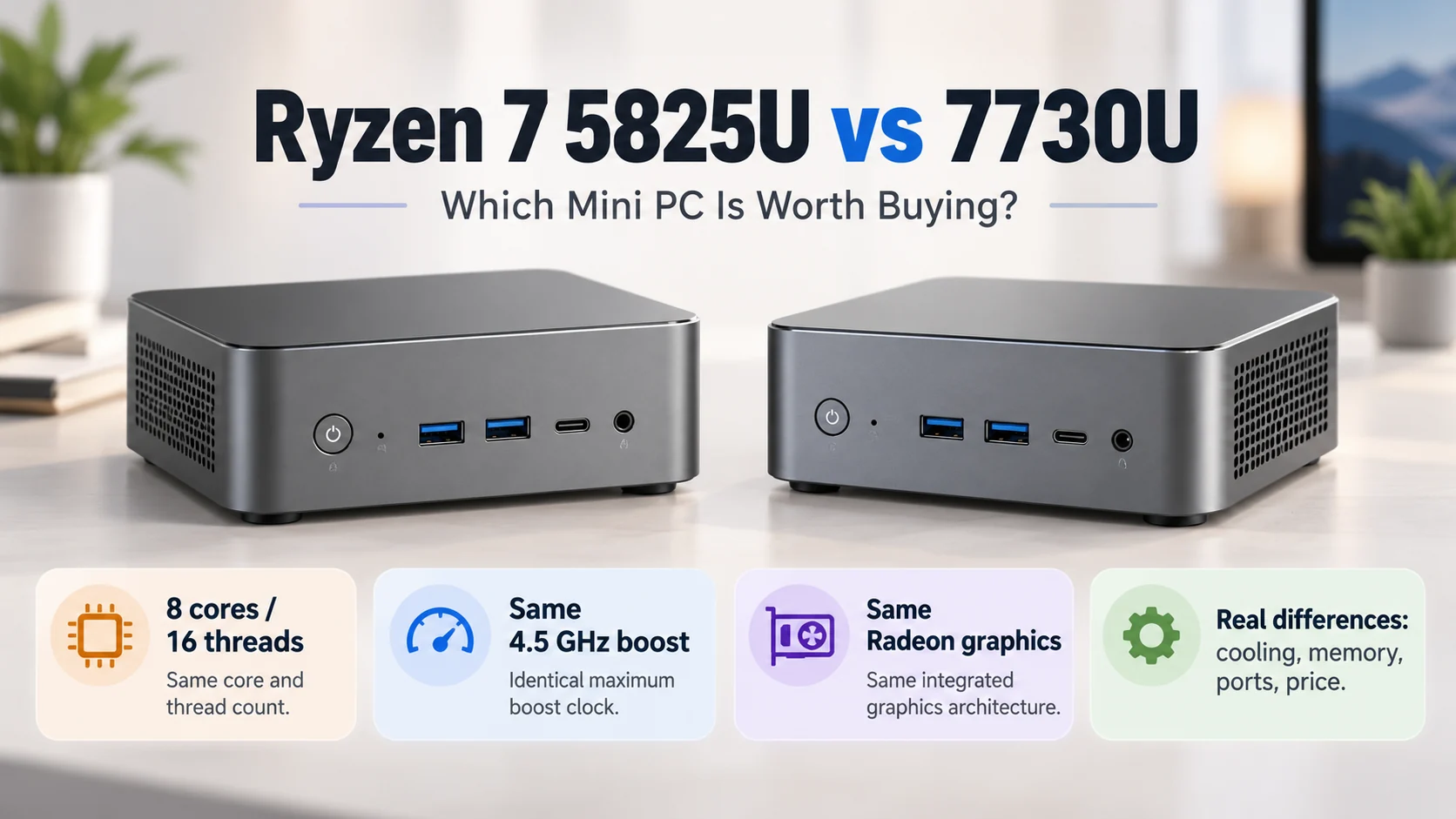
Two clarifications keep it honest. Heap is not the process footprint: thread stacks and off-heap buffers add several hundred megabytes, so a 6 GB heap on a 16 GB machine is not wasteful. The middle tiers are also where a Ryzen 7 mini PC earns its place, because six to eight threads cover plugins, a web map, and a dozen players without hitting the thermal limit.
Which Mini PC Should You Choose for a Minecraft Server?
Match the machine to the world, not the price list. Three tiers cover nearly every private server: a low-power four-thread box for a few friends, a six to eight thread machine for a shared world with plugins, and a high-clock part with expansion room for modded play.
Budget Mini PCs for Small Private Servers
Look for four threads, 8 GB of memory, and a 128 to 256 GB drive. This tier handles a vanilla world for one to five players at view distance eight to ten on very little power. It is also where soldered memory appears most often, so confirm the configuration first.
Ryzen Mini PCs for Larger Multiplayer Worlds
Six to eight cores, 16 GB across two slots, and a chassis that survives an evening of exploration. This is the sweet spot for ten to fifteen players, light plugins, and a nightly backup job. Dual M.2 slots are worth paying for, since they let the world and the backups live on separate devices.
What to Check Before Buying
- Memory slots and maximum supported capacity, not just the shipped amount.
- M.2 slot count, drive generation, and whether the drive is replaceable.
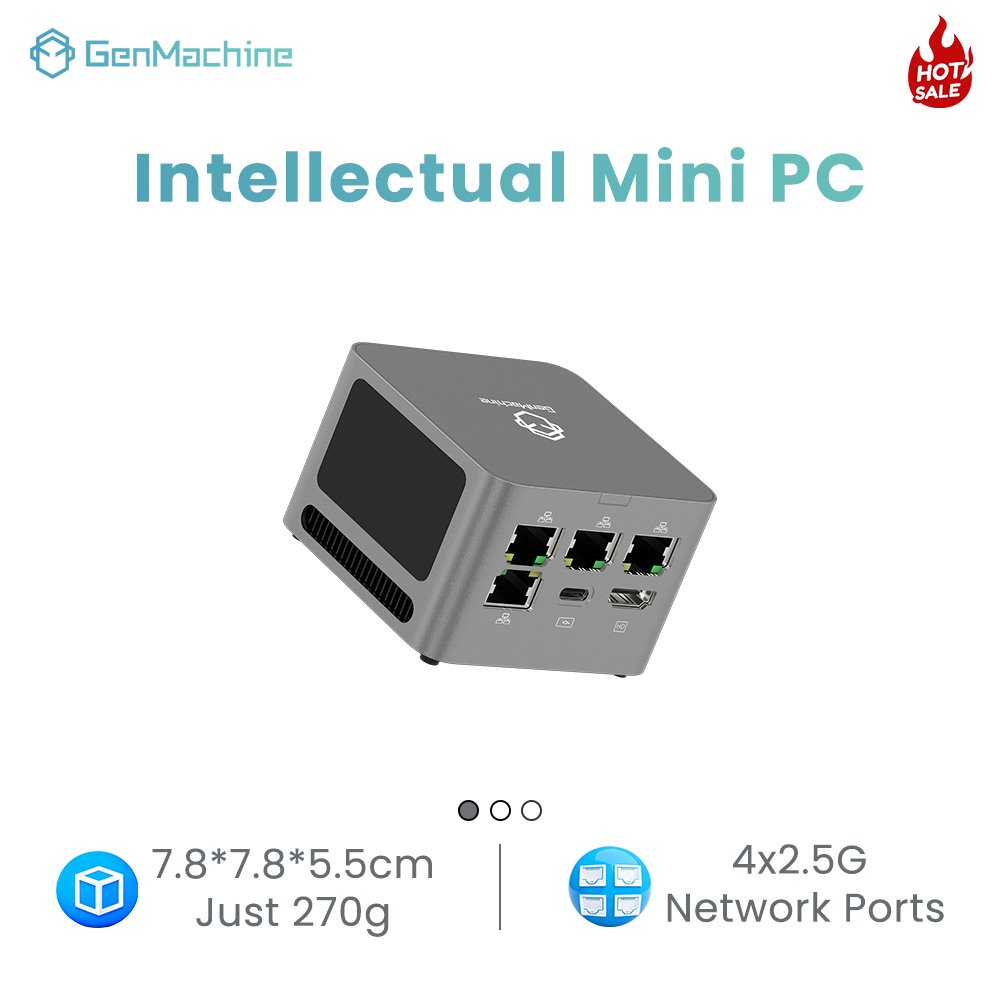
- Wired network speed, and a second port for file sharing.
- Cooling design, and whether the fan is serviceable after two years of dust.
- Firmware that restores power automatically after an outage.
Teams buying for a club, a classroom, or a small studio need one fixed specification across units, and a custom mini PC build settles that at the factory instead of in a spreadsheet after delivery.
How to Improve Minecraft Server Performance on a Mini PC
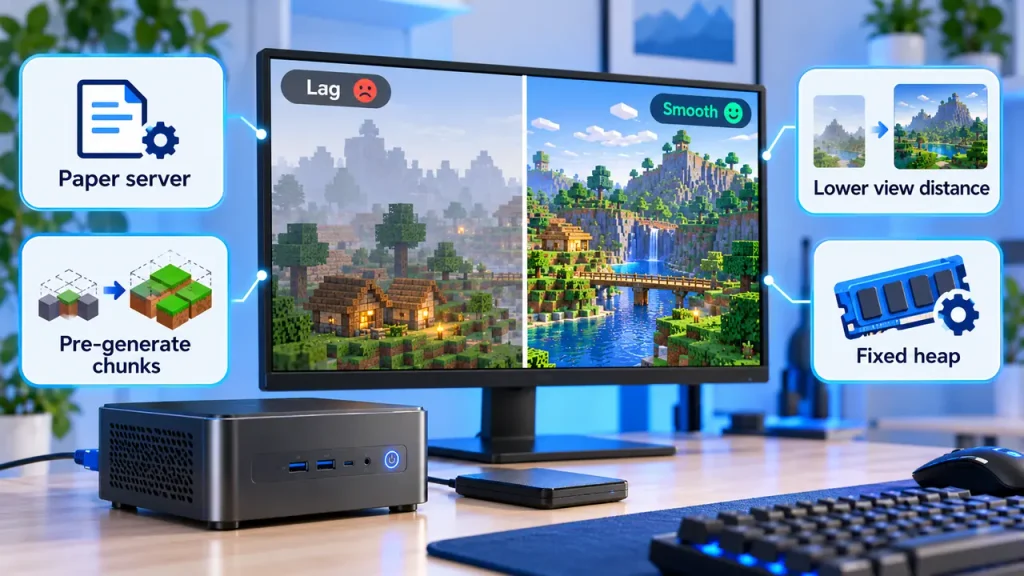
Software settings buy more headroom than most hardware upgrades. The same machine that stutters at view distance twelve runs smoothly at eight, with pre-generated chunks and a lighter server implementation.
Vanilla vs. Paper and Modded Server Software
The vanilla server is the reference implementation, not the efficient one. Paper and its derivatives rework chunk handling, entity ticking, and packet processing, cutting memory use and tick time for the same world. Modded servers sit at the opposite end: mod loaders add content and overhead together, so the same player count needs far more.
Reduce View Distance and Simulation Distance
View distance decides how many chunks each player keeps loaded; simulation distance decides how many of those actively tick. Lowering both is the fastest single fix for memory pressure and tick lag, and players notice stutter far more than a closer horizon.
Pre-Generate Chunks and Configure JVM Memory
Exploring virgin terrain forces the server to generate chunks while players wait, which is why the first expedition always feels worse than the twentieth. Pre-generating the map moves that cost off-peak. Pair it with a fixed heap, then measure.
Power Consumption and 24/7 Reliability
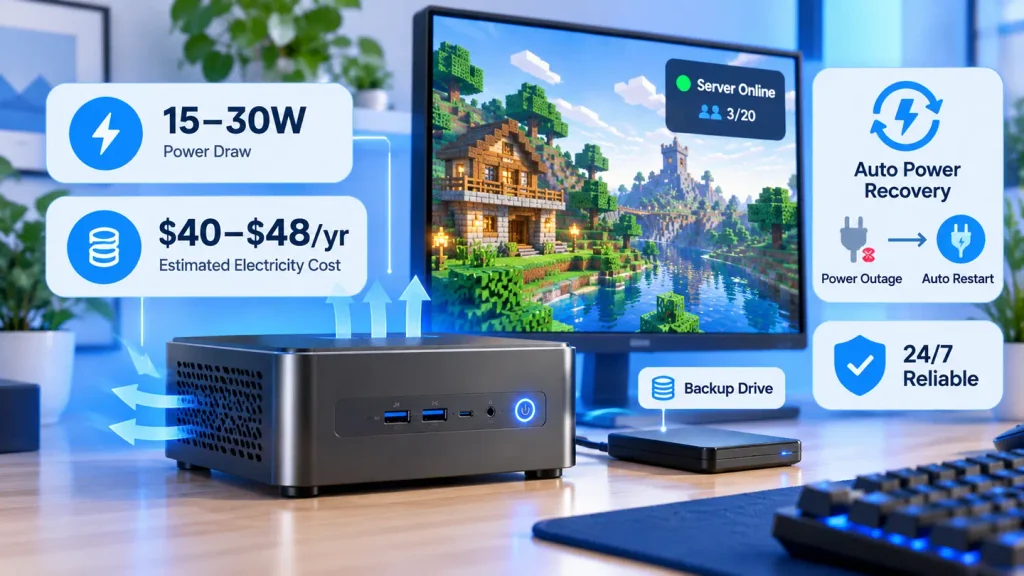
A compact desktop hosting a small world averages roughly 15 to 30 watts, an order of magnitude below a gaming tower under mixed load. That gap, not the footprint, is the strongest argument for the form factor.
Electricity Cost of an Always-On Mini PC
At an average draw of 25 watts, a year of continuous operation comes to about 219 kilowatt hours. The average residential electricity price in the United States was 18.31 cents per kilowatt hour in July 2026, which puts the annual bill near 40 dollars; at 30 watts it lands around 48. A tower idling at 60 watts costs roughly twice that.
Cooling, Backups, and Power Recovery
Leave clearance on every vented face and clear the dust every few months, because a chassis that runs cool in January throttles in July. Schedule backups to a second device and test a restore once. Enable automatic power-on after an outage in firmware, so a brief cut does not interrupt a save mid-write.
Can You Use the Same Mini PC for Other Server Tasks?
Yes, and most of the time it already is. A small Minecraft world leaves cores and memory idle for long stretches, and containers, file shares, or a lightweight database can share the machine without competing for the tick loop.
The constraint is memory, not compute. Every service reserves some, and the server’s heap is fixed at launch, so plan the split first. Run one small workload alongside the game, then measure before adding a second world.
Frequently Asked Questions
Most of these come down to memory planning and version choice rather than raw performance, which is why they decide more builds than the processor does.
Should You Allocate All of the Mini PC’s RAM to the Server?
No. The runtime lives partly outside the heap, and the system needs room for page cache and background services. Leaving 2 to 4 GB unallocated on a 16 GB machine prevents the swapping that defeats a large heap.
Can a Low-Power Mini PC Run a Minecraft Server?
For a vanilla world with one to five players, yes. Four-thread efficiency parts handle the tick loop at reduced view distance, and their low draw suits continuous operation. They struggle once mods or a dozen players arrive, because single-core throughput is what they trade away.
Can a Mini PC Run a Bedrock Server?
Yes, and it is the easier target of the two. The Bedrock dedicated server runs in less memory for the same population, supports cross-play with mobile and console clients, and does not carry the Java runtime matrix. Plugin ecosystems differ, so confirm the features you want exist there.
Can You Host a Modded Server on a Mini PC?
A small pack, yes; a kitchen-sink pack, only with headroom. Modded worlds consume 6 to 12 GB of heap depending on the pack, and mod loaders add tick overhead on top. Choose a machine with 32 GB of expansion and strong sustained clocks, and follow the pack’s own memory guidance.
Can a Very Cheap PC Run a Minecraft Server?
Rarely, and price is the wrong filter. The practical floor is four threads and 8 GB of memory, which second-hand office hardware sometimes meets and sub-100-dollar devices almost never do. Check the specification rather than the price tag, and remember that a machine nobody can leave running unattended is not really a server.