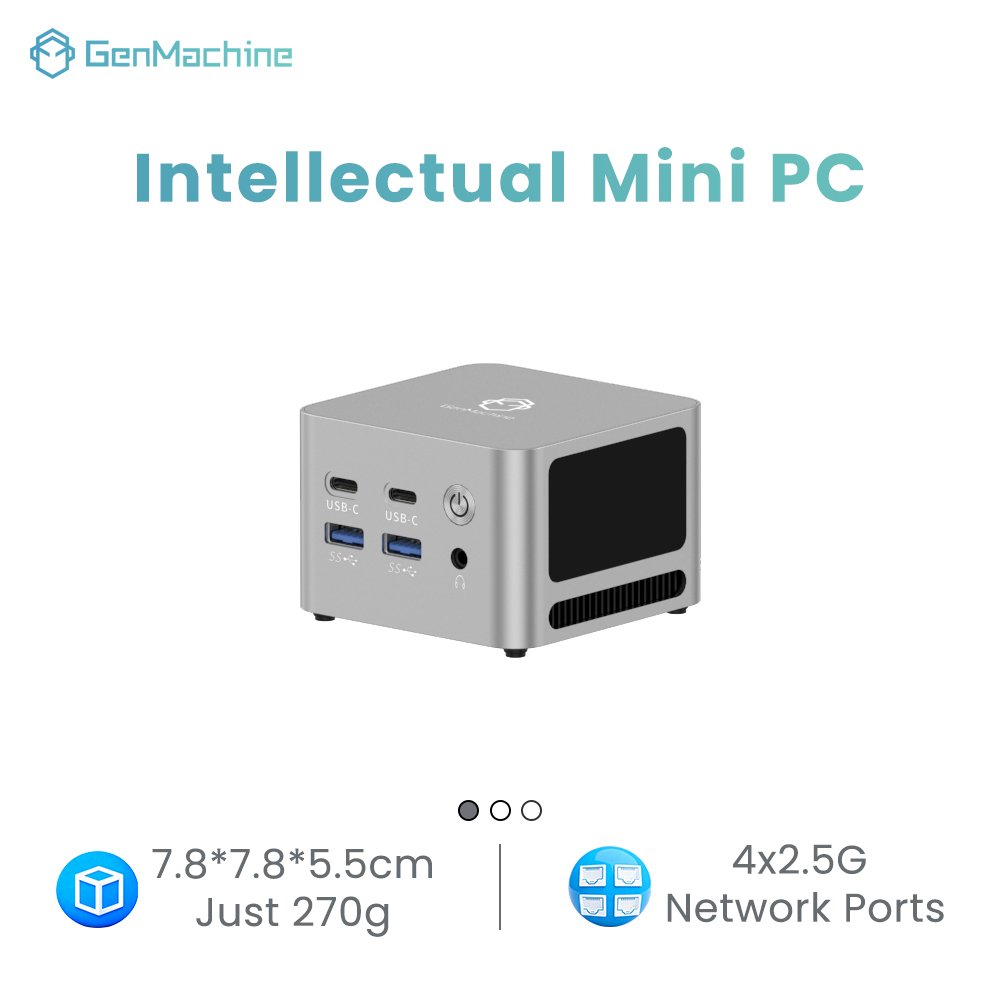
Buyers comparing compact desktops often face two listings that look identical on paper, with the same core count, memory and port list, and a price gap nobody explains. The confusion comes from folding three things into one decision: a product line, a processor platform and a product category.
A NUC is one product line inside the mini PC category, not a rival category. Where a buyer needs identical units across sites, remote management on a supported SKU and one named support channel, a NUC is worth prioritising. Where the need is the widest processor choice, memory that can be changed later, or the most capability for a budget, another mini PC usually wins. The comparison holds only at configuration level.
The sections below cover the definition, the differences that change outcomes, the real total cost, and how the 2023 transition affects warranty and long-term support.
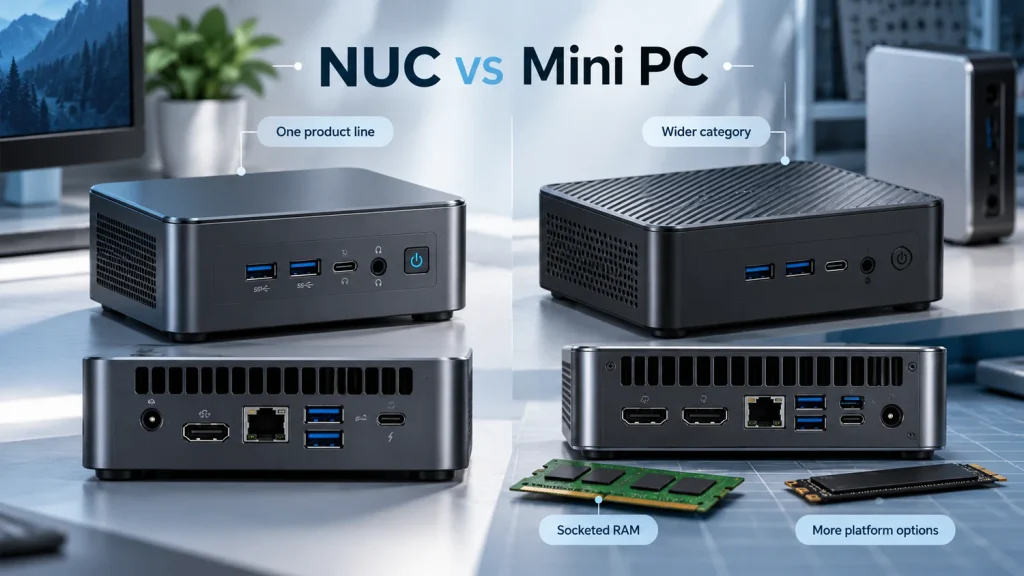
Is a NUC the Same as a Mini PC?
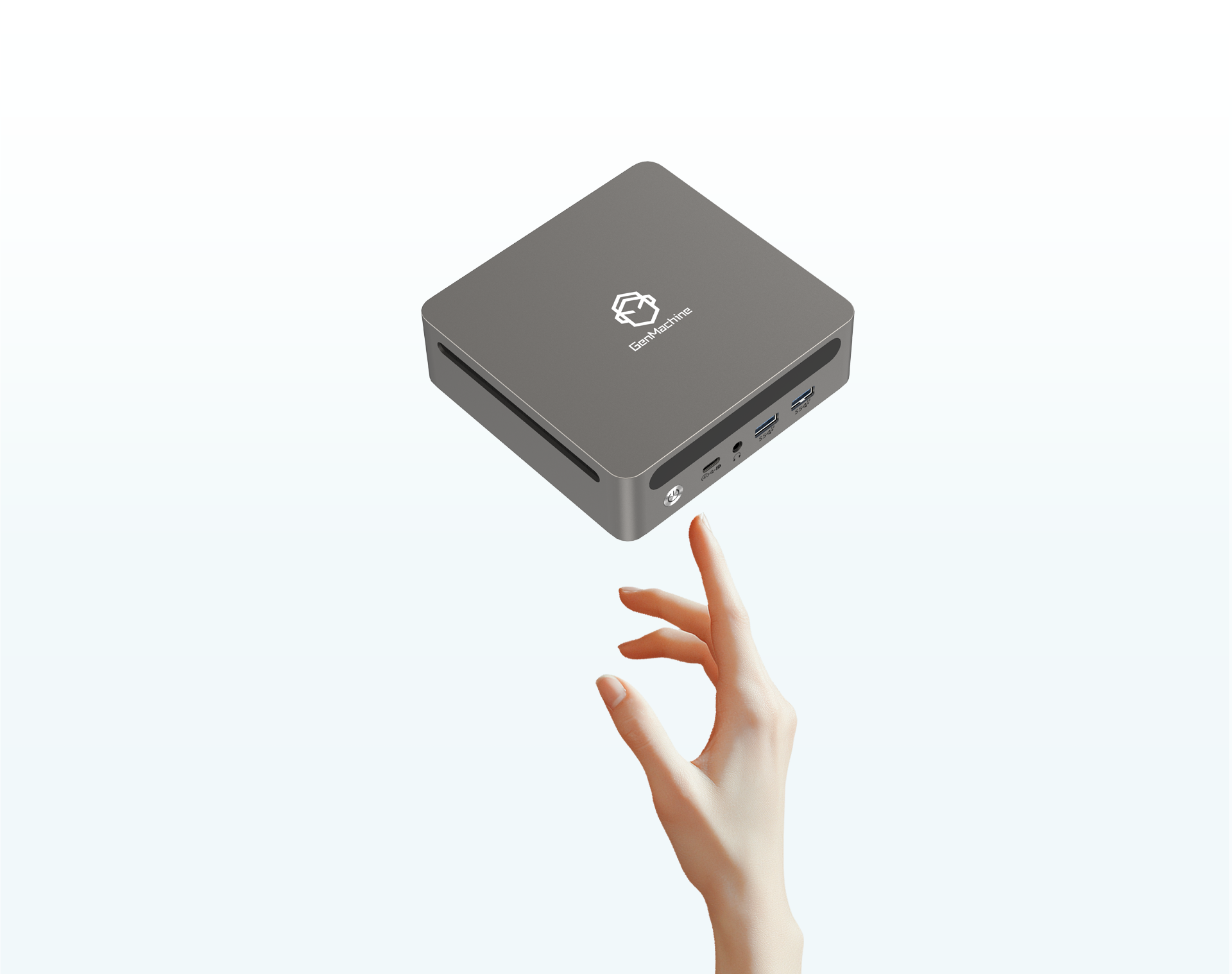
No. The two terms are not interchangeable. A NUC is a family built to a reference design that Intel originated and now licenses to ASUS, while mini PC is the umbrella term for any small desktop built on mobile or low-power parts. Every NUC is a mini PC, but most mini PCs are not NUCs.
What Does Intel NUC Mean?
NUC stands for Next Unit of Computing. It began as a board roughly four inches square, sold as a kit completed with the buyer’s own memory, storage and system, and the current 4×4 chassis still measures 117 by 112 millimetres. Ownership is what changed. In July 2023 Intel stopped developing NUC boards and systems and licensed the line to ASUS, which gained the right to design future generations.
What Counts as a Mini PC?
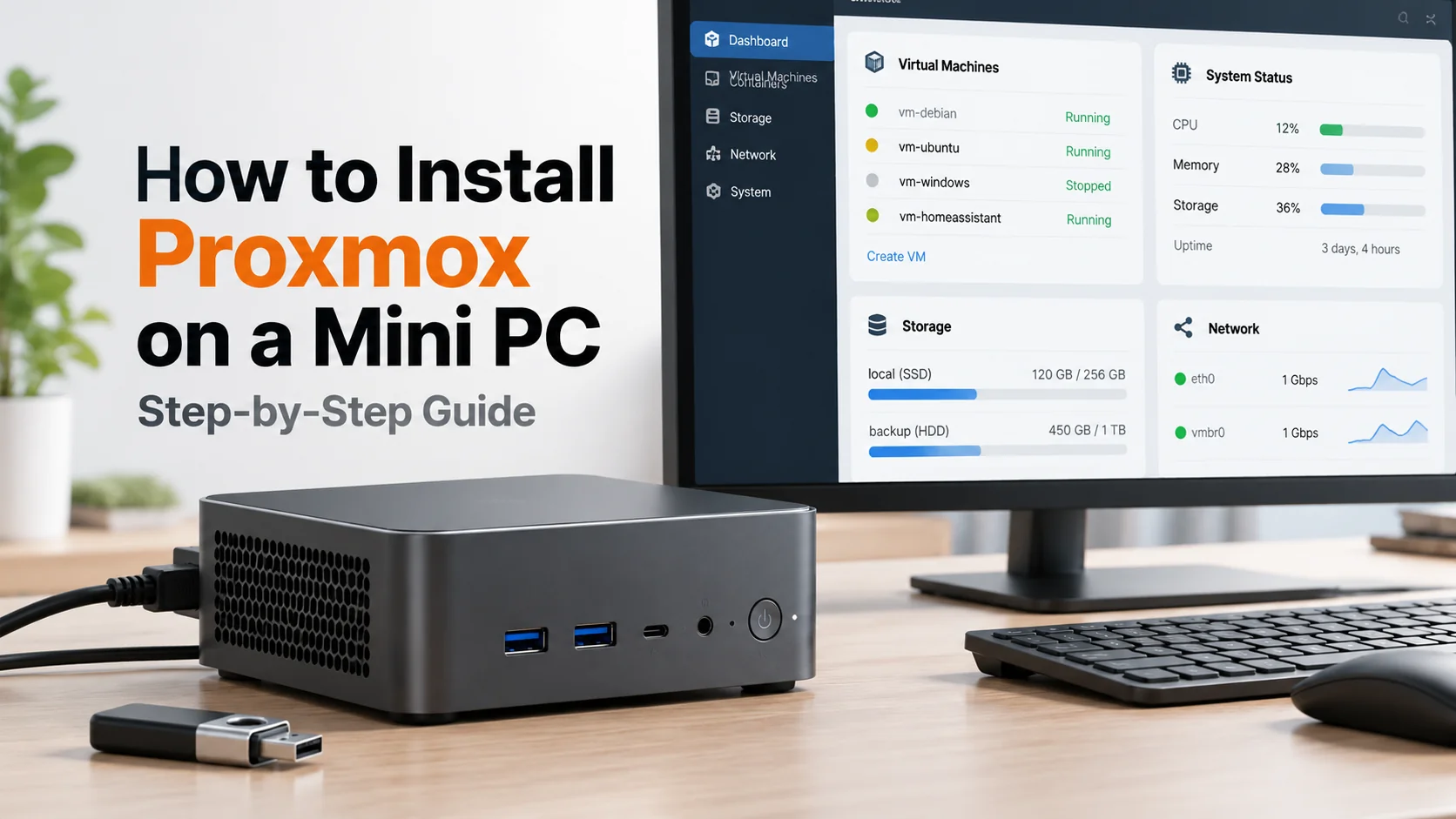
The category is defined by form factor, not by who designed the board. It covers an office desktop behind a monitor, a gaming box with a discrete GPU, a fanless industrial unit, a multi-NIC routing box and a signage player. Many use a compact chassis, a mobile processor, SO-DIMM or soldered memory, M.2 storage and an external supply, though fanless and multi-NIC designs depart from that pattern. With no single design owner, specification spread is far wider than inside the NUC family.
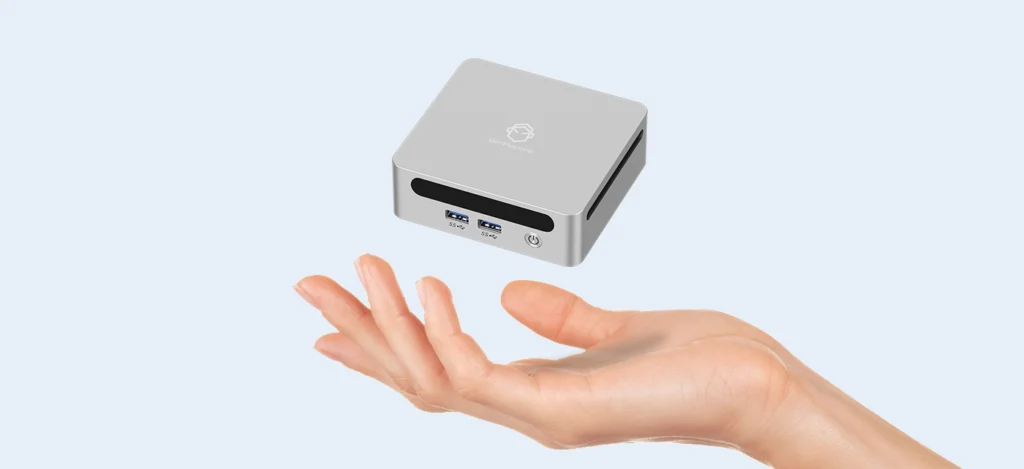
| Item | NUC series | Other mini PCs |
| Processor platform | Intel, generation by generation | Intel, AMD and ARM options |
| Size range | Roughly 0.5 to 0.7 litres for current Pro models | Roughly 0.3 to 3 litres |
| Memory form | SO-DIMM, CSODIMM or soldered LPDDR5x, per SKU | Usually SO-DIMM, sometimes soldered |
| Support owner | ASUS for NUC 7 to 13, Intel for other products | The manufacturer that built the unit |
Mini PC vs Intel NUC: What Are the Main Differences?
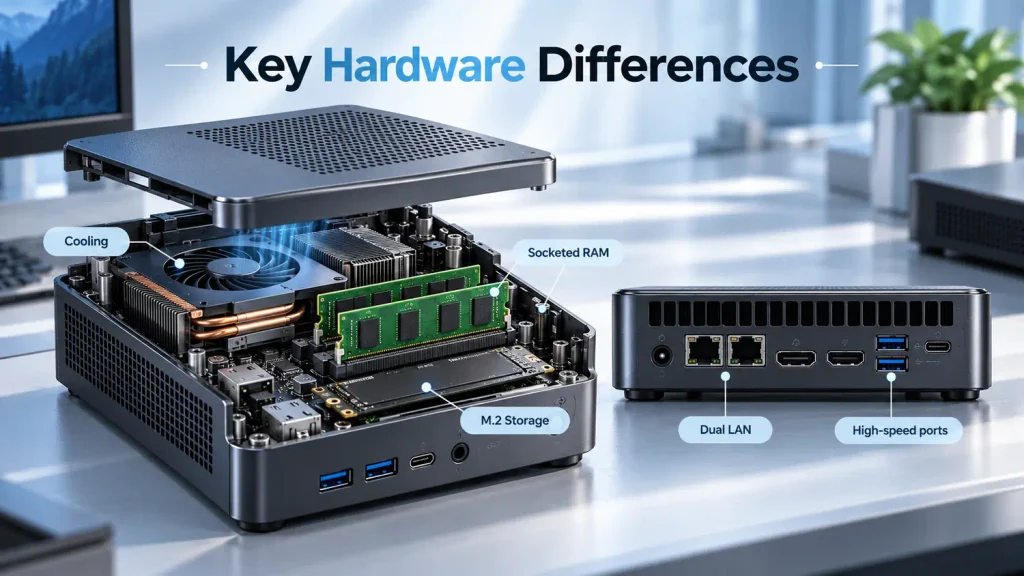
The differences that change an outcome are configuration-level: which processor the chassis can cool at a sustained load, whether memory is socketed or soldered, how many storage slots exist, which ports and management features are present, and whether the price includes memory, storage and an operating system.
Processor Options and Graphics Performance
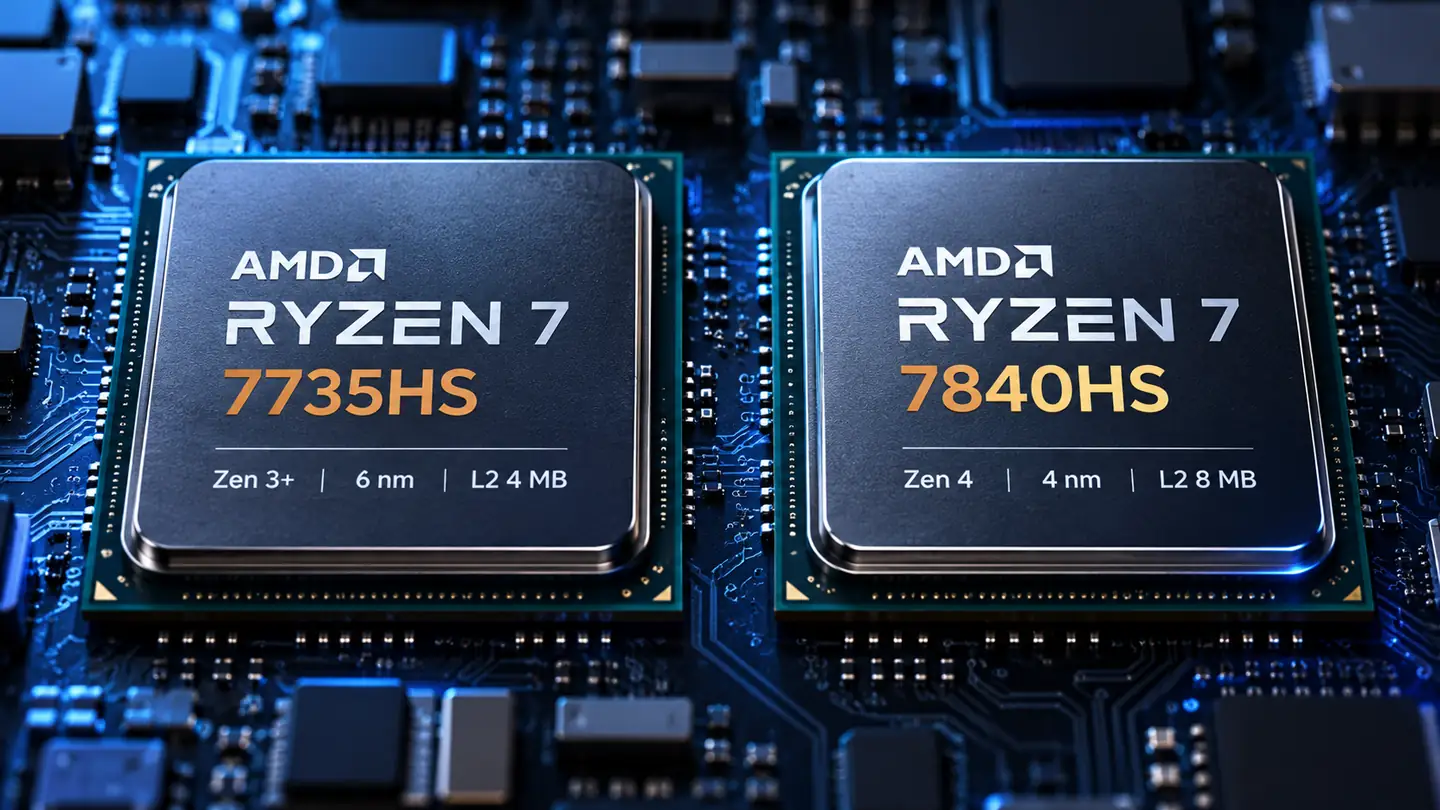
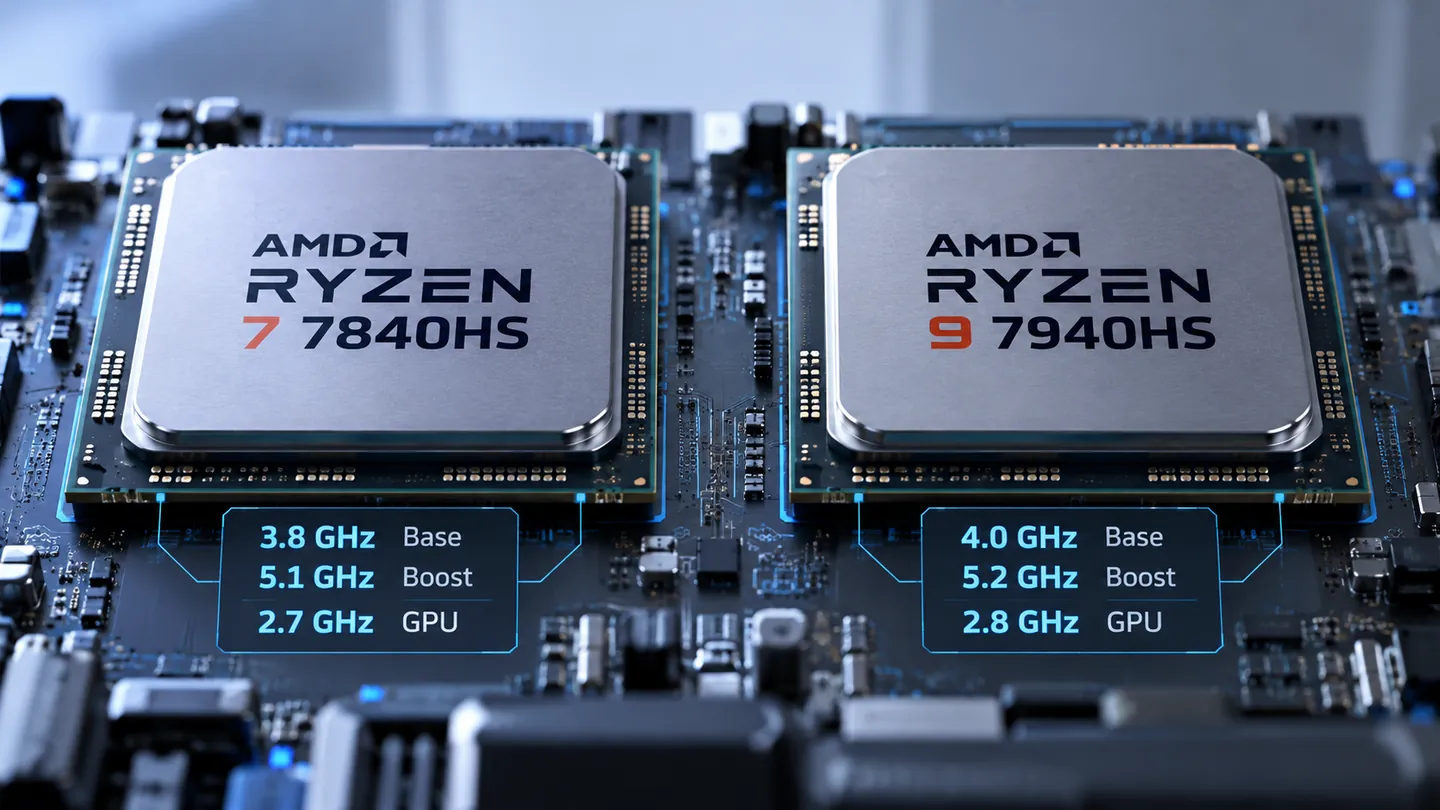
Current NUC models are Intel-only. The NUC 15 Pro runs Core Ultra Series 2 at 40W for Ultra parts and 25W for the plainer Core chips, while the NUC 16 Pro runs Core Ultra Series 3 at 65W, dropping to 45W for its entry Core Ultra 5. Graphics follow the same rule: the NUC 16 Pro technical specifications list Intel Graphics on some configurations and Intel Arc graphics on the higher ones, so a model name tells you less than the part number. Other mini PCs cover Intel, AMD and ARM, so the same budget often buys more cores.
A platform name does not predict sustained performance, since identical silicon behaves differently at 25W and 65W, and integrated graphics reach rated figures only with both memory slots populated. A buyer chasing graphics throughput should compare an AMD Ryzen mini PC with an Intel equivalent at the same price rather than compare platforms in the abstract.
Size, Cooling and Sustained Performance
Volume runs from about 0.3 to 3 litres. The NUC 16 Pro occupies 144 by 117 by 42 millimetres, roughly 0.7 litres, with two exhaust fans and a dedicated memory fan, while the NUC 15 Pro measures 117 by 112 by 36.8 millimetres. No specification sheet settles how a configuration behaves after thirty minutes at full load, so ask for results measured in that chassis and treat a sheet that publishes only turbo figures as incomplete.
What a Same-Chip Comparison Shows
Two systems on sale now carry the same Core Ultra X7 358H and the same Arc graphics: the ASUS NUC 16 Pro and the Lenovo Yoga Mini. Lab testing ran both, and the NUC holds the chip at a 65W cTDP inside 0.71 litres with two exhaust fans, a memory fan and three heat pipes, while the Yoga Mini fits it into 0.65 litres.
| Measurement | NUC 16 Pro | Yoga Mini |
| Cinebench 2026 multi-thread | 4,741 | 4,473 |
| Multi-core and sustained tests | 5 to 15 per cent faster | Reference |
| Graphics tests | Reference | Within 5 per cent |
| Memory as tested | 64GB LPDDR5x, soldered | 32GB LPDDR5x, soldered |
Same silicon, same graphics family, and the outcome still splits by workload: a visible multi-core gap, graphics effectively level, and a memory ceiling 32GB apart. The lab results reward reading a configuration rather than a product family.
RAM, Storage and Expansion
The assumption that NUCs cannot be upgraded breaks down here, and so does the assumption that a model line is internally consistent. The NUC 15 Pro technical specifications list two DDR5 SO-DIMM slots capped at 48GB, one M.2 2280 slot on PCIe Gen5 for Ultra parts and one M.2 2242 on Gen4. The NUC 16 Pro reaches 128GB through two CSODIMM modules, or ships with 32GB or 64GB of soldered LPDDR5x instead, at 0.75 against 0.91 kilograms.
The same sheet notes that Arc graphics on the 15 Pro need both SO-DIMM slots populated, the cheapest upgrade many buyers overlook. Soldered memory must be bought at the capacity you need in year three, and slot count matters more than shipped capacity. Sizing is covered in How to Choose Mini PC Computer Memory.
Ports, Networking and Remote Management
NUC Pro models provide two HDMI 2.1 outputs and two Thunderbolt 4 ports, and the NUC 16 Pro adds a second 2.5G Ethernet port, which removes an adapter from dual-network deployments. Many mini PCs match the display outputs but drop Thunderbolt and the second wired NIC. Management is the least documented difference: vPro appears only on selected SKUs, and competing commercial lines carry it too, so confirm the exact part number.
Barebone Kits vs Ready-to-Use Systems
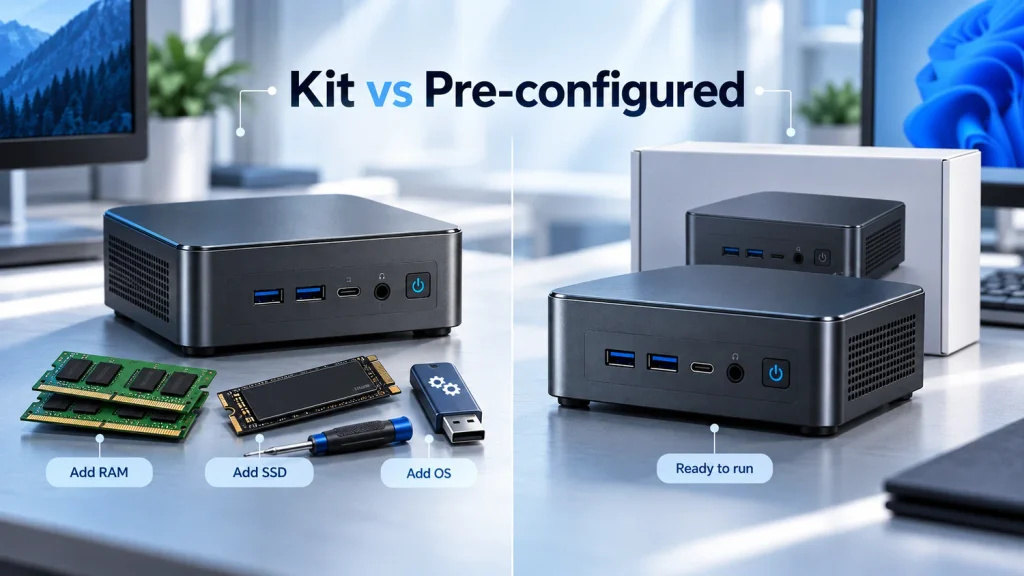
A kit contains the chassis, board, processor and cooling, nothing else; the NUC 15 Pro kit ships with no memory, no storage and no operating system. Completing one needs SO-DIMMs, an M.2 drive, an OS licence and assembly time, while a pre-configured system arrives under one warranty with less control over components. Many mini PCs are also sold as kits, so check each listing.
Total Purchase Cost
Comparing a kit price with a complete system price is the commonest costing error here. The honest figure is all-in at equal configuration: kit, memory, storage, OS licence where required, assembly and validation. The figures below are illustrative.
| Cost line | Kit route | Pre-configured route |
| Base unit | 420 | 690 |
| Memory, 16GB | 55 | included |
| Storage, 1TB NVMe | 65 | included |
| OS licence | 120 | included |
| Assembly and validation | 50 | included |
| Total | 710 | 690 |
A kit also pays off when parts are bought in volume, when the OS licence is already held, or when the buyer wants control over component quality. Pre-configured wins on time, on single-point warranty, and on avoiding mismatches such as one module in a machine that needs two.
Are Intel NUCs Worth It?
For a single home user, a NUC is rarely the best value per dollar. For an organisation that deploys identical units across sites, needs remote management on a supported SKU, or wants one accountable support channel, the premium is often justified. In a Mini PC vs Intel NUC purchase, it buys predictability rather than raw performance.
When a NUC Offers Better Value
The case is operational. Identical units mean one image, one driver set and one spares pool, which cuts deployment and troubleshooting on every later batch. Remote management is not unique to this family, so the advantage is the combination: managed SKUs, two HDMI outputs, two Thunderbolt 4 ports and dual 2.5G networking inside 0.7 litres, with accessories that carry across generations.
When Another Mini PC Makes More Sense
Where the workload is office, browsing and video calls, the same budget typically buys more cores and more memory, and the difference surfaces in multitasking rather than benchmarks. Buyers wanting a non-Intel platform, or memory they can replace after a failure instead of replacing the board, are better served elsewhere.
Why Was Intel NUC Discontinued?
Intel did not discontinue the NUC product line; it exited the business of designing and selling it. In July 2023 Intel stopped developing NUC boards and systems and licensed the line to ASUS, which took over manufacturing, sales and support for 10th to 13th Gen models and gained the right to design new ones. Current models are still shipping.
Why Intel Exited the NUC Business in 2023
Intel described the shift as stopping direct investment in the NUC business and adjusting strategy so that ecosystem partners could carry NUC innovation and growth, adding that the change would not affect its client computing or network and edge divisions. The company published no cost breakdown, so explanations built on support costs are inference rather than record.
How ASUS Continued the NUC Product Line
The arrangement, announced on 18 July 2023, is a non-exclusive licence. ASUS manufactures and sells 10th to 13th Gen systems, services 7th to 13th Gen systems, and may develop future designs, while Intel-branded NUC laptops stayed with Intel. Three dates matter:
- 18 July 2023, licence announced for 10th to 13th Gen manufacturing and sales.
- 15 January 2024, last day Intel accepted new support cases and warranty claims for 7th to 13th Gen units.
- 16 January 2024, ASUS took over new cases for the same range.
Warranty, BIOS Updates and Long-Term Support
For NUC 7 through NUC 13 systems, technical and warranty support moved to ASUS on 16 January 2024, covering software, firmware, BIOS updates and security advisories as well as new warranty cases, while support for other NUC products stayed with Intel. Coverage changed in kind too: advanced warranty support ended with the transfer, and a NUC sold by ASUS carries a three-year limited warranty. Risk concentrates in superseded models and used equipment, so check the model number against the supported range before paying rather than reading the badge.
NUC or Mini PC: Which Should You Buy?
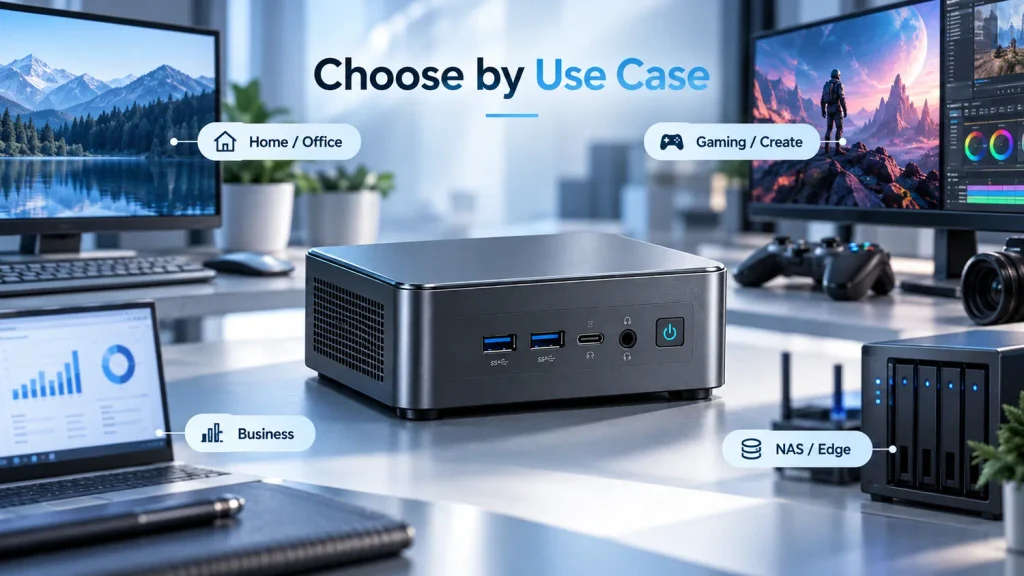
Match the machine to the workload and to the support model. Home and office buyers should take the better configuration for the money. Gaming and content creation buyers should choose on sustained graphics and cooling. Business deployments should choose on management features, warranty terms and supply continuity. Edge and networking deployments should choose on port count, drive capacity and OS support.
For Home and Office Use
A current low-power processor with 16GB and a 512GB drive covers documents, spreadsheets, calls and browser-heavy work. The options converge here, so decide on ports, noise and price, and prefer socketed memory if the machine must last five years.
For Gaming and Content Creation
Integrated graphics set the ceiling, and cooling decides how long the machine stays near it. Integrated designs handle esports, older games, photo work and 1080p editing; beyond that you need a discrete GPU, a 2 to 3 litre chassis and a higher power budget. Compare frame rates measured at the wall.
For Business Deployment and Digital Signage
Uniform imaging, remote management and unattended reliability decide this segment. Managed SKUs, dual wired networking, power-on after mains restoration, VESA mounting and a documented warranty process matter more than a few percent of performance.
For NAS, Networking and Edge Applications
Two 2.5G ports, adequate drive capacity and headless operation define this segment. Confirm Linux support and driver availability for the specific network controller, because some compact systems pair good hardware with thin driver coverage. Behaviour after an outage decides whether a unit suits an unattended closet.
| Use case | Prioritise | Reason |
| Home and office | Best configuration at the price, socketed memory | Workload is general and long-lived |
| Gaming and content creation | Sustained graphics performance and cooling | Peak figures do not predict long sessions |
| Business deployment and signage | Managed SKUs, dual LAN, warranty terms | Uniformity and uptime dominate |
| Storage, networking and edge | Port count, drive capacity, OS support | Connectivity cannot be added later |
What Should You Check Before Buying a NUC or Mini PC?
Five checks decide most Mini PC vs Intel NUC purchases: the all-in cost at equal configuration, whether memory is soldered, sustained performance under your actual load, the ports you cannot add later, and who honours the warranty in year three.
- All-in cost. Add memory, storage, licence and assembly time to any kit price before comparing it with a complete system.
- Memory form and ceiling. Confirm socketed or soldered, the maximum capacity and the channel count.
- Sustained performance. Ask for figures measured under sustained load, and check the configured power limit.
- Ports you cannot add. Count wired ports, display outputs and Thunderbolt or USB4, and treat adapters as recurring cost.
- Support and firmware. Establish warranty term, coverage region, responsible party and update cadence for that part number.
If the field is still wide, Essential Questions Before Buying covers workload definition, budget allocation and interface planning in more depth.
FAQ
These three questions cover branding after the handover, operating system inclusion, and business substitution.
Is ASUS NUC the Same as Intel NUC?
It is the same lineage under a different steward, but who supports a given unit is not written on the badge. Support for NUC 7 through NUC 13 systems moved to ASUS on 16 January 2024, support for other NUC products stayed with Intel, and Intel-branded NUC laptops never transferred. Check the model and generation against the supported range before buying used equipment.
Do NUCs Come with Windows Preinstalled?
It depends on the SKU, and the listing should say so. Kits ship with no operating system, no memory and no storage, and the specification sheet normally notes that no OS is installed at shipment. Pre-configured systems usually include Windows 11, but the edition and licence status should be confirmed rather than assumed.
Can a Mini PC Replace an Intel NUC for Business Use?
Yes, if the replacement matches operational requirements rather than only the specification sheet. Three items usually block a substitution: remote management that exists only on supported SKUs, power behaviour after mains restoration, and warranty terms that differ in coverage region or response time. Verify those first, then compare processors.