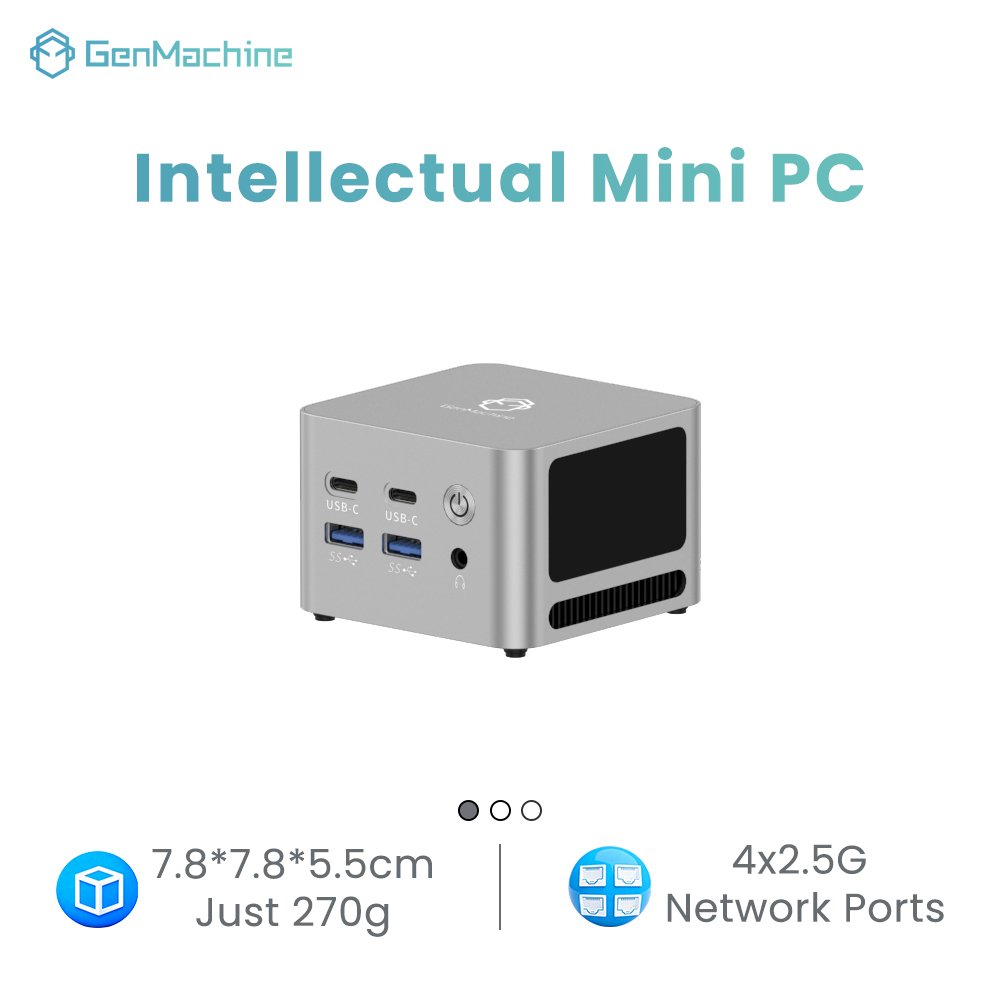
Buyers searching for Ryzen 7 7840HS vs 7940HS usually open a specification sheet expecting a clear winner and close it more confused than they started, because the sheet reads like the same document printed twice. Both carry eight Zen 4 cores, the same cache hierarchy, the same twelve-core integrated graphics and the same configurable power window, and they ship in the same chassis at prices separated by less than a storage upgrade.
The Ryzen 9 7940HS is generally only a few percent faster, and the size of that lead depends on the workload, the power limit, the cooling and the memory configuration. In most mini PCs the distance between the two chips is smaller than the difference between two chassis designs, so the upgrade is rarely worth a large premium and often worth a small one.
What follows separates the rows that genuinely differ from the ones that only look different, puts a price on the gap, and ends with the checks that settle the decision.
What Actually Separates the Ryzen 7 7840HS from the Ryzen 9 7940HS?
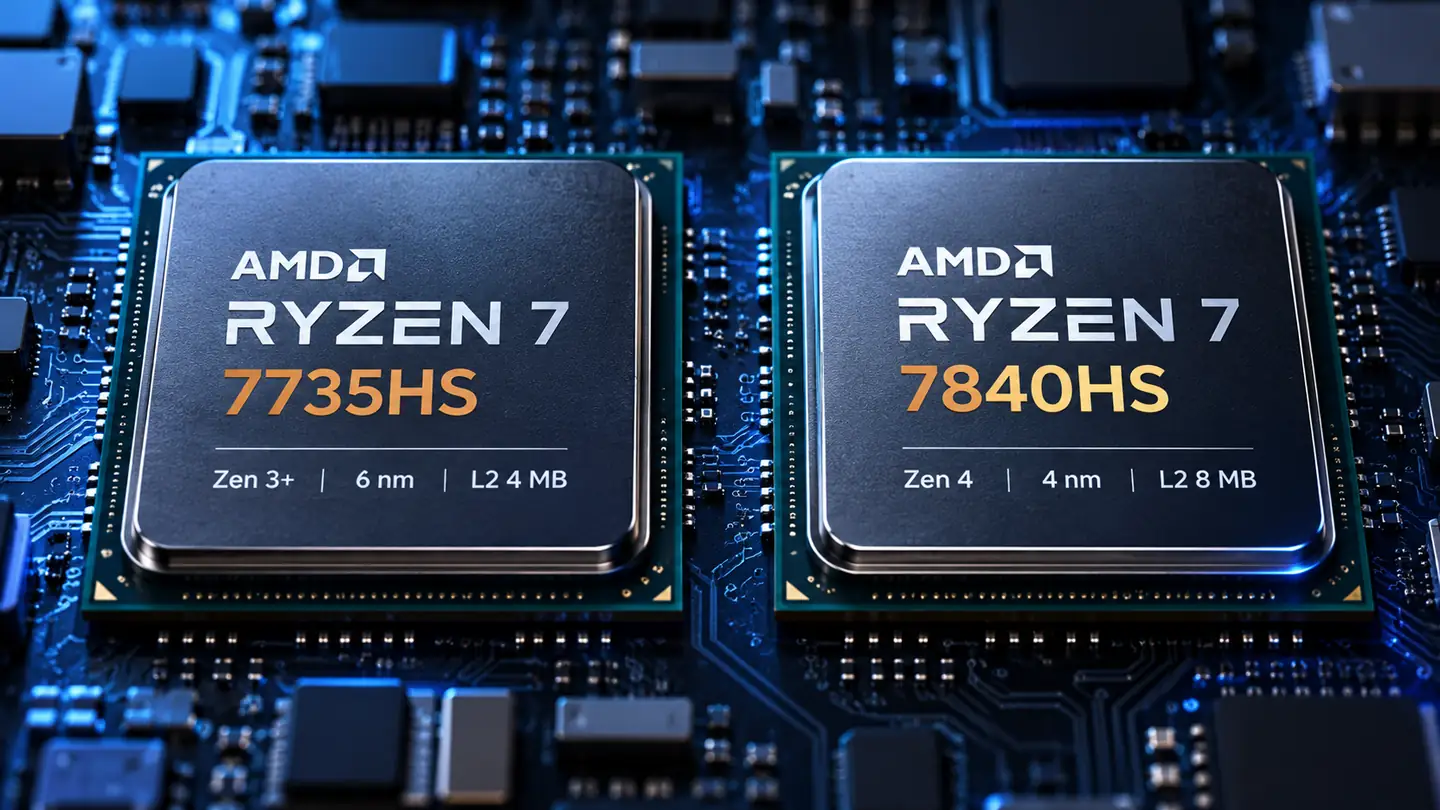
Five specification rows differ between the two parts, and three of those five are clock speeds measured in hundreds of megahertz. Core count, cache, graphics hardware, neural engine, process node and the configurable power range all match, which makes this a comparison of clock bins rather than of two designs.
Three Clock Speeds Change, Along with Some Tuning Features
Every figure below is transcribed from the official Ryzen 7 7840HS specifications, and the last column states what each number changes for a buyer of a finished machine.
| Specification | Ryzen 7 7840HS | Ryzen 9 7940HS | What It Changes for a Buyer |
| Base clock | 3.8 GHz | 4.0 GHz | Raises the floor under a long sustained load |
| Maximum boost clock | 5.1 GHz | 5.2 GHz | 100 MHz for short single-thread bursts |
| Graphics clock | 2,700 MHz | 2,800 MHz | Under four percent, rarely visible |
| EXPO memory profiles | No | Yes | Useful only if the BIOS exposes them |
| Curve Optimizer offsets | No | Yes | Tuning headroom rather than performance |
| Cores and threads | 8 / 16 | 8 / 16 | Identical, no effect |
| L2 and L3 cache | 8 MB / 16 MB | 8 MB / 16 MB | Identical, no effect |
| Neural engine | Up to 10 TOPS | Up to 10 TOPS | Identical, so AI features match |
| Configurable power | 35 to 54 W | 35 to 54 W | Set by the chassis, not by the chip |
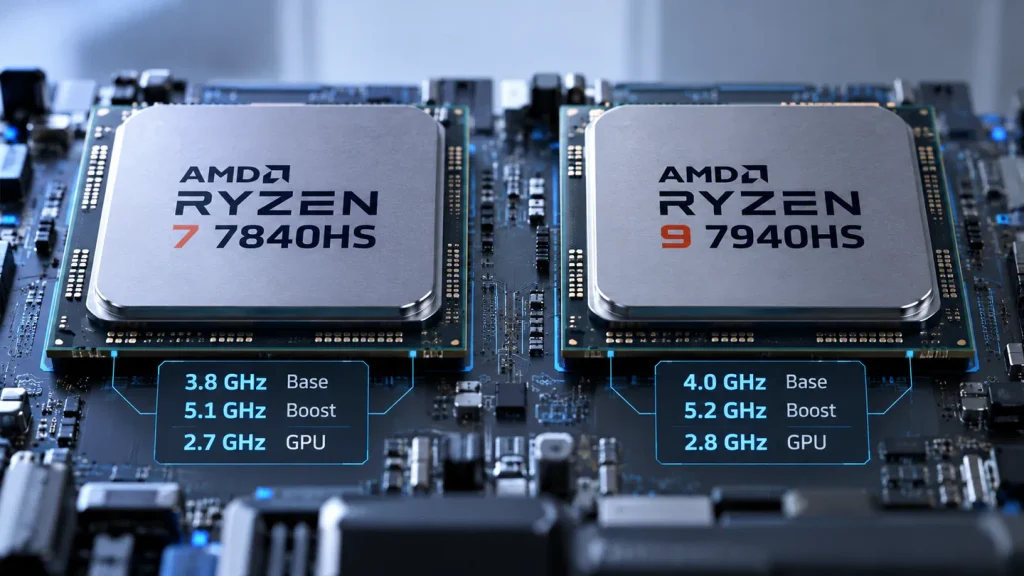
The two firmware rows are the easiest to oversell. EXPO memory profiles and Curve Optimizer voltage offsets are capabilities the processor exposes, not features a buyer receives, and whether either can be used depends on the firmware the chassis vendor ships. A machine built around the faster part may still lock both out.
Reading the Part Numbers
The digits are not a code for core count, which is the most common misreading. In 7840HS the leading 7 is the 2023 product year, the 8 is a positioning digit inside that year, the 4 marks the Zen 4 architecture, the trailing 0 is a variant marker, and HS denotes the higher power class of mobile part. The 9 in 7940HS changes only the positioning digit. Both belong to the 2023 Ryzen 7040 Phoenix series, and neither is a later generation.
What the Two Part Numbers Have in Common
Sharing a die is what makes the comparison awkward. Both parts carry 8 MB of L2 and 16 MB of L3, the same twelve-core Radeon 780M, the same neural engine rated at up to 10 TOPS, the same 4 nanometer process and the same 35 to 54 watt range, and the 7940HS specification page lists those values without variation. The 256 GB memory figure is a processor specification, not a promise about what a mini PC accepts, since board layout and cooling set the real ceiling.
Both configurations are sold in the same powerful mini PC family, which does not settle the argument: an identically cooled chassis cannot let one chip pull far ahead.
Is the Ryzen 9 7940HS Faster in Real Work?
The Ryzen 7 7840HS vs 7940HS gap is real but small, and it changes with the test. Aggregated results put the faster part around five percent ahead in multi-threaded work and four percent ahead in single-threaded work, while rendering suites report two to three percent. No single figure describes both.
Where the Measured Gap Comes From
A pooled average beats one hand-picked sample because it captures variation instead of hiding it. The PassMark CPU comparison draws on roughly 7,400 submitted results and, as of 28 October 2026, records 28,207 CPU marks for the 7840HS against 29,707. Those averages are recalculated as new submissions arrive, so treat the ratio as the durable part and the absolute score as a snapshot.
| Benchmark | 7840HS | 7940HS | Gap and Test Condition |
| CPU Mark | 28,207 | 29,707 | 7940HS ahead 5.3 percent, about 7,400 submissions |
| Single thread | 3,698 | 3,845 | 7940HS ahead 4.0 percent, burst-length work |
| Cinebench 2024 multi | 911 | 933 | 7940HS ahead 2.4 percent, rendering average |
| Cinebench R23 multi | 16,256 | 16,746 | 7940HS ahead 3.0 percent, sustained render |
| Geekbench 6 multi | 12,085 | 11,631 | 7840HS ahead 3.9 percent, different submissions |
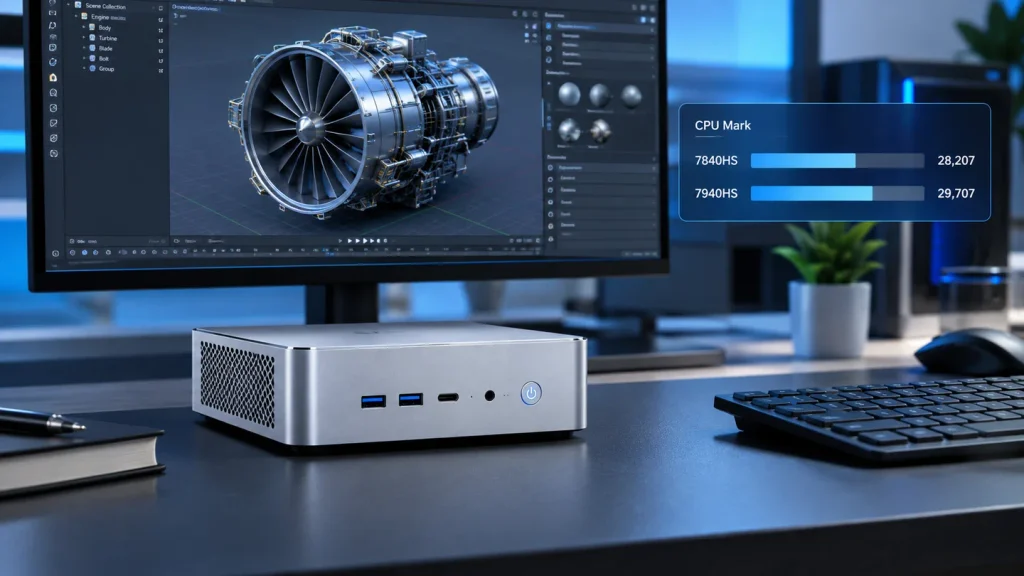
The row that reverses is the useful one. A three to five percent difference sits inside the spread between two machines of the same model, so a pool whose submissions happen to favour the lower-clocked part will show it ahead. That is not a contradiction. It is what a gap this size looks like once chassis variation is included, and the aggregated figures behind the table come from one database that reports the same reversal on its Geekbench rows.
Rendering suites land below CPU Mark because they run long enough to reach the sustained power limit, and a long run under a fixed limit erases part of an advantage a short burst would show.
What the Gap Converts To in Real Tasks
A percentage is hard to price, so convert one into time. Take a twenty-minute export as a hypothetical case and assume the generous five percent gap holds for the whole run, which it may not. The shorter machine finishes about one minute sooner. At the two percent the suites report, the saving falls to roughly twenty-five seconds. Neither figure measures any specific machine.
That arithmetic is the whole case against paying heavily. A long export is the workload a video editing mini PC is bought for, and a minute is the size of the prize at the end of it.
Where the Difference Disappears
The gap closes whenever something other than the processor becomes the limit. A chassis that holds 35 watts cannot deliver the sustained clock either part is capable of, so both converge on the same ceiling. An integrated graphics workload waits on graphics rather than cores, and neural work runs on the same engine in both parts. The model name stops predicting what the machine does.
Does the 7940HS Graphics Advantage Matter for Gaming?
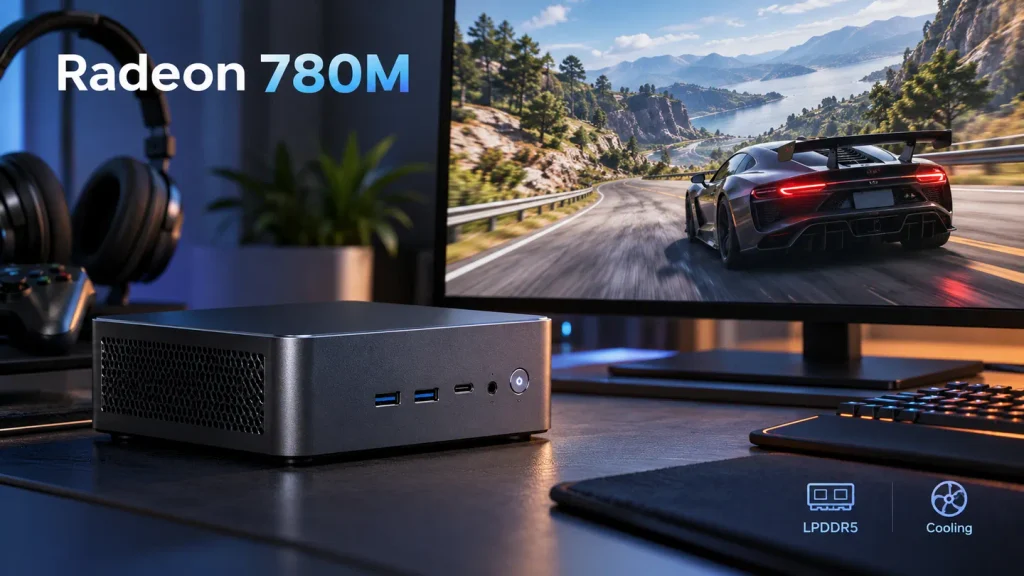
For most games the difference is likely to be small when both mini PCs use the same memory configuration, power limits and cooling. Both carry the same twelve-core Radeon 780M with the same shader count, and the only graphics difference is a hundred megahertz of peak clock, about four percent on paper and less once memory bandwidth and the power budget apply.
One Graphics Design, Two Clocks
The graphics block is identical in structure: twelve compute units, 768 shaders and the same media engine. Only the peak graphics clock rises, from 2,700 to 2,800 MHz. On an integrated design the frame rate is governed largely by the bandwidth feeding it, and on a board where memory is fixed in place that bandwidth does not change between the chips.
Is the Ryzen 9 7940HS Good for Gaming?
It is, and it runs the same games as the other part at the same settings. Playability comes from the 780M and from the power the chassis will sustain, which is why a 7840HS machine with a generous limit can beat a 7940HS machine that throttles. A gaming mini PC is chosen on cooling and memory first and on the badge last.
What Moves Frame Rate More Than the Badge
Four things do more work than the model number. Board memory capacity and speed set the ceiling for the integrated graphics. The sustained power limit decides how long boost survives a session. Resolution and upscaling decide whether the frame rate is playable at all. Thermal headroom decides whether any of that holds after twenty minutes.
Is the Ryzen 9 7940HS Worth the Extra Money?
At a small gap, yes. At a large one, no. The two configurations sold in the same chassis list 33 dollars apart at both ends of their published ranges, roughly six to eight percent of the machine, close to the ceiling of what a five percent performance difference can justify.
What the 33 Dollar Gap Buys
The clearest evidence comes from two configurations of one machine, because everything except the processor is held constant.
| Configuration | Processor | Memory | Graphics | Listed Price |
| Yi7000 7840HS 32G | 8 cores, 3.8 to 5.1 GHz | 32 GB LPDDR5 | Radeon 780M, 2,700 MHz | 420 to 529 dollars |
| Yi7000 7940HS 32G | 8 cores, 4.0 to 5.2 GHz | 32 GB LPDDR5 | Radeon 780M, 2,800 MHz | 453 to 562 dollars |
The Yi7000 7840HS 32G configuration and the Yi7000 7940HS 32G configuration run in parallel, with the 7940HS listing 33 dollars above the other at the bottom of both ranges and 33 dollars above at the top, which is what the published ranges show rather than a guarantee that every matching storage tier differs by that amount. Compare the settlement price of the identical storage configuration before treating 33 dollars as a fixed figure, and treat the percentage of machine price as the number that transfers to another storefront.
| Situation at checkout | What the extra money is buying | Reasonable call |
| Gap under 10 percent of machine price | A few percent more clock | Take the 7940HS |
| Gap of 10 to 25 percent | The same few percent | Take the 7840HS, move the money to storage |
| Gap above 25 percent | The same few percent | Take the 7840HS, move the money to cooling |
The bands are a purchasing rule of thumb drawn from how machine prices usually break down, not a threshold published by the processor manufacturer. They describe where the money goes rather than what any chip is worth in isolation, so let the price at checkout decide.
What It Does Not Buy
Beyond the modest clock increases and the processor level tuning features listed earlier, the faster part adds no cores, no cache and no extra graphics compute units, and both are rated at up to 10 TOPS on the neural engine. The memory in these configurations is 32 GB of LPDDR5, and the listing does not state whether the modules are soldered. Confirm that with the supplier before planning any capacity change, because LPDDR5 in a mini PC is normally fitted to the board rather than socketed.
When the Extra Money Is Justified
Three situations make the premium sensible. The gap is a small percentage of the total, so the absolute sum is close to the cost of one storage step. The work is long and single-machine, as with repeated exports or compiles where a few percent compounds over a week. The purchase is a batch, where one part number across units simplifies spares and acceptance testing.
How Does the 7940HS Compare with the Ryzen 7 8745HS?
The 8000-series part is newer, not faster, so a newer model number does not by itself make the better purchase. It keeps the same eight cores and graphics design with lower clocks and no neural engine, which usually lands it at a lower price rather than at a higher performance level.
Is a Newer Ryzen 7 Mini PC a Better Deal Than the 7940HS?
Newer labelling and lower specifications usually arrive with a lower price, which can make the newer part the better value without making it the faster one. The 8745HS keeps eight cores, sixteen threads, 16 MB of L3 and the twelve-core 780M, then lowers boost to 4.9 GHz and graphics to 2,600 MHz while removing the neural engine. Clock alone never settles a whole workload, but these figures describe a cheaper specification rather than a stronger one. Where an application depends on the neural engine, that block is absent entirely, and 10 TOPS describes one block inside the processor rather than a whole-machine capability.
Which Mini PC Should You Buy: 7840HS or 7940HS?
Take the 7840HS unless the gap is small, and put the saving into memory capacity, cooling or storage. Where memory is fitted to the board rather than socketed, the configuration chosen at checkout is the machine kept for its whole life, so the checks below matter more than the badge on the processor.
Four Checks Before You Pay
Four checks settle most of this decision, and none of them concerns the processor model.
| Check | What to Look For | What It Rules Out |
| Board memory and capacity | 32 GB LPDDR5, and whether it is socketed | A later capacity change |
| Sustained power | A stated sustained limit, not only a peak figure | The clock advantage |
| Cooling and noise | Heatsink volume and fan behaviour under load | Stable boost |
| Warranty and batch | One part number across the units ordered | Simple spares and support |
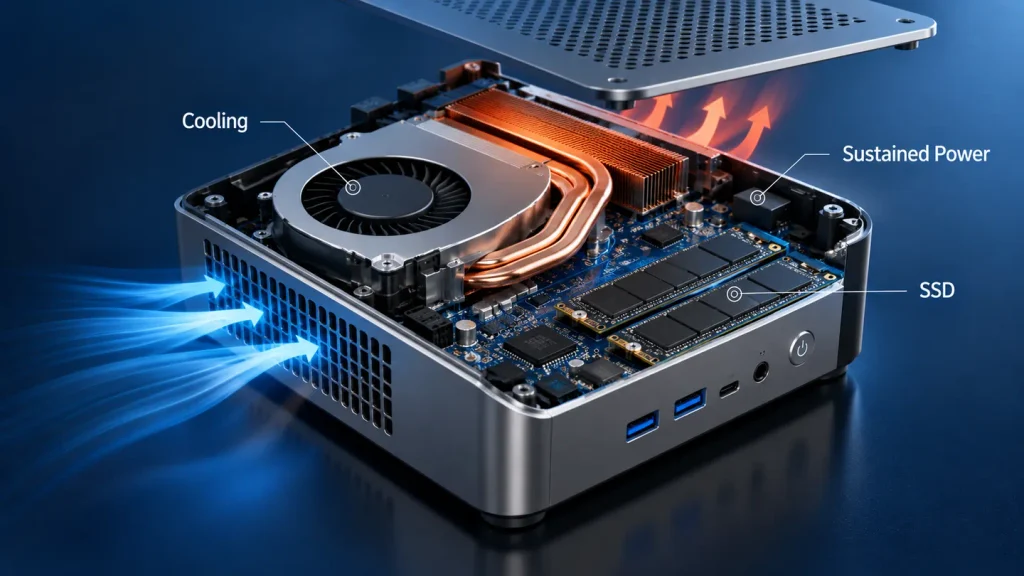
A buyer planning to scale a deployment should raise the configuration question with the supplier before choosing a chip, since personalization mini PC options and volume terms usually move the arithmetic further than 33 dollars does.
Frequently Asked Questions
Three questions follow the Ryzen 7 7840HS vs 7940HS decision, and each answer comes straight out of the sections above rather than adding a new argument.
Can the processor be upgraded later?
No. These are soldered parts in a ball-grid package, so the processor is fixed for the life of the board. A machine bought with the 7840HS cannot be converted afterwards.
Does the 7940HS run cooler or use less power?
Neither, in any way that generalises. Both share the same 35 to 54 watt configurable range, so temperature and draw are set by the limit the chassis vendor chooses and the cooling that limit assumes. A lower-clocked part in a thin chassis can run hotter than a higher-clocked part in a larger one.
Is the 7000 series still a sensible purchase now?
Yes, because what followed changed very little. The 8000-series refresh kept the same cores and graphics design and removed the neural engine from some models, so a 7000-series machine is not automatically the older or the slower choice. What dates a mini PC faster than its processor generation is its memory configuration and its cooling.