Four Ethernet ports on one compact chassis was once a niche request from network engineers. It is now a mainstream category, pushed by 2.5 GbE fiber plans, by small networks needing three or four isolated segments instead of one flat subnet, and by the running cost of a rack server left on all year for a job a compact box handles on a fraction of the draw. Buyers searching for a mini PC with 4 LAN ports want a network appliance, not a desktop replacement.
A mini PC with 4 LAN ports is a compact x86 computer with four Ethernet interfaces, used as a firewall, software router, virtualization host, NAS, or edge gateway. It replaces a rack server or a proprietary appliance on a fraction of the power and footprint, but only if three things hold: the interfaces can be addressed separately by the operating system, the port count matches the segments you must isolate, and the chassis survives continuous duty where you put it. Get one wrong and a two-port unit or a managed switch would serve you better.
The sections below work through those conditions in order.
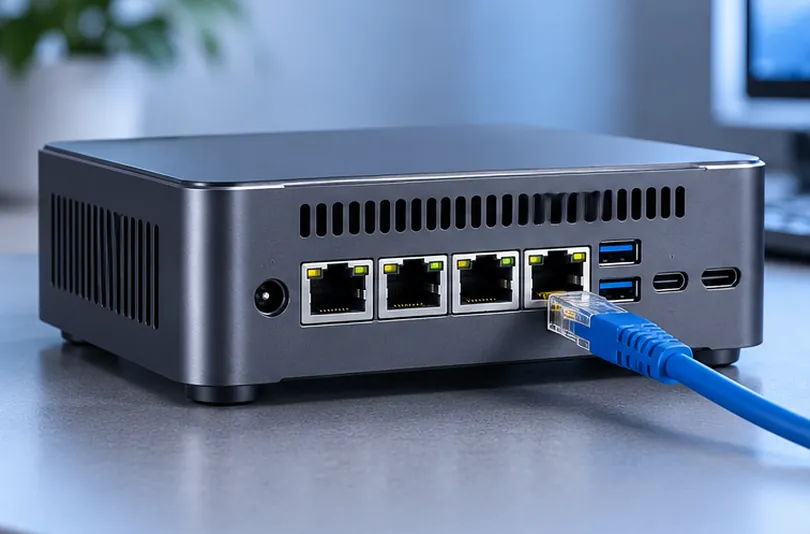
What a Mini PC with 4 LAN Ports Actually Is
It is a small-form-factor computer whose board exposes four RJ45 ports, wired in one of three ways that the specification sheet seldom explains. Port density, low idle power, and predictable I/O take priority over graphics, expansion slots, and USB count. That does not make it a single-purpose appliance, since it boots a standard desktop system and handles office work. It only means that for a discrete GPU or a full-length card, you are paying for ports you will not use.
Four Ports, Three Different Architectures
Counting jacks gives one number, but three facts decide behaviour: how many interfaces the operating system sees, how many physical controllers are fitted, and how many MAC addresses exist. They are not the same thing.
- Four independent controllers. Each port has its own chip, its own MAC address, and its own PCI function, with separate queues and interrupts. The system enumerates four devices.
- One multi-port controller. A single chip carries four PHYs and presents four interfaces with identities of their own, while sharing its buffer, PCIe link, and interrupt handling.
- One controller plus an internal switch chip. The board shows four jacks, but the system sees one interface with one MAC address and VLAN handling happens in silicon. Cheapest to build, hardest to identify from outside.
What separates them is the path from each port to the processor. In the third arrangement the four jacks are segments of one interface: traffic between them is switched internally, but anything routed, filtered, or tunneled leaves through the single upstream link the chip provides. In the first, every port has its own path, which is what makes per-port policy and a real failure boundary possible.
Ask for evidence rather than a photograph of four jacks: an interface listing from the target operating system, a device listing showing the PCI functions, or a table of MAC addresses per port. A single-port controller such as the I226-V, one chip with one port and one MAC, is the reference point: four such entries mean something different from four jacks behind one entry. Category pages such as the Zhi Series group models by chassis, and the port count still has to be read per model.
Where Four Ethernet Ports Change the Job
Four ports pay off when segments must be physically separate rather than merely tagged apart: an untrusted WAN, a trusted LAN, a guest or IoT network, and a management or DMZ segment. With one or two ports you trunk those segments over one cable, but every segment then shares a link and a controller. Four ports remove that contention and keep management reachable while the data path is saturated.
Firewall and Router Appliance
This is the classic deployment. One port takes the WAN hand-off, one the internal LAN, one a guest or IoT network that may reach out but not in, and one a DMZ for anything visible from the internet.
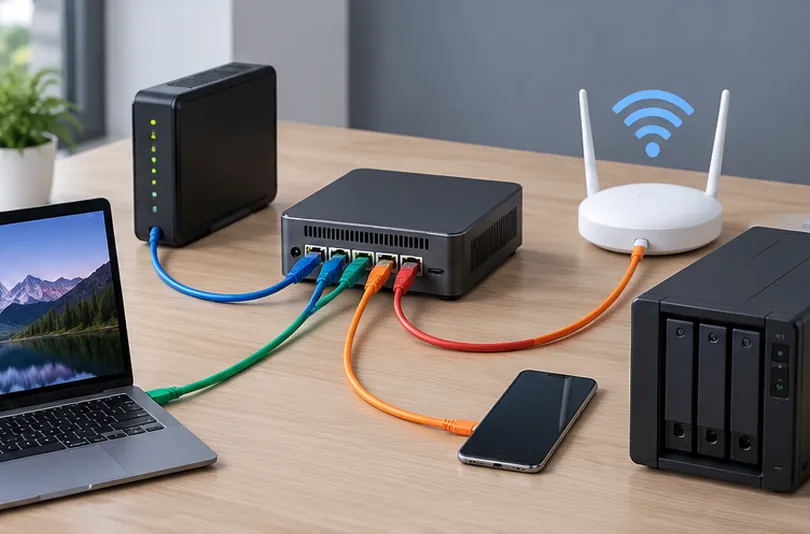
Physical separation is not security on its own, and it is not automatic either. Whether traffic can move between those interfaces depends on the operating system and the policy loaded into it, and default behaviour differs between platforms: a typical firewall installation treats one interface as untrusted and another as trusted, and an interface with no policy assigned passes nothing. Isolation exists once each port has a zone, a rule set, and a test proving the rules behave as the diagram claims, which is the approach NIST SP 800-41 takes when it treats policy as the control and the device as its enforcement point. Four ports mean four zones to maintain.
Storage and Virtualization Host
A four-port unit makes a good combined NAS and hypervisor: one interface for hypervisor management, one for NFS or SMB, one for replication, one spare.
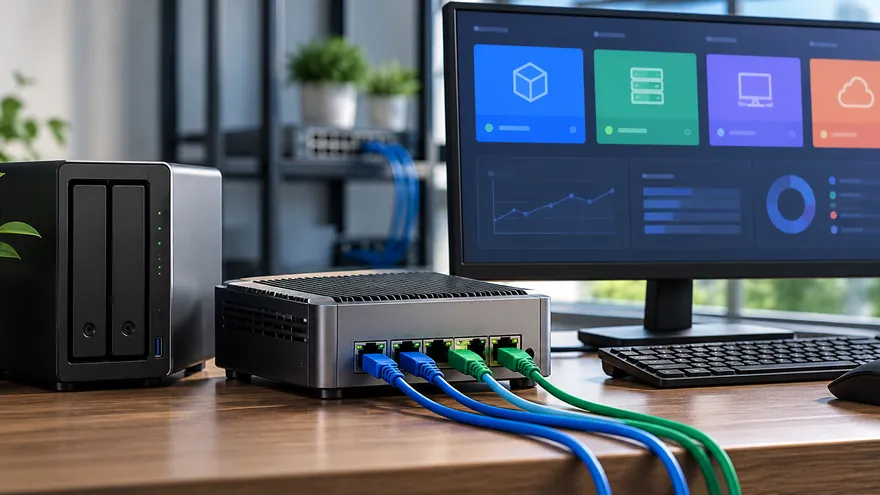
Configured as a Database Mini PC, it runs shared storage plus a few virtual machines, and the constraint shifts from network to memory and storage. Two M.2 slots in a mirror keep the array running when one drive fails, at half the raw capacity. That is redundancy, not a backup: every write is mirrored, so a deleted volume, a corrupted filesystem, or an encrypted share takes out both copies at once. Keep an independent copy on another machine. Plan memory before processor: 16 GB is a realistic floor for a hypervisor with two guests.
Edge, Industrial, and Multi-Tenant Deployments
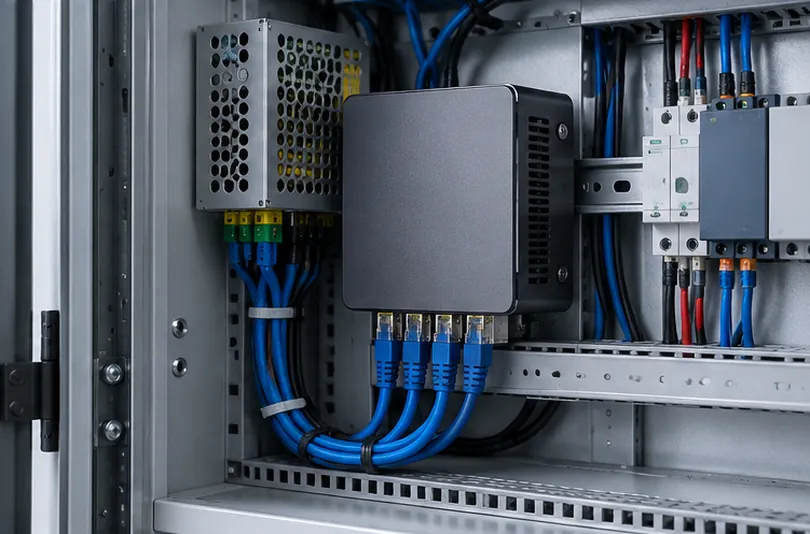
Outside the server closet the same hardware keeps machine cells, signage players, or tenant networks apart on one device. A production line with control, vision, and corporate networks needs those separated for performance and fault containment, and a compact box fits a cabinet where a 1U server will not. What matters: input power that tolerates the local supply, and a mounting option that is not a shelf.
Single, Dual, and Quad: Matching Port Count to the Role
Port count should follow the segments you must isolate, not the number you might want later. One port is a client. Two cover a WAN and a LAN, or a data path plus out-of-band management. Four cover a multi-segment firewall, a lab host, or an edge gateway with room for redundancy.
| Ports | What it is for | Where it runs out |
| One | Thin client, signage player, single-subnet workstation | No segmentation; depends on upstream switching |
| Two | Firewall with WAN and LAN, or data plus management | No guest or DMZ segment without trunking |
| Four | Multi-segment firewall, virtualization host, edge gateway | Fixed count; expansion means a switch |
Why Do Some Mini PCs Have Only Two LAN Ports?
Because two is what most buyers need and the board costs less to build. The second port usually terminates a backup WAN for failover, keeps management reachable while the data path is reconfigured, or attaches a backup device without exposing it to the network.
Two ports plus VLAN tagging covers most homes and small offices on cheaper hardware. The limitation appears the moment a segment must be isolated for compliance: VLANs on one trunk still share a link, a controller, and a failure domain, and the second port is already occupied.
Benefits Compared with the Alternatives
The advantage is not speed. It is that one low-power box performs routing, firewalling, DNS filtering, VPN termination, and container hosting that would otherwise need a switch, a server, and a separate appliance. A managed switch forwards frames at wire speed and, on Layer 3 models, routes between subnets with access control lists, but that is not a stateful firewall: it does not track sessions, terminate tunnels, or run the logging a network depends on. The two are complements.
| Option | Strength | Limitation |
| Managed switch | Wire-speed switching, many ports, low cost per port | Layer 3 routing and ACLs, but no stateful inspection or logging stack |
| 1U rack server with add-in NICs | Highest throughput and expansion | Idle draw, fan noise, rack space |
| SFF desktop plus four-port card | Flexible and upgradeable | Needs a free slot; higher idle draw |
| Single-NIC unit plus USB adapters | Lowest entry cost | Driver instability, shared bus, no line rate |
| Four-port mini PC | Integrated, low power, quiet, small | Fixed port count, cost per port |
What to Consider When Buying
Work through five things in this order: how the ports are wired, whether the controllers have mature drivers, how much throughput the heaviest workload needs, whether the chassis suits continuous duty in its location, and how the unit is powered and mounted. Price is a consequence of those five, not an input.
Network Controllers and Driver Maturity
Controller generation matters less than driver behaviour under load. A controller with a maintained open-source driver holds a link for months; one with a vendor-only driver may reset under UDP floods, and the failure looks like an application problem until you read the interface counters. Ask which controller is fitted, whether it stays the same across batches, and whether the vendor publishes interface listings.
CPU, Memory, and Throughput Headroom
Three workloads scale differently and should be sized separately.
- Routing and NAT are the lightest load. Simple forwarding between two 2.5 GbE segments sits within reach of most current low-power processors, but published line-rate figures are measured on plain routing with large packets and an empty rule set, so treat them as a ceiling, not a promise.
- Encrypted tunnels are expensive. Throughput depends on cryptographic acceleration and core count, and falls well below line rate on entry-level parts.
- Inspection is heaviest. It scales with cores and memory bandwidth, which is why a firewall box needs more compute than its port count suggests, and why the only figure worth trusting is one measured with your own rule set.
Memory is the cheapest insurance. Dual-channel configurations matter for virtualization, and 16 GB is a realistic minimum for a hypervisor with two guests. If memory is soldered, buy the capacity you will need in three years on day one.
Cooling, Duty Cycle, and Acoustic Budget
These units run continuously, often in a cabinet with poor airflow. Passive chassis are silent and have one fewer part to fail, but depend on ambient temperature; active cooling holds up better under load, at the cost of a wear item and audible noise. Decide from the location: an open shelf in an office and a closed wall box beside a workshop are different environments.
Power, Mounting, and Physical Fit
Check the input voltage range, the connector, and whether the adapter ships in the box. A locking DC connector survives vibration better than a barrel jack. Then confirm mounting: VESA holes, a DIN rail bracket, or a rack shelf. A unit with no mounting points ends up on a shelf, where airflow problems start.
Example: A Compact Mini PC with Four 2.5GbE Ports
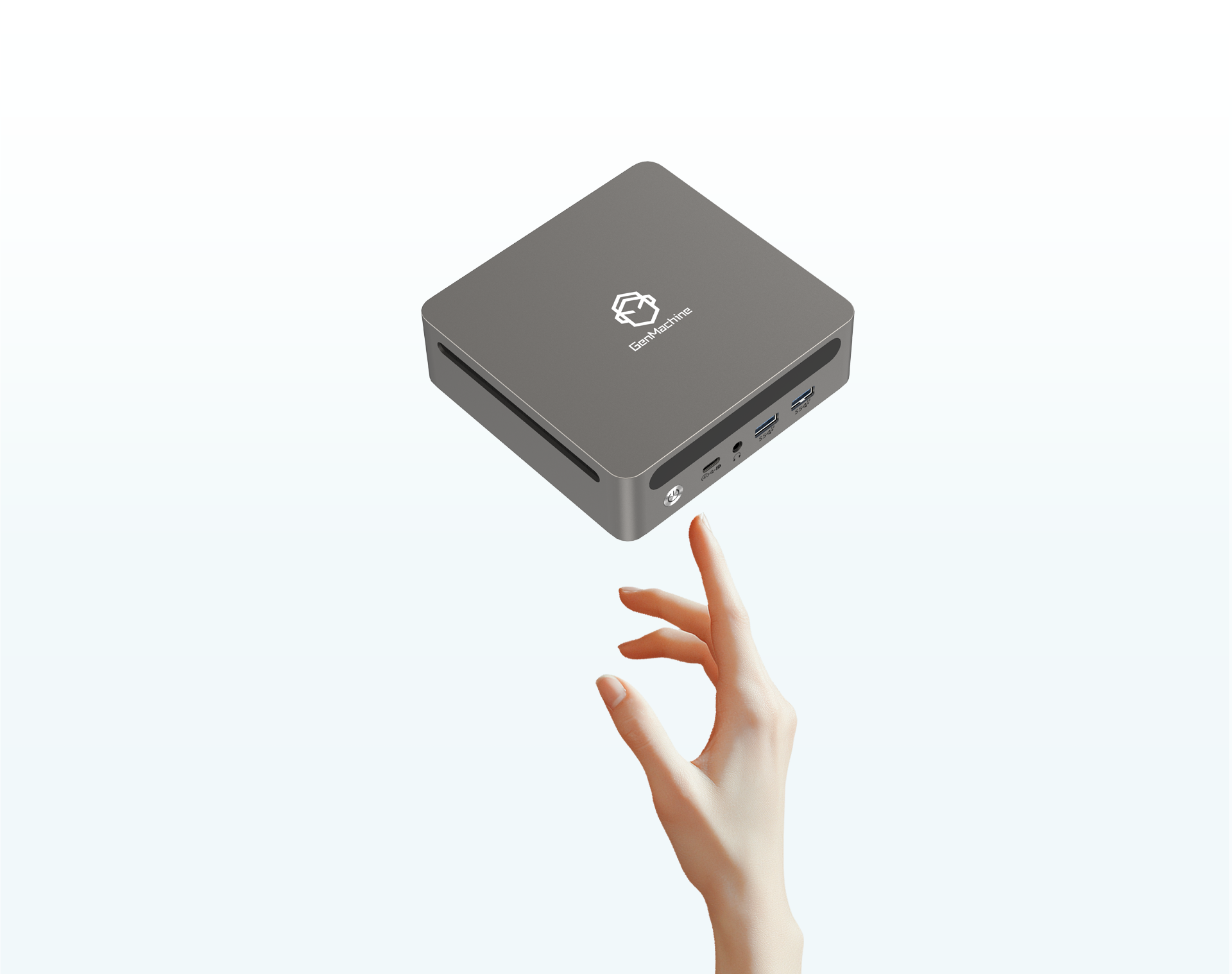
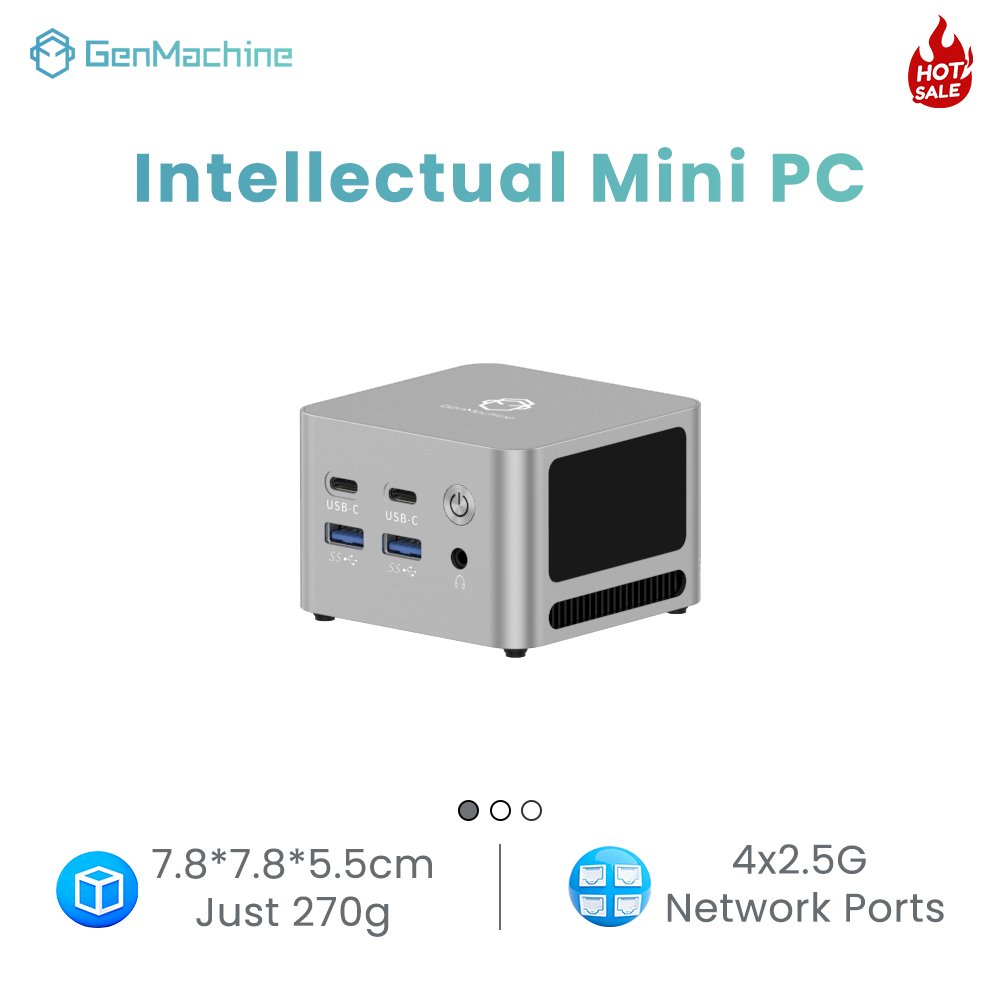
One current model shows how the pieces fit together. The Zhi5000 mini PC carries four 2.5 GbE ports, two USB ports, two Type-C connectors with one carrying power, and HDMI output, in a chassis roughly 7.6 cm on a side. Three cautions apply. Confirm processor and memory details against the current listing, because one table can cover more than one variant. Ask for an interface listing, since port count alone does not say whether the interfaces are independent. And note that LPDDR4X memory is soldered, so capacity is fixed at purchase.
| Item | What to confirm | Common trap |
| Port architecture | Controller and MAC count, enumeration | Four jacks behind one MAC sold as four ports |
| Controllers | Fitted model, driver status for your OS | Vendor-only driver that resets under load |
| Throughput | Tunnel and inspection rates, not just NAT | Line rate measured on plain routing |
| Memory | Soldered or socketed, channels, ceiling | 8 GB soldered on a virtualization host |
| Storage | M.2 slots, PCIe generation, mirror support | One slot, no redundancy |
| Thermal design | Passive or active, rated ambient | Office rating reused in a sealed cabinet |
| Power | Voltage range, connector, adapter included | Non-standard adapter with no spare |
How to Tell Whether a 4-Port Mini PC Is Reliable
Reliability here is a verification exercise, not a specification. The signals that predict a stable unit are evidence of interface enumeration, a documented firmware cadence, consistent components across batches, and a support path that answers technical questions. None appear in a headline, and all can be checked before ordering.
A vendor who has tested the unit in a firewall role can send an interface listing showing four entries, or a PCI dump showing four functions; if the only proof offered is a photograph of four jacks, the architecture is unconfirmed. Ask about firmware: two or three BIOS releases over eighteen months means the product is maintained, which matters when a kernel update breaks a driver. Ask about batch consistency, since controller substitutions turn a validated design into an unstable one. Then check certification, warranty, and how technical questions are answered before the sale.
Sizing a Deployment, Not Just a Box
A single unit is a hardware choice; fifty units is an operational one. The questions shift to one model and configuration at every site, a documented recovery procedure, and a spare on the shelf. Those are decided at purchase, not after the first failure.
Where the same configuration has to ship to many sites, a Customize Mini PC arrangement is worth pricing, but check what it covers: configuration options, finish, and packaging are the usual variables, while the port count is fixed by the model and cannot be changed afterwards. Model selection therefore comes first. Standardise on one model so a replacement behaves like the unit it replaces, and keep a spare. The order of decisions is worth restating: segments set the port count, workload sets processor and memory, location sets cooling and mounting.
Frequently Asked Questions
Three questions recur before purchase, and each is a matter of fit rather than specification.
Can a four-port mini PC be used as a normal office computer?
Yes, with two caveats. It usually has one video output, so a dual-monitor desk needs another model, and soldered memory leaves no upgrade path. For desk work, a two-port unit at the same price is better balanced.
What cabling do four 2.5 GbE ports need?
Cat5e is usually sufficient. 2.5GBASE-T, defined in IEEE 802.3, was designed to run over Cat5e at up to 100 metres, so existing cabling in most offices does not need replacing. Condition and termination still matter: a marginal run that passed at 1 GbE may negotiate down.
Will a fanless unit throttle in a closed cabinet?
It can. Passive designs depend on the temperature difference between case and air, so a sealed cabinet reaching 40 C in summer leaves little margin. Mount the unit where air moves across the chassis, and prefer a model rated above the ambient the room will reach.