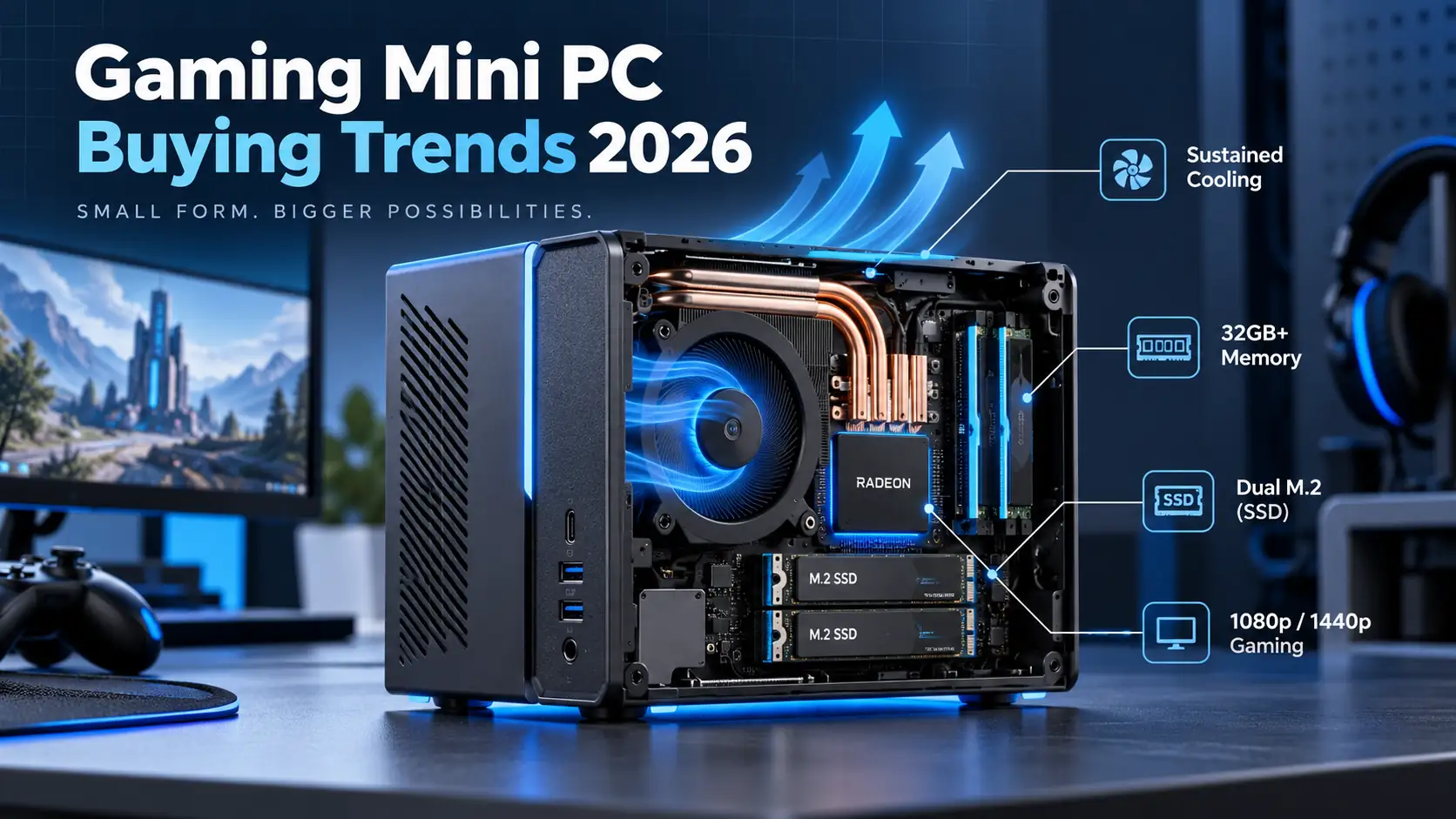
Two eight-core Ryzen 7 processors listed a few dollars apart on one specification sheet is a familiar problem for anyone buying a small form factor desktop. The core counts match, the L3 cache reads 16 MB on both, and the model numbers sit next to each other, so the choice looks like a coin toss. It is not, because these two Ryzen 7 Mini PC platforms belong to different architecture generations, and in a chassis where memory is soldered and cooling is fixed at the factory, that gap is the one variable a buyer cannot correct afterwards.
At an identical 32 GB memory and storage tier, the Ryzen 7 7840HS mini PC is the better buy. It costs roughly 6 to 9 percent more than the 7735HS version while delivering about 13 to 23 percent more CPU throughput, a newer graphics architecture, AV1 hardware encoding, and an NPU. The 7735HS wins on two counts only: official ECC support, which needs board and firmware cooperation that consumer designs rarely provide, and a lower entry price for buyers whose work never leaves 1080p office software and light editing.
Whether that premium is worth paying comes down to four measurable factors: architecture, benchmark behaviour under real power limits, media engine capability, and sustained thermal performance.
What Actually Differs Between the Two Chips?
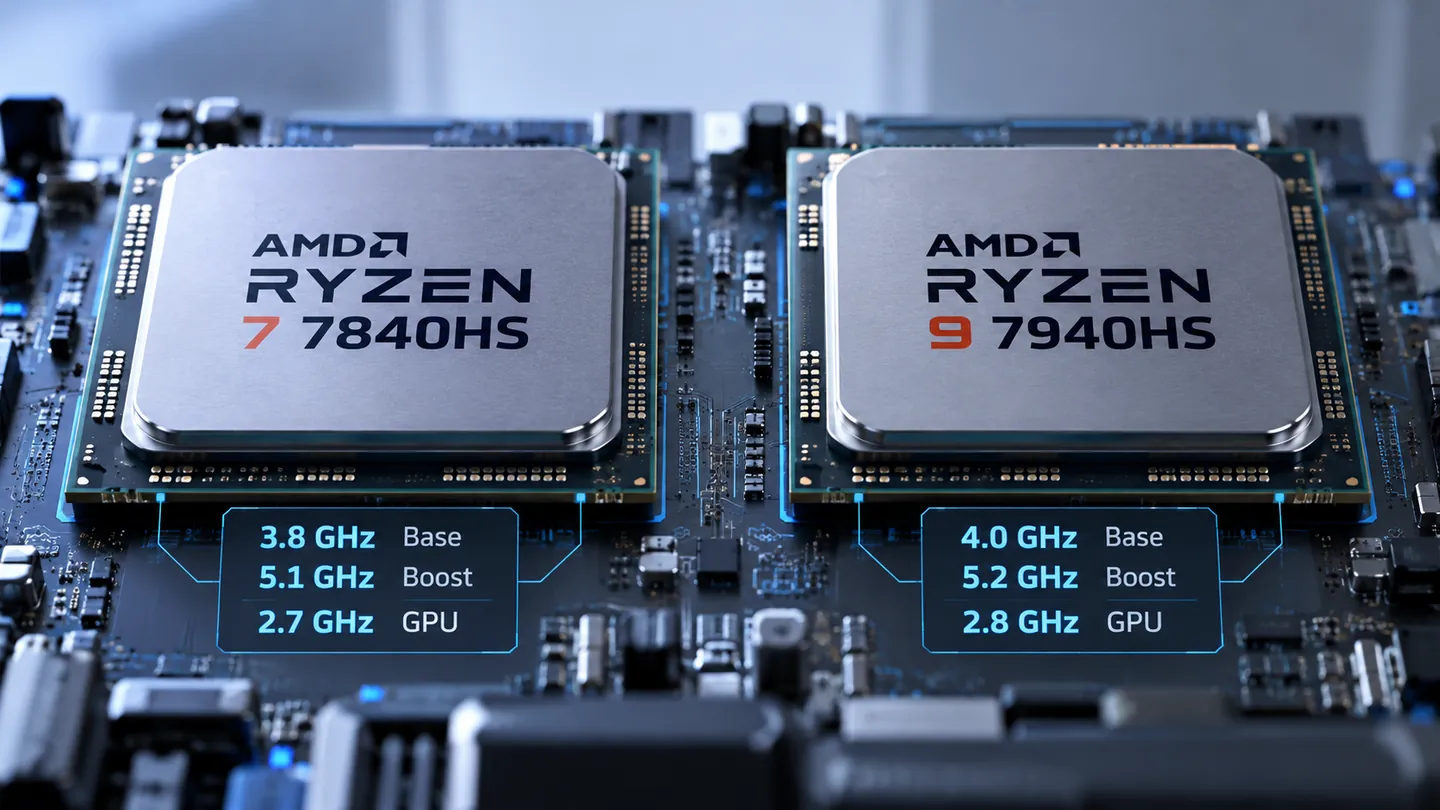
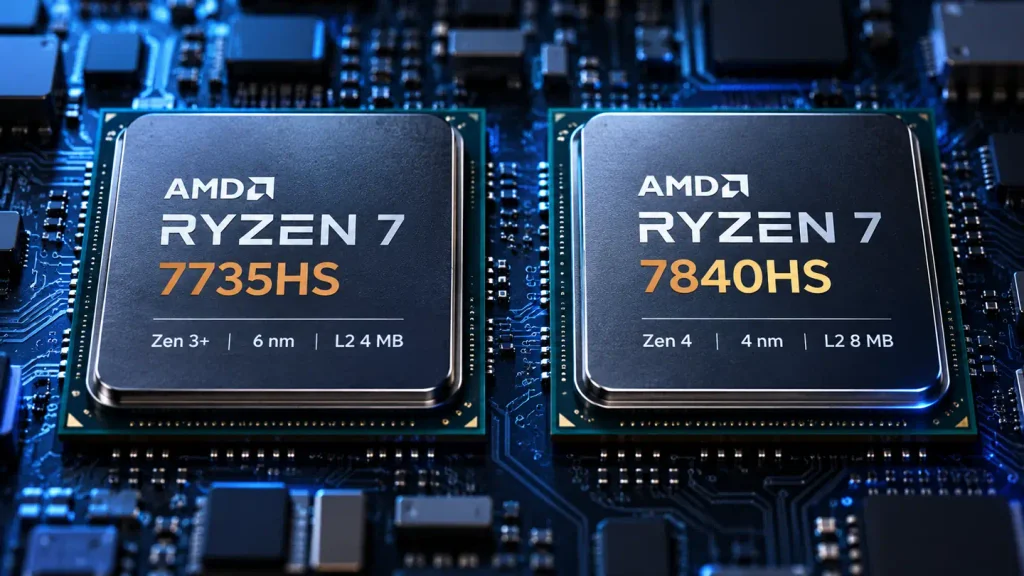
Both processors ship eight cores, sixteen threads, 16 MB of L3 cache, and the same 35 to 54 watt configurable TDP, so the headline figures really are identical. Everything that separates them is architectural: Zen 3+ on 6 nm against Zen 4 on 4 nm, 4 MB of L2 against 8 MB, Radeon 680M against Radeon 780M, DDR5-4800 against DDR5-5600, no NPU against a 10 TOPS NPU, and ECC support running opposite to what most buyers assume.
Figures below are cross-checked against AMD’s product page for the Ryzen 7 7840HS.
| Specification | Ryzen 7 7735HS | Ryzen 7 7840HS |
| Architecture / codename | Zen 3+ / Rembrandt-R | Zen 4 / Phoenix |
| Process technology | TSMC 6 nm | TSMC 4 nm |
| Cores / threads | 8 / 16 | 8 / 16 |
| Base / max boost clock | 3.2 / 4.75 GHz | 3.8 / 5.1 GHz |
| L2 / L3 cache | 4 MB / 16 MB | 8 MB / 16 MB |
| Configurable TDP | 35 to 54 W | 35 to 54 W |
| Integrated graphics | Radeon 680M, RDNA 2, 2200 MHz | Radeon 780M, RDNA 3, 2700 MHz |
| Official memory support | DDR5-4800, LPDDR5-6400 | DDR5-5600, LPDDR5x-7500 |
| Official maximum memory | 64 GB | 256 GB |
| ECC support | Yes, with platform support | No |
| NPU | None | Up to 10 TOPS |
Architecture and the Doubled L2 Cache
Treating the shared 16 MB of L3 as proof that the chips are closely related is the usual mistake. L2 is the cleaner signal. Zen 4 doubles the per-core slice from 512 KB to 1 MB, lifting the total from 4 MB to 8 MB, and that buffer sits closest to the core where compilation and effect scrubbing feel it. The 7735HS is also not a new design: it is a previous generation part wearing a 7000 series label, hence a base clock 600 MHz lower.
ECC Support Runs the Other Way
This is the most frequently inverted fact in the comparison. The 7735HS supports ECC and the 7840HS does not, as listed in the official 7735HS specification sheet. For ZFS pools or parity-sensitive hypervisor storage, where a silent bit flip corrupts a page, that is a real argument for the older chip. The caveat: consumer boards almost never expose ECC in firmware, and soldered memory has no ECC modules.
What the Official Memory Rating Does Not Tell You
The 7840HS is rated for DDR5-5600 and LPDDR5x-7500 against DDR5-4800 and LPDDR5-6400, roughly 89.6 GB/s against 76.8 GB/s. Two limits sit on top of that rating. The 256 GB figure is a processor ceiling, not a promise about any machine, since achievable capacity depends on BIOS, slot layout, and vendor validation. And a chassis shipping LPDDR5-6400 hands the 7840HS less bandwidth than its maximum.
How Large Is the Real Performance Gap?
The Ryzen 7 7735HS vs 7840HS gap lands near 13 to 21 percent in single-core results and 16 to 23 percent in multi-core. Those ranges come from aggregated results across many laptop implementations, so they describe the architecture rather than any one mini PC.
Benchmark results are indicative rather than guaranteed mini PC performance. Actual scores depend on power limits, cooling, memory configuration, and firmware.
| Benchmark | Ryzen 7 7735HS | Ryzen 7 7840HS | Difference |
| Cinebench R23 single-core | 1548 | 1757 | +13.5% |
| Cinebench R23 multi-core | 13766 | 15930 | +15.7% |
| Geekbench 6 single-core | 2023 | 2456 | +21.4% |
| Geekbench 6 multi-core | 9832 | 12135 | +23.4% |
Single-Core Responsiveness
Single-core drives what users notice second to second: window switching, application launch, opening a project file, applying a filter. Thirteen to twenty-one percent compounds across a working day, and it is the metric least affected by chassis design.
Multi-Core Throughput and Sustained Behaviour
Multi-core governs anything occupying all sixteen threads for minutes: export, batch photo work, 3D preview renders, virtual machine startup. The gap here is wall clock time and holds only while clocks stay up, so a fifteen minute export against nineteen can narrow if cooling lets the faster chip throttle earlier.
Which One Is Better for Video Editing and Content Creation?
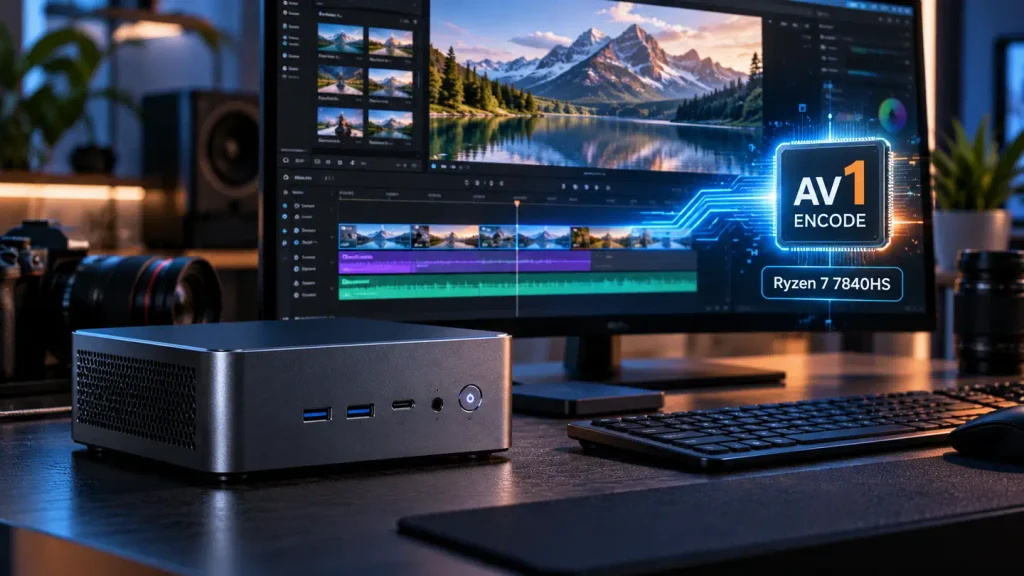
Both processors can edit video and neither is disqualified by core count. The 7840HS is stronger because its media engine adds AV1 hardware encoding and its graphics architecture is a generation newer, which shows in multi-track 4K timelines and export times. The 7735HS stays adequate for 1080p projects and workflows where proxies are routine.
Encode Versus Decode: The AV1 Distinction
The 7735HS handles H.264 and H.265 in both directions and decodes AV1 without encoding it. The 7840HS adds AV1 hardware encoding alongside decoding, with published support for 8K60 AV1, 8K43 H.265, and 4K175 H.264. Decoding governs playback and scrubbing; encoding governs export time, and it matters more each year as delivery platforms standardise on AV1.
| Format | Radeon 680M engine | Radeon 780M engine | Practical meaning |
| H.264 | Encode and decode | Encode and decode | Both export quickly for legacy delivery |
| H.265 / HEVC | Encode and decode | Encode and decode, higher throughput | Both viable; the newer engine clears 4K queues faster |
| AV1 | Decode only | Encode and decode | Only the 7840HS takes an AV1 export off the CPU |
AV1 support does not guarantee faster exports, because the outcome depends on whether the application routes the job through the hardware encoder, on the source codec, on effect layers, and on the preset. A well cooled 7735HS on an efficient H.264 workflow will beat a throttled 7840HS on an unoptimised timeline.
Matching the Chip to Project Complexity
Short-form vertical content, talking head footage, and 1080p deliverables sit comfortably on the 7735HS, especially with proxies. Multi-track 4K, noise reduction, and regular AV1 delivery justify the 7840HS, where the encoder removes a CPU-bound step. For how these chips fit into editing builds, the guide to video editing mini PC configurations covers memory, storage, and display planning.
Which One Makes More Sense for Gaming?
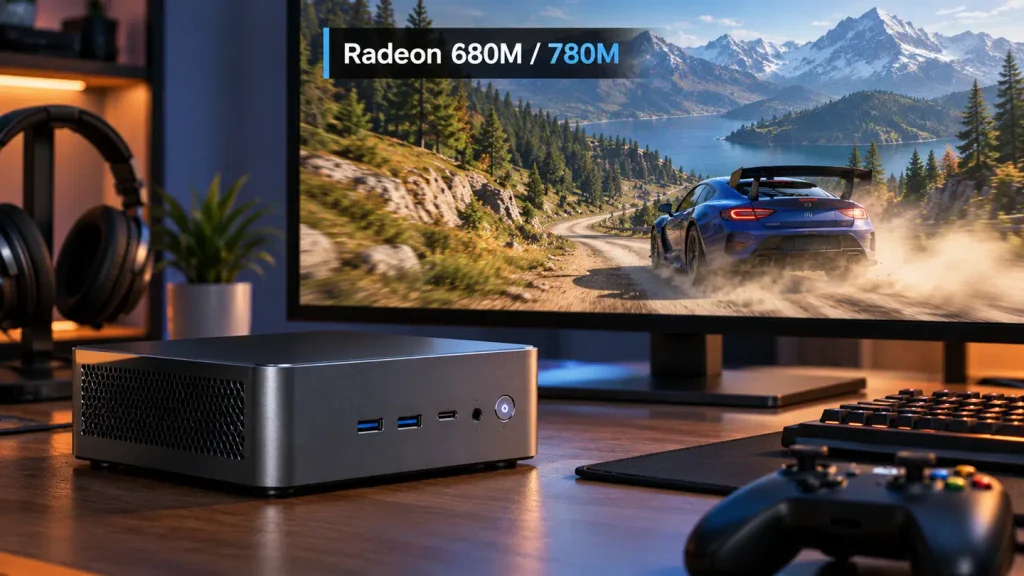
The Radeon 780M is the stronger integrated GPU and wins on average, but the size of that win is not fixed. Measured leads run from near parity to well over thirty percent, depending on the game, memory bandwidth, power limit, and cooling rather than the architecture label.
| Game class | Radeon 680M expectation | Radeon 780M expectation |
| Esports at 1080p | High frame rates at reduced settings; CPU bound in lighter titles | Similar frame rates; the CPU is usually the limit |
| Previous generation AAA | Playable at low preset with upscaling | Comfortable at low to medium preset |
| Current AAA at 1080p | Minimum settings with upscaling only | Minimum to low settings; ray tracing impractical |
What Independent Testing Shows
The two GPUs sit closer in games than the specification table implies. Notebookcheck’s comparative testing of the Radeon 780M and 680M found little separation across several titles, and recorded one cross-device result where a 7735HS machine delivered 45 fps in Far Cry 5 at 1080p medium while a 7940HS machine managed 39 fps. Chassis, memory, and driver state can erase an architectural advantage.
Is a Ryzen 7 Overkill for Gaming?
For pure gaming on integrated graphics, the eight-core CPU is rarely the bottleneck. Frame rates are set by the GPU and by memory bandwidth, so a Ryzen 7 spends most of a session with cores idle. What the purchase buys is headroom for everything running alongside the game: browsers, voice chat, capture software.
For esports at 1080p, either chip is more CPU than required. For current AAA titles the integrated GPU is the limit long before the CPU, so the question shifts from which Ryzen 7 to whether an integrated GPU is the right class of machine at all. Buyers expecting consistent high frame rates in demanding titles should look at discrete graphics. More detail sits in the gaming mini PC selection pages.
Does Cooling Matter More Than the Chip?
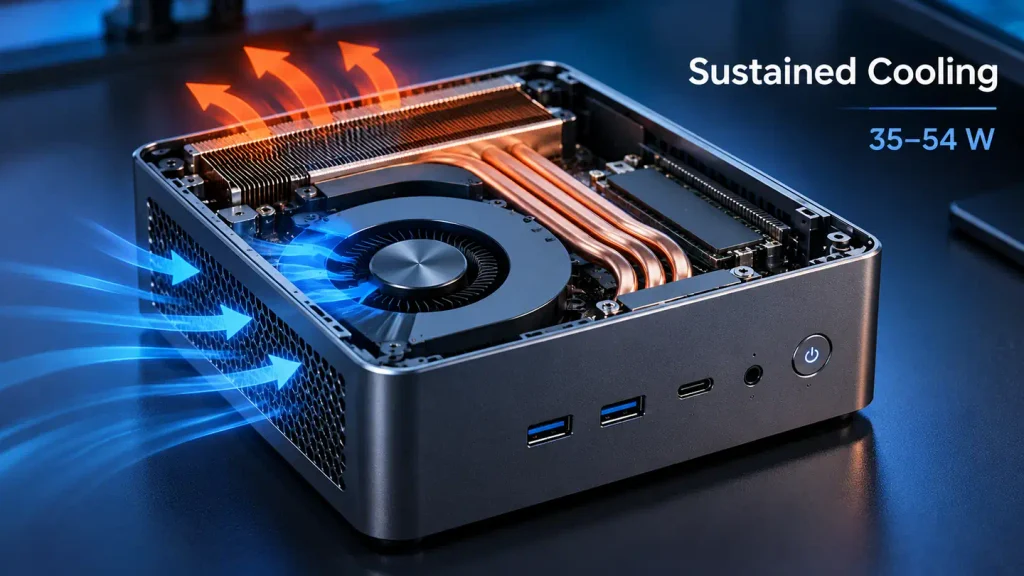
Insufficient cooling compresses the 7840HS advantage, but it does not follow that thermal design outranks architecture. The two multiply: architecture sets the ceiling, cooling decides how much of it a machine holds for an hour. A well cooled 7735HS can finish a long export ahead of a throttling 7840HS, but that describes one pair of machines, not a general rule.
Because both parts share the same 35 to 54 watt range, the vendor chooses where to set the ceiling and how hard to hold it, and burst-only reviews miss this entirely. The practical test is a two-point comparison: run the same workload for ten and then thirty minutes, recording package power, all-core clock, temperature, and fan noise at both. A machine whose thirty minute clock has fallen well below its ten minute clock is trading performance for acoustics, and that trade is invisible in a specification sheet.
Comparing Two Mini PCs With the Same 32 GB Memory Configuration
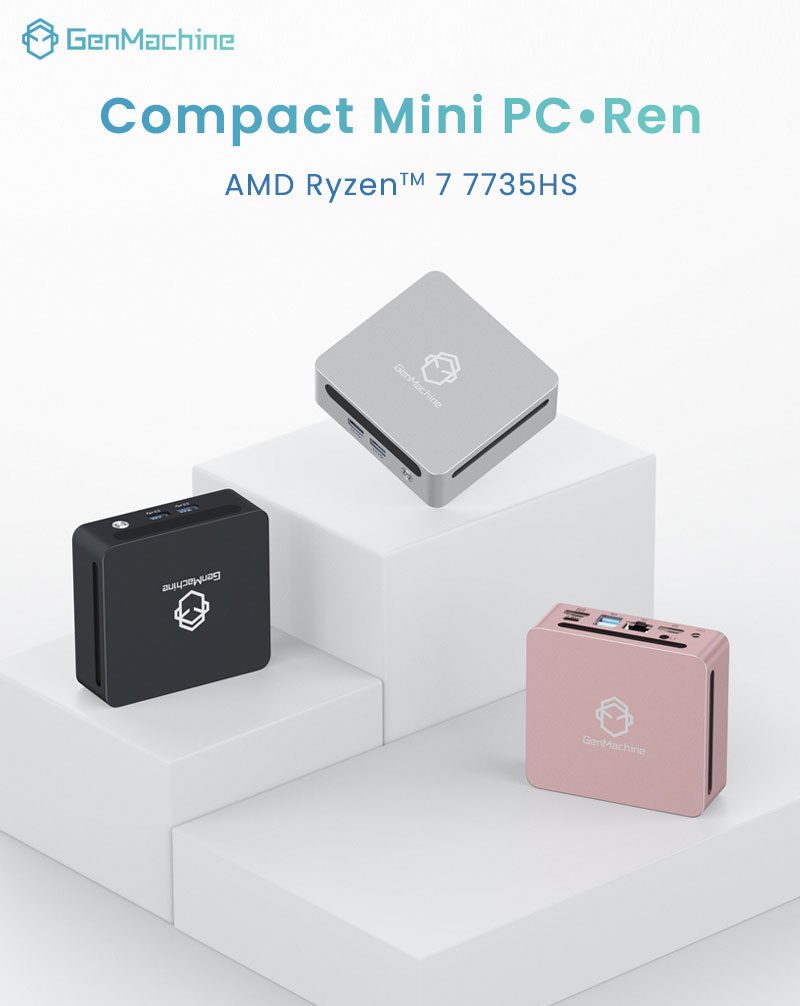
Strip away the marketing and the two machines differ in exactly one place: the processor and its graphics. Memory, storage slots, display outputs, and chassis are common to both, which isolates the chip as the variable.
| Item | 7735HS configuration | 7840HS configuration |
| Processor | Ryzen 7 7735HS, Zen 3+ | Ryzen 7 7840HS, Zen 4 |
| Graphics | Radeon 680M, RDNA 2 | Radeon 780M, RDNA 3 |
| Memory | 32 GB LPDDR5, up to 6400 MT/s | 32 GB LPDDR5, up to 6400 MT/s |
| Storage | 2 x PCIe Gen4 M.2 2280, 4 TB total | 2 x PCIe Gen4 M.2 2280, 4 TB total |
| Display outputs | Dual HDMI 2.0 plus dual Type-C matrix | Dual HDMI 2.0 plus dual Type-C matrix |
| Published price range | 387 to 497 USD | 420 to 529 USD |
| Difference | Baseline | About 32 to 33 USD more, or 6 to 9 percent |
Where the 6 to 9 Percent Premium Goes
The premium buys four things that cannot be retrofitted: more single-core throughput, double the L2 per core, a graphics core rated 500 MHz higher, and AV1 hardware encoding with a 10 TOPS NPU the older part lacks.
What it does not buy matters equally: not more memory, not faster memory in this chassis, no different storage layout, no extra display outputs. Buyers who assume a higher tier processor implies a higher tier platform will overpay for the wrong thing. The 7735HS mini PC and the 7840HS mini PC sit on the same platform, and that similarity is the point.
One consequence follows. Memory capacity and speed are locked at purchase, because soldered LPDDR5 offers no upgrade path, while the two M.2 slots leave storage open.
Price, Workload Fit, and Procurement Decisions
Compare whole system prices, not processor prices, and the answer usually resolves itself. When the gap stays inside about 10 percent and the workload includes 4K editing or heavy multitasking, the 7840HS is rational. When the gap widens beyond roughly 25 percent, or the workload stays inside office software and 1080p content, the 7735HS is the better use of budget. These thresholds are heuristics, so recheck them against current quotations.
Who Should Choose the 7735HS
Office and call centre seats, digital signage players, point of sale terminals, and light editing stations rarely saturate eight Zen 3+ cores, so the saving goes further on memory or a second drive. A storage role needing ECC is the other case, subject to the board exposing it.
Who Should Choose the 7840HS
Multi-track 4K editing, workstations shared between editing and 3D preview, and deployments expected to stay in service for four years or more justify the premium.
Notes for Bulk Deployment
Standardise on one processor across a fleet so images, driver packages, and firmware updates stay consistent, since mixing two platform generations doubles the validation surface. Confirm BIOS support windows before a multi-year refresh cycle, and verify memory consistency between batches. Buyers assembling a mixed fleet should review wholesale mini PC ordering terms alongside the technical specification.
Final Verdict
The 7840HS is the better mini PC for most buyers, because a 6 to 9 percent premium buys a newer architecture, double the L2 cache, a faster GPU, AV1 encoding, and an NPU. The 7735HS remains correct for budget constrained deployments, 1080p editing, office fleets, and the narrow case where ECC is required and actually available.
| Workload | Recommendation | Reasoning |
| Office, signage, front desk | 7735HS | Eight Zen 3+ cores exceed the requirement |
| 1080p and short-form editing | 7735HS | Adequate with proxies; AV1 rarely needed |
| Multi-track 4K editing | 7840HS | AV1 encoder and higher sustained clocks cut export time |
| Multi-year fleet deployment | 7840HS | Longer useful life and more software headroom |
Frequently Asked Questions
Three questions come up repeatedly once the specification differences are understood, and each has a practical answer rather than a marketing one.
Can a 7735HS mini PC run dual 4K displays?
Not at 4K60 on both ports in the configurations described here. The published output arrangement provides one 4K144 Hz path on the front Type-C connector, with the rear Type-C and both HDMI 2.0 ports at 1080p60. Dual 4K is a port matrix question, not a processor question.
Does RAM speed significantly affect Ryzen 7 7735HS vs 7840HS performance?
It affects integrated graphics far more than CPU workloads, because the GPU has no memory of its own. Both configurations run LPDDR5 at up to 6400 MT/s, below the 7840HS rating of LPDDR5x-7500, so part of that bandwidth advantage is not realised here. CPU-bound tasks are largely insensitive to memory speed; gaming frame rates are not.
Are either of these chips suitable for a fanless mini PC?
Not in a practical sense. Both are rated for a 35 to 54 watt range and designed for sustained multi-core load, a difficult profile without active airflow. Fanless designs rely on 15 to 28 watt processors where sustained clocks can be held passively. A fanless chassis around either part would need a large heat spreader and a heavily reduced power limit, at which point the advantage that justified the purchase has gone.