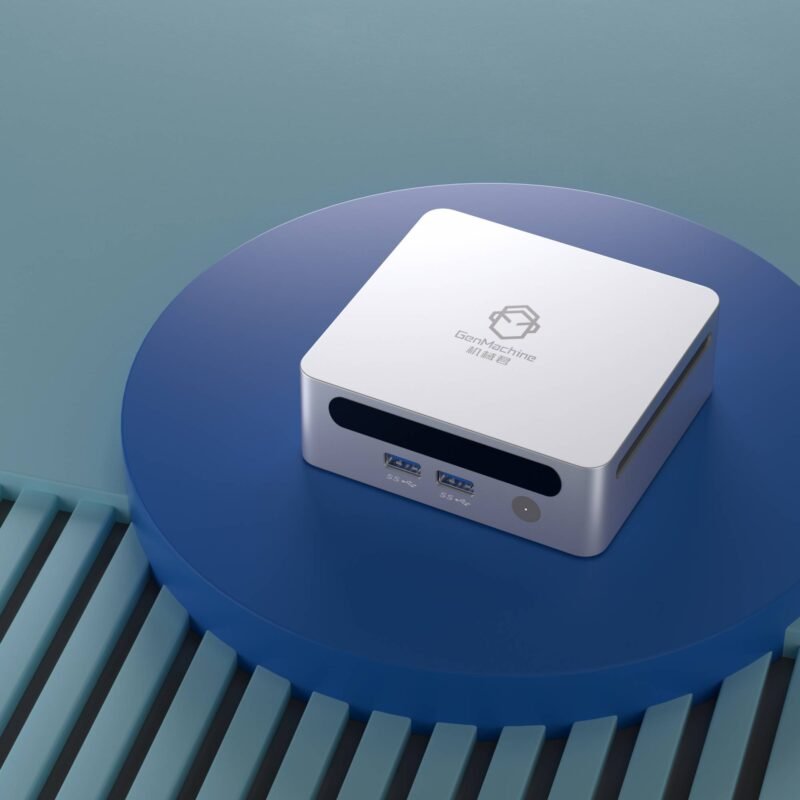
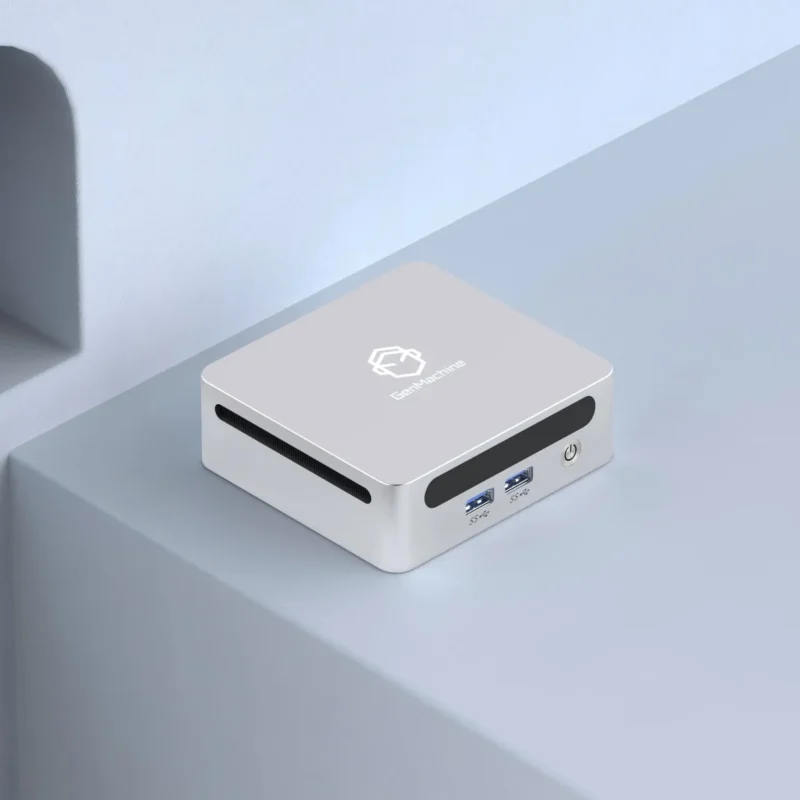
Setting up a desk space lately seems to involve getting rid of giant, flashy desktop towers. Tiny computers are just aesthetically pleasing, quietly sitting in the corner without dominating the room. But looking at the price tags of small form factor parts, it is pretty obvious that putting together a tiny rig requires some serious financial strategy. When deciding to build a mini pc for gaming, the balance between budget and actual performance gets totally skewed compared to standard, bulky desktops. It is incredibly easy to accidentally blow the entire budget on a fancy brushed-aluminum metal case, leaving almost nothing for the silicon parts that actually make games run well. You kind of have to figure out where to throw down serious cash and where it is perfectly fine to cut corners (because honestly, no one needs a ridiculously expensive motherboard just to play casual shooters at a desk).

Allocating GPU Funds When You Build a Mini PC for Gaming
Let’s be real, the graphics card is what actually matters the most. When sitting down to build a compact mini pc for gaming, the GPU is going to eat up at least half the overall budget. That is just how the hardware market works nowadays. But going incredibly small means dealing with extreme physical limitations. A giant, triple-fan flagship card probably will not even physically fit into a tiny, shoebox-sized case anyway. So, spending top dollar on the absolute highest-tier graphics card might actually be a terrible idea if it just suffocates against a solid side panel.
Instead, the smart money usually goes toward mid-range, highly efficient cards that run surprisingly cool under pressure.
Look for dual-fan models that don’t take up more than two structural slots in the metal chassis.
Prioritize cards with inherently lower power draws to keep the ambient temperature from getting totally out of hand.
Skip the expensive factory-overclocked versions (they just generate unnecessary heat for barely noticeable frame rate gains).
Finding a graphics card that strikes that perfect balance of fitting inside the metal box without instantly melting the surrounding components is kind of the holy grail here.
The “ITX Tax” When You Build a Mini PC for Gaming
There is this highly annoying thing in the tech world called the small form factor tax. Basically, smaller computer parts just cost more money to manufacture. Anyone attempting to build a mini pc for gaming will quickly notice that a tiny ITX motherboard costs significantly more than a massive standard ATX board, even though it literally features fewer expansion slots. It is super frustrating when trying to stick to a strict budget.
The power supply is another tricky financial trap. SFX power supplies (the tiny metallic blocks needed to power these dense cases) are bizarrely expensive compared to normal ones. But it is basically the one area where going super cheap is a massive, unforgivable mistake. A cheap, off-brand power supply can randomly fail and literally destroy everything else in the box.
| Component Category |
Spending Strategy |
The Reality of the Situation |
|---|---|---|
SFX Power Supply |
Splurge heavily |
A high-quality unit prevents random system crashes and quiet fan noises under heavy loads. |
Mini-ITX Motherboard |
Save money |
Mid-range boards have all the necessary features without charging an absurd premium for useless extras. |
System Memory (RAM) |
Save money |
Standard, non-RGB low-profile memory sticks work perfectly fine and cost way less than flashy models. |
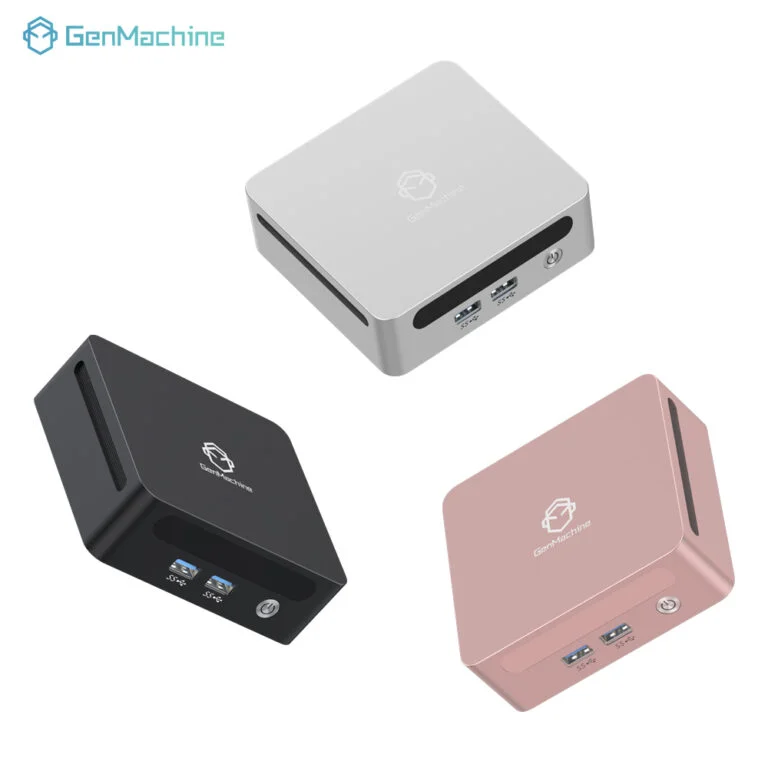
Smart Cooling Choices to Build a Mini PC for Gaming
Cooling a tiny metal box filled with electricity is, objectively speaking, a spatial nightmare. It is highly tempting to buy expensive, customized liquid cooling loops just because they look absolutely incredible on social media. However, for those trying to build a mini pc for gaming on a somewhat reasonable budget, massive liquid coolers are mostly a total waste of funds. A high-quality, low-profile air cooler is usually a fraction of the price and gets the job done perfectly fine, assuming the chosen case has decently ventilated mesh airflow panels.
Getting the assembly right usually follows a specific logical flow to avoid wasting money on incompatible parts:
Lock in the desktop processor and a budget-friendly low-profile cooler first, physically verifying the cooler height actually clears the specific case dimensions.
Buy decent but cheap NVMe solid-state storage drives (since most modern games load fast enough on standard Gen 3 or Gen 4 drives, there is no real-world need to overspend on the absolute fastest professional drives).
Route all the frustratingly stiff power cables before locking the massive graphics card in, because otherwise, normal human hands simply will not fit in the case later.
FAQ
Is it noticeably more expensive to build a smaller computer?
Yeah, it generally is. Because specialized miniature motherboards and tiny high-wattage power supplies are much harder to engineer, they naturally carry a noticeable price premium. Choosing to build a mini pc for gaming usually means spending roughly fifteen to twenty percent more than one would on a regular, massive desktop tower with the exact same gaming performance capabilities.
Can budget processors still handle modern titles in a small case?
Absolutely. In fact, mid-range, budget-friendly processors are often highly recommended for these tiny, cramped setups. The absolute top-tier processors draw an absurd amount of power and create far too much ambient heat to manage effectively in a dense space. A cheaper, mid-tier chip is much easier to keep cool and rarely bottlenecks the graphics card in modern gaming scenarios anyway.
What is the easiest way to save money on this kind of setup?
Skipping the aesthetic extras is arguably the fastest way to slash the overall budget. When preparing to build a mini pc for gaming, completely ignoring RGB lighting, fancy glass side panels, and expensive braided custom cables saves a massive amount of cash. That extra money can then just be directly funneled back into buying a slightly better graphics card (which is what actually dictates how good the games look on the monitor).