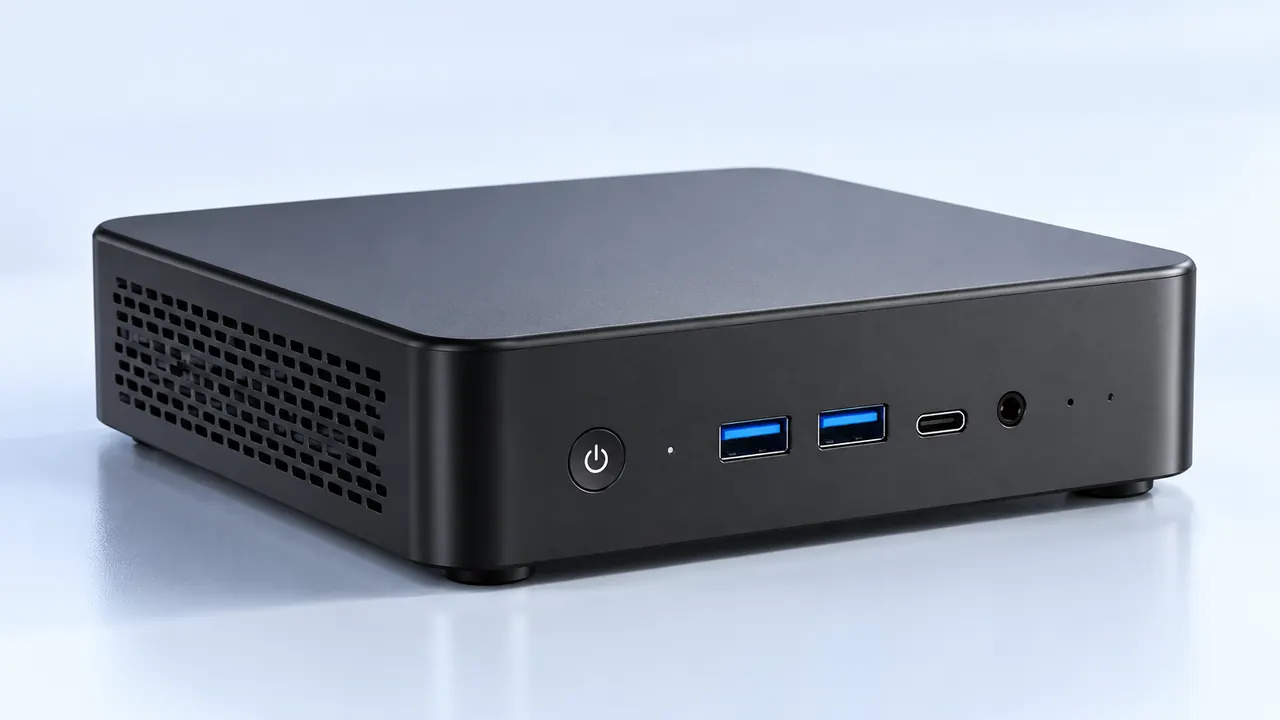
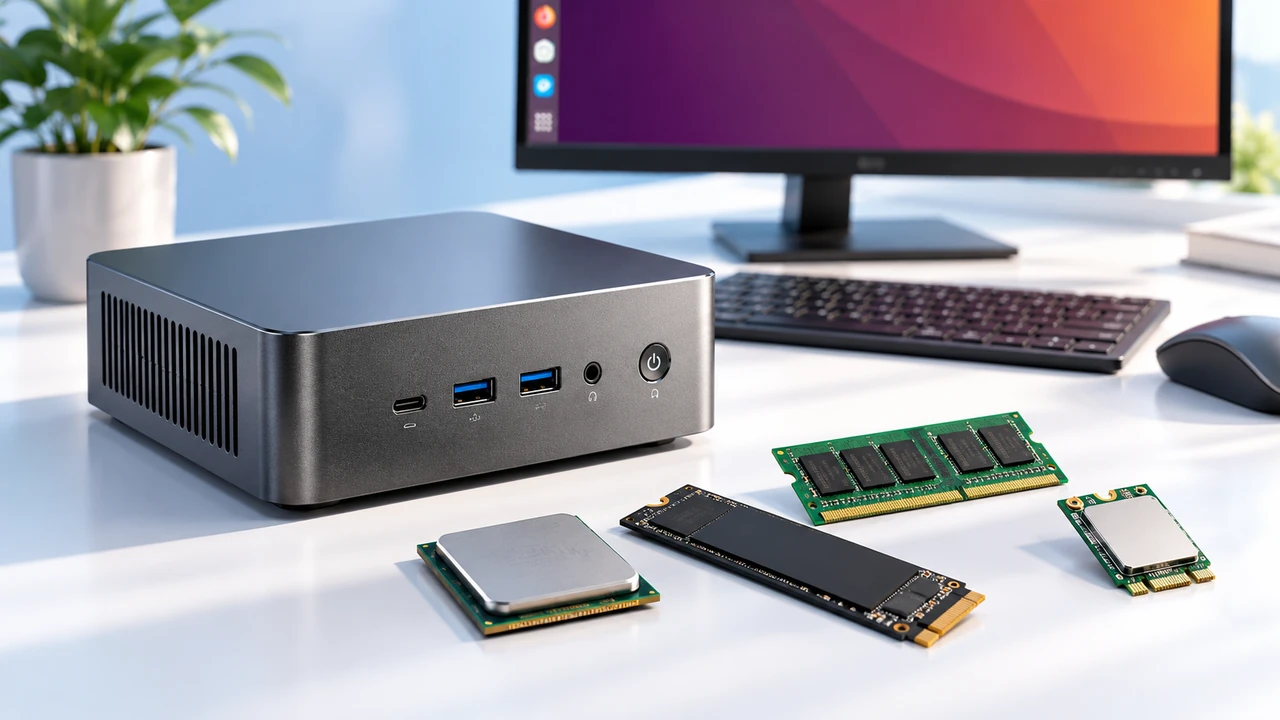
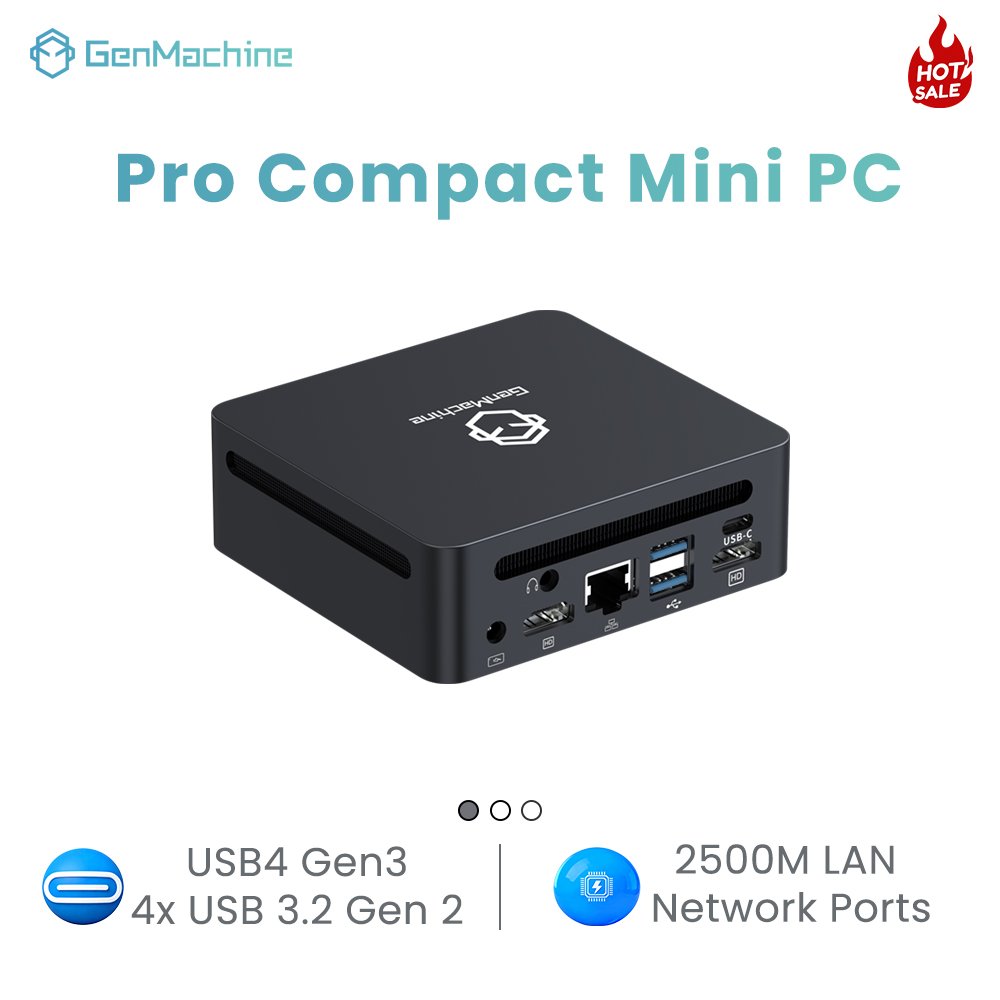
There’s a moment that surprises almost everyone who tries a small gaming PC for the first time. After an hour of something demanding – say, Cyberpunk or a long Warzone session – the little box on the desk is hot. Not warm. Hot to the touch. And the fans? They sound like a tiny jet preparing for takeoff. So the question becomes: how do modern compact PCs for gaming manage that heat without melting or sounding unbearable? The short answer is that cooling has quietly gotten weird, clever, and sometimes a little over-engineered. But it works. Mostly.

Why Compact PCs for Gaming Struggle With Heat More Than Big Towers
The physics is stubborn. A gaming laptop or a small desktop (under 5 liters) packs components that can draw 150–250 watts. That’s a lot of heat in a volume smaller than a shoebox. Traditional towers have space for massive heatsinks, multiple 120mm fans, and unrestricted airflow. Compact PCs for gaming have none of that luxury. Instead, engineers have to chase every square millimeter of internal space.
From an observational standpoint, the biggest challenge isn’t even the CPU. It’s the graphics card. A discrete GPU in a compact case often sits right next to the motherboard with maybe 5mm of clearance. That’s where heat builds up like a traffic jam. And once heat stagnates, performance drops. The machine throttles. Frame rates stutter. Not a great experience.
Fan speed stays at 100% even when idle (after a gaming session)
Game FPS drops noticeably after 20–30 minutes
The case exterior feels uncomfortably hot (above 55°C)
Random shutdowns or reboots during heavy scenes
Most of these are avoidable with proper cooling design. But some prebuilt models… let’s just say they prioritized size over sanity.
New Cooling Innovations That Actually Make a Difference
Over the last two or three years, cooling in compact PCs for gaming has taken some interesting turns. Not every innovation is a winner, but a few stand out.
Vapor Chambers: Not Just for Phones Anymore
Vapor chambers used to be a smartphone or ultra-thin laptop thing. Now they’re showing up in mini gaming PCs. How it works: a sealed copper chamber contains a tiny amount of fluid that evaporates at hot spots, spreads heat evenly, then condenses back. The result? Hotspots are reduced by up to 15–20°C compared to traditional heat pipes. One observation: vapor chambers work great when the CPU and GPU share a single cold plate (common in compact designs). But if the chamber is poorly attached? It does nothing. Quality matters.
Liquid Metal Thermal Compound – Risky but Effective
Liquid metal is not new, but its use in compact PCs for gaming has increased. It conducts heat roughly 8–10 times better than standard thermal paste. The catch? It’s electrically conductive. A tiny spill during assembly can short-circuit the motherboard. Some manufacturers (like Asus and Minisforum) now ship pre-applied liquid metal in their gaming mini PCs, and models such as the 6600H 16G AMD Mini PC come factory-fitted with this advanced thermal solution. From what’s been seen, that’s a smart move – but repasting later becomes a service-center job, not a DIY project. Also, liquid metal pumps out over time on vertical mounts. Something to keep in mind.
Hybrid Airflow: Push-Pull With Smaller, Smarter Fans
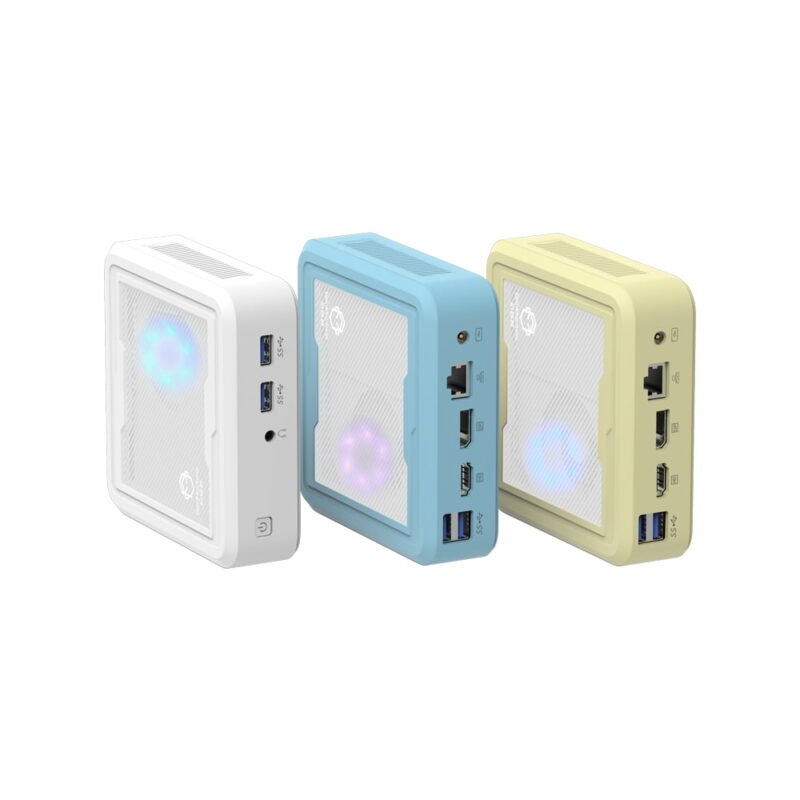
Instead of one loud 40mm fan screaming at 7000 RPM, newer compact designs use two or three slightly larger fans (60mm or 70mm) running slower. Plus, some cases have dedicated airflow channels – like a tunnel for the GPU’s exhaust so it doesn’t recirculate hot air back into the CPU. It’s not rocket science, but it’s rare to see done well. One example that impressed: a certain 4-liter chassis with a bottom intake and top exhaust, no side vents. The temperature difference? About 8°C under load compared to a similar case with random vent holes.
A Quick Look at Cooling Methods Compared
| Cooling Method | Typical Temp Reduction (vs. basic) | Noise Level | Complexity | Best For |
|---|---|---|---|---|
| Standard heatpipe + 1 fan | Baseline (0%) | Moderate | Low | Budget builds (APU only) |
| Dual heatpipe + dual 60mm fans | ~10–15% | Moderate to high | Medium | Mid-range with 65W GPU |
| Vapor chamber + liquid metal + hybrid fans | ~25–30% | Low to moderate | High | High-end (100W+ total TDP) |
| External liquid cooling (rare in mini) | ~40%+ | Low (pump noise) | Very high | Enthusiast custom loops (not truly compact) |
How Compact PCs for Gaming Handle Sustained Loads
Testing a gaming mini PC for an hour is one thing. Running it for four or five hours straight – that’s where weaknesses appear. Many compact PCs for gaming can hold their boost clocks for the first 20–30 minutes. Then thermal saturation hits. The case interior reaches equilibrium at maybe 75–80°C on the GPU core. That’s fine. But if the design has poor airflow, equilibrium happens at 90°C, and then throttling begins.
Look for independent reviews with thermal imaging (not just synthetic benchmarks)
Check if the case has direct vents above the CPU and GPU fans (no solid panels in front)
See if the manufacturer lists sustained TDP, not just peak – this matters
Read user reports about “coil whine” or “fan curve” (annoying but not fatal)
Consider buying an extra 5V USB fan to place near the intake – a cheap fix
Step five sounds silly, but a small external fan blowing into a compact PC’s vent can lower temps by 5–7°C. Not elegant. But for a long summer gaming session? It helps.
FAQ
Can I add extra fans to a compact gaming PC myself?
Sometimes. Many compact PCs for gaming have no internal fan headers beyond the stock ones. But a few (like the Intel NUC 12 Enthusiast or certain Mini-ITX cases) have an extra 40mm or 50mm mounting point. Check the service manual. Alternatively, use a USB-powered fan that sits outside the case – it’s a common mod in small form factor forums. Not pretty, but it moves air.
Is liquid metal safe for long-term use in a mini gaming PC?
In factory applications where it’s professionally applied with protective coating around the die – yes, it’s safe for years. But for DIY application? Risky. One small movement during transport can cause the liquid metal to seep out. Seen photos of shorted boards. So unless the compact PC comes with liquid metal pre-installed, stick with high-quality paste (Thermal Grizzly Kryonaut or similar). The 5–8°C difference isn’t worth killing a $800 machine.
Do vertical stands help or hurt cooling in compact PCs for gaming?
It depends entirely on the case’s vent placement. If the side vents are on the left and right, standing the PC vertically might block bottom intakes. If the vents are on top and bottom, vertical orientation could improve convection – hot air rises naturally. One experiment: flipping a small gaming PC upside down (so the hottest component is at the top) actually dropped temps by 3°C. Not joking. Try it if the design allows.