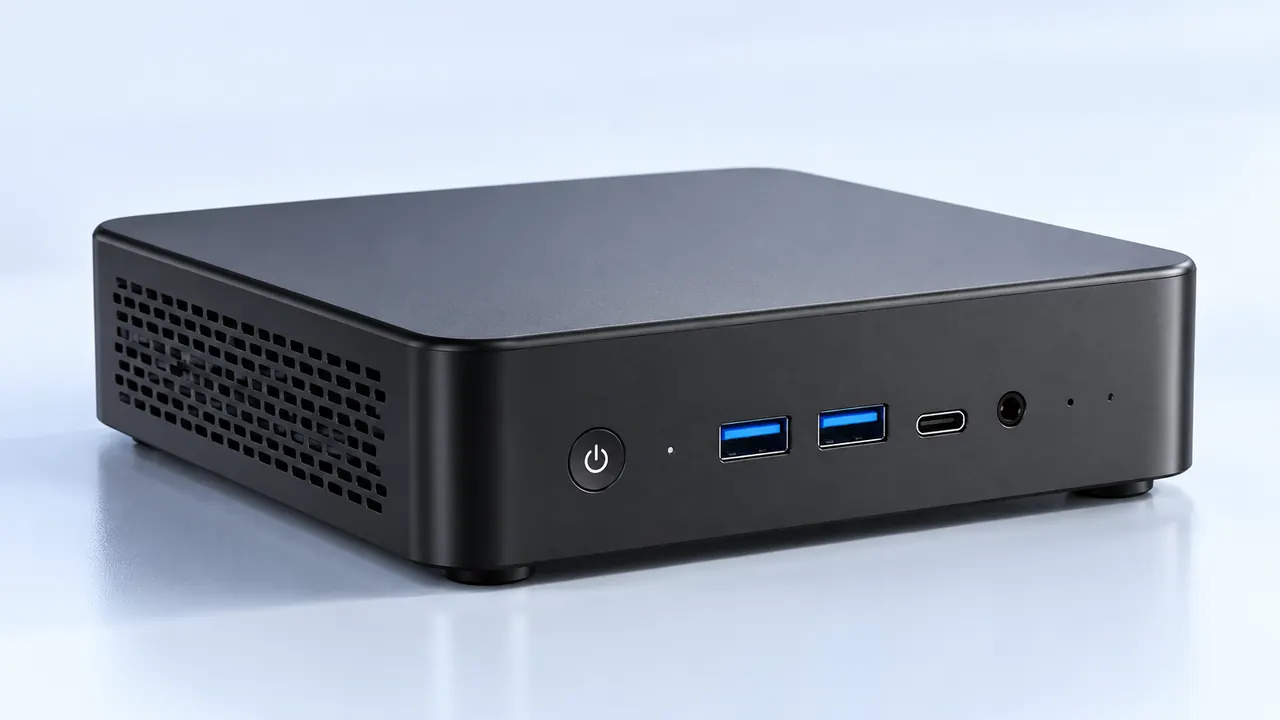
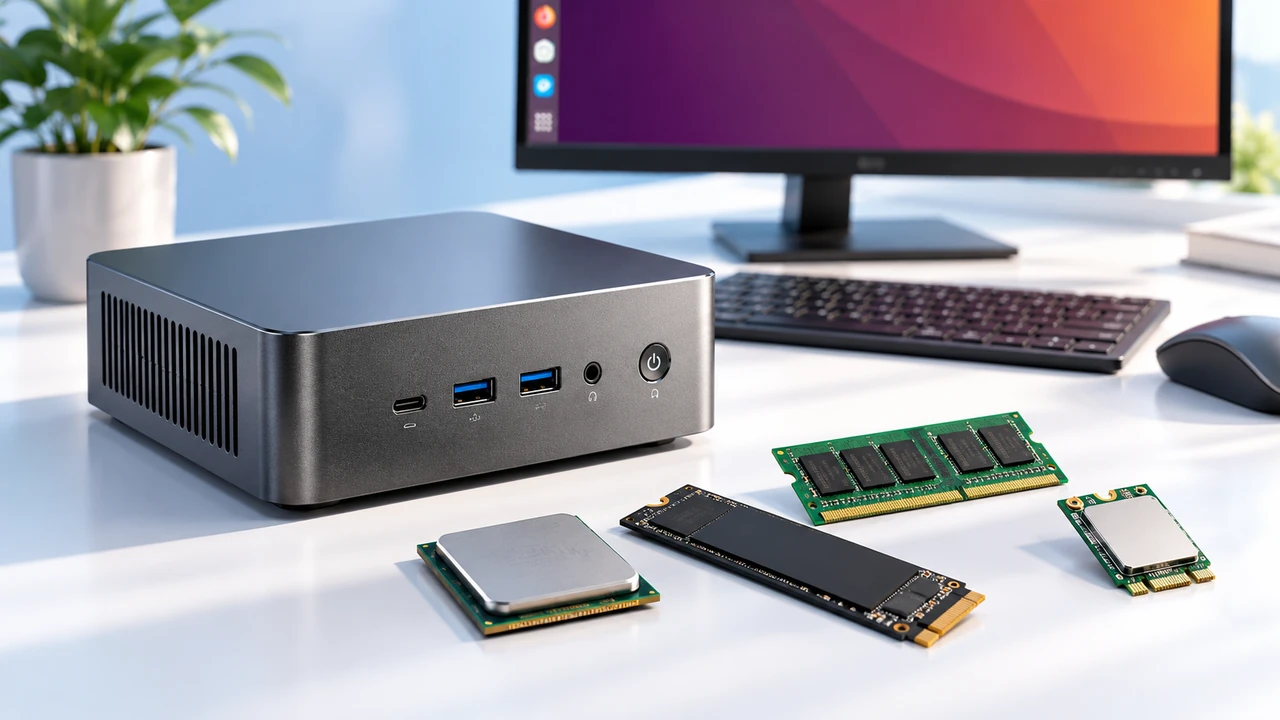
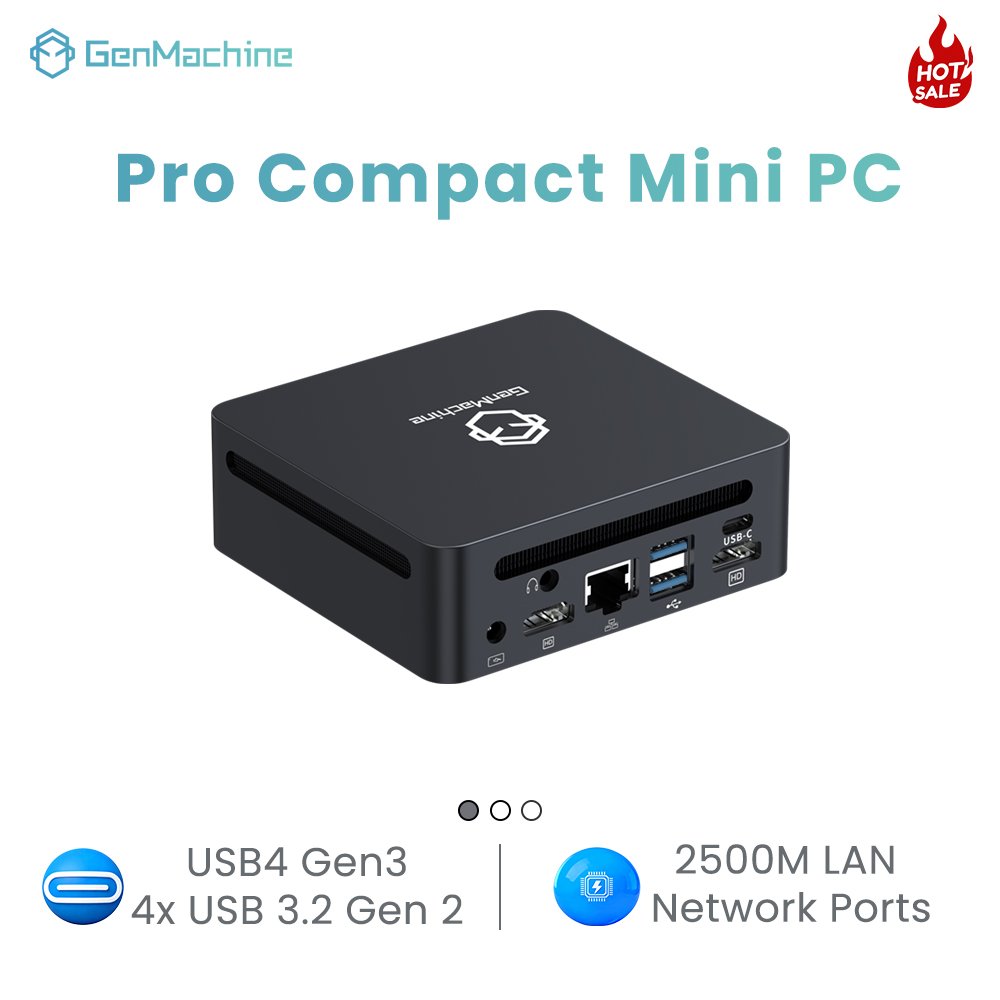
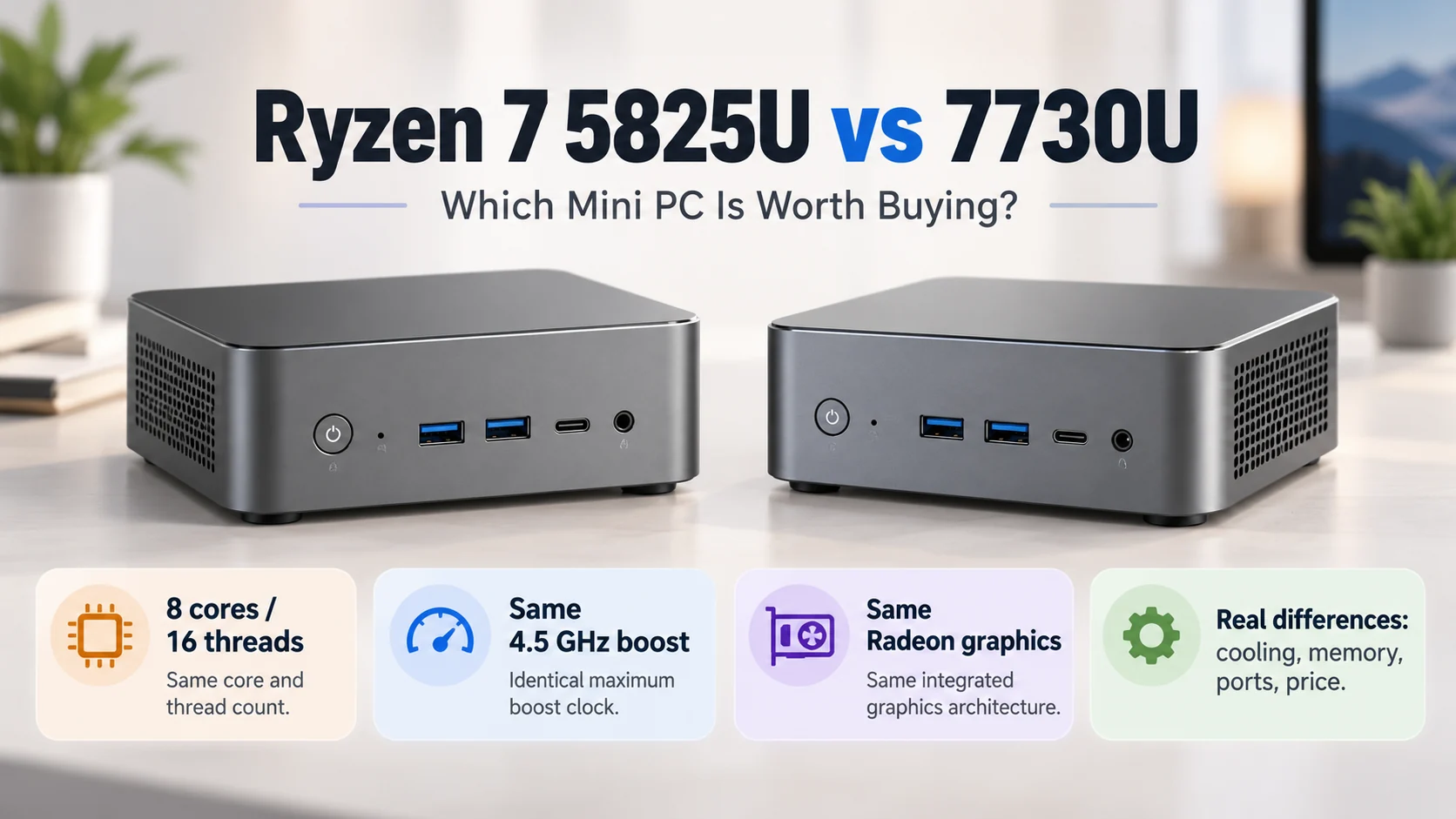
It’s a common sight at any airport cafe. Someone’s hunched over a tablet with a flimsy keyboard cover, trying to edit a spreadsheet. The touchscreen isn’t responding quite right. The cursor jumps. And then the dreaded “this app is not optimized” message pops up. Meanwhile, a few seats away, another traveler plugs a tiny box into a portable monitor – and just works. That little box? A portable mini PC. And more digital nomads are quietly realizing that tablets, for all their slickness, have limits. Hard limits.

Why a Portable Mini PC Beats a Tablet on the Road
On paper, tablets look great. Light, long battery life, instant on. But once real work enters the picture – not just watching Netflix or replying to a few emails – the cracks show. A portable mini PC runs full Windows 11 (or Linux, if that’s the vibe). That means no “mobile version” of a browser. No hidden file system. No “you can’t install that because it’s an .exe.”
From an observational standpoint, travelers who try a mini PC often mention three things first:
Actual USB ports (no dongles lost in a hostel bed)
The ability to connect two external monitors at once
Being able to swap the SSD when storage runs low
Tablets have gotten better. But they still feel like big phones. A portable mini PC feels like a real computer – because it is one. Just smaller.
The Hidden Frustration of “Pro” Tablets
Here’s a moment many have experienced. You’re on a long train ride. Need to compile a report with five Chrome tabs, a PDF annotator, and a messaging app. The tablet’s OS starts killing background apps to save RAM. You lose unsaved form entries. It’s maddening. A portable mini PC with 16GB of RAM and an x86 processor just… handles it. No heroic gestures required. Sure, it needs a power outlet eventually. But so does a tablet after a few hours of real use.
Real-World Productivity Comparison: Portable Mini PC vs. Tablet
| Feature | Portable Mini PC (with portable monitor) | Tablet (with keyboard case) |
|---|---|---|
| Full desktop OS (Windows/Linux) | Yes | No (iOS/Android) |
| Run any desktop app (e.g., Docker, Visual Studio, legacy software) | Yes | Usually not |
| Number of USB-A ports | 2–4 | 0–1 (often just USB-C) |
| Storage upgradeability | Yes (M.2 or 2.5″ drive) | No |
| Multi-monitor support | Yes (via HDMI + DP) | Limited to screen mirroring |
| Average weight (box only) | 300–600g | 400–700g (plus keyboard) |
| Repair friendliness | Moderate (screws, not glue) | Very poor (glued batteries) |
One observation worth noting: a portable mini PC doesn’t include a screen. That’s either a con or a pro. Con – you need to carry or borrow a display (many nomads use a 13-inch USB-C portable monitor). Pro – you’re not stuck with a cracked tablet screen. And hotel TVs work great as monitors in a pinch.

Security and Software Freedom – The Real Decider
When living out of a backpack for months, losing a device is bad enough. Losing unencrypted data is worse. Most tablets have decent encryption, but a portable mini PC like a 5600H AMD Mini PC can run BitLocker (Windows Pro) or LUKS (Linux). Full-disk encryption that actually works. Also, software freedom: want to run a local web server for testing? Need a Python script that accesses serial ports? Tablets say no. A 5600H AMD Mini PC says yes, and here’s a terminal.
Get a 12–15 inch USB-C portable monitor (powered from the mini PC or a power bank)
Install Windows 11 or a lightweight Linux distro (e.g., Ubuntu, Fedora)
Enable full-disk encryption during setup – one less worry if bag gets stolen
Pack a tiny folding Bluetooth keyboard and a small mouse (some prefer trackballs)
Use cloud sync (Nextcloud, Dropbox) but also keep a local backup on a second SSD
That last step – a second SSD – is impossible on any tablet. For photographers or video editors on the move, being able to swap drives or clone data without an external hub is a lifesaver.
Final Thoughts
So, does a portable mini PC outperform a tablet for travelers? For pure content consumption, no. For getting real work done – editing documents, coding, running local servers, managing files without cloud gymnastics – yes, absolutely. It’s not the sleekest solution. Cables exist. There’s a tiny box to keep track of. But that box gives back something tablets take away: control. And for digital nomads, control over the workspace is worth the extra ounce or two.
FAQ
Isn’t a portable mini PC heavier than a tablet once you add a monitor?
It depends. An iPad Pro (12.9”) with Magic Keyboard is about 1.3 kg. A portable mini PC (400g) plus a 13” portable monitor (600g) plus a small keyboard (200g) totals about 1.2 kg. So roughly the same weight. But the mini PC setup gives you real ports, upgradable storage, and a choice of operating system. The weight penalty is actually smaller than people assume.
Can a portable mini PC run on battery power alone?
Most need an external power source via USB-C PD (Power Delivery). Some models – like certain Intel N100 or AMD 7020 series – can run off a 20,000 mAh power bank for 3–5 hours of light work. But honestly, for all-day use, an outlet is still needed. That’s one area where tablets win: integrated battery. The trade-off? Tablets throttle performance on battery; a mini PC connected to a power bank doesn’t (much). Choose based on work style.
What about software updates and driver issues on the road?
Surprisingly, a portable mini PC from a known brand (Minisforum, Beelink, Intel NUC) handles updates just like a regular desktop. Windows Update runs automatically when connected to Wi-Fi. Driver issues are rare – most use common Intel or Realtek chipsets. Tablets, on the other hand, sometimes get abandoned by the manufacturer after two years. With a mini PC, if a driver breaks, a quick download from the vendor’s site (or a community forum) fixes it. That freedom matters for long-term nomads.