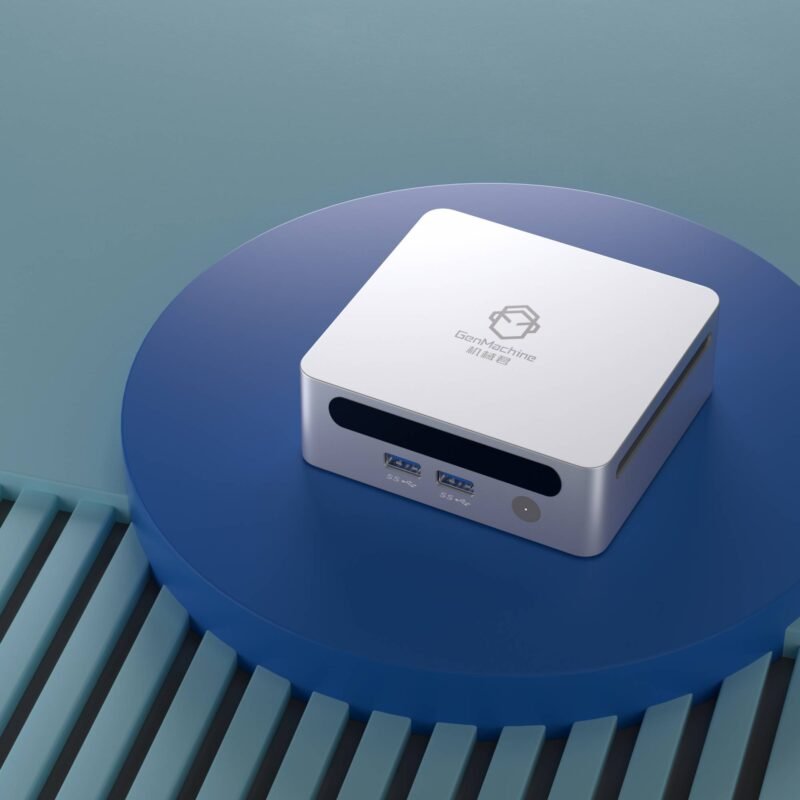
A Raspberry Pi starts the journey, but a growing smart home demands more. When automations slow down and SD cards fail, searching for the best mini PC for Home Assistant becomes the logical next step. Picking the right hardware makes the system invisible – exactly what a hub should be. You stop tinkering with the platform and start enjoying a home that responds before you even flip a switch.
Why a dedicated mini PC beats a Pi
An x86 mini PC brings NVMe storage, more memory, and the muscle to run extras like Frigate or Plex alongside Home Assistant. The most underrated upgrade is storage reliability. A Raspberry Pi typically boots from a microSD card that wears out under constant write loads from the recorder and log history. Even high-endurance cards eventually corrupt. Moving to an NVMe SSD eliminates that anxiety – proper wear leveling, no filesystem checks at 3 a.m., and boot times measured in seconds rather than minutes.
Beyond storage, memory capacity transforms what your hub can do. On a Pi with 4 GB or 8 GB, running InfluxDB, Grafana, Node-RED, and the core HA system often triggers OOM kills or sluggish swapping. A mini PC with 16 GB or 32 GB of RAM holds months of recorder history in memory and leaves headroom for Docker containers that you’ll inevitably want to try. SD card corruption becomes a non-issue, and the whole setup feels more responsive.
Key hardware specs that actually matter
Processor and memory
Home Assistant itself is light. The add-ons are not. Look for a modern quad-core chip with hyper-threading – AMD’s Zen 2 or recent Intel silicon both work. 8 GB of RAM is the bare floor; 16 GB provides genuine peace of mind for years of recorder history and background containers. When you start browsing, it’s useful to check a range of expandable Mini PC options to keep memory and storage open for future tweaks.
Connectivity you’ll actually need
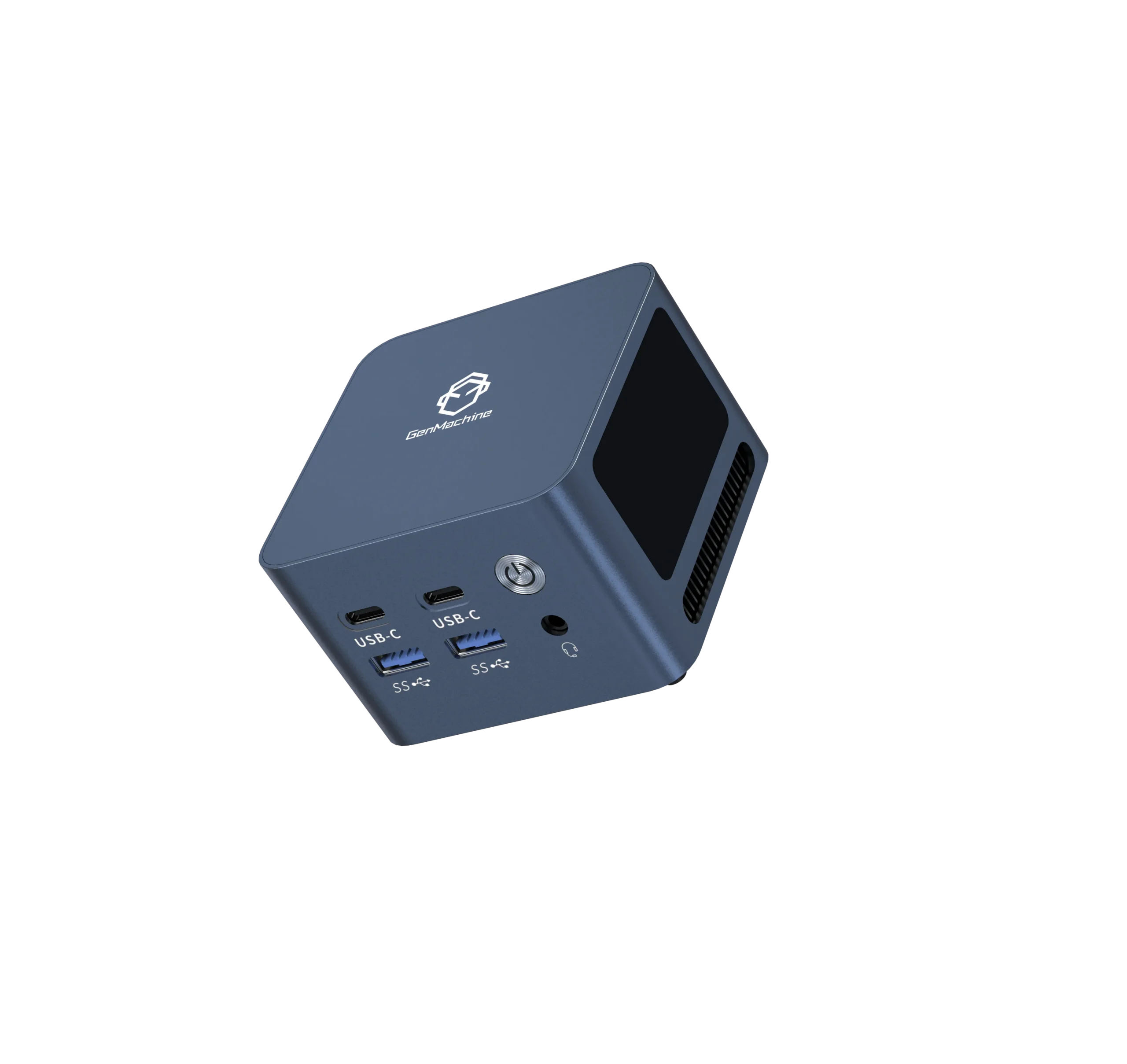
Ethernet: Required. Wi-Fi for a hub is a gamble not worth taking. A dropped packet during a firmware update can brick a Zigbee coordinator, and latency spikes make presence detection unreliable.
HDMI: Purely for those rare rescue-console moments. When the network stack refuses to start, having a display output saves you from re-flashing.
USB ports: At least two USB 3.0 ports for a Zigbee/Z-Wave stick and a backup drive or Coral TPU. If you plan to run Frigate with AI object detection, a Google Coral USB Accelerator should live on its own dedicated USB 3.0 port – sharing bandwidth can cause inference lag.
Power efficiency and thermals
An always-on box shouldn’t be noisy or hot. Idle power draw silently dictates the electricity bill.
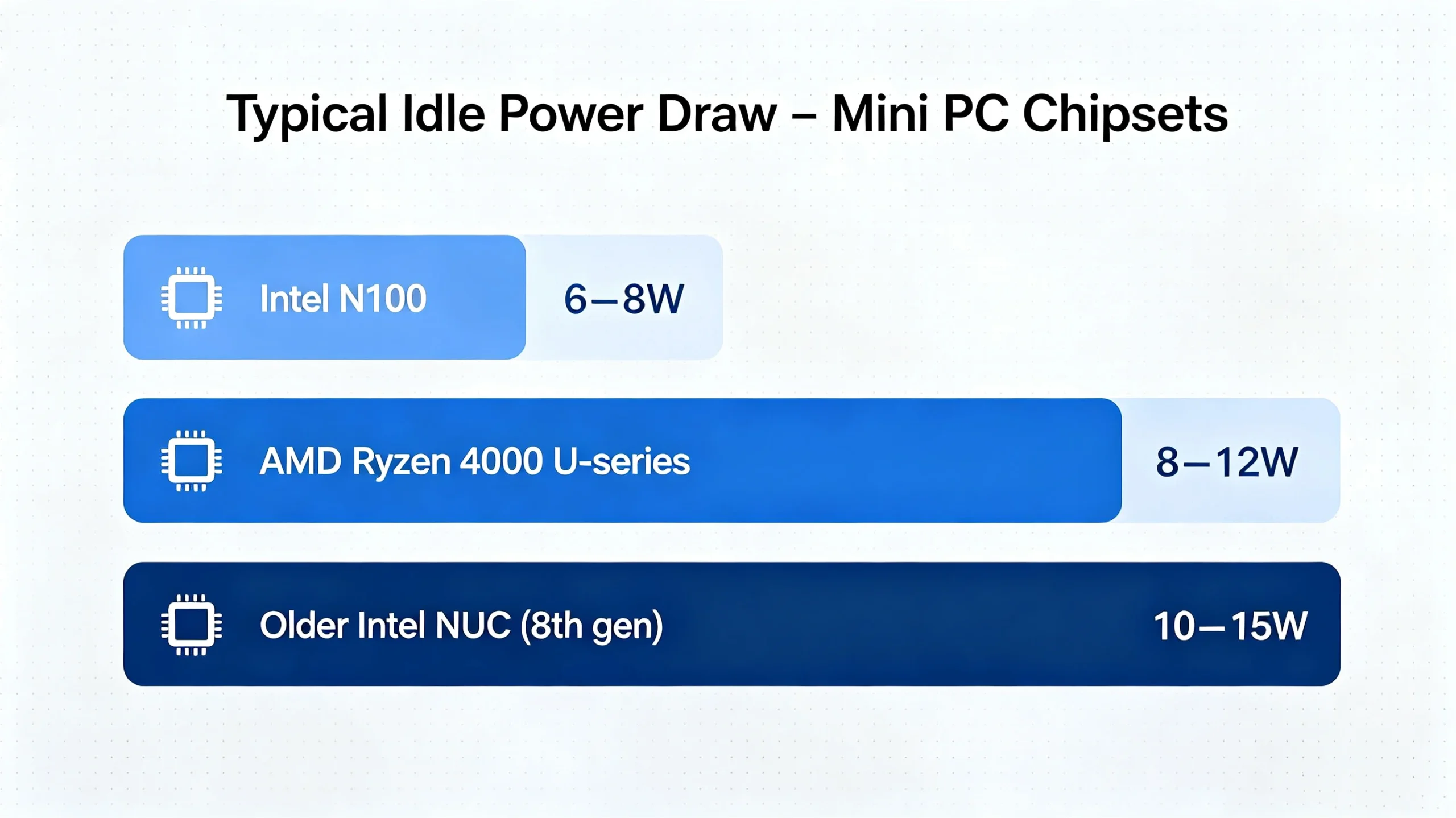
| Chip Family | Typical Idle Power (approx.) | Notes |
|---|---|---|
| Intel N100 | 6–8 W | Very efficient, limited multi-tasking |
| AMD Ryzen 4000 U-series | 8–12 W | Great thread count and power balance |
| Older Intel NUC (8th gen) | 10–15 W | Capable but higher running cost |
The generic x86-64 installation guide from Home Assistant recommends a modern 64-bit system, though community consensus quickly pushes memory and core requirements higher.
Why an AMD-based mini PC often wins
AMD’s Zen 2 mobile chips feel snappier under mixed loads than entry-level Celeron boxes. The responsiveness comes from generous L3 cache and strong multi-threading. Unlike older Intel Atom-class processors that stall when two containers wake up simultaneously, even a Ryzen 3 4300U handles the chaos gracefully. Integrated Radeon graphics can handle hardware video decoding in Frigate or Plex, offloading the CPU cores for automations. In many cases, this eliminates the need for a separate media server box – one small AMD machine runs the entire digital household.
A spotlight on the 4800H AMD Mini PC
The 4800H AMD Mini PC pairs Zen 2 architecture with plentiful ports, making it a natural fit as a robust smart home hub. With 8 cores and 16 threads, it won’t flinch when you log sensor data, run a machine-learning add-on, and serve a media stream all at once. Overkill becomes just-right very quickly.
Quick comparison with a popular N100 box
| Feature | 4800H AMD Mini PC | Typical Intel N100 Mini PC |
|---|---|---|
| Cores/Threads | 8C/16T | 4C/4T |
| Max RAM | 64 GB | 16 GB |
| Storage slots | Dual M.2 + SATA | Single M.2 |
A 2024 efficiency roundup by Tom’s Hardware noted that N100 sips power, while performance AMD chips still stay within 8–12 watts. For the extra headroom, many tinkerers find it a worthwhile trade-off.
Setup habits for a worry-free hub
– Flash Home Assistant OS directly to NVMe – avoid SD cards.
– In BIOS, set automatic power-on after AC loss.
– Assign a static IP immediately.
– Automate weekly backups to an external USB SSD and use a small UPS.
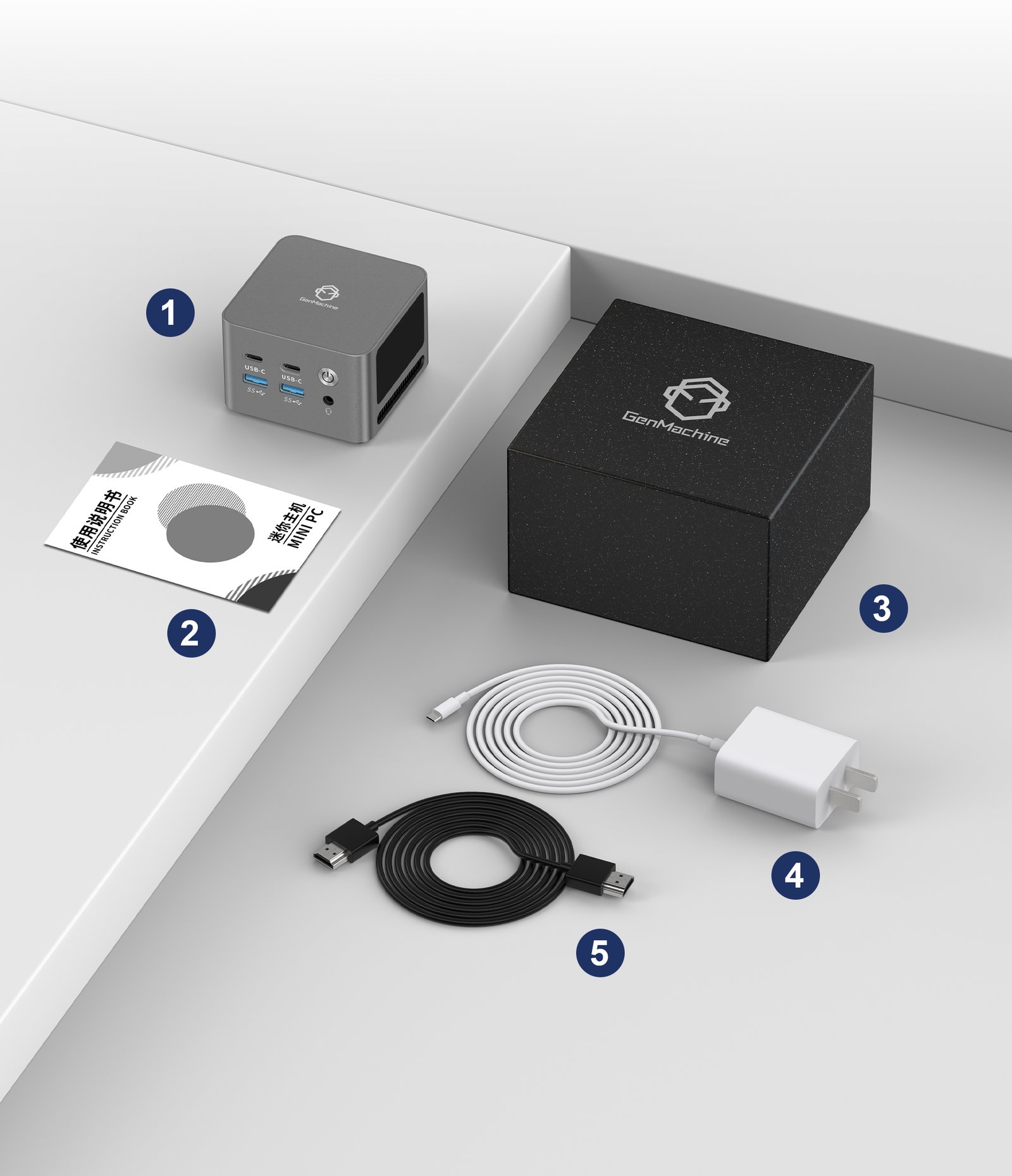
Conclusion
Picking the best mini PC for Home Assistant isn’t about chasing the highest benchmark scores. It’s about finding hardware that aligns with your smart home ambitions today and three years from now. Look for generous memory, reliable NVMe storage, wired Ethernet, and enough cores to keep every add-on happy. A well-chosen mini PC transforms Home Assistant from a constant tinkering project into an appliance that simply works. When the lights turn on as you walk into a room and the security cameras silently label a visitor, the hardware behind it all disappears exactly as it should.
FAQ
Can I run Plex or Frigate on the same mini PC?
Absolutely. Extra threads shine here. A 4800H can handle Frigate’s CPU detectors while transcoding a Plex stream, a load that would flatten a low-end Celeron box.
Is 8 GB of RAM truly enough?
It runs the core fine, but regret often hits when MariaDB or a year of recorder data enters the picture. 16 GB removes the ceiling for most homes, and the cost difference is tiny.
What’s the real 24/7 electricity cost?
At a typical 10 W idle, expect roughly 7.2 kWh per month – usually just a couple of dollars. Smart plug energy monitors consistently confirm this, keeping running costs invisible.