Using Windows 11 on most mini pc models is easy. Some mini pcs come with Windows 11 already on them. Other small pcs let you put Windows 11 on by yourself. Always make sure the hardware works with Windows 11 before buying. Bare-bones kits need more setup, but fully equipped mini pcs are ready to use right away.
Windows Mini PC Compatibility
When looking at a powerful mini PC, you want to know if it can run the windows operating system. Many mini pcs come with windows 11 already installed. Some models let you install windows 11 yourself. You should always check the specs before you buy. This helps you avoid problems later. If you want the best small pc for your needs, you need to know about supported versions, hardware requirements, and how to install windows 11.
Supported Windows Versions
Running different versions of Windows on a small PC is available. Most new small pcs support windows 11. Some older small pcs can run windows 10. A few very old models might work with windows 8 or windows 7, but you may have trouble finding drivers for these systems. Driver support is important because it helps your small pc work well with the windows operating system.
Tip: Always check the small pc’s support page for driver downloads before you install an older version of Windows.
Here is a quick guide to help you see which Windows versions work best on a small pc:
| Windows Version | Mini PC Compatibility | Driver Support |
|---|---|---|
| Windows 11 | Excellent | Full support on most new models |
| Windows 10 | Good | Good support, but check for updates |
| Windows 8/8.1 | Limited | Some drivers may not work |
| Windows 7 | Very limited | Hard to find drivers |
Getting the best experience when you use windows 11 on a small pc. This version gets updates and security patches. If you want to use a small pc for work or school, windows 11 is the best choice. Some mini pcs come with windows 11 pro pre-installed. This saves you time and effort.
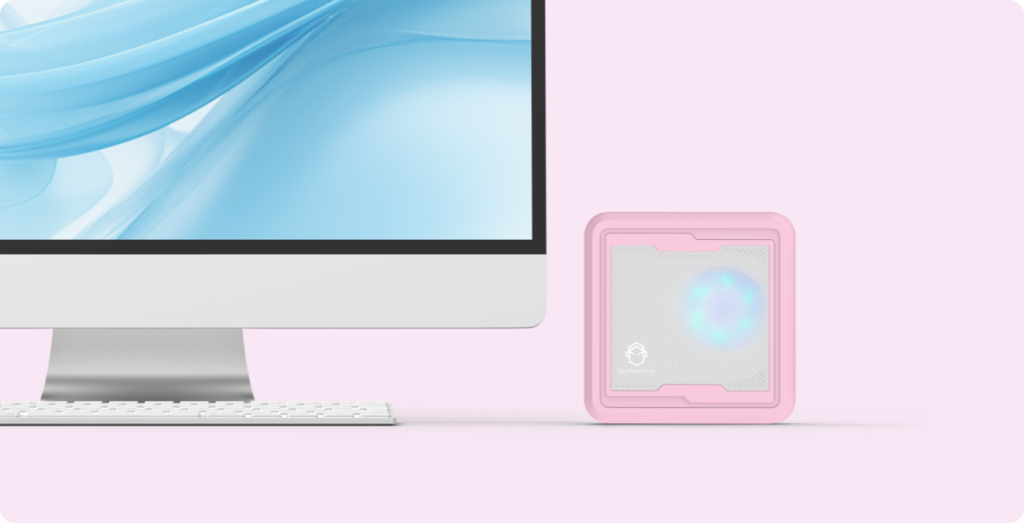
Mini PC Performance And Use Cases
Everyday Use
Using a small pc for many daily tasks is available. If you want to browse the web, check email, or write documents, a mini pc gives you a smooth experience. Windows 11 runs well on most models, so you can open apps quickly and switch between tasks with ease. Many people choose a mini pc for home offices or remote learning. You get a compact device that fits on any desk and uses less power than a large desktop.
If you want the best small pc for daily work, look for one with enough RAM and a fast SSD. This helps Windows 11 start up fast and keeps your apps running smoothly. The best business small pc also supports multiple monitors, so you can work on several projects at once. You can connect a keyboard, mouse, and printer just like you would with a regular computer.
A best budget small pc is a smart choice if you want to save money but still need good performance. You can use it for video calls, online shopping, and even light photo editing. Many students use a mini pc for schoolwork because it is easy to carry and set up anywhere. You can also use cloud storage and online tools with Windows 11, making your small pc even more useful. For more information, see our article What are mini PCs used for.
Tip: If you want your small pc to run faster, close apps you are not using. This frees up memory and helps Windows 11 work better.

Optimization Tips
Making compact pc run better with a few simple steps is available. Windows 11 has many tools that help you keep your system fast and secure. If you want the best small workstation pc for work or creative tasks, you should keep your software up to date. This helps you avoid bugs and security risks.
Here are some tips to get the most out of your small pc:
- Turn off apps that start automatically with Windows 11. This speeds up boot time.
- Use Windows Security to scan for viruses and keep your mini pc safe.
- Clean up old files and empty the recycle bin to free up space.
- Adjust your display settings for better performance, especially if you use multiple monitors.
- Update your drivers from the mini pc maker’s website for the best hardware support.
If you use your small pc for business, you want the best business small pc with strong security features. Windows 11 Pro gives you extra tools like BitLocker and remote desktop. You can protect your files and work from anywhere. The best workstation mini pc also supports more memory and faster storage, so you can handle big projects.
A budget small pc works well for most tasks, but you may notice limits if you try to run many apps at once. If you need more power, choose the best small workstation pc or the best business mini pc. These models give you better multitasking and more storage for your files.
Pro Tip: Restart your mini pc once a week. This clears out memory and helps Windows 11 stay fast.
Using a small pc for almost any task is available. If you pick the best small pc for your needs, you get a small, quiet, and energy-saving device. Whether you want the best gaming mini pc for fun, the best business small pc for work, or the best workstation mini pc for creative projects, you can find a model that fits your budget and goals. Windows 11 makes it easy to set up, use, and enjoy your mini pc every day.
Conclusion
Running windows 11 on most compact pc models, if you check the hardware first, is available. Choose a small pc with windows 11 pre-installed for easy setup, or pick a bare-bones model if you want more control. Read reviews to find the best mini pc for your needs.