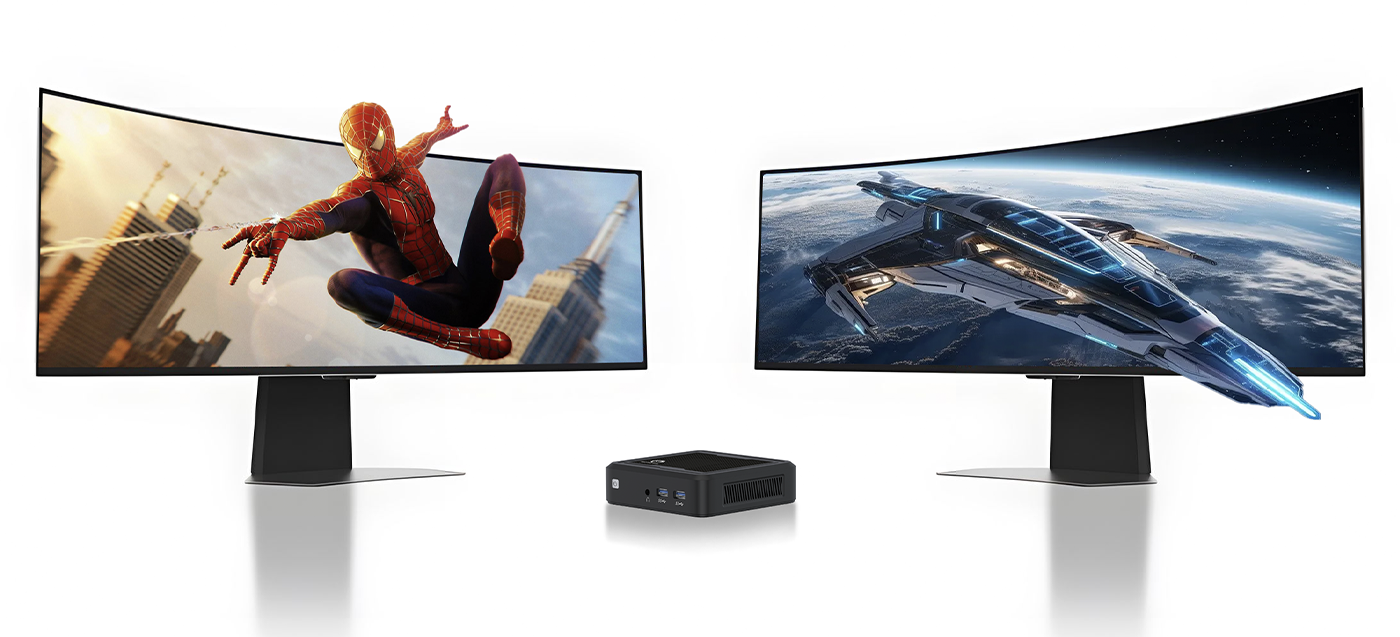
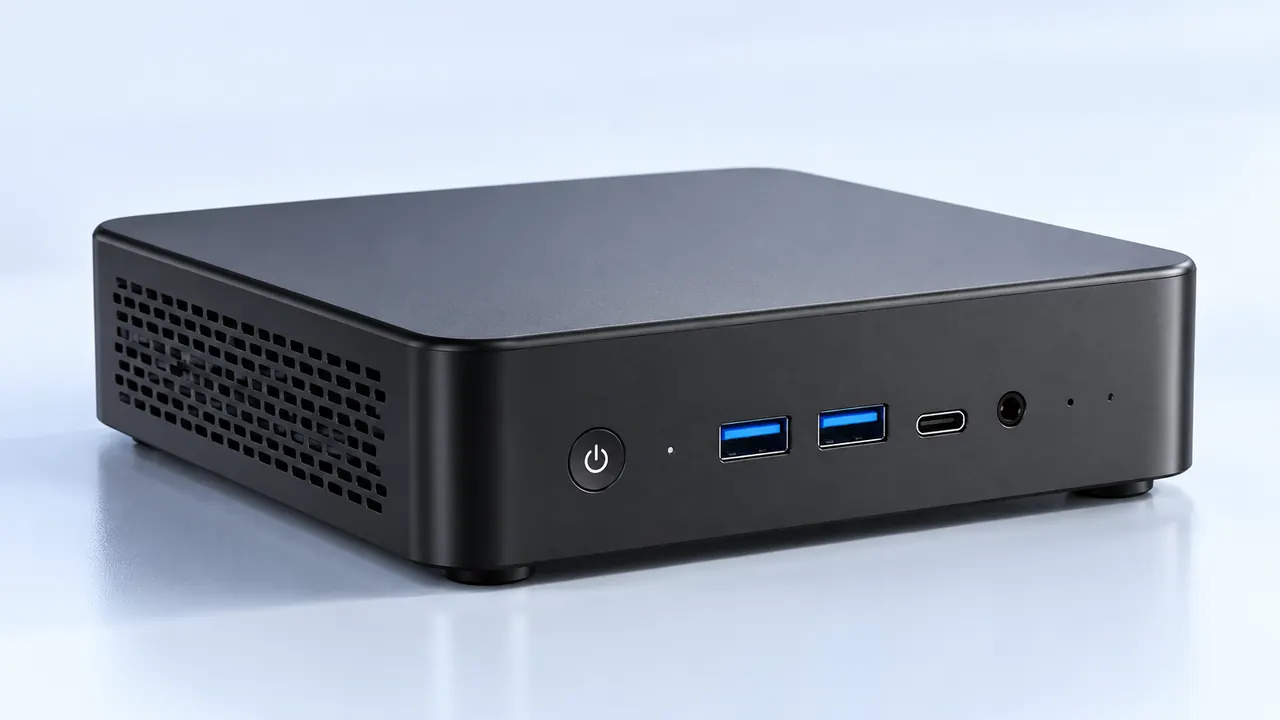
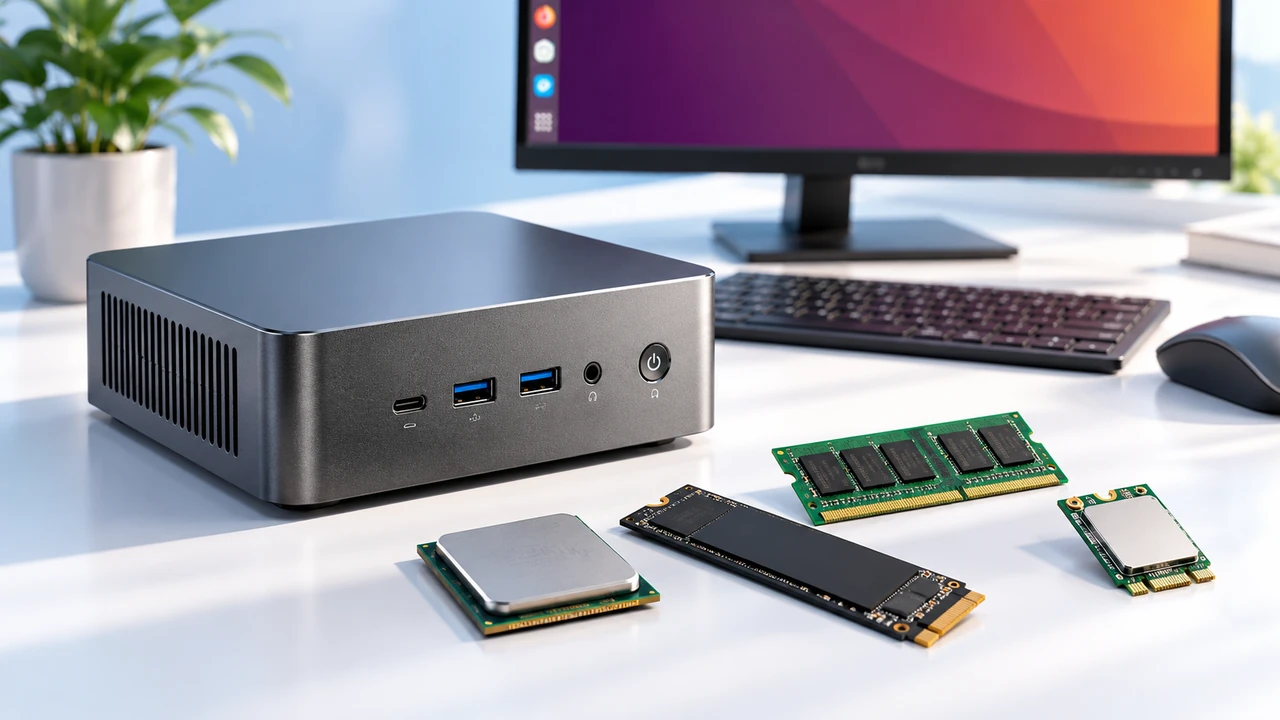
There’s a quiet shift happening in offices and home workspaces. Instead of towering desktop towers or overly fragile thin clients, more people are picking up these little boxes—mini computers with Windows 11. They fit behind a monitor, consume less power, and somehow don’t feel like a compromise. Or at least, that’s the impression at first glance. But do they actually deliver on both security and productivity? Let’s walk through what’s real, what’s a bit overhyped, and where these compact terminals make the most sense.

Why Mini Computers with Windows 11 Are Gaining Traction
One reason is obvious: space. Nobody misses a giant beige box under the desk. Another reason—maybe less obvious—is that Windows 11 itself demands modern hardware (TPM 2.0, Secure Boot, etc.). So mini computers with Windows 11 aren’t the underpowered nettops from a decade ago. They’re actually built to meet Microsoft’s stricter security baseline out of the box.
From an observational standpoint, businesses that switched to these devices noticed a few things:
Lower energy bills (typically 6W–15W idle vs. 60W+ on a traditional PC)
Near-silent operation (no distracting fan noise in open offices)
Easy VESA mounting – they just clip onto the back of a screen
That said, not every model is created equal. Some cheap ones cut corners on cooling or Wi-Fi chips. You get what you pay for, sort of.
Security Features You Actually Get
Windows 11 includes hardware-based security layers. But here’s the catch – the mini PC has to support them. Most reputable mini computers with Windows 11 come with TPM 2.0 enabled, virtualization-based security (VBS), and BitLocker device encryption. For a terminal that might sit in a retail kiosk or a shared workspace, that’s genuinely useful.
However, let’s be honest. A determined attacker with physical access can still bypass many protections. (Though that’s true for any PC, not just mini ones.) The difference is that IT admins can manage these devices via Microsoft Intune or similar tools – something older thin clients struggled with.
Here’s a quick comparison that might help decide:
| Feature | Mini PC with Windows 11 | Traditional Desktop |
|---|---|---|
| Hardware security (TPM 2.0) | Standard on most models | Varies – older desktops may lack it |
| Centralized update management | Yes (via Windows Update for Business) | Yes, but often slower rollout |
| Physical footprint & tampering risk | Very small – easy to lock away or hide | Large – harder to conceal |
| Power efficiency (annual cost at 8h/day) | ~$10–$20 | ~$50–$100+ |
Productivity Without the Bulk
Ordered list – setting up a productive mini workstation:
Mount the mini PC behind the monitor or under the desk (keeps cables tidy)
Connect a USB-C or HDMI dock for extra ports (keyboard, mouse, two screens)
Enable Windows 11 Snap Layouts – honestly a game-changer for multitasking on a smaller display
Use cloud storage (OneDrive/SharePoint) so that device loss doesn’t mean data loss
Of course, if someone does heavy video editing or runs local VMs, a mini PC might struggle. But for 80% of office workers? It’s more than enough.

Balancing Act – Where Mini Computers with Windows 11 Shine and Struggle
No device is perfect. From what’s been seen across several deployments, here’s the honest breakdown:
Strengths (unordered list):
Extremely low idle power consumption
Can be passively cooled (no moving parts)
Easy to swap or repurpose between rooms
Windows 11 Pro on many models (BitLocker, Remote Desktop)
Weaknesses (unordered list):
Limited upgradeability (RAM often soldered, one M.2 slot at most)
Integrated graphics – don’t even think about CAD or 4K video editing
Some cheap models have terrible Wi-Fi drivers (realtek lottery)
Ports might be awkwardly placed (all on one side)
So the advice? Pick a model from a known brand (Lenovo, HP, Intel NUC, Asus) and avoid no-name Amazon specials. The extra $50–100 saves a lot of headaches.
FAQ
Are mini computers with Windows 11 secure enough for business use?
Generally yes – as long as they include TPM 2.0 and support Windows Hello (or at least strong passwords). Many come with Windows 11 Pro, which adds BitLocker and enterprise-grade management. For regulated industries (finance, healthcare), check if the specific model meets compliance standards. But for standard office or remote work? Absolutely fine.
Can these mini PCs run two or three monitors simultaneously?
Most modern mini computers with Windows 11 have at least two video outputs (HDMI + DisplayPort or USB-C with alt mode). Some high-end models support three displays via a dock. Just don’t expect 4K@60Hz on all three simultaneously – bandwidth is often shared. For 1080p or 1440p productivity work, though, dual monitors work great.
Will a mini PC overheat if left on 24/7?
It depends. Fanless models get warm but are designed to handle continuous operation – they just throttle down under heavy load. Models with small fans might collect dust over time. One thing observed: placing them in enclosed cabinets without airflow is a bad idea. On a desk or mounted behind a monitor? Fine. In a hot warehouse? Maybe look at industrial versions with wider temp ratings.