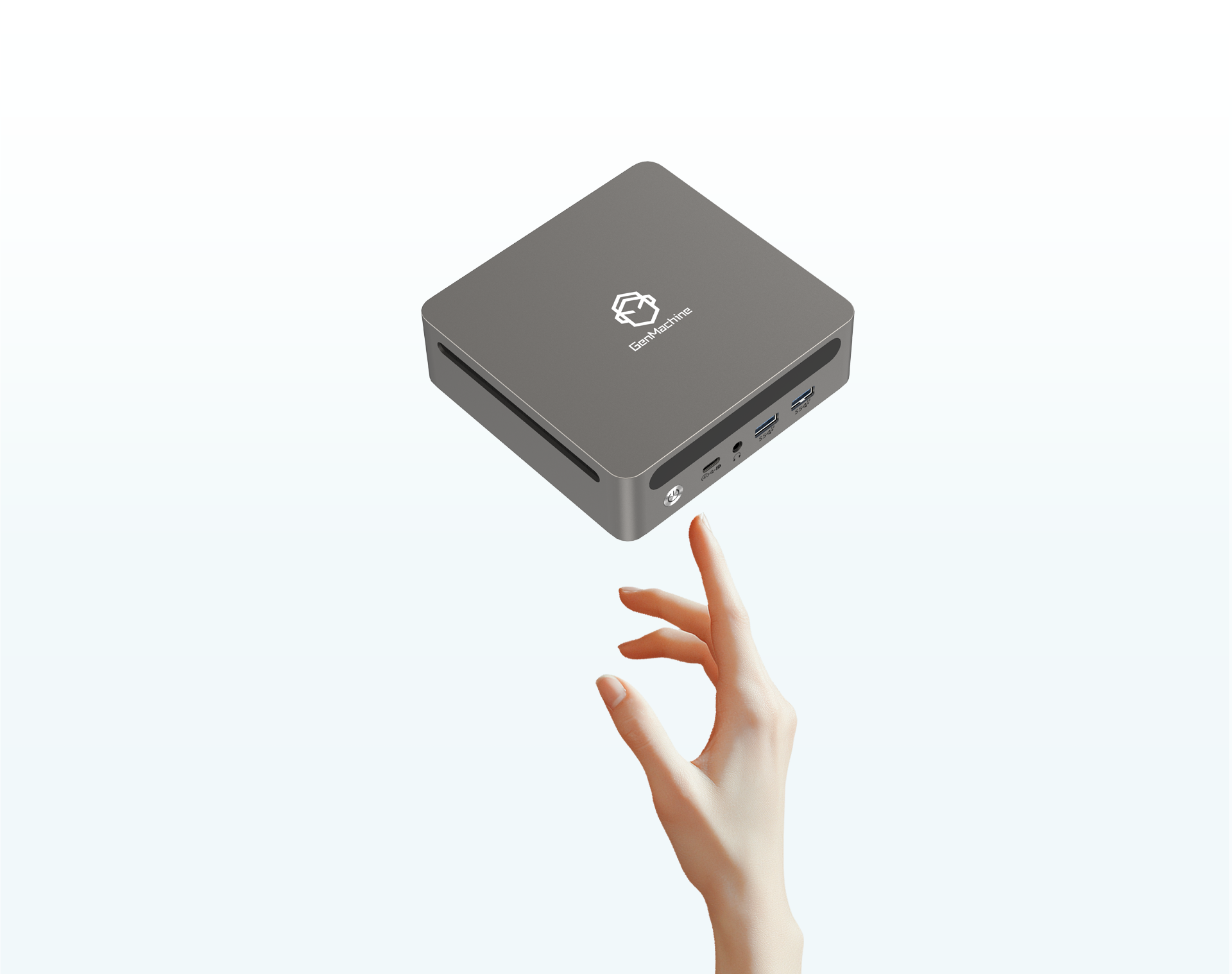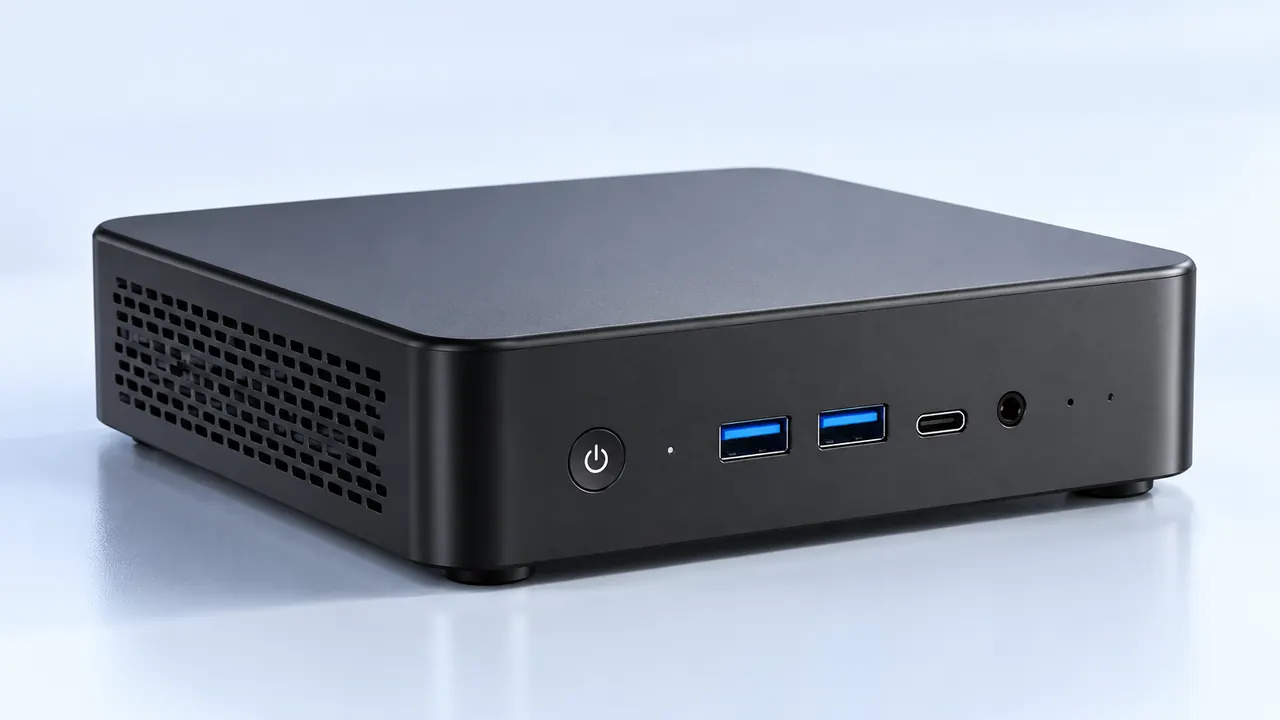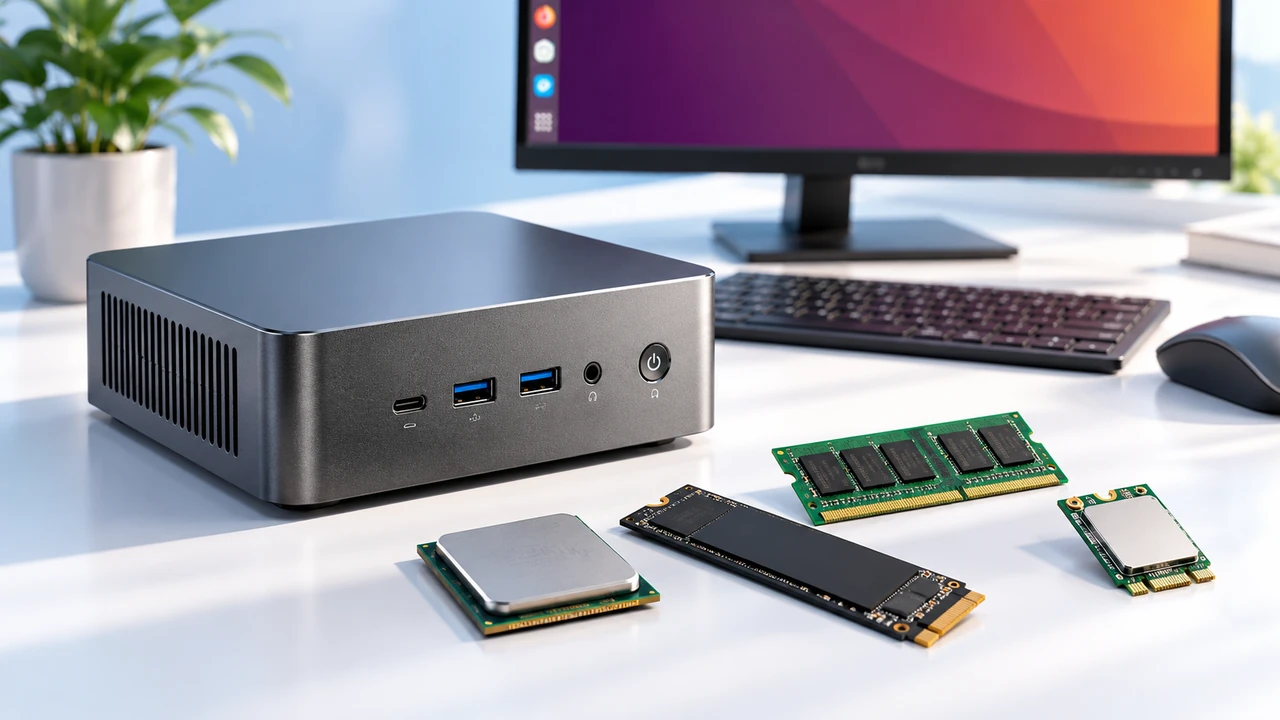
Look around any tech enthusiast’s living room or home office, and there is usually a small, weird little box sitting under the monitor or tucked behind a television. Most people just assume it is a basic, off-the-shelf streaming box, but the reality of what it can do is often way more interesting. Squeezing a mobile-first operating system into a desktop-style physical footprint creates something surprisingly flexible.
The typical Android Mini PC Device is basically a blank canvas (though a very tiny one), just waiting for a creative project to give it a purpose. It is actually kind of amazing how these low-cost, unassuming gadgets have evolved. They started out as simple media players years ago, but now they are fully capable of running entire houses, blocking network ads, or emulating classic gaming consoles. People usually buy them on a whim because they are surprisingly cheap, only to realize the internal hardware is incredibly capable of handling out-of-the-box tasks.

Transforming an Android Mini PC Device into a Media Powerhouse
Everybody hates how sluggish standard smart televisions get after just a year or two of software updates. The built-in menus start to lag, the applications crash constantly, and just typing a movie title into a search bar with a remote takes forever. Moving all that heavy lifting over to an Android Mini PC Device completely changes the whole living room experience. Because it is essentially running a full, unrestricted mobile operating system, it totally removes the artificial limits on which specific apps can be installed.
You aren’t just stuck with whatever the TV manufacturer decides is acceptable for their heavily monitored app store. Setting it up as a dedicated media server (or a massive local playback machine) is pretty straightforward, and it completely bypasses the clunky television interface.
Here are a few ways these little boxes handle media so much better than a regular television:
Running heavily customized media center applications (like Kodi or Plex) without any of that weird, annoying menu stuttering.
Plugging massive external hard drives directly into the USB ports to watch completely offline, high-bitrate video files.
Using alternative web browsers with heavy ad-blockers installed, which is basically impossible to do on a standard smart television screen.
The Android Mini PC Device as a Smart Home Hub
Smart homes are usually a chaotic mess of different brands that completely refuse to talk to each other. There are smart light bulbs from one company, a thermostat from another, and door sensors from some random brand that doesn’t even exist anymore. Tying them all together seamlessly requires a central brain. Using a dedicated Android Mini PC Device for this exact job is becoming a super common weekend project for home automation nerds.
Instead of buying expensive, locked-down proprietary hubs that rely on cloud servers, loading up an open-source automation platform on one of these machines makes a lot of sense. They stay on all day and night, they barely sip electricity, and they are powerful enough to process local voice commands without sending every single word up to a corporate server.
| Smart Hub Approach | Customization Level | Hardware Costs | Long-term Reliability |
|---|---|---|---|
| Standard Brand Hub | Very low, restricted ecosystem | Generally expensive | Depends entirely on company servers staying online |
| Android Mini PC Device | Extremely high, runs almost anything | Surprisingly cheap | Excellent (runs routines locally even when internet drops) |

Retro Gaming on an Android Mini PC Device
There is a massive wave of nostalgia right now for classic video games from the 90s and early 2000s. The problem is that buying the original consoles is outrageously expensive, not to mention trying to figure out how to hook up ancient video cables to a modern 4K flat screen. It turns out, the hardware inside a standard Android Mini PC Device is shockingly good at emulating older game systems.
Because the digital storefront is absolutely packed with different emulator applications, turning a boring little black box into a vibrant retro arcade is a highly rewarding project. The built-in Bluetooth capabilities mean modern wireless controllers connect instantly. It just feels a bit magical to sit on the couch and play childhood favorites on a tiny modern gadget without dealing with blowing dust out of massive plastic cartridges.
If setting up a miniature home arcade sounds appealing, the process usually follows a pretty simple path:
Download a dedicated front-end gaming interface from the app store to make the menus look and sound like an actual retro console.
Map a modern Bluetooth controller to the system settings so you never have to awkwardly touch a keyboard or mouse while sitting on the couch.
Load up legally owned digital backups of classic games onto a high-capacity MicroSD card or external drive.
FAQ
Can it completely replace a regular desktop computer?
For heavy tasks like professional video editing, heavy coding, or intense multitasking, probably not. But if a daily routine just involves checking emails, scrolling through social media, watching videos, or typing up basic documents, an Android Mini PC Device absolutely handles the basics without breaking a sweat. It just takes a little bit of getting used to the mobile-style layout on a big monitor.
How much power does it actually use?
Hardly any power at all. Unlike a massive desktop tower that can genuinely spike household power bills if left running, these little gadgets use roughly the same amount of electricity as charging a modern smartphone. Leaving an Android Mini PC Device plugged in and running day and night as a server or smart hub will barely even register on a monthly electric bill.
Is it difficult to set up as a smart home hub?
It can definitely be a little technical at first. Installing advanced software like Home Assistant requires following some online tutorials and tinkering with settings. But since the underlying operating system ecosystem is so incredibly well-documented online by thousands of users, figuring out the tricky parts is usually just a matter of watching a few quick video guides.