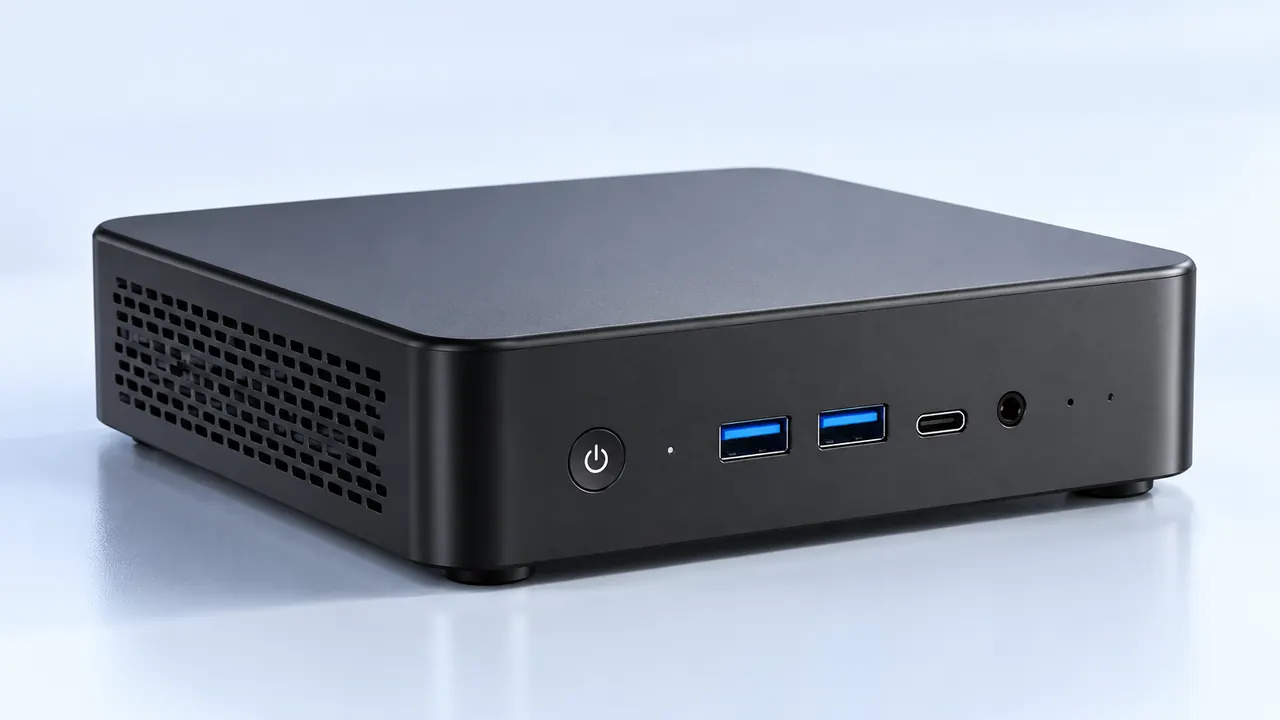
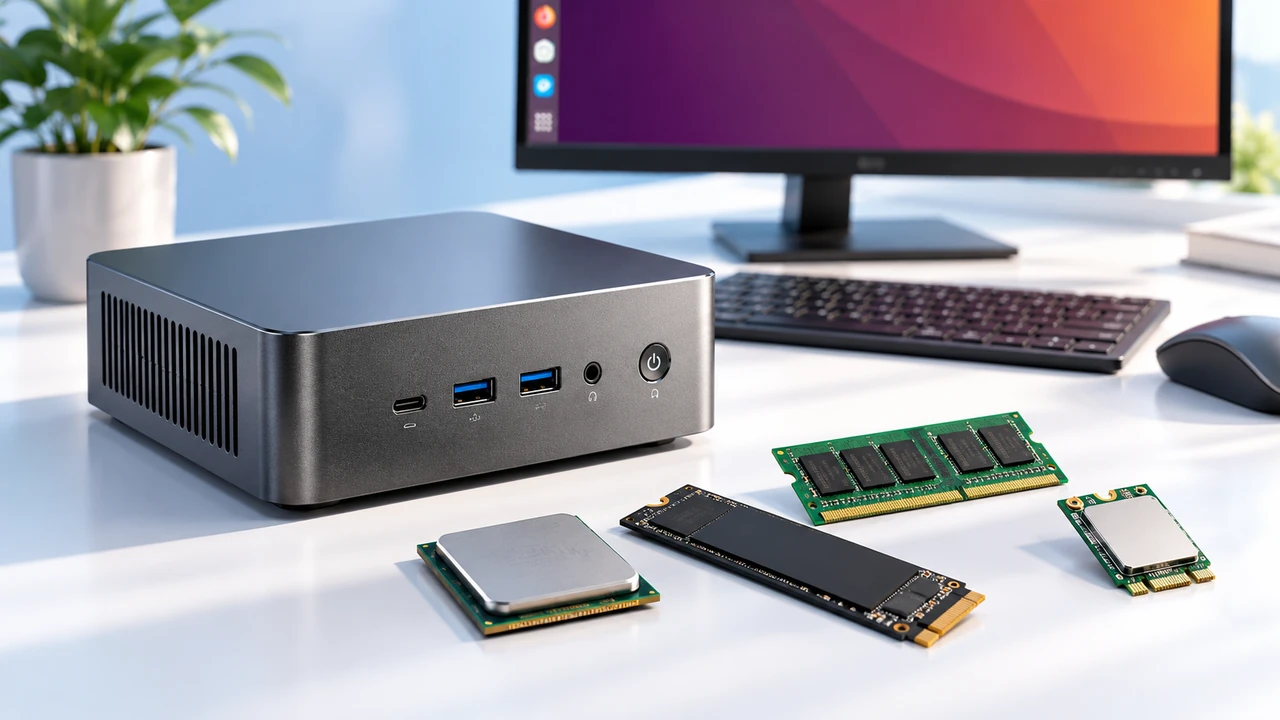
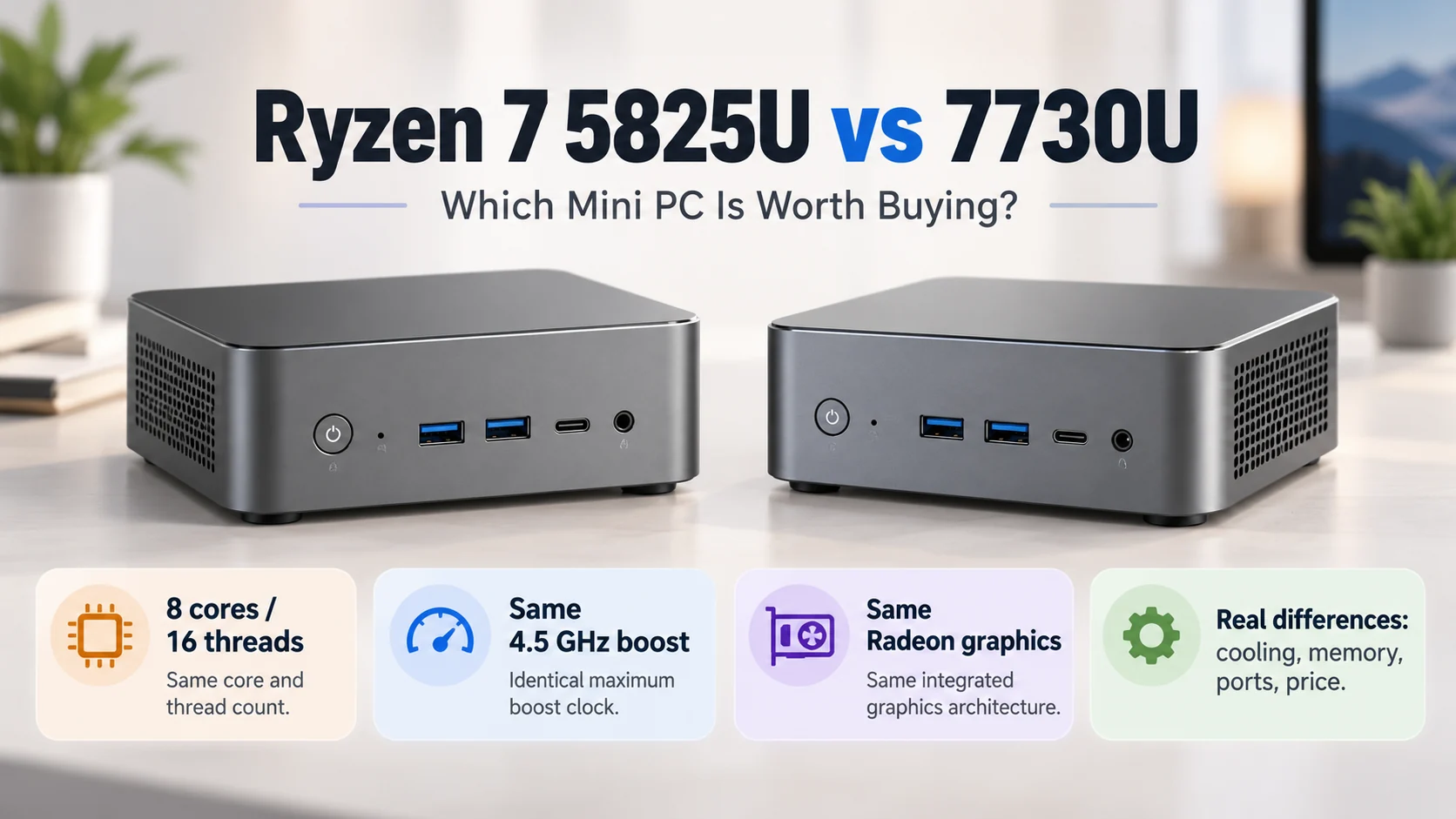
Looking at modern desk setups today, the massive desktop tower is almost a thing of the past. It is honestly pretty crazy how much computing power is being crammed into tiny metal boxes right now. But anyone looking to ditch the giant tower eventually hits a weird crossroads regarding graphics processing. A standard mini PC usually relies on an integrated GPU built directly into the processor. For a long time, that basically meant gaming or heavy video editing was completely off the table. But the silicon has evolved so much lately that integrated graphics are surprisingly capable. Then again, there is this whole other route of buying a tiny computer and hooking it up to a massive external GPU enclosure. Deciding which mini PC solution is actually better really just depends on what happens at the desk every single day. It is a balancing act between keeping a clean aesthetic and needing raw graphical horsepower (because sometimes, a tiny box just cannot push enough pixels).
The Reality of an Integrated GPU in a Mini PC
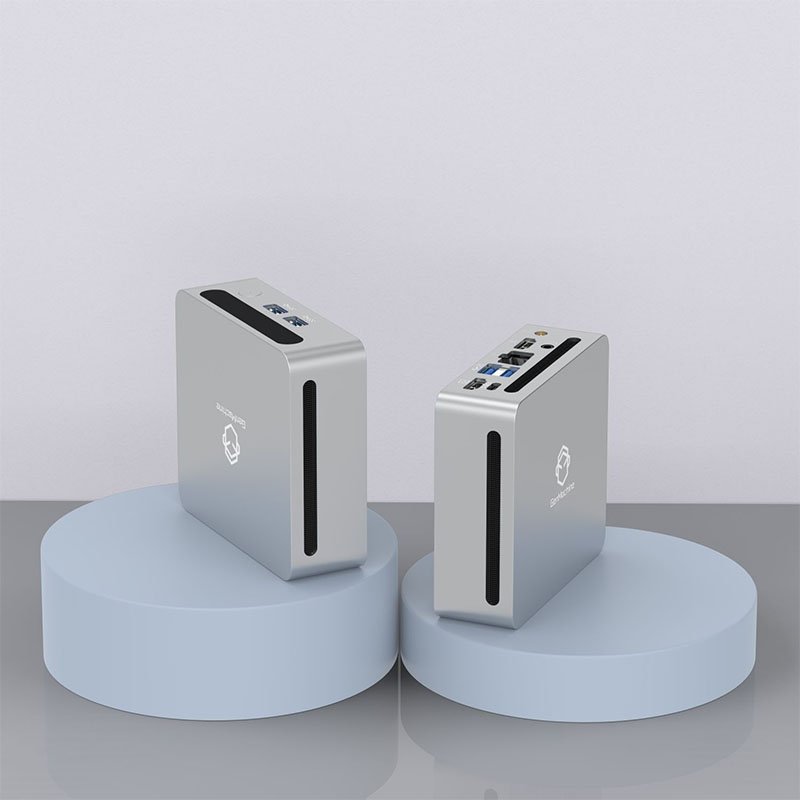
Relying on built-in graphics used to be a terrible experience, but that is just not the case anymore. Modern processors feature integrated graphics architectures that are genuinely impressive. For someone whose daily routine involves basic photo editing, watching 4K movies, or playing casual indie games, sticking with a standalone mini PC is probably the smartest move. It keeps the desk completely clutter-free, which is usually the whole point of buying a small computer in the first place.
There are some very distinct benefits to just using the internal silicon:
The overall power draw is ridiculously low, keeping the electricity bill down and the ambient room temperature fairly cool.
Fan noise is generally kept to a minimum (nobody likes a desk that sounds like a tiny jet engine spinning up randomly).
The physical footprint remains incredibly small, easily hiding right behind a monitor on a standard VESA mount.
Of course, integrated graphics have hard limits. Trying to play a brand new, visually demanding blockbuster game on high settings with a basic mini PC is just going to result in a choppy, unplayable mess. It is just basic physics; a tiny chip can only do so much without a massive cooling block to dissipate the heat.
Adding an External GPU to a Mini PC
When the internal graphics just aren’t cutting it, plugging in an external GPU (often called an eGPU) feels like a magic trick. By using high-speed ports like Thunderbolt 4 or OCuLink, a sleek little intellectual mini PC can suddenly tap into the exact same massive graphics cards used in giant desktop towers. It is fascinating to watch a tiny, book-sized computer suddenly tear through heavy 3D rendering tasks without breaking a sweat.
But this setup is definitely not perfect. An external graphics enclosure is basically the size of a shoebox, completely ruining that minimalist desk aesthetic. Plus, the enclosures themselves are bizarrely expensive, even before buying the actual graphics card to put inside them.
| Setup Approach |
Visual Performance |
Desk Clutter Level |
Ideal User Type |
|---|---|---|---|
Integrated GPU |
Low to Medium |
Practically zero |
Office workers, casual media watchers, and indie gamers |
External GPU Enclosure |
High to Ultra |
Very high (requires a bulky box and thick cables) |
Video editors, 3D artists, and heavy gamers needing a hybrid setup |
It is kind of a weird compromise. You get the portable nature of a tiny computer, but to unlock its full potential, it has to be tethered to a loud, heavy metal box anyway.

Making the Right Mini PC Hardware Choice
Figuring out the smartest path requires a brutally honest look at daily computing habits. It is super easy to get caught up in buying hardware that looks cool on the internet but makes absolutely no practical sense for real life. If the primary goal is just browsing the web and doing basic spreadsheets, buying an expensive external graphics setup for a mini PC is a massive waste of money.
Getting the best setup usually follows a pretty basic logical progression:
Determine the absolute heaviest software application used on a weekly basis (like Premiere Pro or a specific heavy video game).
Check if a modern high-end mini PC with top-tier integrated graphics can handle those specific system requirements natively.
If it falls short, look into eGPU enclosures, but physically measure the desk space to ensure the bulky extra box will actually fit somewhere practical.
FAQ
Will an external GPU perform exactly like a normal desktop?
Not exactly. Because the graphical data has to travel through an external cable rather than plugging directly into a motherboard slot, there is a slight performance drop. Usually, a high-end graphics card hooked up to a mini PC will lose about ten to fifteen percent of its maximum potential frame rate due to bandwidth limitations.
Do all tiny computers support external graphics enclosures?
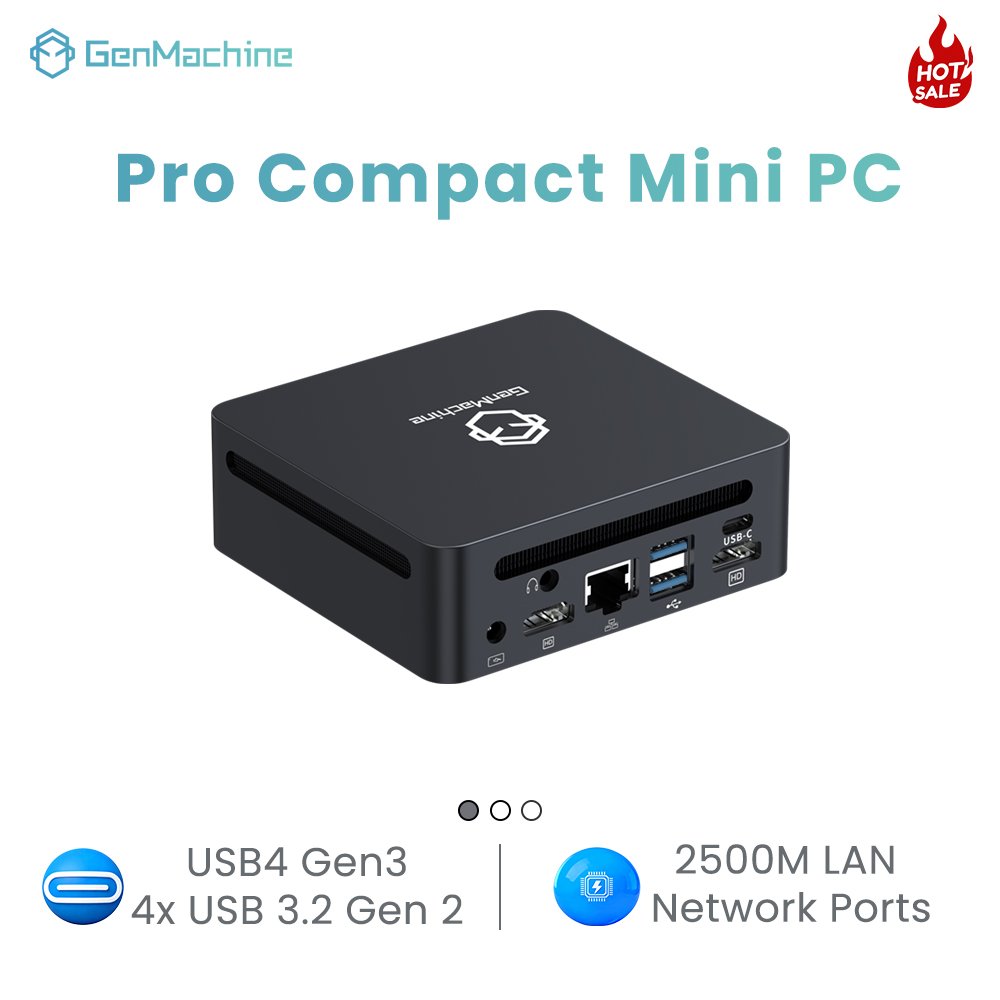
Definitely not. This is a very common trap. To run an external GPU, the specific mini PC needs to have a Thunderbolt 3, Thunderbolt 4, USB4, or a dedicated OCuLink port. Standard USB-C ports simply do not have the massive data bandwidth required to handle heavy video processing signals.
Can you upgrade the integrated graphics later on?
Unfortunately, no. The integrated graphics chip is permanently soldered right onto the main processor inside the motherboard. If a standalone mini PC starts struggling with newer software a few years down the line, the only real options are to buy a completely new unit or finally cave in and buy that bulky external GPU enclosure.