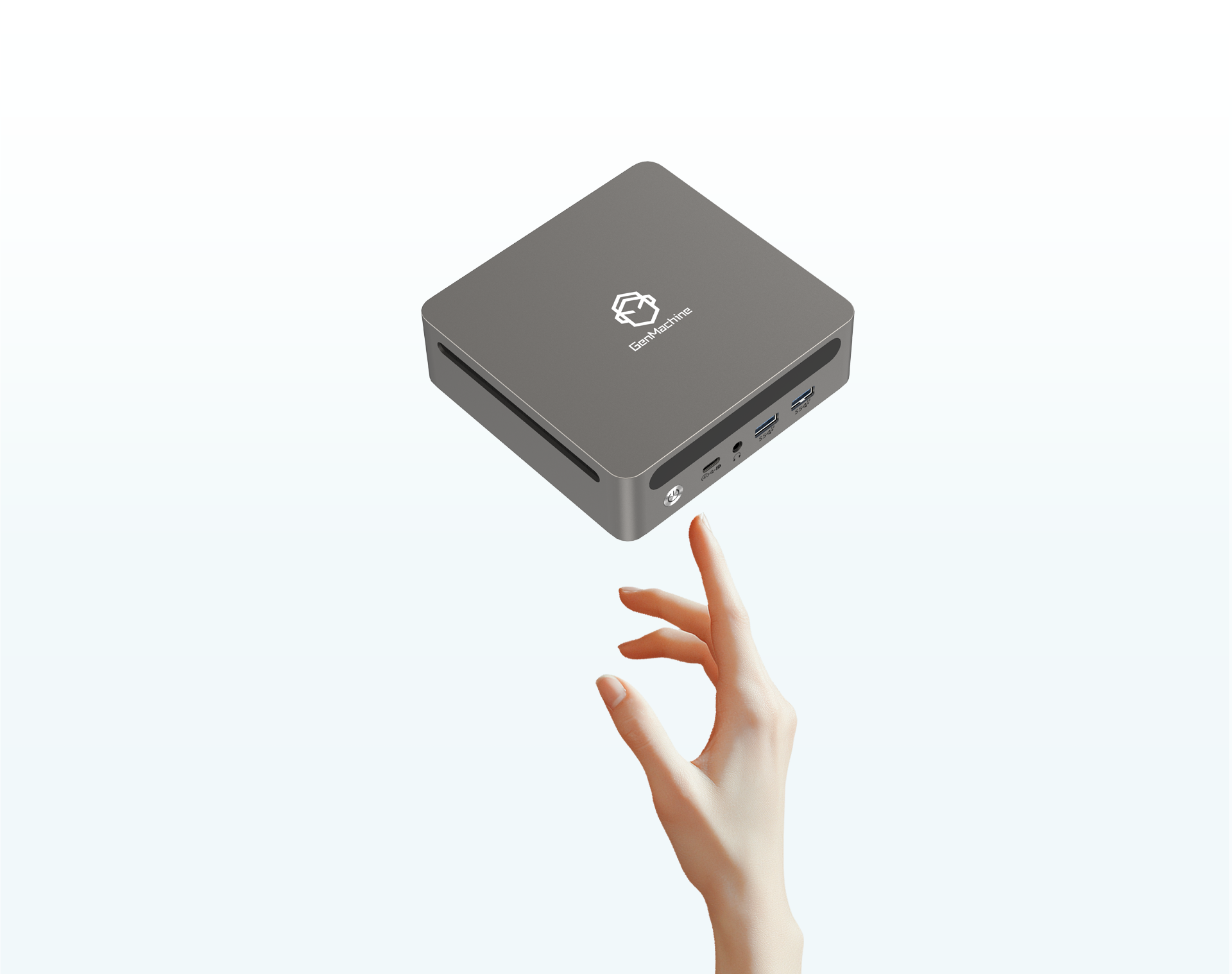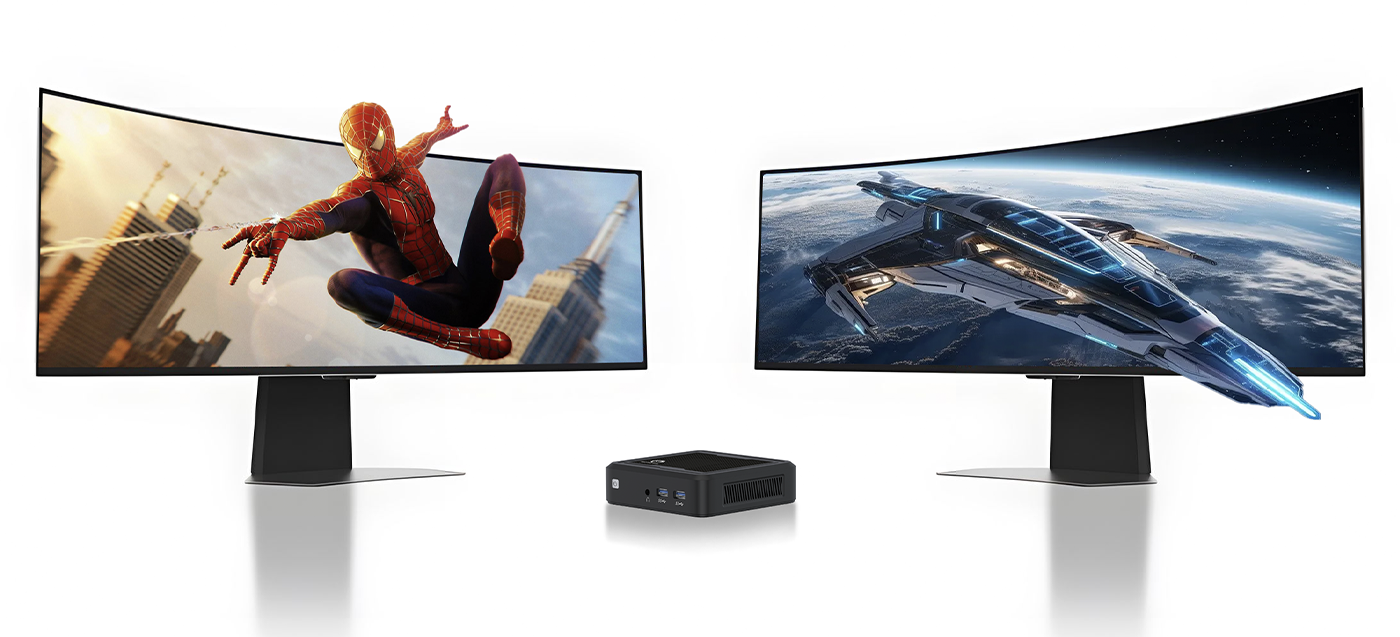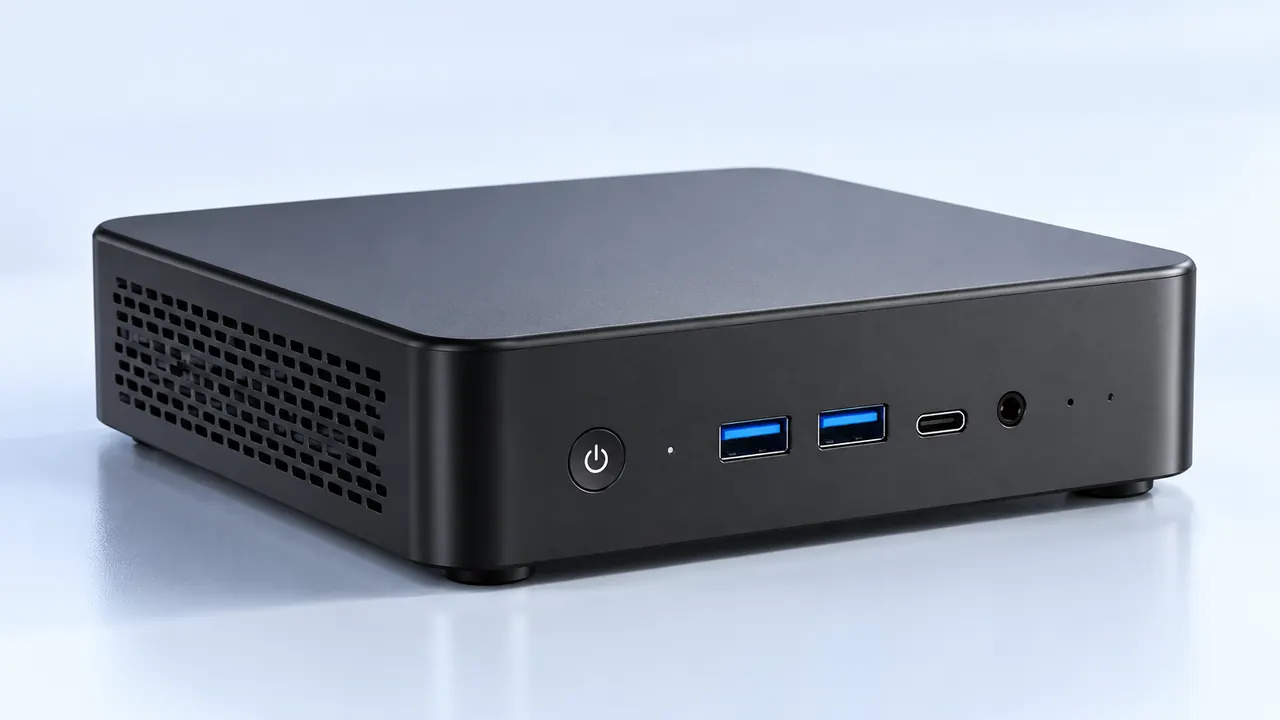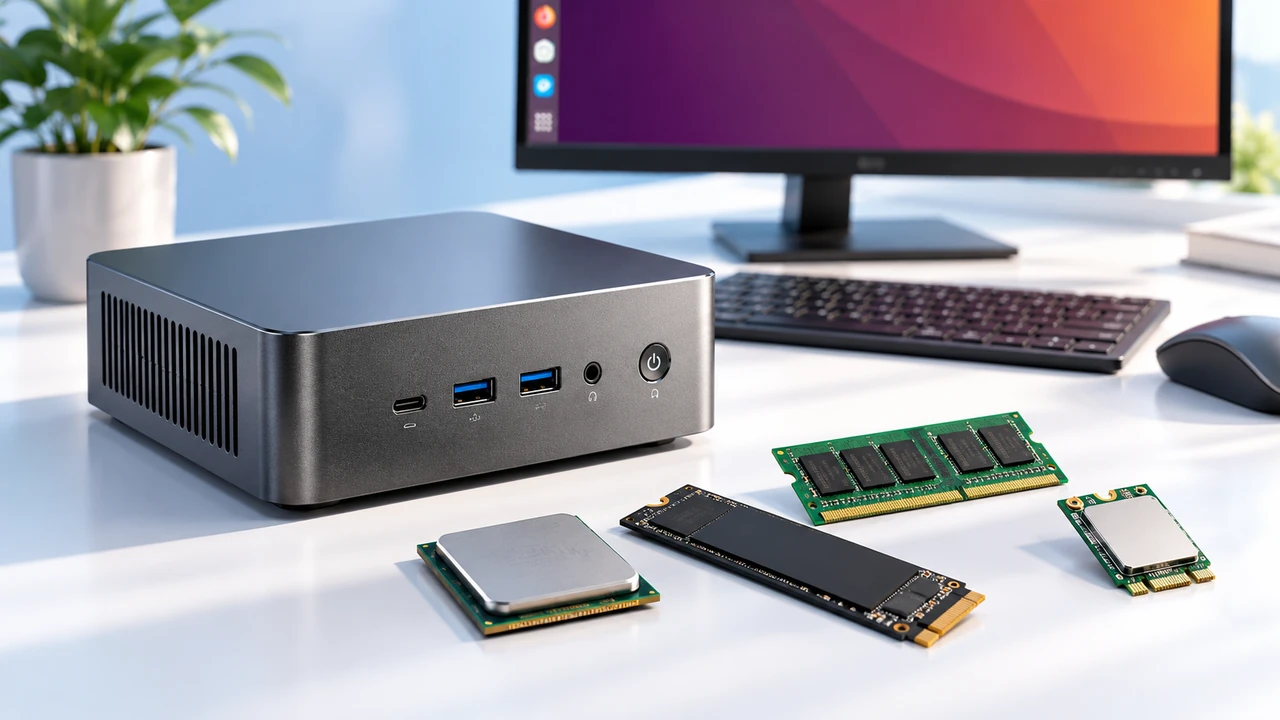
Looking at modern desk setups online, the giant, glowing desktop towers taking up half the room are sort of fading away. People are heavily leaning toward a more minimalist aesthetic, trying to reclaim precious desk space without having to sacrifice their video game frame rates. Putting together a tiny gaming PC build is easily one of the most satisfying tech projects out there, mostly because the end result looks like a sleek little living room console but still performs like an absolute monster.
But stuffing high-end, heat-generating silicon into a box the size of a toaster requires a very specific approach. It isn’t just about grabbing smaller parts off a shelf; it involves a whole lot of weird spatial puzzle-solving. When attempting a tiny gaming PC build for the very first time, the extreme lack of breathing room inside the metal chassis becomes apparent really quickly. Planning out every single millimeter of clearance makes the difference between having a quiet, powerful machine and accidentally creating a loud, overheating metal box sitting on the desk.

Choosing the Foundation for a Tiny Gaming PC Build
Everything essentially revolves around the outer shell. In standard computer assembly, people generally pick the motherboard and graphics card first, and then just buy a massive metal enclosure to shove it all into without worrying about measurements. With a tiny gaming PC build, the exact opposite is true. The chassis dictates literally every other purchasing decision from that point onward. The small form factor market has exploded lately, offering a ton of weird and wonderful geometric shapes. Some look like tall obelisks, others resemble old-school stereo amplifiers, and some are just flat rectangles meant to slide discreetly behind a monitor.
When looking at different cases, there are a few vague but incredibly important things to keep in mind before buying anything:
GPU physical clearance (not just the length of the card, but the actual thickness, as modern coolers are massively thick).
Power supply compatibility (most small cases require specialized SFX sizes, while a few surprisingly fit standard ATX units).
Ventilation style (whether the case relies entirely on mesh side panels or utilizes a sandwich-style airflow layout to keep things cool).
Managing the Heat Inside a Tiny Gaming PC Build
Heat is pretty much the ultimate enemy here. Dropping a modern, high-wattage graphics card and a beefy processor into a cramped space essentially creates a miniature oven on the desk. If the trapped heat cannot escape quickly enough, the parts will automatically throttle down their processing speeds just to survive, completely defeating the purpose of buying expensive hardware in the first place. Navigating the thermal limits in a tiny gaming PC build is always an exercise in compromise. Sometimes, a massive air cooler simply will not fit against the glass, forcing a necessary pivot to low-profile fans or customized liquid cooling loops.
| Cooling Method | Space Requirement | Noise Level in Small Cases | Maintenance Needs |
|---|---|---|---|
| Low-Profile Air Cooler | Very minimal (great for super thin cases) | Can get noticeably loud under heavy gaming loads | Low (just blowing out dust occasionally) |
| 120mm/240mm AIO Liquid | Requires specific radiator mounting brackets | Generally quieter, though a slight pump hum exists | Moderate (checking for rare tube kinks) |
| Undervolting Components | Zero physical space | Reduces overall fan noise significantly | High initial software tinkering required |
The Assembly Order for a Tiny Gaming PC Build
Putting things together inside a massive tower is extremely forgiving. If a random cable is forgotten during the build, there is usually plenty of room to just reach in and plug it in later. That luxury simply does not exist in a tiny gaming PC build. Once the power supply and the thick graphics card are seated, finding the space to wedge a hand in to connect a tiny front-panel audio header is virtually impossible (which is honestly incredibly frustrating). Treating the assembly process like a strict sequence of careful operations saves hours of annoying disassembly later on.
The general building sequence usually goes something like this:
Install the processor, memory sticks, and solid-state drives directly onto the motherboard while it is still completely outside of the case on a flat table.
Attach the cooling solution (or at least the chunky mounting brackets) before dropping the main board into the tight chassis.
Pre-route the thick power supply cables through the empty case, figuring out exactly where they will naturally bend and tuck away.
Slot the massive graphics card in last, as its bulk usually blocks access to every other plug on the board.
FAQ
Do these smaller systems cost more than regular desktops?
Generally speaking, yes, there is what enthusiasts call a “small form factor tax.” Because hardware manufacturers have to cram the exact same amount of advanced technology onto a much smaller circuit board, these specialized mini-ITX boards are usually a bit pricier. The smaller SFX power supplies also tend to cost more than standard units, simply because they are a niche product requiring denser internal components.
Is a tiny gaming PC build actually harder to assemble?
It is certainly more tedious, though not necessarily technically harder to figure out. The internal parts plug into each other in the exact same way they do in a giant desktop computer. The true difficulty comes entirely from cable management and having to constantly screw and unscrew metal panels to reach awkward angles. Patience is basically a requirement.
Will the performance be noticeably worse than a big computer?
Not if the cooling layout is planned correctly. A top-tier graphics card performs exactly the same in a tiny box as it does in a giant one, provided it actually gets enough fresh air. The only real performance drop happens if the parts get completely suffocated and start thermal throttling. This is exactly why cases with perforated mesh panels are so incredibly popular right now, as they let the hardware breathe naturally.