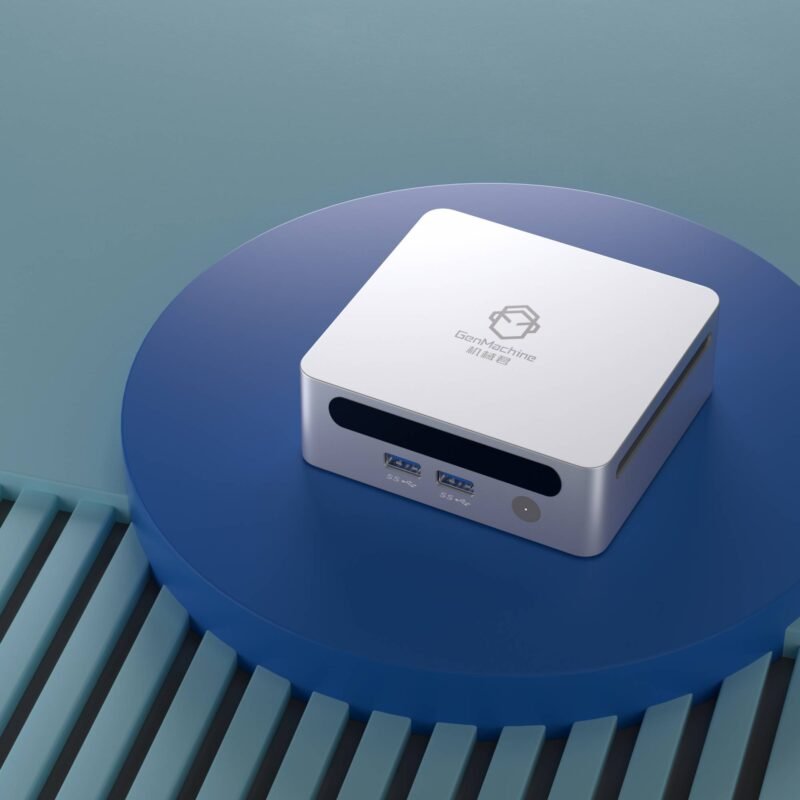
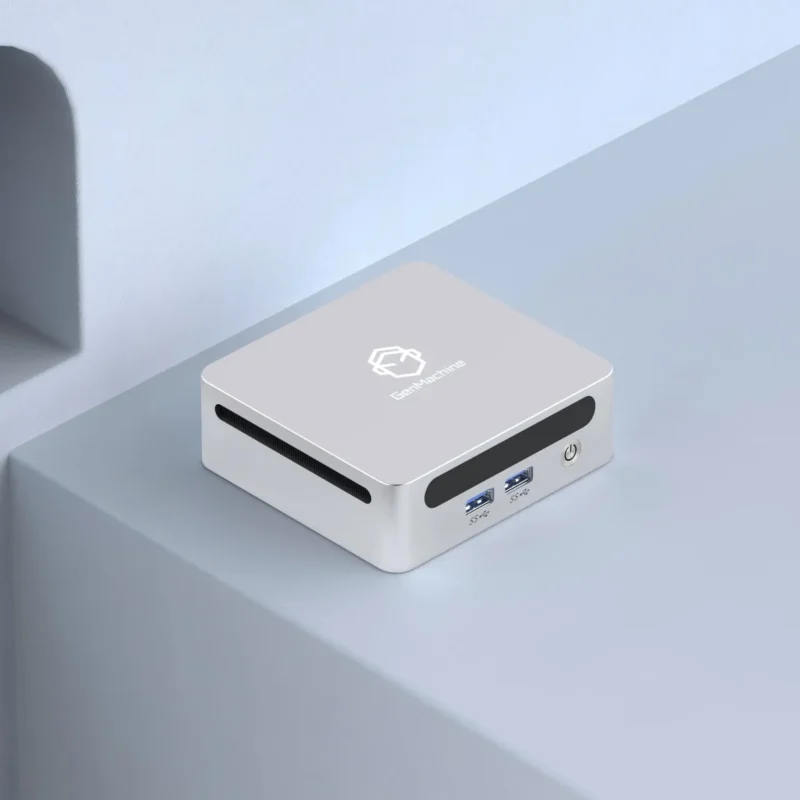
Big computer cases have dominated the desk space for literally decades. Massive glass panels, blinding rainbow lights, and loud case fans that basically sound like a tiny helicopter taking off in the bedroom. It gets incredibly tiring to look at after a while. But looking at the modern hardware landscape, things are aggressively shrinking. The idea of hiding an entire high-end rig on a piece of standard living room furniture is incredibly appealing. Using mini desktops for gaming to play massive, sprawling AAA titles right from a bookshelf sounds like a bit of a pipe dream, but the technology is honestly there right now.
It is genuinely surprising how much processing power fits into a chassis the size of a standard shoebox (or even smaller, sometimes resembling a thick hardcover dictionary). It completely changes how a living space can be arranged when the computer is no longer the physical centerpiece of the room.
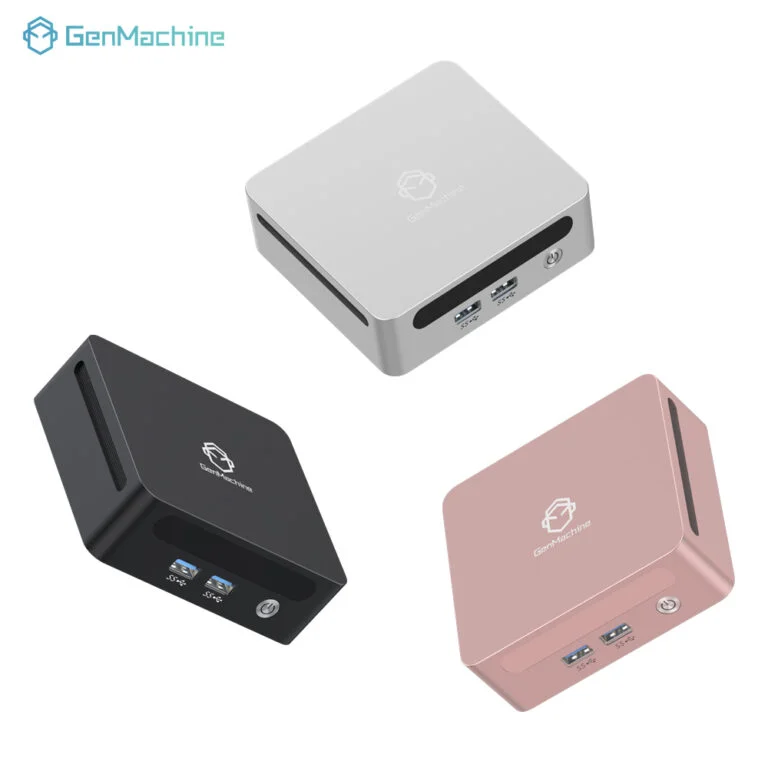
Breaking Down the Appeal of Mini Desktops for Gaming
Historically, small computers were essentially just glorified web browsers. Trying to load up a heavy, graphically intense video game usually resulted in a sudden blue screen or the faint, concerning smell of hot plastic. But silicon manufacturing has gotten so incredibly efficient lately. The chips just don’t need a wind tunnel to survive anymore.
Here is a quick look at why these extremely compact setups are quietly taking over living rooms and home offices:
Total physical footprint reduction, freeing up tons of valuable desk or floor space.
Aesthetic blending, meaning the technology practically vanishes into normal room decor.
Surprising portability, allowing the entire system to be thrown into a backpack when traveling or moving apartments.
There is just something strangely satisfying about seeing gorgeous, ray-traced graphics rendering perfectly from a tiny metal box sitting casually next to some potted plants and a stack of old novels.
Performance Realities for Mini Desktops for Gaming
The main conversation around any new computer always revolves around frames per second. Can a tiny machine really run something like a massive open-world RPG? Yes, but with some very specific caveats. It isn’t pure magic. When looking at modern mini desktops for gaming, the internal hardware is often utilizing laptop-grade architecture to keep the overall wattage down and prevent the system from melting itself.
The Graphics Processing Unit
Some of the smaller compact mini pc models rely entirely on incredibly beefy integrated graphics (chips that handle both basic computing and video processing). Others manage to somehow squeeze a dedicated, slightly under-volted mobile graphics card right onto the tiny customized motherboard. Both approaches work, though dedicated chips handle modern AAA titles much more smoothly.
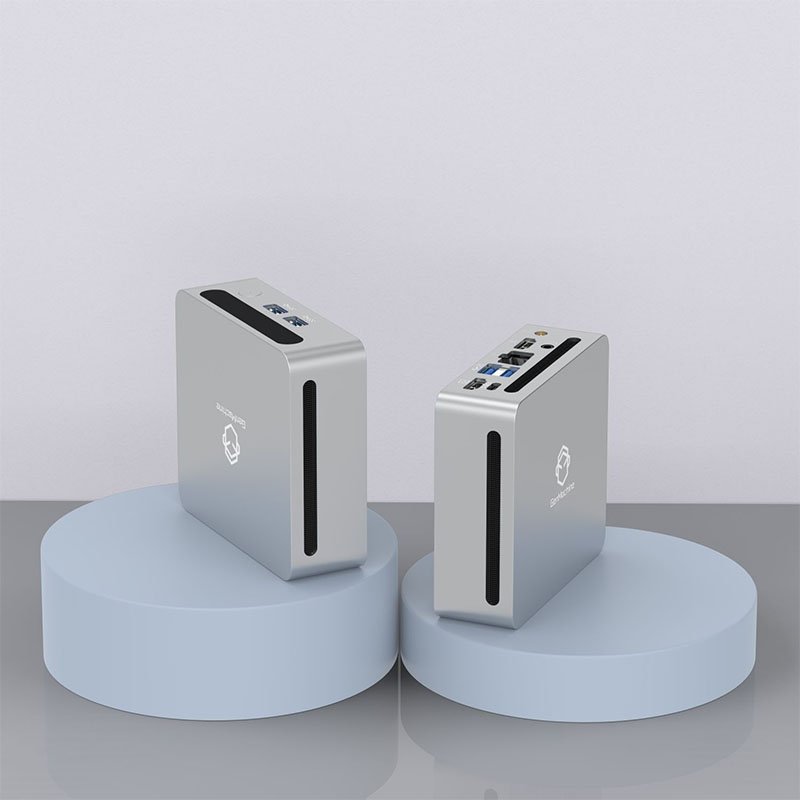
Managing the Thermals
Physics is still physics, and heat always has to go somewhere. The cooling solutions inside these tiny boxes are honestly engineering marvels, often utilizing complex vapor chambers or specialized liquid metal thermal paste just to push the heat out as fast as possible.
| Setup Style | Cooling Mechanism | Noise Level Under Load | Aesthetic Impact |
|---|---|---|---|
Massive Desktop Tower | Multiple large 120mm fans | Noticeable, but usually low-pitch | Highly visible, takes up a whole corner |
Hobbyist ITX Build | Mid-sized internal fans | Moderate, varies by case | Takes up shelf space, still looks like a PC |
Bookshelf Mini Rig | Single blower or tiny fan | Can get whiny, slightly higher-pitch | Practically invisible, blends in perfectly |
Setting Up Mini Desktops for Gaming Safely
Of course, buying the hardware is only half the battle. You can’t just shove a powerful computer behind a row of dusty hardcover books, block all the air vents, and hope for the best. There is definitely a right way to arrange mini desktops for gaming so they actually survive a six-hour weekend gaming marathon without aggressively thermal throttling.
Taking a few minutes to plan out the physical shelf space prevents major headaches later on:
Leave at least three to four inches of completely empty air around the exhaust vents (which are usually located on the back panel).
Keep the computer sitting on a hard, flat wooden or metal shelf surface rather than resting it on carpet, cloth, or a stack of papers.
Run the primary display cable and power cord straight down the back of the bookshelf to maintain the illusion of a completely wireless, magical setup.
Connect a dedicated Bluetooth controller and a wireless mouse for proper, comfortable couch gaming from across the room.
FAQ
Can they actually play heavy, modern AAA titles smoothly?
Yes, surprisingly well. While a tiny computer might not realistically hit 4K resolution on ultra-maximum graphical settings, playing the newest demanding releases at very respectable high settings in 1080p or 1440p is completely normal now. The miniature hardware has honestly just caught up to the demands of modern game engines.
Are these tiny computers incredibly loud when playing games?
It depends entirely on the internal ventilation and the specific game being played. Because the internal fans are so physically small, they have to spin much faster to push the hot air out of the chassis. This often creates a sort of high-pitched whirring sound during heavy gameplay. However, sitting a few feet away on a couch or wearing standard headphones usually completely drowns the fan noise out.
Is it possible to upgrade the graphics card later?
Mostly no. Unlike giant tower PCs where swapping out a graphics card takes five minutes and a single screwdriver, the extremely tight physical space inside mini desktops for gaming means the central chips are almost always soldered directly to the main board. Whatever graphical performance the machine ships with from the factory is essentially what it will have for its entire lifespan.