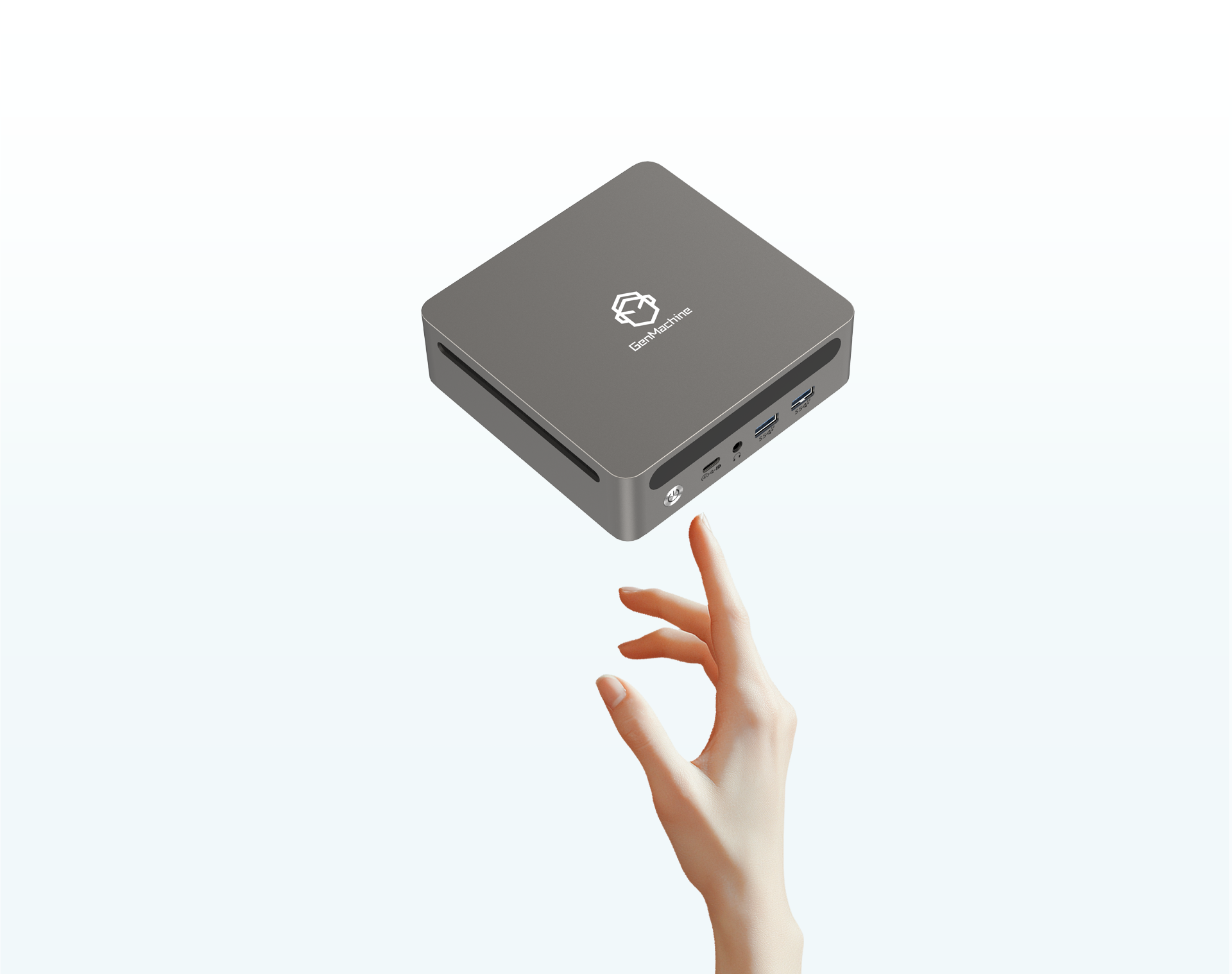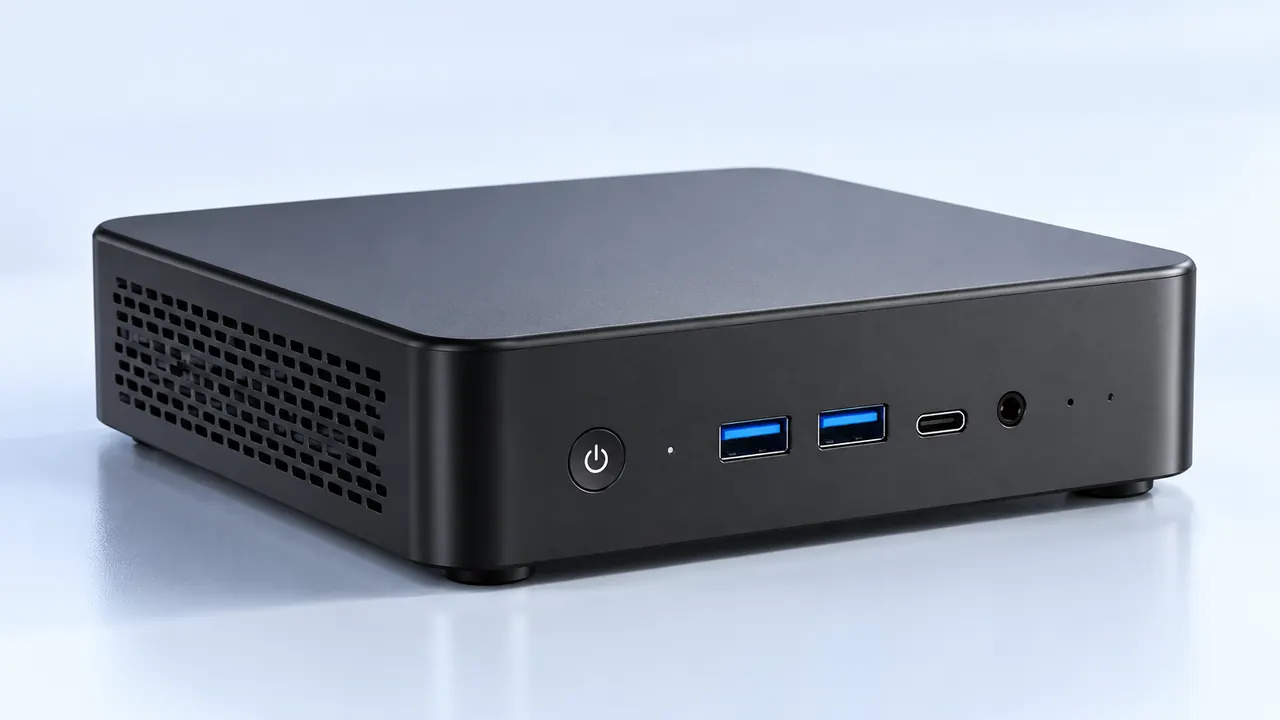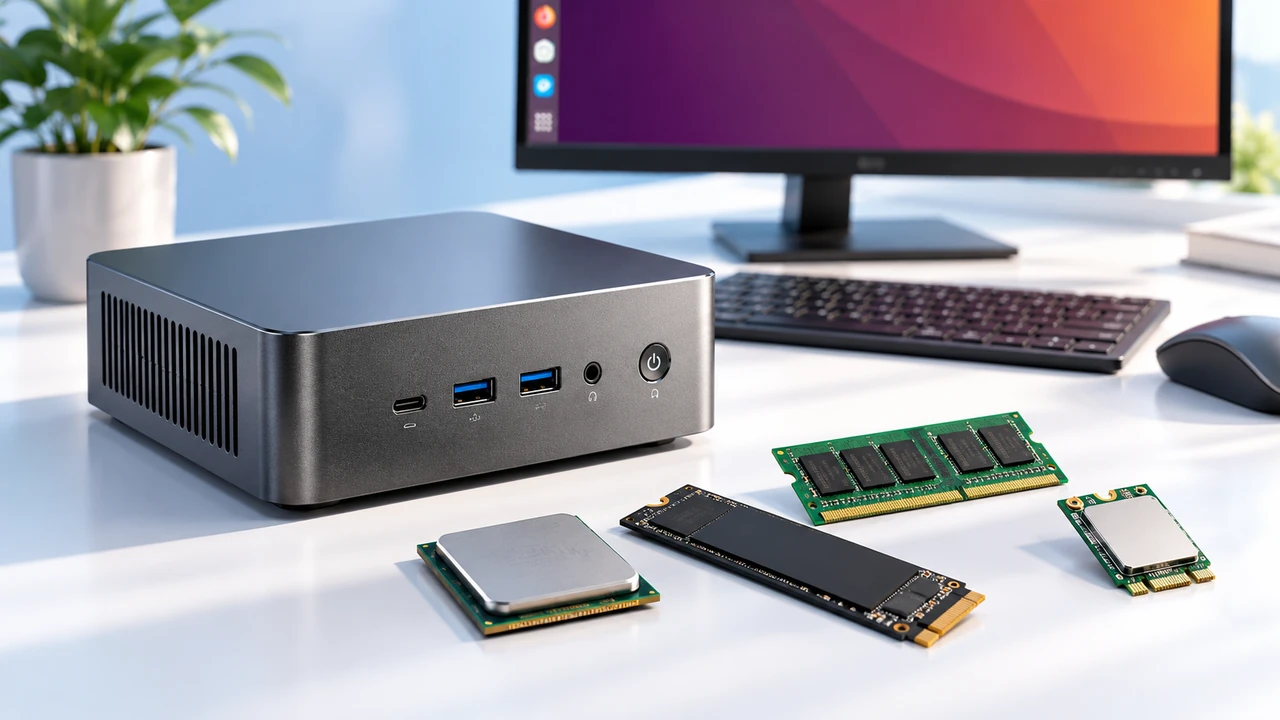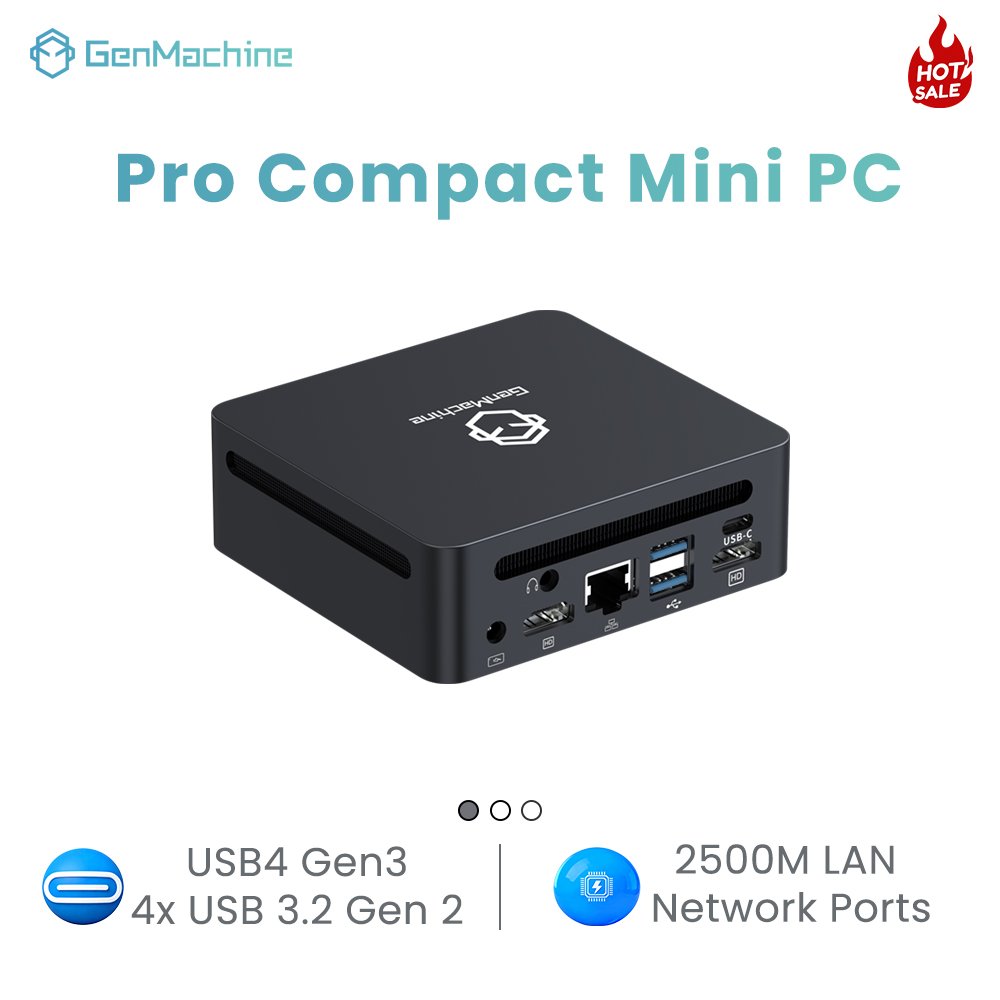
Walking into a modern restaurant, hotel lobby, or retail store, it is practically impossible not to notice the glowing digital menus and promotional screens everywhere. Most people just glance at the burger pictures or the sale prices and move on with their day. But looking a bit closer, maybe peering behind the mounting bracket on the wall, there is almost always a tiny metal box taped or screwed to the back of the screen. That little piece of hardware is usually a mini PC for TV, quietly doing all the heavy lifting in the background.
It is actually kind of funny how much trust businesses put into these tiny machines. A massive 70-inch commercial display looks incredibly impressive, but without a reliable brain feeding it content, it is basically just a giant, very expensive paperweight. Using a dedicated mini PC for TV essentially transforms a dumb glass panel into a dynamic, constantly updating billboard that does not spontaneously crash when the local Wi-Fi drops.

The Limitations That Make a Mini PC for TV Necessary
There is a really common assumption that modern smart televisions can just handle commercial signage right out of the box without any extra hardware. And sure, for about a week, simply plugging a USB thumb drive into a regular screen sort of works. But it inevitably breaks down. The built-in processors on standard displays are painfully slow, and their underlying operating systems are really only designed for casual movie watching in a quiet living room, not running a high-definition video loop for 18 hours a day.
Shifting the processing burden over to a dedicated mini PC for TV solves a whole bunch of really annoying commercial headaches instantly.
It completely bypasses clunky TV manufacturer menus (which are usually filled with annoying consumer ads anyway).
Running full desktop operating systems means remote management software actually works properly without weird compatibility issues.
Hardware upgrades become incredibly easy, because swapping out a tiny box behind the screen is way cheaper than replacing an entire broken commercial display when it gets too slow.
Durability and Uptime for a Commercial Mini PC for TV
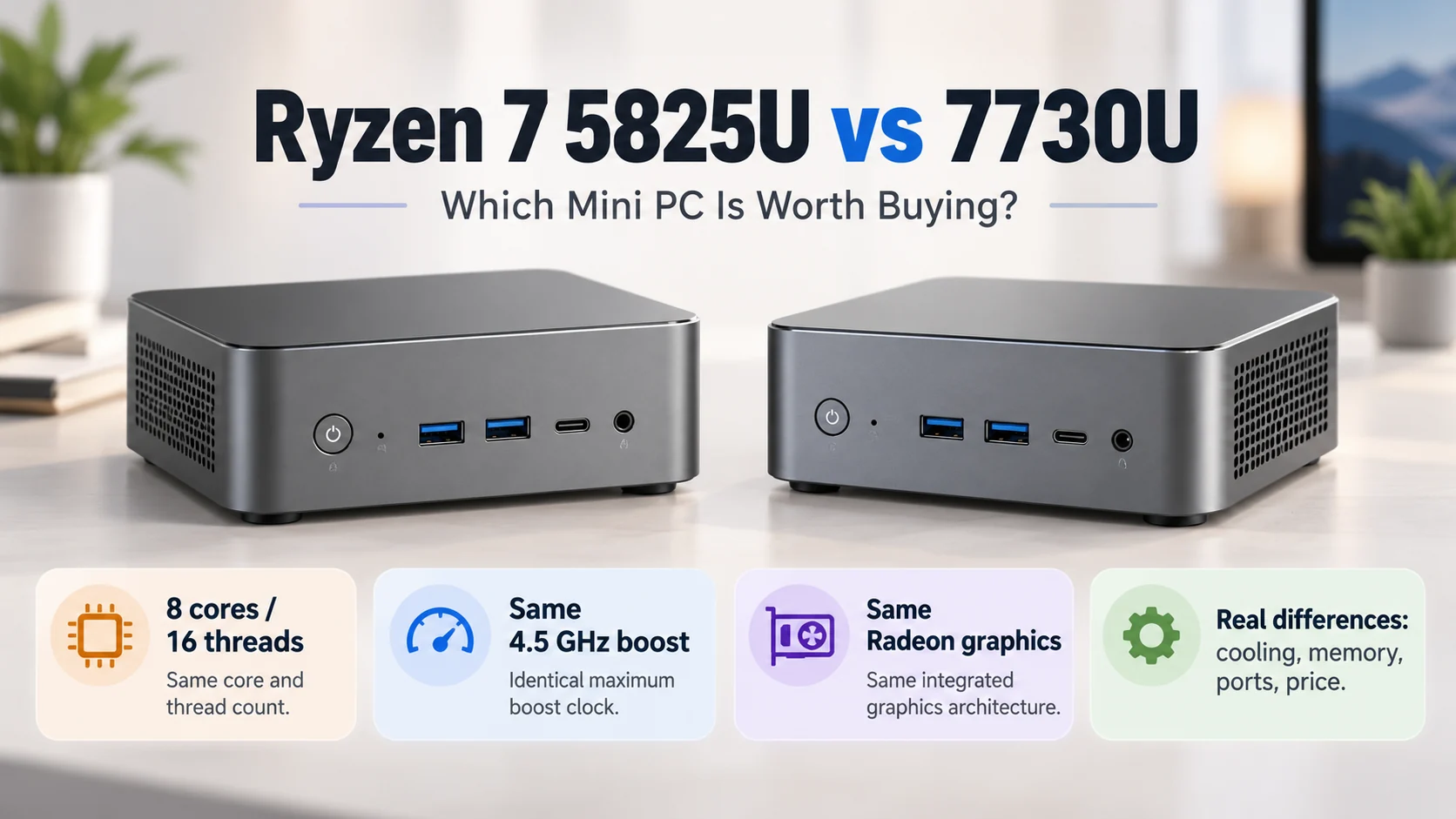
Commercial environments are basically hostile territory for electronics. Kitchens in fast-food joints are thick with airborne grease and extreme heat, while retail window displays get baked by direct sunlight all afternoon. A standard consumer streaming stick would probably melt or at least start thermally throttling within an hour in those kinds of conditions. That’s exactly where a Ryzen mini PC makes sense — built with passive cooling and a sealed chassis, it can run 24/7 without choking on grease or shutting down from heat soak.
Observing a high-quality mini PC for TV in the wild, it is immediately clear they are built completely differently from normal consumer-grade stuff. Many of them feature completely fanless designs. Removing the moving parts means dust and grime cannot get sucked into the motherboard (which is usually the number one killer of electronics in busy public spaces). They just sit there, passively radiating heat through a ridged metal chassis, quietly doing their job without complaining.
| Hardware Solution | Heat Management | Continuous Uptime | Dust Resistance |
|---|---|---|---|
| Consumer Streaming Stick | Poor, prone to overheating | Frequent manual reboots needed | Low, small vents get clogged easily |
| Smart Screen Built-in OS | Moderate, but slows down | System updates interrupt signage | Varies heavily by screen manufacturer |
| Fanless Mini PC for TV | Excellent via metal heatsink | Designed for strict 24/7 operation | High, sealed chassis keeps out debris |
Deploying a Mini PC for TV Without the Headache
Setting up a digital signage network across multiple store locations sounds like an absolute logistical nightmare. And honestly, it used to be. But the current process has been streamlined to the point where even non-technical staff can mostly handle the physical installation without needing to call an expensive IT contractor.
The deployment usually follows a surprisingly simple routine to get a mini PC for TV up and running:
Secure the physical unit to the VESA mounting holes on the back of the monitor using a standard bracket, keeping cables tightly zip-tied so they do not hang down visibly.
Configure the BIOS settings to automatically turn the device back on whenever power is restored, which totally saves the day after a random neighborhood power outage.
Install a lightweight signage kiosk software that boots directly into the video loop, completely hiding the desktop icons and taskbar from the public eye.
Once that initial setup is finished, the device essentially runs on autopilot for years.
FAQ
Can a single unit run multiple screens at once?
Yes, quite easily. Many commercial-grade units come equipped with two or even three display outputs. This is super handy for setting up sprawling digital menu boards above a coffee shop counter without having to buy a separate mini PC for TV for every single individual monitor.
Does the signage require a constant internet connection?
Not necessarily. While cloud-based management software obviously needs the internet to push out new promotional videos or daily price changes, the actual media files are almost always cached locally on the internal storage drive. If the store’s internet goes down, the mini PC for TV just keeps playing the downloaded loop without anyone noticing the network is actually broken.
What happens when the software crashes?
In a proper commercial setup, there is usually a background watchdog timer running. If the signage application freezes (because software is never entirely perfect), the system detects the lack of activity and automatically forces a quick reboot. It usually corrects itself in less than a minute, completely minimizing the dreaded “blue screen” embarrassment in front of customers.