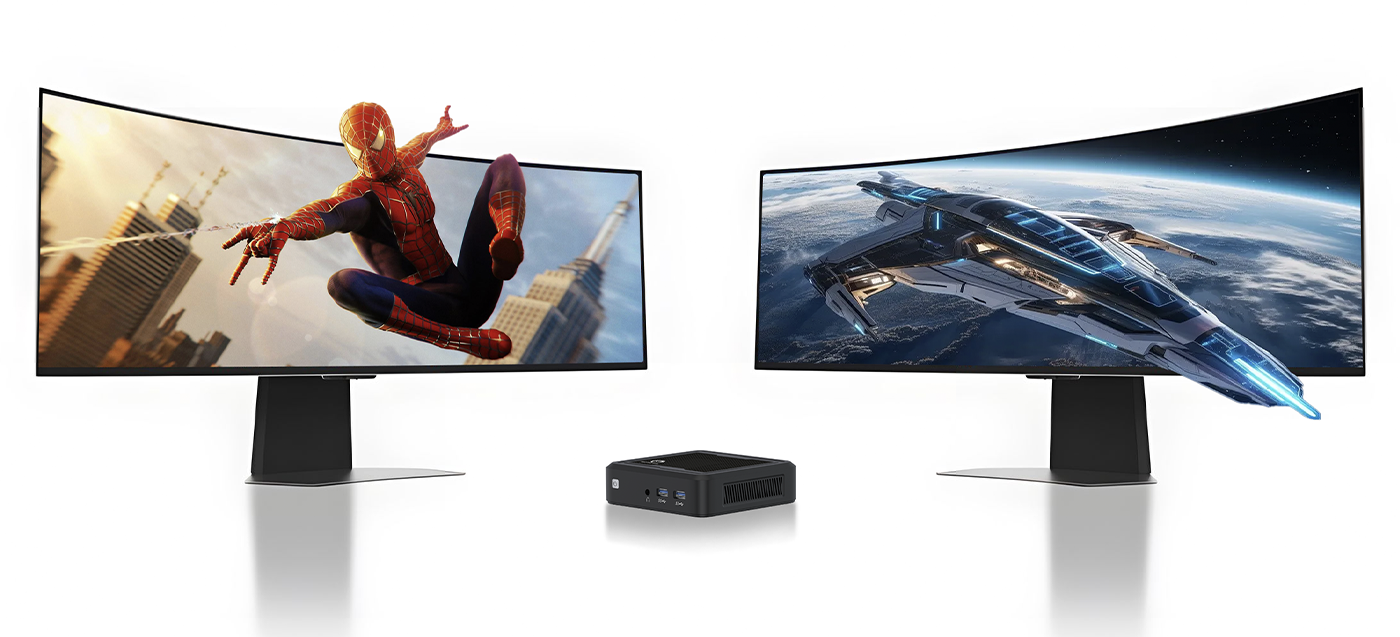
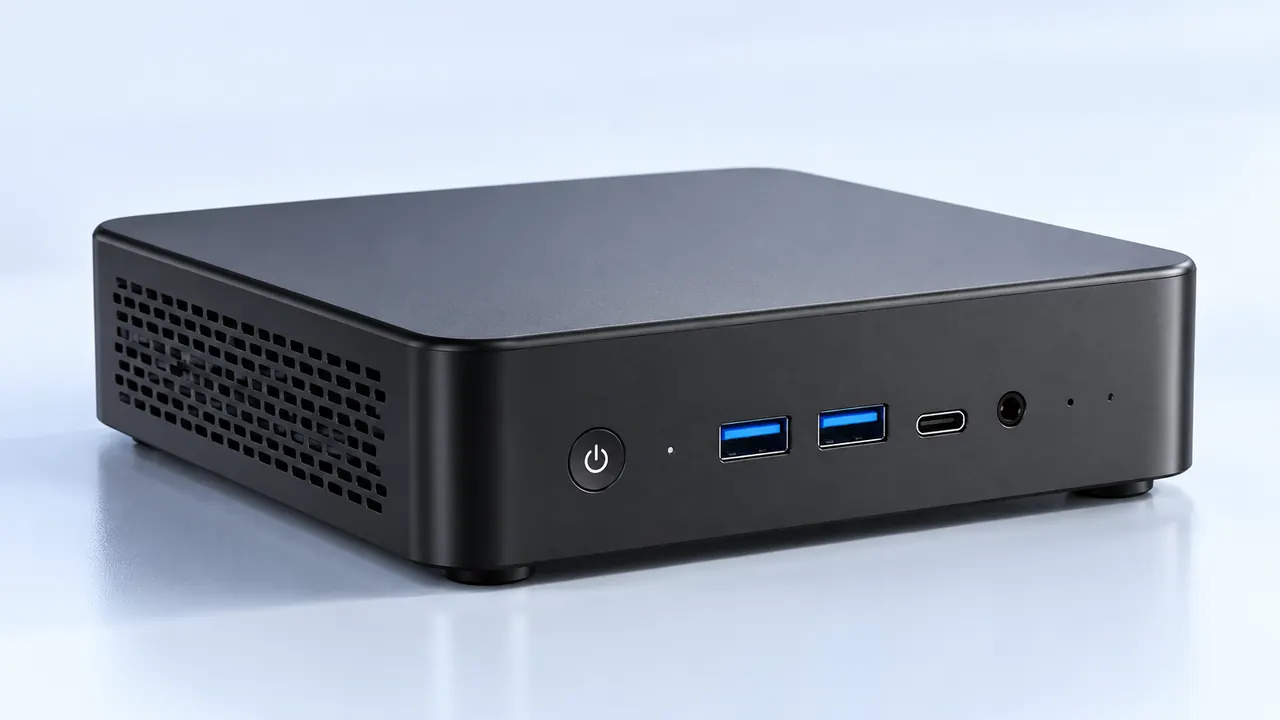
Remote work used to be treated like a temporary situation, just a few weeks of typing on the kitchen counter until things went back to normal. But as it evolved into a permanent reality for so many people, the physical toll of hunching over a tiny screen became impossible to ignore. Laptops are usually the default choice when someone sets up a home office. They just are. It is the easiest thing to buy. But for someone sitting at the exact same desk forty hours a week, year after year, a Mini PC actually starts to look like the significantly smarter, more comfortable option. It is kind of funny how stationary desktops faded away for a decade, only to return in the shape of a tiny, quiet metal box.

Why a Mini PC Makes Sense for a Permanent Home Office
The whole “work from anywhere” dream is great in theory, but the reality is that most remote work happens in one specific chair, looking at one specific wall. When mobility is no longer the main priority, the flaws of portable tech become painfully obvious.
Ergonomics and the Desk Setup
Laptops are fundamentally bad for human posture. To see the screen clearly, the neck bends down. To reach the keyboard, the shoulders hunch forward. Over a long timeline, this setup just ruins the upper back. A Mini PC forces the creation of a proper desk environment. Since it doesn’t have an attached screen or a built-in keyboard, there is complete freedom to mount a large, eye-level monitor and invest in a decent ergonomic mechanical keyboard. Sure, laptops can absolutely be plugged into external monitors too, but then paying a massive premium for the expensive built-in laptop screen feels like a bit of a waste of money.
Upgradability and the Dreaded Battery Life
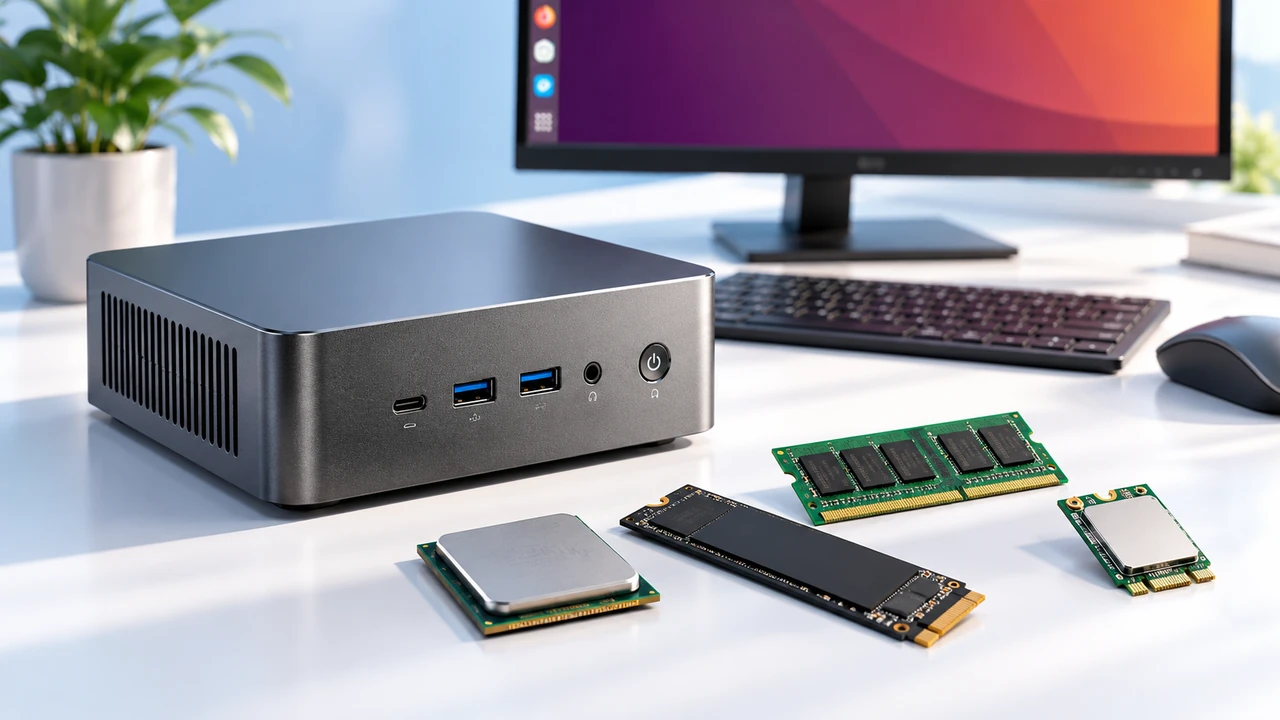
Batteries degrade. It is just a sad, unavoidable fact of lithium-ion chemistry. After two or three years of being plugged into a charger all day while sitting on a desk, a laptop battery often gets bloated or just completely refuses to hold a charge. A Mini PC completely sidesteps this annoying issue simply because there is no battery to die. It just runs off standard wall power continuously. Plus, popping open a compact desktop to add more RAM or swap out a full hard drive is usually just a matter of removing four standard screws (try doing that on a modern, ultra-thin laptop without voiding a warranty or breaking tiny plastic clips).
Where the Laptop Still Holds the Advantage
Of course, completely dismissing portable computers would be silly. Taking a computer to a local coffee shop or working from the living room couch on a rainy Tuesday is definitely a nice mental break.
The Built-In Reality
Laptops have the camera, the microphone, the speakers, and the power supply all rolled into one sleek clamshell. Different from a full-sized desktop, the 6600H 16G AMD Mini PC is compact and easy to carry too. If the home internet completely drops out right before a major meeting, grabbing a laptop and driving to a local library takes just a few minutes. Doing that with a traditional desktop system is basically impossible without packing up half the office into the trunk of a car, while the portable 6600H 16G AMD Mini PC offers a nice middle ground.

Comparing Mini PC and Laptop Hardware Over Time
Looking at how these machines age over a few years is incredibly revealing. Thermal management is a massive deal in computing. Laptops get incredibly hot because everything is crammed tightly beneath the keyboard, and prolonged heat quietly kills computer components over time.
| Feature Category | The Standard Laptop | The Desktop Mini PC | Long-Term Impact |
|---|---|---|---|
Thermal Cooling | Very cramped, tiny fans | Better airflow, larger heat sinks | Cooler machines run faster and last years longer. |
Power Source | Internal degrading battery | Direct constant wall power | No expensive battery replacements needed later. |
Footprint | Takes up keyboard space | Hides behind the monitor | Clears up valuable physical desk space. |
Built-in Screen | Usually 13 to 15 inches | None (Requires external) | External monitors prevent daily neck strain. |
Cost Breakdown: Setting up a Mini PC vs. Buying a Premium Laptop
When looking at pure performance per dollar, mobile technology always carries a heavy “portability tax.” Buyers end up paying extra for the miniaturized cooling systems, the battery cells, and the hinged screen assembly.
Building a permanent remote work setup around a Mini PC generally looks something like this:
Buying the actual base unit (often half the price of a comparable laptop with the exact same processor).
Selecting a dedicated 27-inch or larger display for long-term eye comfort.
Adding a comfortable wireless keyboard and mouse combo.
Picking up a decent standalone webcam for daily video meetings.
Even after buying all those extra peripherals from scratch, the total cost often stays lower than buying a high-end business laptop. And here is the real secret: monitors and keyboards usually last for a decade. When the computer hardware eventually gets too slow, swapping out just the Mini PC unit is incredibly cheap compared to replacing an entire premium laptop ecosystem all over again.
FAQ
Does a Mini PC use a lot of electricity compared to a laptop?
Not really, no. While massive gaming tower desktops consume huge amounts of power, a standard office-grade Mini PC is built using very similar low-wattage mobile processors found in standard laptops. The actual energy difference on a monthly electricity bill is barely noticeable, maybe just a few extra dollars a year at most.
Can a Mini PC handle heavy video editing or just basic spreadsheets?
It highly depends on the internal specifications, but modern ones are surprisingly robust. Many current models actually come with dedicated graphics chips or high-end integrated graphics that easily chew through heavy video timelines and large design files without stuttering. They certainly aren’t just for typing emails anymore.
What happens if the internet goes down and the user needs to move locations?
This is admittedly the absolute biggest drawback of the desktop life. Unlike a laptop, a Mini PC is firmly tethered to the wall plug and the heavy monitor. If forced to relocate to a cafe due to an internet outage, the best workaround is usually keeping a cheap, secondary tablet or an older backup laptop in the closet just for those rare emergency days.