
It is funny how quickly hardware expectations change. A few years ago, putting a tiny computer on a desk meant accepting that it was basically only good for checking emails and maybe watching a high-definition video. Heavy tasks were strictly reserved for massive desktop towers. But things have shifted pretty drastically. Today, finding a reliable system that handles complicated office workflows by day and pushes smooth frame rates by night is entirely doable. The whole concept of using a mini PC for gaming used to sound like an overheating disaster waiting to happen, but that narrative is largely dead now.
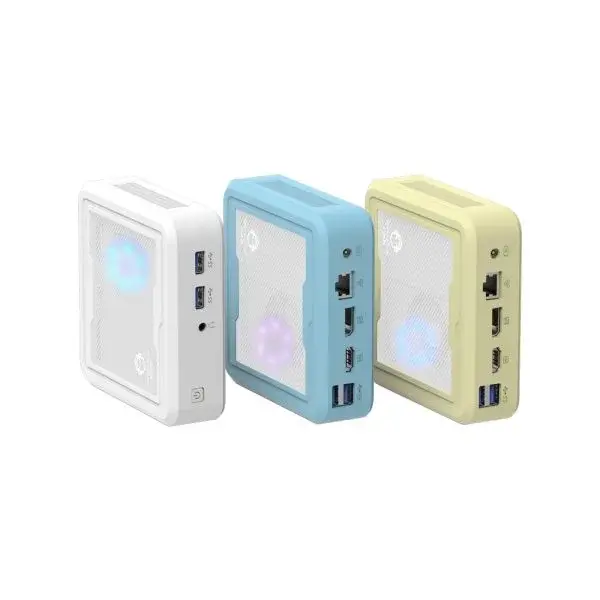
Why Choosing a Mini PC for Gaming Actually Works Now
Watching a heavy, modern application load up effortlessly on a metal box the size of a sandwich is still a bit jarring. For the longest time, small form factor computers just lacked the graphics architecture to do anything fun or professionally demanding. Now, thanks to incredibly efficient mobile processors (the same ones powering thick gaming laptops), picking up a mini PC for gaming is a genuinely viable alternative to building a massive rig.
The shift mostly comes down to how integrated graphics have evolved. There was a time when integrated graphics meant blurry textures and stuttering spreadsheets. That is just not the reality anymore. Modern architectures, particularly from AMD, have allowed these little machines to push impressive pixels without immediately hitting a thermal wall.
The Thermal Reality Behind the Scenes
Of course, physics still exist. Heat has to go somewhere. It is noticeable that when shopping for a mini PC for gaming, cooling solutions are heavily advertised. These devices use tightly packed heatsinks and liquid metal thermal compounds to keep temperatures manageable. Sometimes, under a heavy load, the fans will spin up and sound a little bit like a distant hairdryer. It is usually not overwhelmingly loud, but expecting absolute dead silence while rendering a 3D model or running a heavy game is a bit unrealistic.
Balancing a Mini PC for Gaming with Professional Tasks
A lot of people end up buying these compact devices not just for entertainment, but because they are trying to clean up their home office. A massive glowing tower does not really fit the aesthetic of a modern, minimal workspace. When a mini PC for gaming doubles as a professional workstation, the crossover benefits become pretty obvious.
There are a few clear advantages to using these high-powered compact machines for professional work:
They hide easily behind monitors, making the desk look completely empty.
The processors designed to handle games are incredibly fast at chewing through large Excel files or database queries.
They usually draw significantly less electricity than a traditional desktop, which matters when the machine is left on for hours to process data.
Moving the entire workstation to another room takes about twenty seconds and minimal effort.
What to Look for When Buying a Mini PC for Gaming
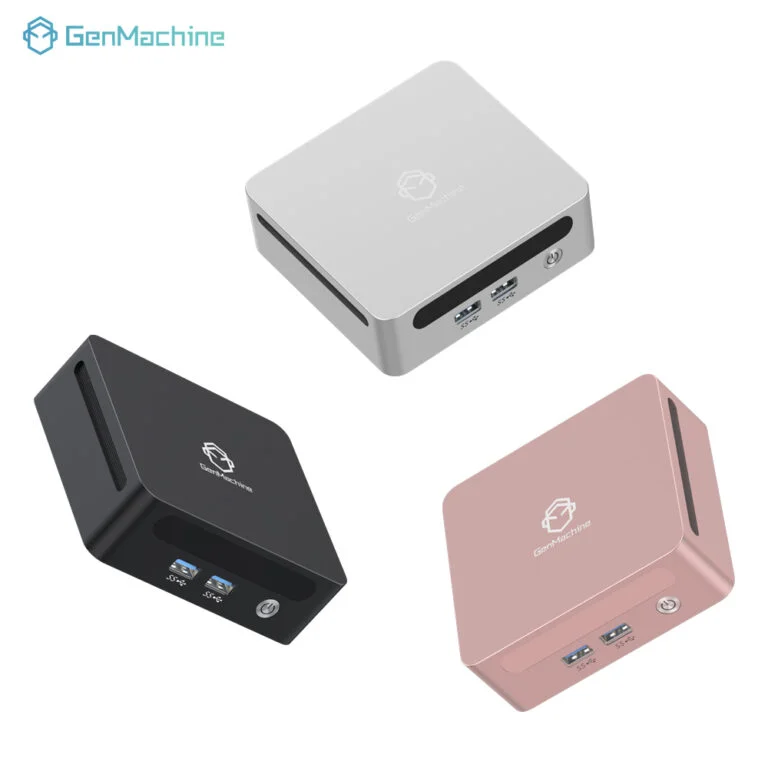
Staring at spec sheets can get confusing, especially since a lot of these little boxes like the 7330U AMD Mini PC look exactly the same on the outside. But investing in a mini PC for gaming requires looking a bit deeper than just the processor name. The surrounding hardware dictates how well the machine actually runs.
There is a sort of unwritten checklist to follow when evaluating these systems:
Check the RAM limits. Because integrated graphics share the system memory, 16GB is barely surviving. 32GB is the comfortable spot for keeping things smooth.
Look at the port selection. Hooking up multiple monitors, an external microphone, a webcam, and a keyboard eats up USB ports incredibly fast.
Figure out the upgrade path. While you cannot change the processor or the graphics later, making sure it is easy to pop the lid off and add a larger storage drive is crucial. Games and professional software files are massive these days.
Ultimately, reclaiming desk space without sacrificing the ability to actually get heavy work done (or play a few rounds after hours) feels like a massive win. The hardware has finally caught up to the concept.
FAQ
Can a mini PC for gaming really handle brand-new AAA games?
It heavily depends on the graphics settings. If the device uses integrated graphics, modern heavy titles will likely need to be played at 1080p with medium or low settings to stay smooth. However, models with dedicated mobile graphics cards handle them much better, often reaching 1440p comfortably.
Will a compact computer overheat if left running professional software all day?
Under normal professional use—like coding, heavy browsing, or office applications—they barely get warm. Prolonged heavy rendering (like exporting a massive video file) will push temperatures up, but modern internal sensors are designed to throttle power slightly before any actual heat damage occurs.
Are the components inside easily replaceable if something breaks?
Mostly no. The processor and the graphics chip are permanently soldered to the mainboard to save space. The only parts that can typically be swapped out or upgraded by the user are the M.2 storage drives and the RAM sticks.




