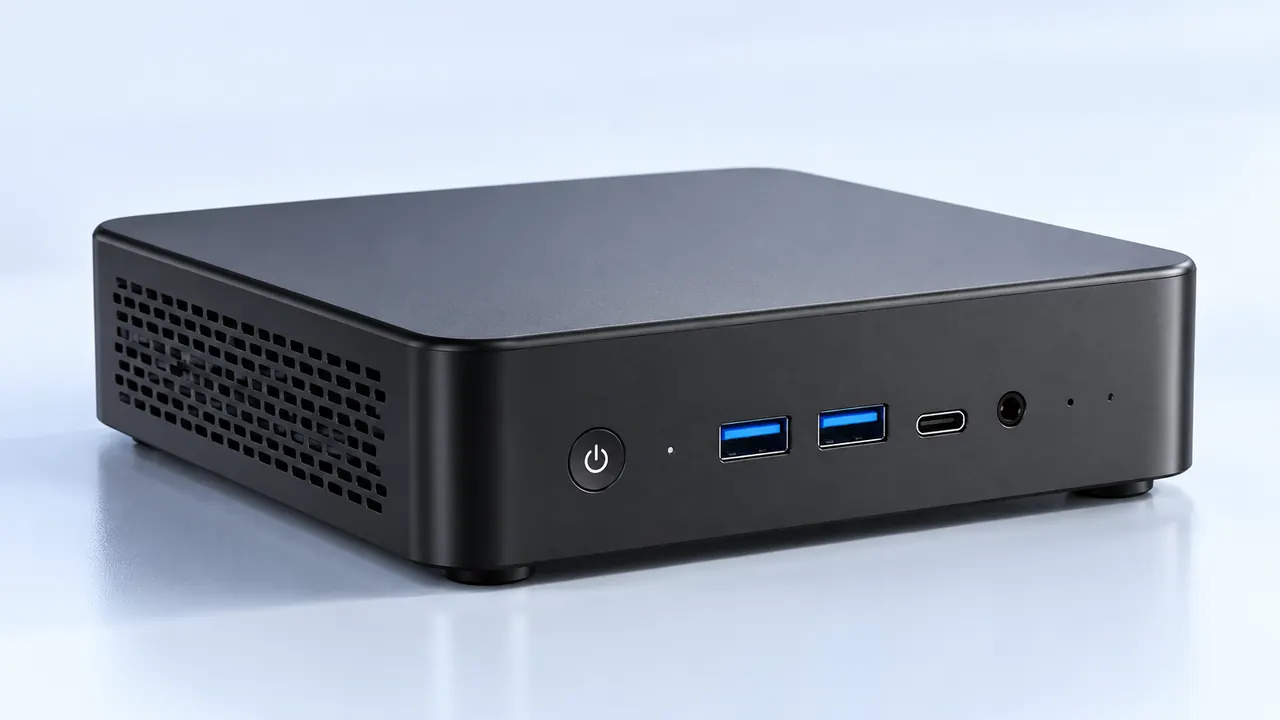
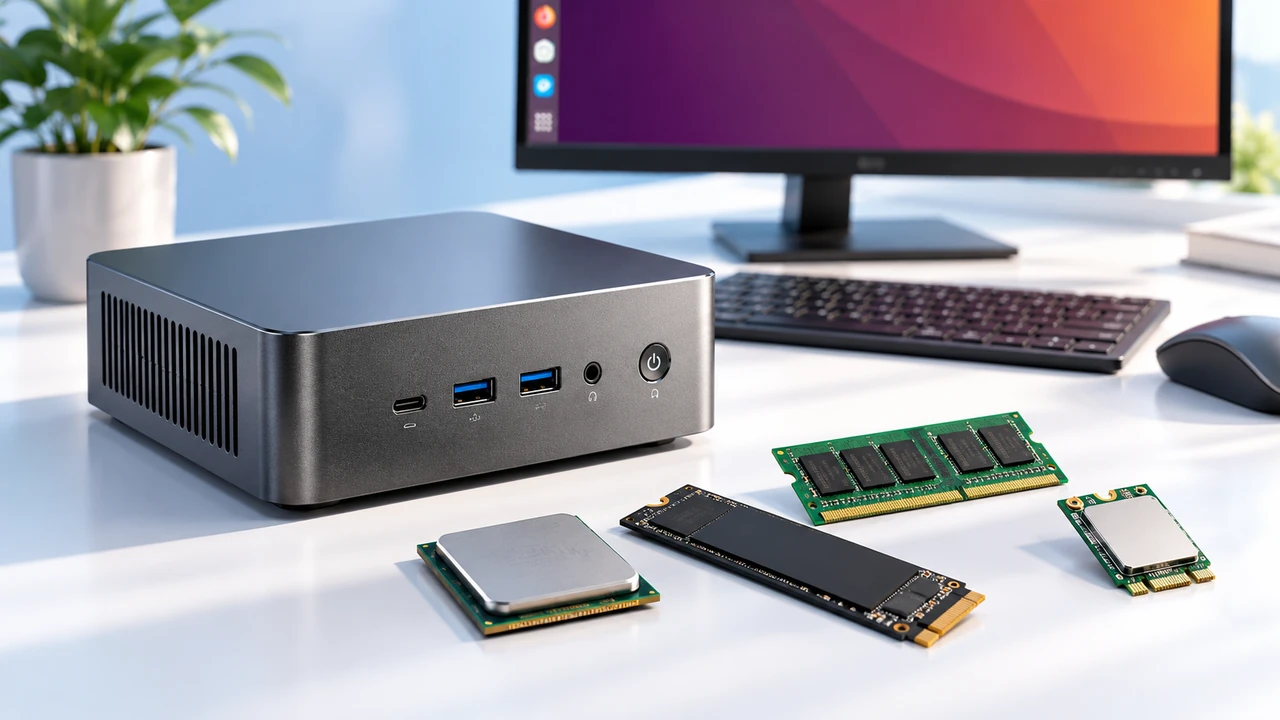
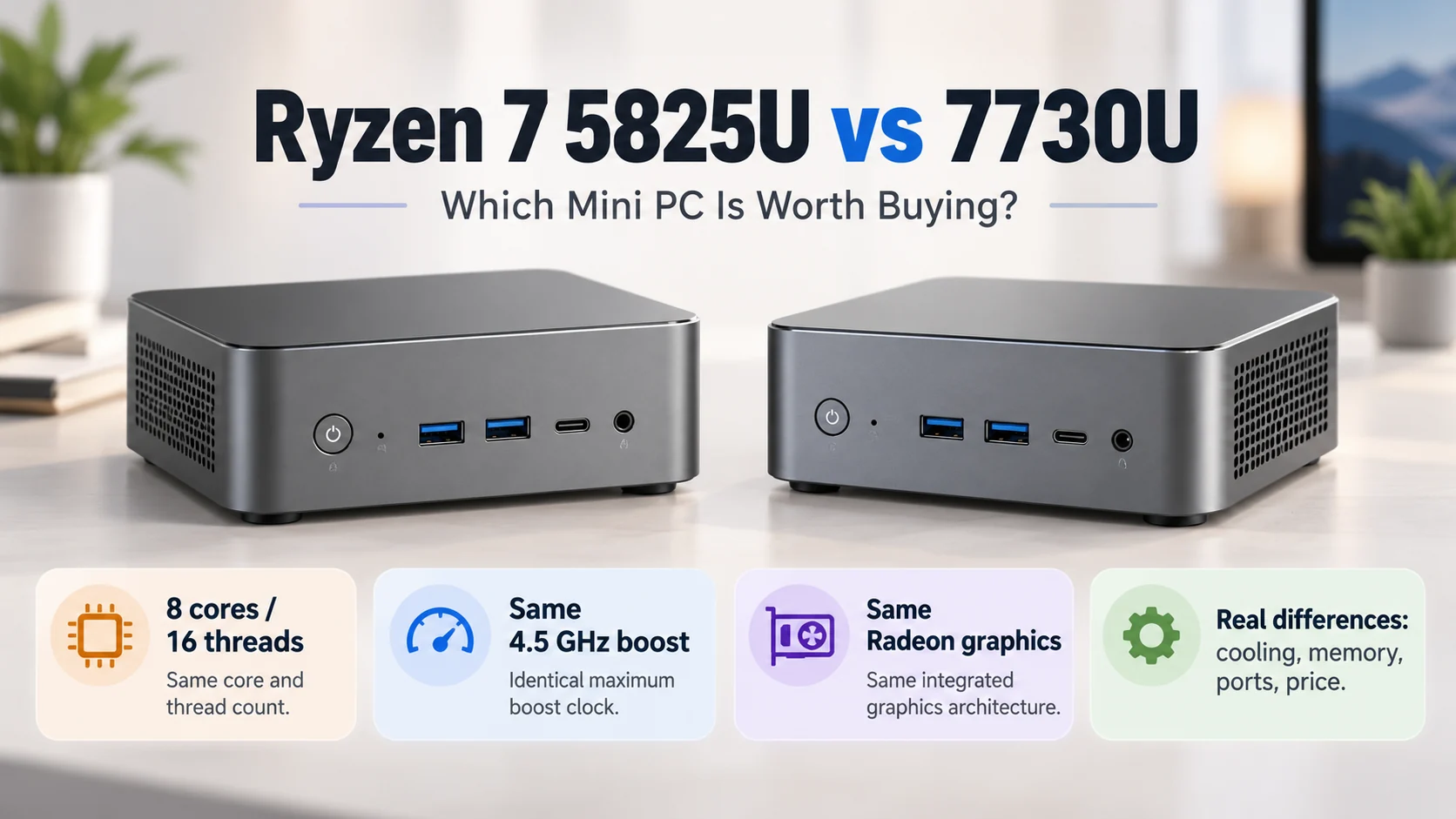
Looking at modern small gaming pc today, massive metal towers aren’t quite the default anymore. There is a definite shift toward keeping things neat, tucked away, or just less visually loud. But when looking at a case that is barely larger than a shoebox, a natural kind of skepticism kicks in. Can something that tiny actually run demanding, massive AAA titles without catching fire?
The short answer is yes. The longer, slightly more complicated answer is that it definitely can, but there are always going to be invisible trade-offs. Pushing high frame rates in a tiny enclosure isn’t magic (it’s mostly just trying to beat physics), and those trade-offs usually show up in ways that spec sheets don’t mention.

The Reality of Small Gaming PC Performance
When people talk about a small gaming PC, they usually mean systems built around mini-ITX motherboards. These systems can technically hold the exact same high-end processors and graphics cards as a huge ATX tower. A top-tier chip doesn’t lose its processing power just because it was put in a smaller room.
However, raw specs only tell half the story. The moment a heavy game loads up—something with massive open worlds and heavy ray tracing—the hardware gets hot. And in a compact box, heat changes the rules.
A few things consistently bottleneck performance in smaller builds:
Airflow restriction (glass side panels look amazing but suffocate fans entirely).
Proximity of components, meaning the GPU is often directly heating up the motherboard.
Cable clutter acting like a physical wall against intake fans.
Heat soak over long gaming sessions.
Heat and the Throttling Problem
Thermal throttling is basically the silent killer of frame rates. It is an incredibly common scenario: a game starts off running at a buttery 120 frames per second. An hour later, the case is physically hot to the touch, the fans sound like a drone taking off, and the frame rate has quietly dipped to 85.
In a standard tower, hot air just drifts away. In a small gaming PC, hot air gets trapped and recycled by the fans. The components eventually hit their thermal limits and automatically slow themselves down to prevent damage. So, while it runs the AAA title, it might not run it at peak speeds forever.
Hardware Compromises in a Small Gaming PC
Building or buying one of these compact machines means navigating a maze of hardware sizes. Standard parts just don’t fit, or if they do, they leave zero room to route cables.
Because space is so tight, specific small-form-factor components are required, and these sometimes perform a bit differently than their full-sized counterparts.
| Component Type | Standard Desktop Norm | Compact System Reality |
|---|---|---|
| Power Supply | ATX (Cheap, quiet fans) | SFX or SFX-L (Pricier, smaller fans spin faster) |
| Cooling | Massive 360mm liquid coolers | Low-profile air coolers or tight 240mm AIOs |
| Graphics Card | 3 or 4-slot massive bricks | Strictly 2-slot or requires special riser cables |
| Storage Expansion | Multiple hard drives / SSDs | Usually limited to just 1 or 2 M.2 slots on the board |
Optimizing a Small Gaming PC for Heavy Games
Just because it runs hot doesn’t mean it’s a lost cause. People who regularly use these tiny rigs have found ways to trick the hardware into behaving better. It usually involves tweaking things on the software side rather than buying more fans.
If the goal is stable, long-term AAA gaming, there is a general checklist that helps keep a mini PC running smoothly:
Undervolt the graphics card. This sounds complicated, but it just means feeding the card slightly less electricity. It drastically lowers temperatures and usually costs zero performance.
Set custom fan curves. Letting the system run a few degrees warmer in exchange for keeping the fans from spinning at 100% makes the whole experience much less annoying.
Prioritize mesh case panels over solid metal or glass. Unrestricted airflow is better than looking at the internal RGB lights.
Limit the frame rate to match the monitor’s refresh rate, so the system isn’t working harder than it actually needs to.

The Noise Factor
It is probably worth mentioning that acoustics are highly subjective. Some people game with noise-canceling headphones and don’t care if their rig sounds like a vacuum. But for anyone relying on desktop speakers, the fan noise of a small gaming PC under load is definitely something to mentally prepare for. Smaller fans simply have to spin faster to move the same amount of air as big ones.
FAQ
Are compact systems much louder than normal towers?
Usually, yes. Because everything is packed so tightly, the cooling fans have to work overtime to push hot air out. While you can tweak fan speeds to make it quieter, a small gaming PC pushing AAA graphics will almost always be more audible than a massive tower doing the same job.
Does a small gaming PC need liquid cooling?
Not necessarily. While all-in-one (AIO) liquid coolers are popular for cramped builds, a lot of people actually prefer high-quality, low-profile air coolers. Liquid cooling involves pumps and tubes that are sometimes incredibly frustrating to bend into a tiny chassis.
How often do you need to clean these smaller cases?
A bit more frequently than a regular desktop. Dust builds up fast when intake fans are sitting directly against a desk or wall. Checking the dust filters every couple of months is a good habit, because even a thin layer of dust can severely choke the airflow in a small rig.