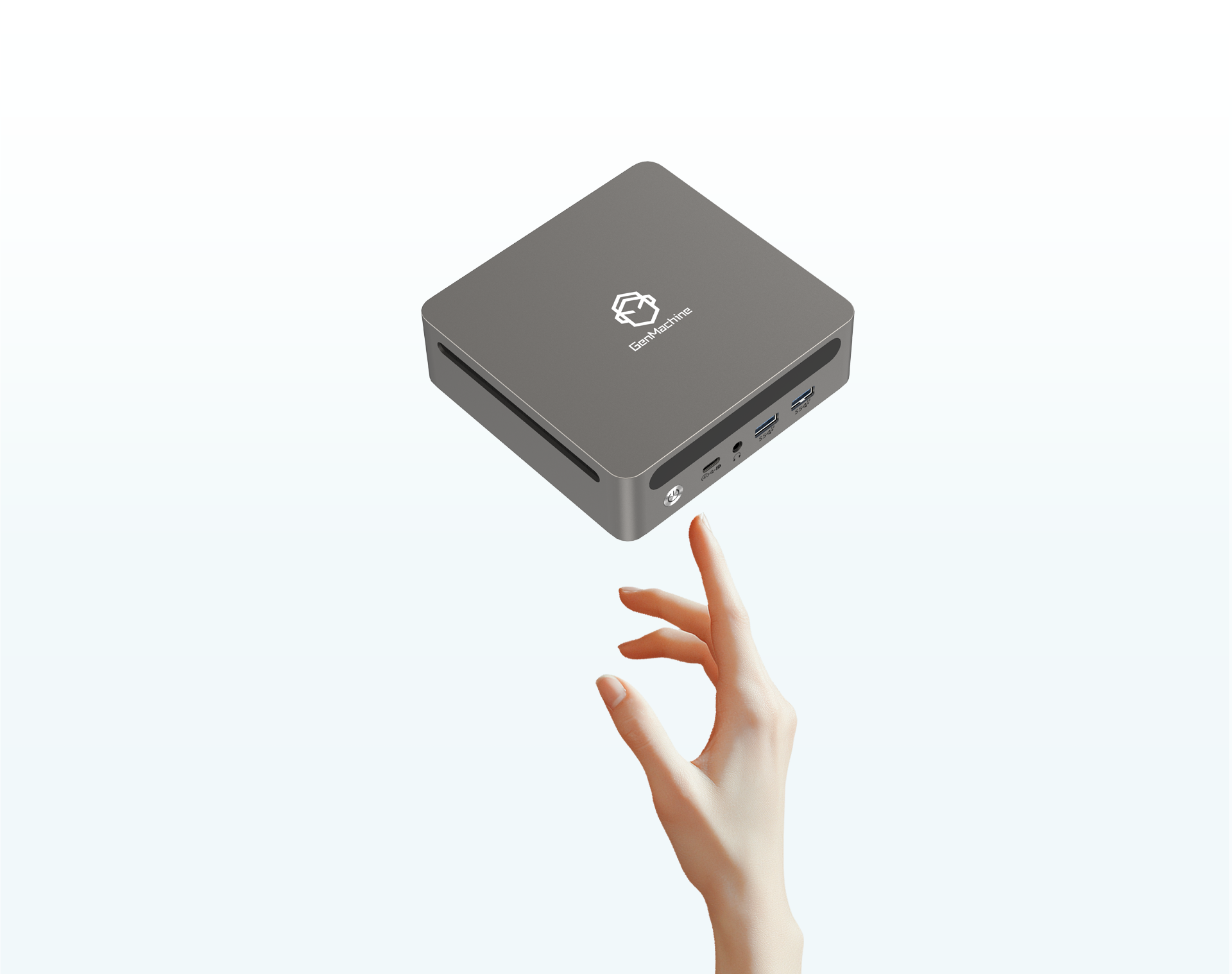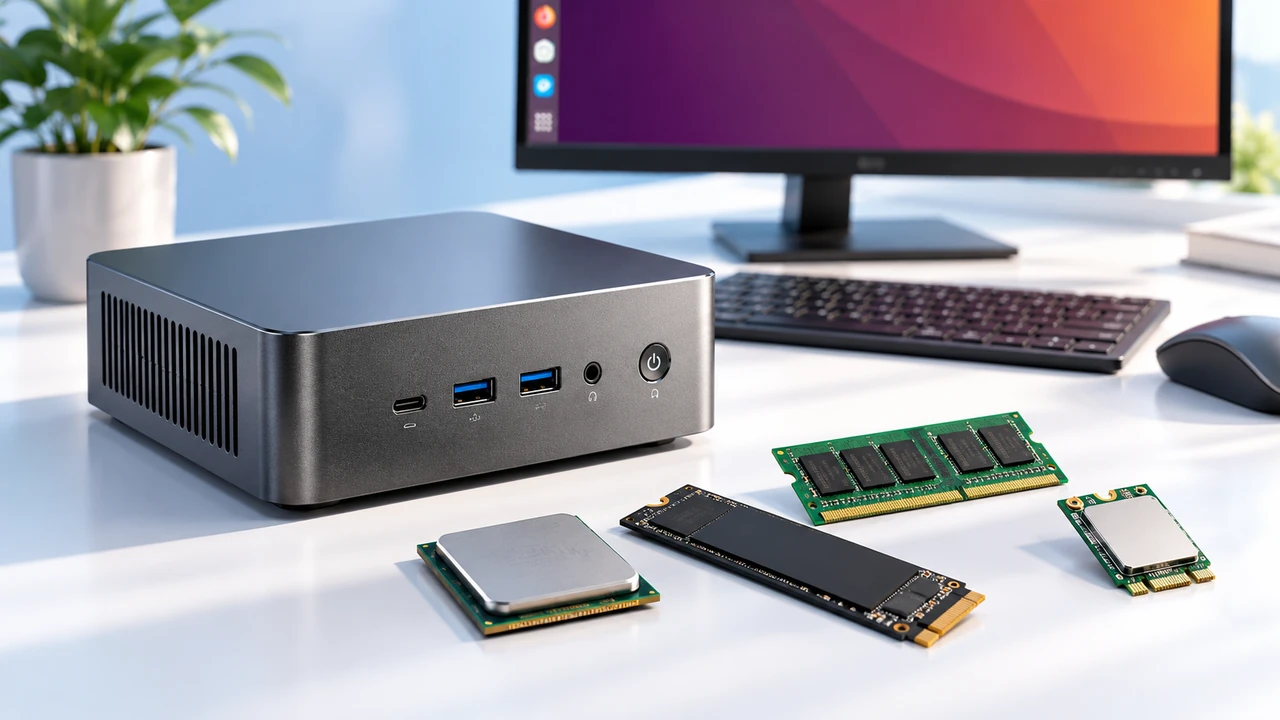
Getting sucked into the spec sheet of a brand new system is incredibly easy. A processor has a massive core count, the clock speeds look great, and suddenly it seems like the perfect machine. But when looking at a mini PC gaming computer, just staring at the CPU is a really good way to end up completely disappointed.
There is so much more happening inside those tiny cases that dictates how a game actually plays out on screen. People often buy these small boxes expecting a miniature version of a giant desktop tower. Then they realize, usually a few hours into setting it up, that they missed some crucial details before clicking checkout. It is sort of a universal experience for first-time buyers in this compact niche.

The Graphics Card Reality in a Mini PC Gaming Computer
The biggest hurdle with shrinking down a gaming rig is figuring out where the graphics power is actually coming from. A standard tower just fits a massive brick of a graphics card without any drama. A mini PC gaming computer obviously doesn’t have that luxury at all. The strict space constraints force manufacturers to get creative, which sometimes leads to slightly confusing product listings.
Decoding the GPU Setup
A lot of these compact machines rely entirely on integrated graphics. To be fair, modern integrated chips are surprisingly capable today, handling older titles or competitive shooters reasonably well. But for heavy, visually intense AAA games, a dedicated GPU is basically required. Finding a mini PC gaming computer with actual dedicated graphics inside means accepting a slightly larger chassis—and a significantly larger price tag. It is an unavoidable trade-off.
Thermal Limits and What They Mean for a Mini PC Gaming Computer
Heat changes everything. It is really just a simple matter of physics. Packing high-performance silicon into a box the size of a toaster means temperatures are going to spike the second a heavy game loads up. The processor might look amazing on paper, but if the tiny cooling system inside cannot keep up, that chip will throttle itself down to prevent melting. It happens all the time, and it causes the frame rate to drop randomly.
You can really see the difference in how parts behave when they just don’t have room to breathe properly.
| Hardware Aspect | Traditional Desktop Experience | Mini PC Gaming Computer Reality |
|---|---|---|
| Cooling Fans | Large, slow-spinning, usually quiet | Tiny, high-RPM, often very loud under load |
| Sustained Performance | Stays steady over long gaming sessions | Might dip after an hour due to heat soak |
| Power Delivery | Over-engineered, lots of extra headroom | Strictly calculated, little room for tinkering |
That noise factor is something people rarely think about before buying. Smaller fans have to spin twice as fast to move the same amount of air, creating a sort of high-pitched whirring sound that can get annoying if the box is sitting right on the desk.

Upgradability and the Ports Situation
Here is where things get a bit frustrating for hardware enthusiasts. Buying a desktop usually means you can swap parts out whenever something gets too old or slow. A small form factor system is a lot closer to a laptop in terms of its internal design.
Before getting too attached to a specific model, it helps to run through a quick mental checklist regarding what can actually be changed later on:
Check if the RAM is soldered directly to the board (this is unfortunately common) or if it uses standard slots that can be upgraded.
Look for an extra M.2 storage slot, because modern games eat up drive space ridiculously fast and having only one drive is a huge pain.
Verify if the internal Wi-Fi card can be swapped out, just in case it ever fails or gets completely outdated in a few years.
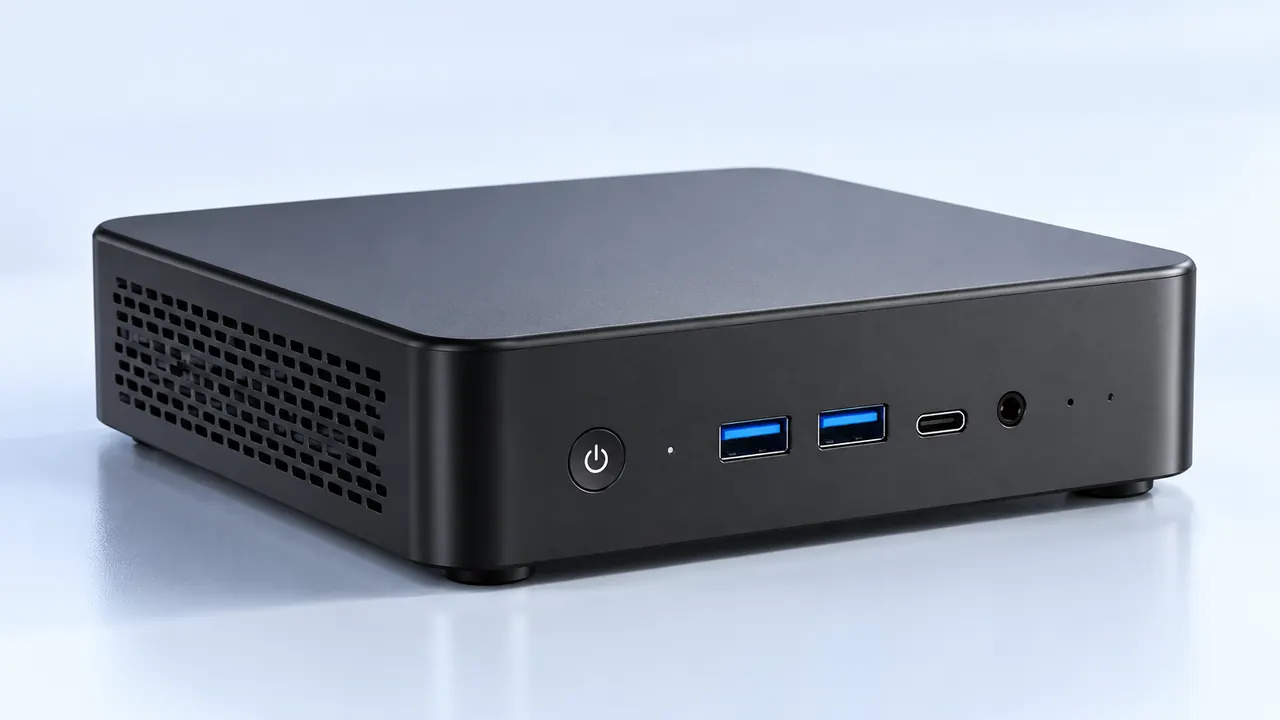
Then there is the external stuff, like ports. It seems so incredibly basic, but it is so easy to overlook until you are trying to plug everything in and realize you are short by two plugs.
Things to explicitly look for on the spec sheet include:
Multiple standard USB Type-A ports (because keyboards, mice, and wired headsets still use them heavily).
A high-speed USB-C or Thunderbolt port, which is crucial if you ever want to attach fast external storage or a capture card down the road.
Display outputs that actually match the required refresh rate of the gaming monitor being used.
FAQ
Is a mini PC gaming computer hard to maintain over time?
Not really, but they do require a bit more attention to dust. Because the cooling fans are working so hard in such a cramped, tight space, dust buildup happens a lot faster than in a large case. Blowing the vents out with compressed air every few months is usually enough to keep things running smoothly.
Can you upgrade the graphics card later on?
In almost all cases, no. The graphics chip inside a mini PC gaming computer is typically soldered directly to the mainboard to save physical space. What you buy on day one is generally what you are going to be using for the entire life of the machine, unless the computer specifically supports external GPU enclosures.
Do they use regular desktop power supplies?
No, they almost never do. You will usually find them using external power bricks, very similar to what a high-performance gaming laptop uses. This keeps the heat and the bulky wiring outside of the main computer chassis, though it does mean dealing with a somewhat heavy brick sitting somewhere on the floor.