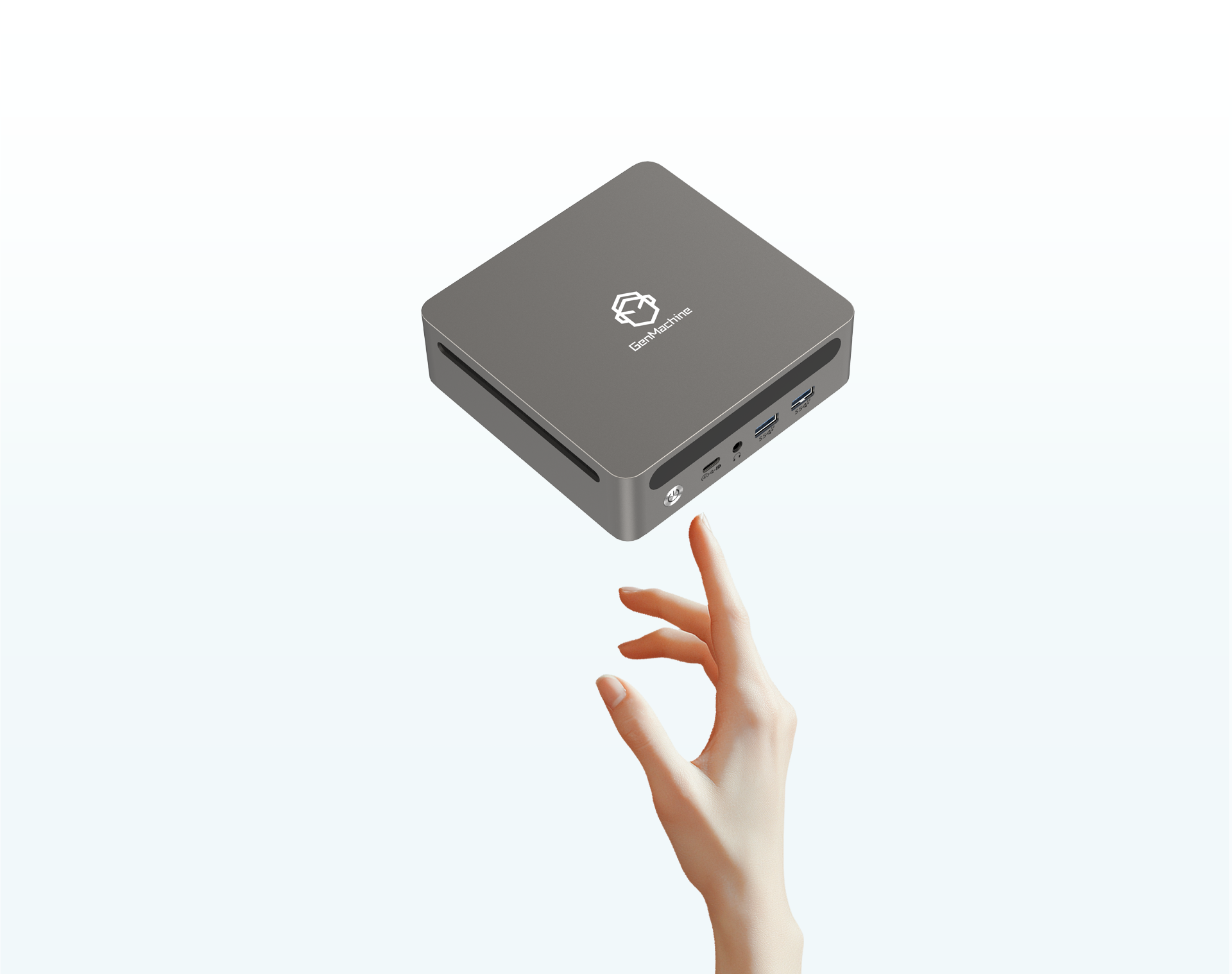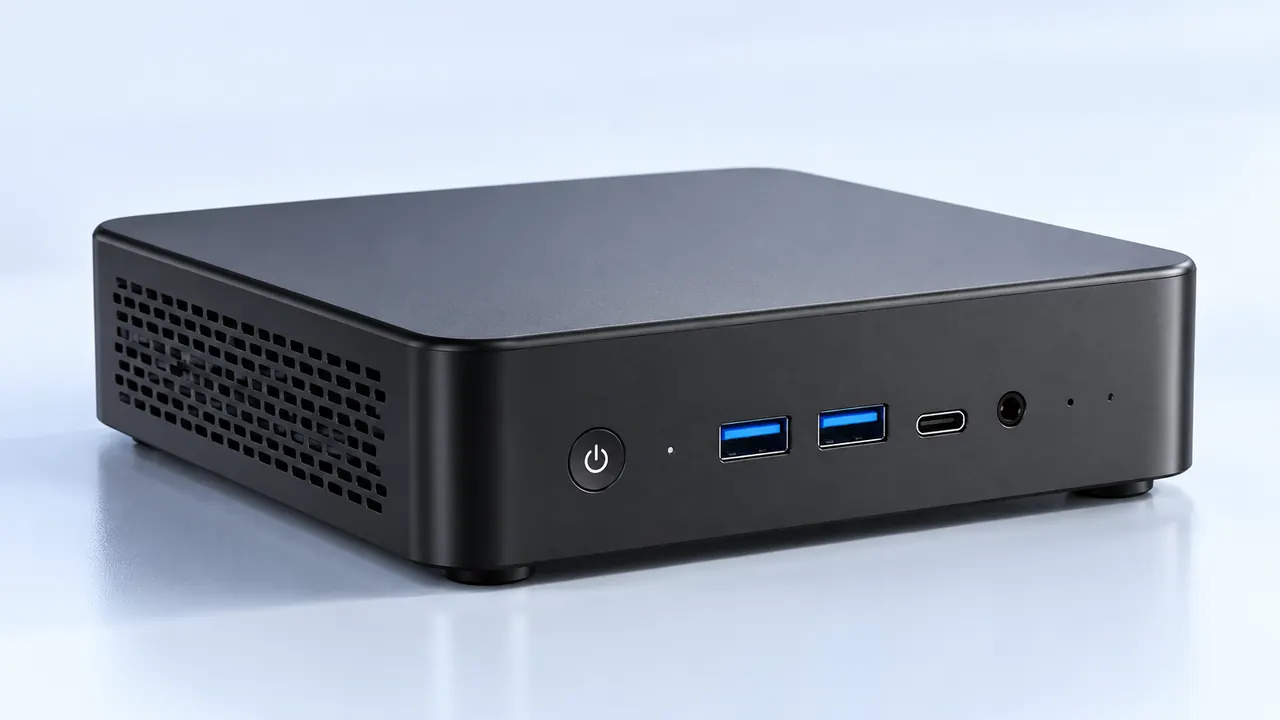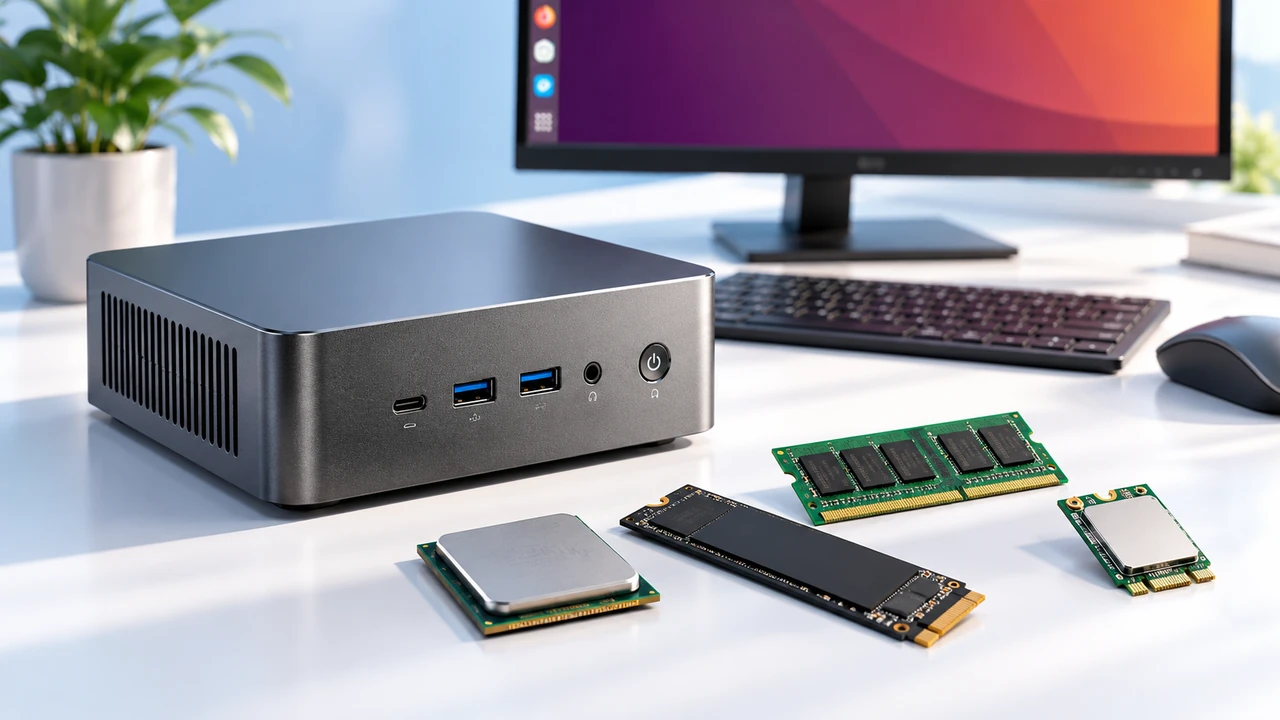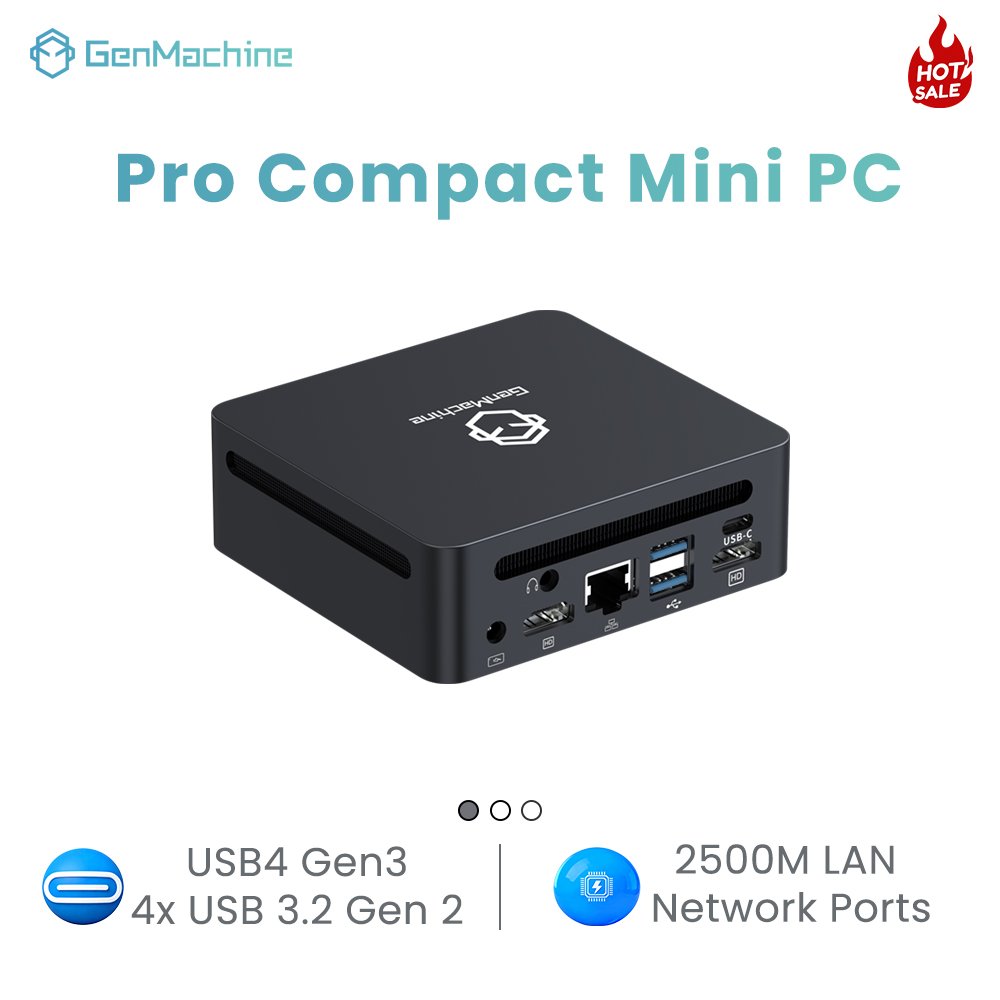
It is funny to think about how much desk space computers used to demand. Just a decade ago, opting for a smaller footprint meant completely giving up on gaming or heavy creative work. You either bought a massive metal tower that doubled as a space heater, or you settled for a tiny box that struggled to play streaming video at higher resolutions. The idea of a mini PC actually doing heavy lifting was basically a joke, mostly because the hardware just could not fit into the required dimensions without catching fire.
But hardware changed. Slowly, those underpowered little boxes morphed into genuine powerhouses.

The Early Days of the Mini PC
Back in the day, a mini PC was essentially just a low-power laptop motherboard stuffed into a square plastic shell. They relied entirely on integrated graphics. And not the impressive integrated chips seen today, but the really old ones that would genuinely stutter if too many browser tabs were open at the same time.
These machines had a very specific, somewhat boring set of uses:
Office environments where cubicle space was minimal.
Digital signage (powering those advertising screens at the mall or the airport).
Basic home theater setups designed just for watching movies.
Trying to play a modern game on one of these older units was an exercise in pure frustration. It usually involved turning every single graphical setting down to the absolute minimum and praying the system wouldn’t crash back to the desktop. Dedicated graphics cards were simply too big, and more importantly, they generated way too much heat.
Squeezing a GPU into a Mini PC
Eventually, things started to shift. Laptop hardware became incredibly efficient, and manufacturers realized they could take those mobile-grade graphics chips and stick them inside a mini PC. This was a weird transitional phase for compact computing.
Suddenly, there were these slightly thicker, heavier boxes that actually had a dedicated graphics card inside. It wasn’t exactly desktop-level power, but it was enough to play popular multiplayer games without the screen freezing. Of course, this brought a whole new set of problems. Heat is the natural enemy of any compact electronic device. Putting a dedicated graphics chip right next to a processor in a chassis with barely any airflow meant these things got loud. The tiny, whiny cooling fans had to spin at maximum speed just to keep the silicon from melting.
It is always a bit amusing to look back at these older models, especially when you consider the power bricks. You would buy a tiny computer — say, an early 4700U AMD Mini PC — only to open the box and find an external power supply brick that was nearly the same size as the machine itself.
A Quick Look at the Performance Shift
| Computing Era | Graphics Type Used | Typical Performance Reality | Heat & Noise Level |
|---|---|---|---|
| Early 2010s | Basic Integrated | Struggled with any 3D environment | Silent but extremely weak |
| Mid 2010s | Mobile Dedicated GPU | Playable at 1080p on medium settings | Loud, with frequent thermal throttling |
| Modern Day | Advanced Mobile/Desktop GPU | High frame rates, fully 1440p capable | Surprisingly manageable acoustics |

How the Modern Mini PC Actually Competes
Today, the landscape is almost unrecognizable compared to those early plastic boxes. A modern mini PC with a dedicated graphics card doesn’t just survive heavy workloads; it actually performs incredibly well.
Part of this is due to massive leaps in cooling technology. Things like vapor chambers, liquid metal thermal paste, and much smarter fan designs mean that a high-end dedicated graphics card can actually stretch its legs. Some adventurous brands even manage to put actual, low-profile desktop graphics cards into these small units instead of relying solely on laptop variants.
There is a pretty clear thought process for why someone ends up choosing a high-performance mini PC today:
They want a clean, minimalist desk setup without heavy cables dragging everywhere.
They need portability, frequently moving the system between a home office monitor and a living room television.
They want desktop-class power without the physical bulk of a traditional mid-tower case taking up floor space.
It is worth noting that the line between integrated and dedicated graphics is getting a little blurry again. Some modern processors have built-in graphics that are surprisingly beefy. But for raw, brute-force tasks like heavy 4K video editing or playing the latest games at maximum settings, having that separate, dedicated piece of hardware inside the mini PC is still the ultimate gold standard for small form factor enthusiasts.
FAQ
Can a mini PC replace a traditional home console?
Yes, very easily. A lot of people actually hook them up directly to their living room televisions. Because they run full desktop operating systems, you get access to massive digital libraries, though you do occasionally have to deal with standard computer troubleshooting that consoles usually avoid.
Why is a mini PC with a dedicated graphics card so expensive?
It comes down to specialized engineering. Cramming high-performance parts into a tiny space requires custom-shaped motherboards, specialized thermal cooling solutions, and denser power delivery components. You are essentially paying a premium for the miniaturization process.
Can you upgrade the dedicated graphics card later?
Usually, no. In most of these compact units, the dedicated graphics chip is soldered directly onto the motherboard, exactly like it is in a laptop. While you can often open the bottom panel to upgrade the memory and the storage drive, the graphics hardware you buy on day one is generally what you are stuck with for the lifespan of the machine.