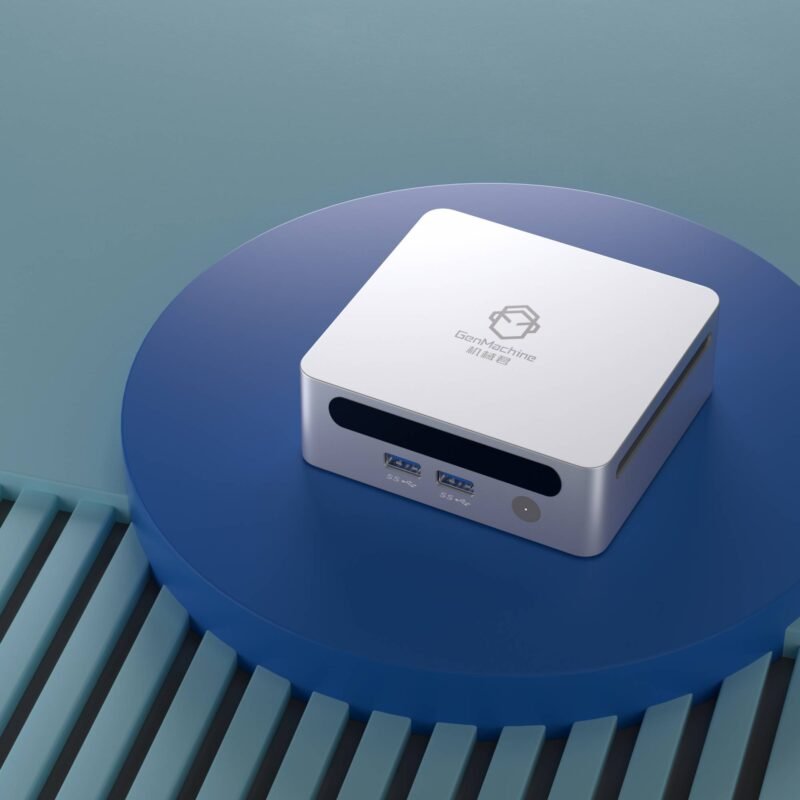
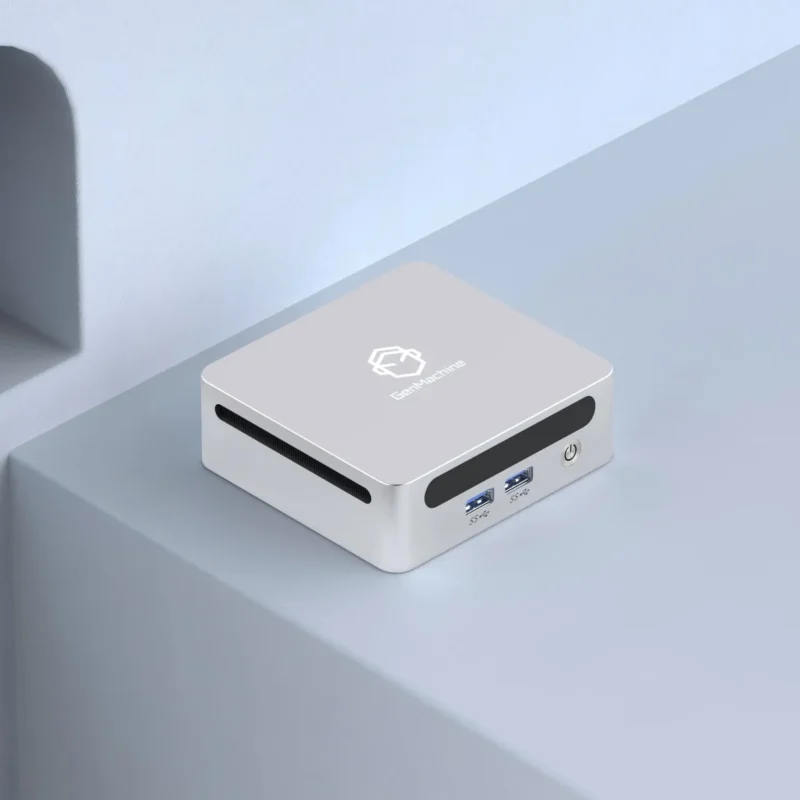
Mini PCs have quietly become one of the more interesting corners of the DIY computing world. They look small, almost toy-like sometimes, yet packing real performance into a chassis the size of a hardcover book is harder than most tutorials let on. Many first-time builders walk in expecting a scaled-down version of a regular tower build — and walk out, hours later, wondering why nothing fits the way it should.
The truth is, going small means trading away a lot of the comfort that standard ATX builds offer. And those trade-offs aren’t always obvious until the parts are already on the desk.
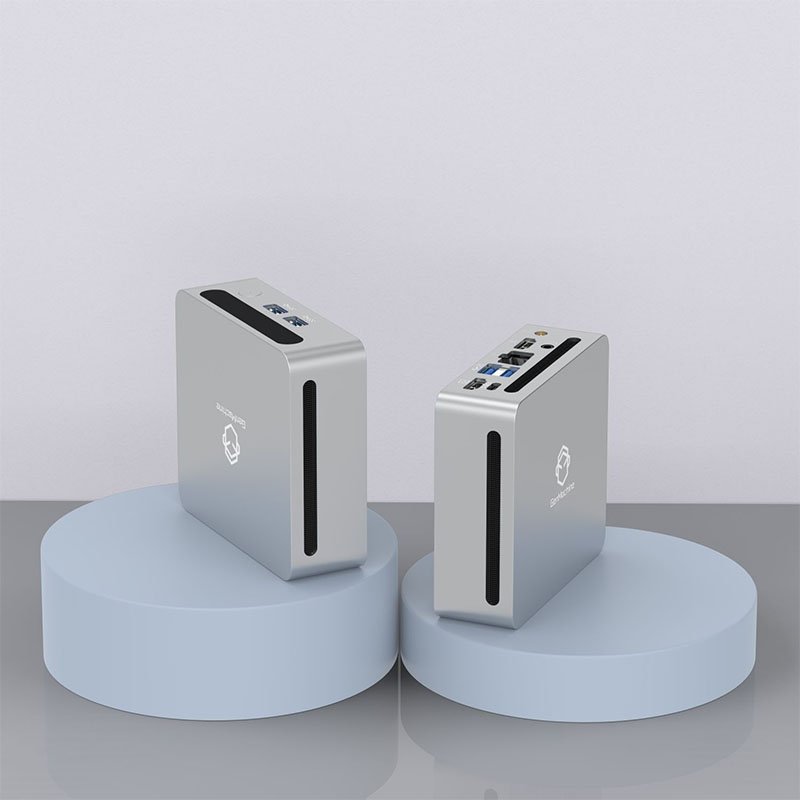
Why Building Mini PC Isn’t as Easy as It Looks
There’s a kind of romance around small form factor systems. They’re tidy, quiet (sometimes), and they fit on a shelf. But the reality of putting one together involves a lot of measuring, re-measuring, and occasionally returning components.
A few of the recurring pain points include:
Limited airflow inside a tight case
Strict GPU length and height restrictions
Power supply form factors that aren’t universal (SFX, SFX-L, Flex ATX)
Cable lengths that are either too long or, somehow, still too short
Motherboard standoffs and clearance issues with coolers
None of these are deal-breakers on their own. Stacked together, though, they can turn a weekend project into something that drags on for weeks.
The Thermal Puzzle
Heat is probably the single biggest issue. In a full tower, hot air has room to drift away. In a mini chassis, it just sits there, recirculating, until something throttles or the fans scream loud enough to be heard from another room.
Picking a low-profile cooler that actually performs is half the battle. The other half is making sure the case has intake and exhaust paths that aren’t blocked by the GPU, the PSU, or a poorly routed cable bundle.
Component Compatibility: The Silent Killer
It’s easy to assume that if a part fits in a regular PC, it’ll fit in a small one. That assumption costs people money all the time.
Take GPUs. A card listed as 304mm long might technically fit a case rated for 305mm — but only if the power connectors don’t stick out the side, which they almost always do. Same story with CPU coolers and RAM clearance. The spec sheet says one thing, but real life adds another 5–10mm that nobody warned about.
Quick Compatibility Reference
| Component | Common Issue | What to Check |
|---|---|---|
| GPU | Length + power connector clearance | Add ~20mm to listed length |
| CPU Cooler | Height vs. case panel | Subtract RAM/fan height from max |
| PSU | SFX vs. SFX-L vs. Flex ATX | Case spec sheet, not assumption |
| RAM | Height under coolers | Low-profile if cooler is large |
| Storage | M.2 vs. 2.5″ mounting points | Often shared with GPU space |
Cable Management in Cramped Spaces
Cable management in a mini build isn’t really management — it’s more like negotiation. There’s no room behind the motherboard tray (sometimes there isn’t even a tray, really). Custom-length cables help, and so do modular PSUs, but even then, things get tight.
A practical approach to wrangling cables:
Plan the route before plugging anything in.
Connect cables to the PSU first, then to the components.
Use thin, flexible cables wherever possible — stock PSU cables are often too stiff.
Don’t overtighten zip ties; airflow matters more than aesthetics here.
Leave the side panel off during testing. Always.
It’s tedious. There’s no real way around that part.
Noise, Power, and Other Afterthoughts
In an intellectual mini PC build, noise tends to be underestimated. A small case with a 120mm fan spinning at 2000 RPM is louder than a tower with three 140mm fans at 800 RPM moving the same air. Acoustic comfort is sort of an acquired concern — people don’t think about it until they’ve lived with a noisy build for a week.
Power delivery is another one. SFX power supplies have come a long way, but high-wattage units (850W+) in SFX-L format can be pricey, and not every case supports them. Worth checking twice.
FAQ
Is building mini PC more expensive than a regular build?
Generally, yes. Small form factor components — SFX PSUs, low-profile coolers, mini-ITX boards — tend to carry a premium of 15–30% over their full-size counterparts. The case itself is often pricier too.
Can a mini PC handle gaming and content creation?
Absolutely, within reason. Modern small builds can house an RTX 4070 or even a 4080 in the right chassis. Sustained workloads like long video renders may run hotter than in a tower, so thermal planning matters more.
What’s the most common mistake first-time builders make?
Buying parts before confirming clearances. The case spec sheet is the single most important document in any small form factor project — and it’s the one most people skim past.