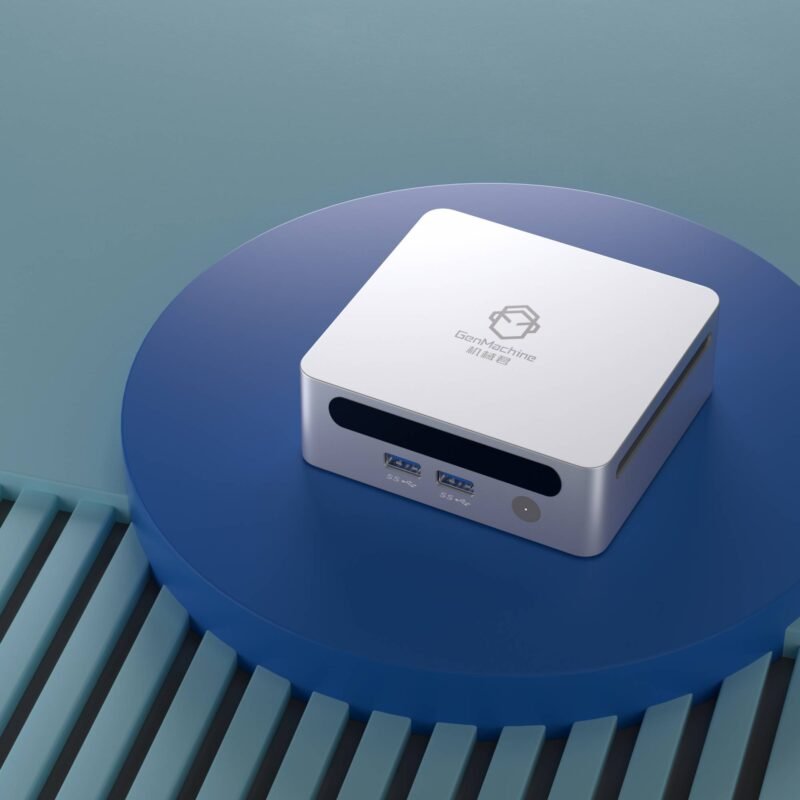
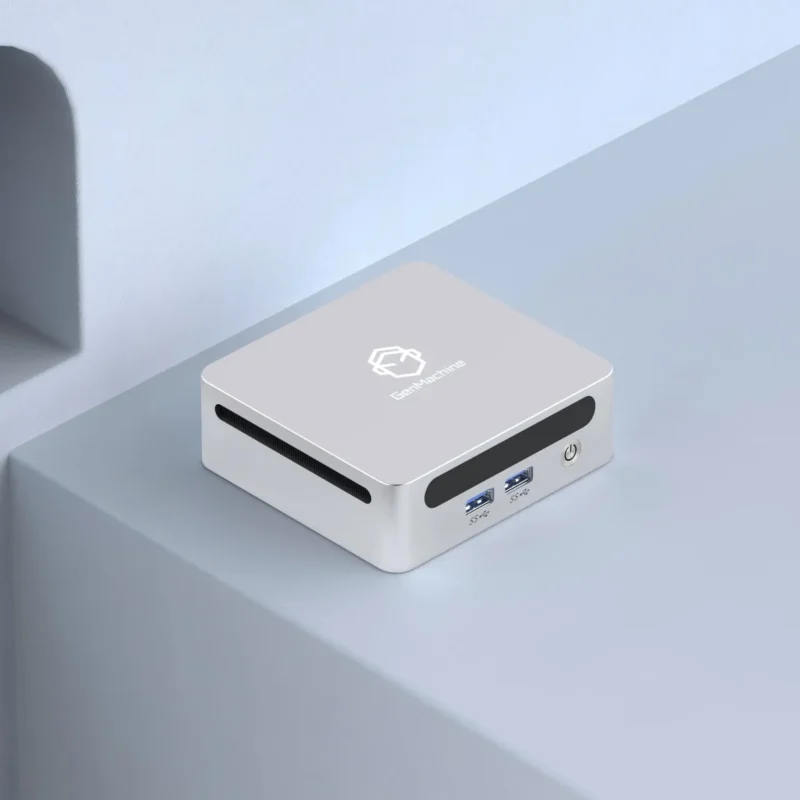
Running a smart home usually starts innocently enough. A couple of cheap smart bulbs, maybe a Wi-Fi plug for the coffee maker, and it seems like everything is under control. But fast forward a year, and suddenly there are dozens of devices from five different brands that absolutely refuse to talk to each other.
That is exactly when people usually discover Home Assistant. It acts as the grand unifier, completely tying all those random ecosystems together locally. But then comes the immediate, slightly confusing hardware question: what piece of equipment should actually run this software constantly? For years, tiny hobbyist circuit boards were the default answer. But recently, a dedicated Mini PC has completely taken over as the absolute best hardware host for the job. It just makes way more sense when building something meant to last for years.

The Stability Factor of a Mini PC in Home Automation
When a smart home platform is running the security cameras, the door locks, and the heating system, random crashes are no longer just a minor annoyance. They are a massive problem. Watching a motion sensor fail to trigger the hallway lights in the middle of the night because the underlying server locked up is incredibly frustrating.
Escaping the SD Card Death Trap
For a long time, the cheapest way to run Home Assistant was on a micro-computer booting off a standard memory card (like the ones used in digital cameras). Sure, it works fine initially. But Home Assistant is constantly writing data logs. It records every time a door opens, every temperature fluctuation, and every button press. This relentless reading and writing inevitably burns out a standard memory card, leading to total system failure, sometimes in just a few months.
Because a standard Mini PC uses a real, built-in solid state drive (SSD) rather than a fragile memory card, this entire headache practically vanishes. An SSD is actually designed to handle years of continuous data writing without blinking.
Processing Power: Where the Mini PC Really Shines
Turning a light on at sunset doesn’t require much computing power. A smart toaster could probably handle that logic. But smart homes have gotten a lot more ambitious lately.
Comparing Mini PC Efficiency for 24/7 Operation
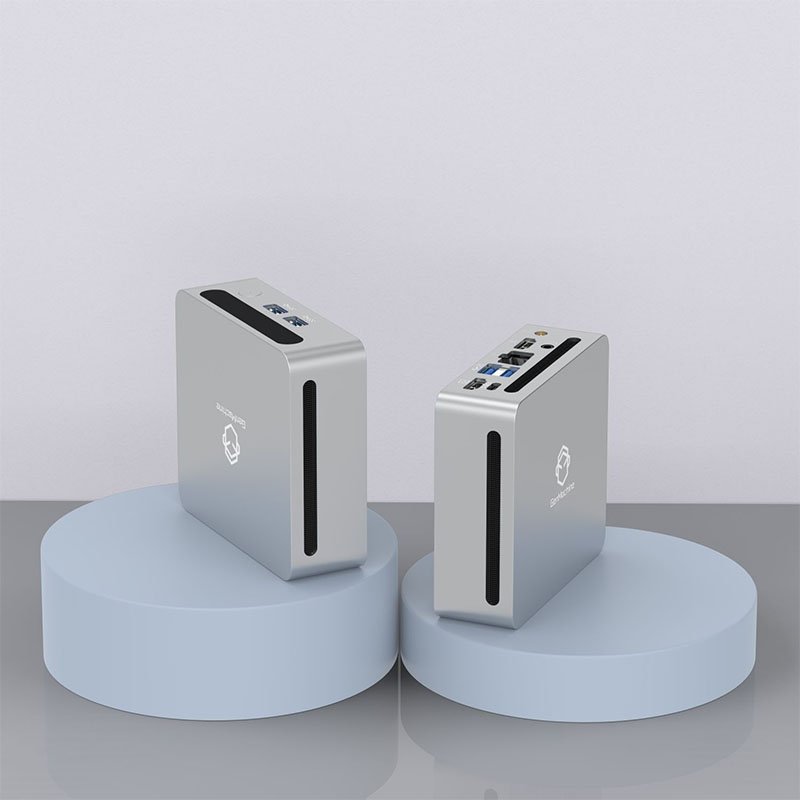
Of course, the immediate thought when hearing “use a real computer as a server” is the electricity bill. Leaving a massive, glowing gaming tower running in the closet 24 hours a day would cost a fortune. But the footprint of compact computing has changed drastically.
Here is a look at how different popular hosting options actually compare when left on constantly:
| Hardware Host Type |
Average Power Draw |
Storage Reliability |
Performance Ceiling |
|---|---|---|---|
Old Desktop Computer |
60W – 100W |
High (Actual hard drives) |
Very High (But loud and hot) |
Hobbyist Circuit Board |
3W – 5W |
Very Low (Prone to failure) |
Low (Struggles with video) |
Dedicated Mini PC |
6W – 15W |
High (Standard SSD) |
High (Handles everything smoothly) |
Making the Jump to a Mini PC Setup
Making the transition from an unreliable setup to something permanent sounds intimidating, but it is basically just a fun weekend project. The software has gotten incredibly user-friendly over the past few iterations.
Getting the actual system physically ready usually involves just a few straightforward components:
A reliable ethernet cable to wire it directly into the main home router.
A cheap USB flash drive used solely for installing the operating system.
A zigbee or Z-wave USB dongle (to let the computer talk to offline smart sensors).
A temporary keyboard and monitor just to get the initial screen prompts out of the way.
Once the hardware is sitting nicely by the router, the actual installation flow is surprisingly logical.
Flash the dedicated Home Assistant Operating System image onto the USB drive.
Plug the USB drive into the computer and turn the power on.
Access the hidden BIOS menu to tell the machine to boot from the USB instead of its internal drive.
Let the automated installer wipe the internal drive and copy the smart home software over.
Unplug the temporary monitor, sit down at a regular laptop, and access the new local web dashboard to start adding smart devices.
FAQ
Do you need to buy a brand new Mini PC for Home Assistant?
Definitely not. A system that is three or four years old is still massive overkill for home automation. Finding a refurbished, off-lease office machine online is actually the most popular way people build these servers. As long as it has a basic SSD and a few gigabytes of RAM, it will run the house perfectly.
Does the computer need to stay plugged into a monitor forever?
No, it runs entirely “headless.” Once the initial ten-minute software installation is finished, the screen and keyboard can be completely unplugged and shoved back in a closet. From that point on, every single adjustment, update, or automation tweak is handled through a web browser on a different laptop or through a phone app.
Will the smart home stop working if the internet goes down?
This is the greatest benefit of the entire setup. Because the Mini PC is sitting physically inside the house, it processes all the rules locally. If the neighborhood internet cable gets cut, the local automations still fire. The motion sensors will still turn on the lights, and the local thermostats will still follow their schedules, completely independent of the outside cloud.