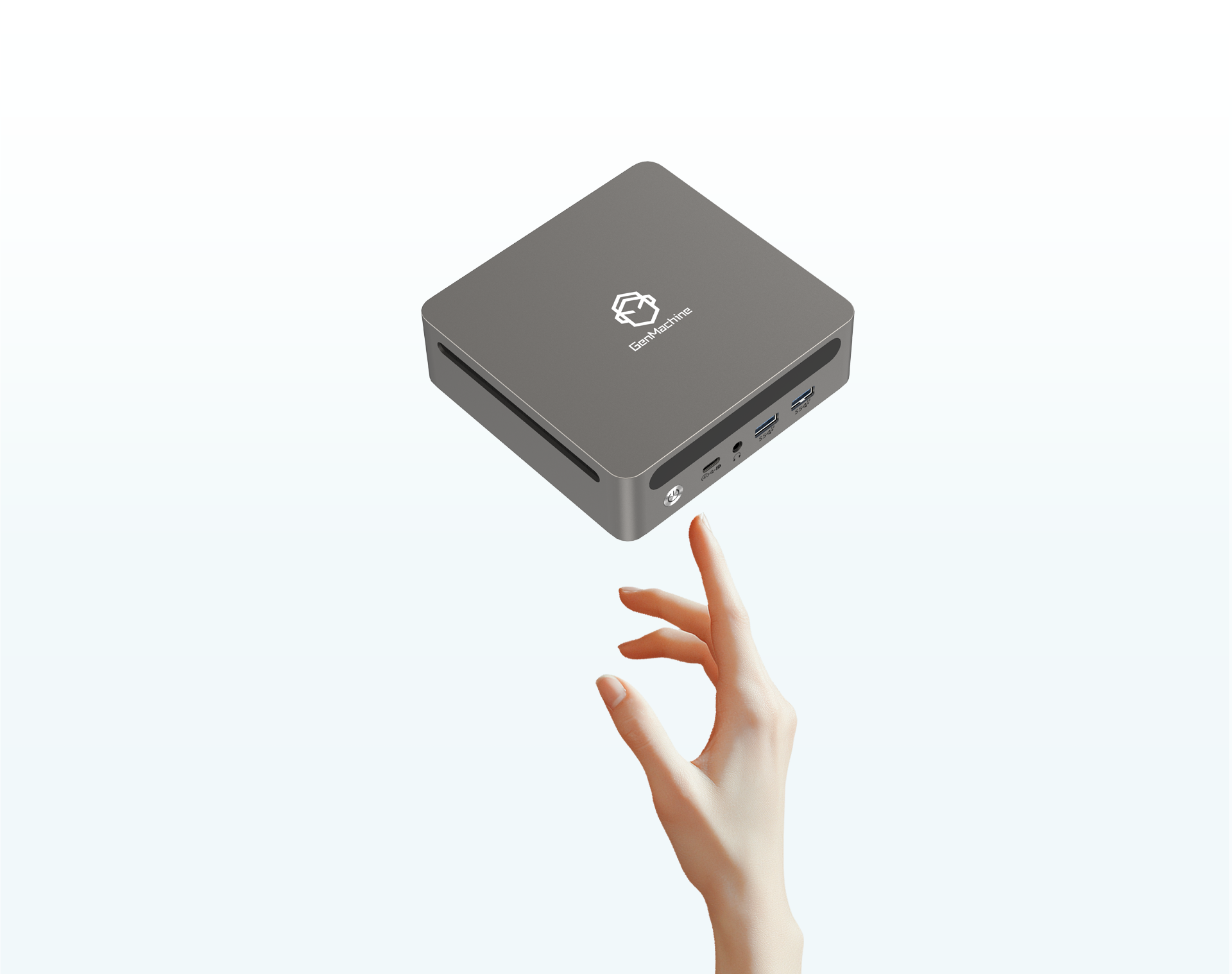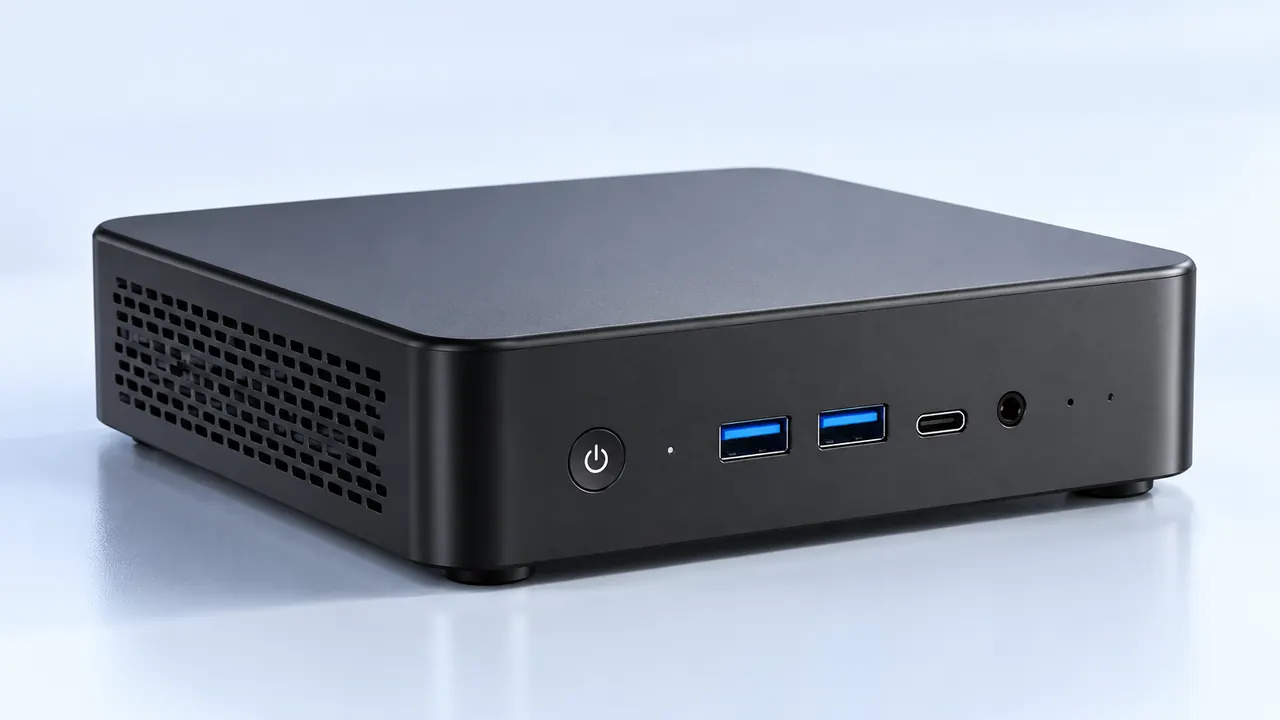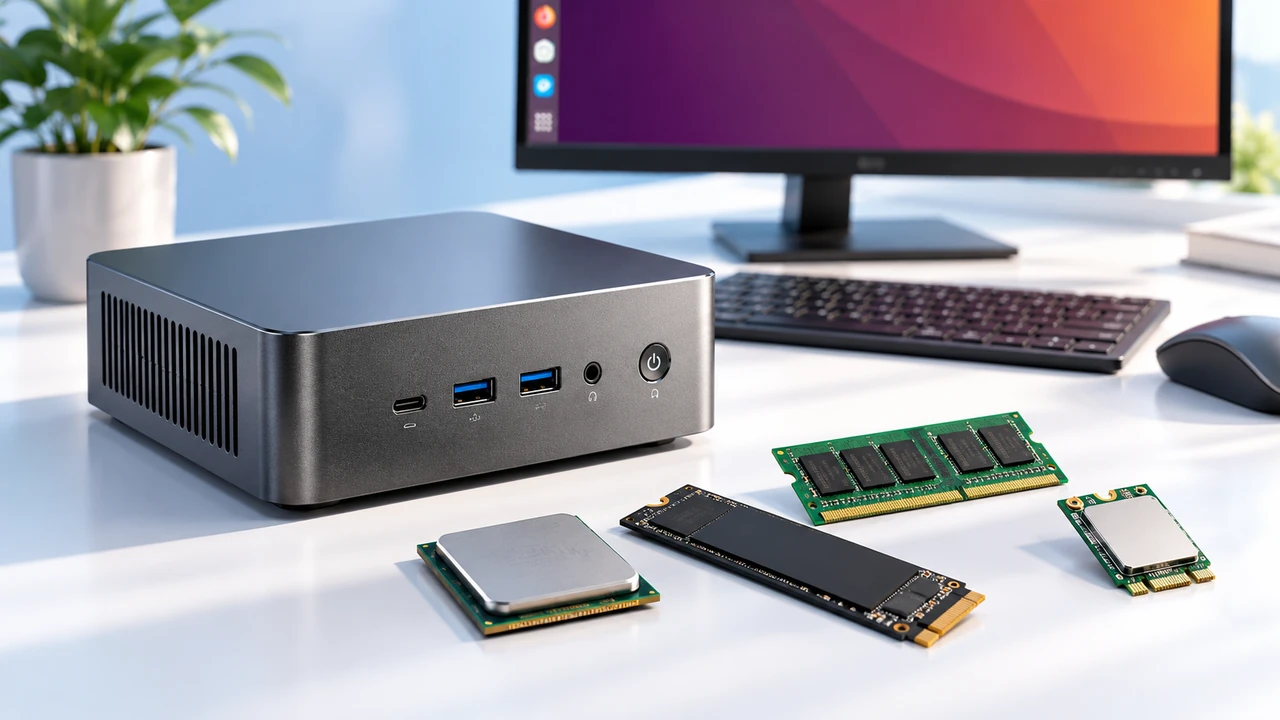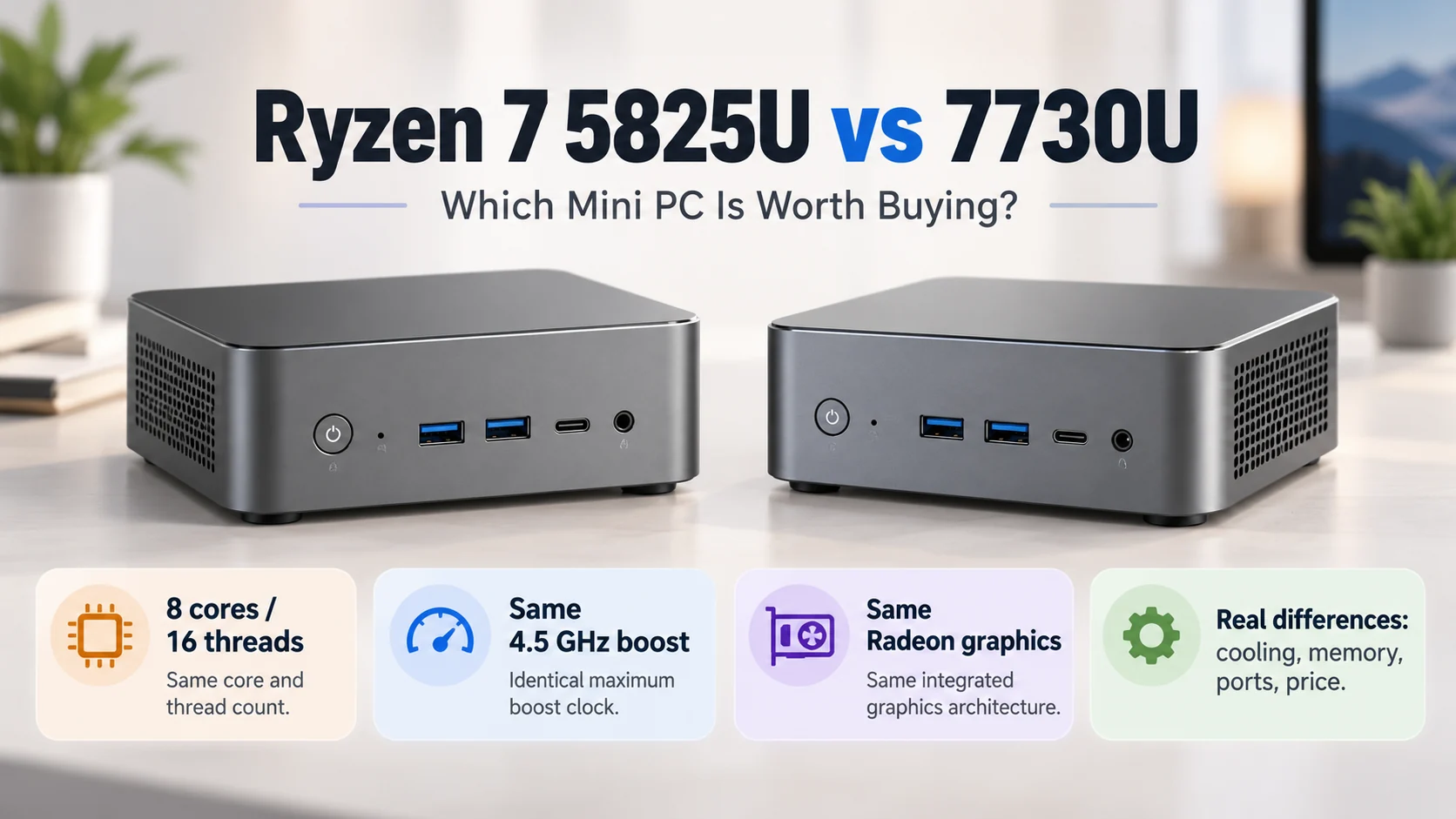
Looking at modern desk setups, the giant desktop tower is slowly becoming a thing of the past. It just takes up too much room. Shrinking everything down into a sleek little box looks incredibly clean, but it introduces a massive headache that no one really thinks about until the fans start sounding like a jet engine. Heat. Trying to shove top-tier graphics cards and power-hungry processors into a case the size of a shoebox is basically asking for trouble.
A Small Form Gaming PC is fundamentally fighting against the basic laws of physics. Cramming all those components together means there is almost zero breathing room. It is sort of a miracle that these things do not just melt into a puddle of plastic and silicon on the desk. But watching the hardware community figure out how to tame these temperatures is genuinely fascinating, mostly because it requires so much out-of-the-box thinking.
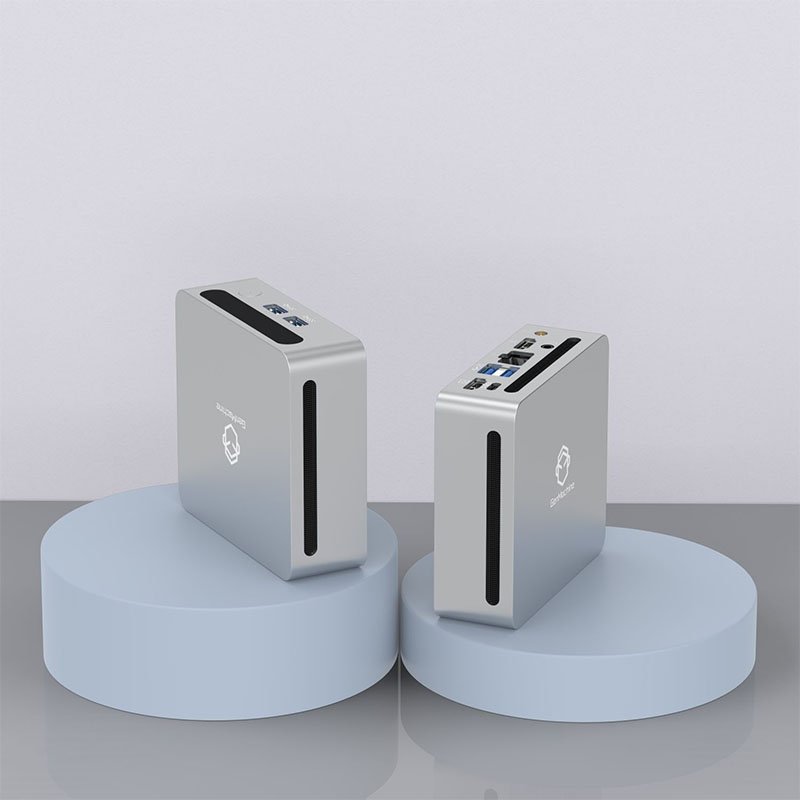
The Brutal Physics of a Small Form Gaming PC
Whenever a processor or a graphics card does any actual work, it generates heat. In a standard mid-tower case, this is not really a big deal at all. There is plenty of empty space, and massive fans just slowly push the hot air out the back. A Small Form Gaming PC entirely removes that buffer zone of empty air.
The moment a heavy game loads up, the ambient temperature inside that tiny chassis spikes almost instantly. If that heat has nowhere to go, it just bakes the components (which is usually called thermal throttling), and the frame rate drops off a cliff.
| Airflow Factor | Standard Desktop Tower | Small Form Gaming PC |
|---|---|---|
| Fresh Air Intake | Massive front mesh panels, easy flow | Highly restricted, heavily relies on side vents |
| Fan Sizes | Large 120mm or 140mm, very quiet | Tiny fans spinning incredibly fast and loud |
| Heat Dissipation | Large air volume delays heat soaking | Case gets hot to the touch almost immediately |
Hardware Workarounds for a Small Form Gaming PC
Because traditional cooling methods just do not fit, getting creative with component choices becomes mandatory. You really cannot just buy off-the-shelf desktop parts and expect them to play nice in a tiny five-liter case.
There are a few specific strategies that consistently help keep the temperatures from reaching critical levels:
Buying low-profile CPU coolers. These things are incredibly squat and usually have the fan blowing directly down onto the motherboard, which also helps cool the surrounding power delivery components.
Selecting the right kind of power supply. SFX power supplies are tiny, but getting one with custom-length flexible cables means there isn’t a massive bundle of extra wires blocking the internal airflow.
Carefully choosing the graphics card cooler. Sometimes a blower-style card (the ones that exhaust air directly out the back of the case) works way better than open-air coolers that just dump heat back into the tiny chassis.
The Magic of Undervolting
This is probably the biggest open secret in the compact computing world right now. Undervolting just means telling the processor or graphics card to use a little bit less electricity. Less power equals less heat. It sounds like it would ruin gaming performance, but chips are usually shipped from the factory using way more voltage than they actually need to stay stable. Tweaking those numbers down in the settings can drop temperatures by ten degrees or more in a Small Form Gaming PC without losing a single frame per second.

Building a Small Form Gaming PC Without Blocking Airflow
Putting one of these tiny machines together is honestly a lot like building a ship in a bottle. Every single move has to be planned out before making it. If the cables are just shoved into the corners lazily, they act like a thick wall that completely stops fresh air from reaching the hottest parts of the computer.
Following a specific order of operations usually prevents a complete thermal disaster:
Route the main power supply cables first, keeping them tightly tied flat against the center spine of the case.
Install the motherboard and memory before attaching the massive low-profile cooler, otherwise, you literally cannot reach the mounting screws.
Mount the graphics card last, ensuring the card’s fans have a direct, unobstructed path to the ventilated side panels.
It is totally normal to spend three times as long managing cables in a Small Form Gaming PC as you would in a regular build. The payoff is a machine that actually stays cool under pressure instead of constantly screaming for air.
FAQ
Is liquid cooling better for a compact build?
It really depends on the specific case layout. Some compact cases are explicitly designed to hold a standard all-in-one liquid cooler, which works great for taming high-end processors. However, the rubber tubes are incredibly stiff and hard to bend into tiny spaces, making the physical build process incredibly frustrating at times.
Is it normal for the case panels to feel hot during gaming?
Yes, entirely normal. Because the internal components in a Small Form Gaming PC are sitting mere millimeters away from the outer panels, the aluminum or steel case actually acts like a giant secondary heatsink. It absorbs and radiates the internal heat outward, which means the cooling setup is actually doing its job properly.
Do extra case fans actually help in such a small space?
Sometimes adding a tiny exhaust fan to pull hot air out of a dead zone at the top of the case can drop temperatures by a few degrees. But usually, internal space is so incredibly restricted that cramming more fans inside just adds extra noise without drastically changing the overall thermal situation.