
Mini PC for Gaming: What Actually Matters
Mini PC gaming has become one of those topics that sounds a little niche at first, then suddenly makes sense. A Mini PC is small, quiet, and easy to place almost anywhere, but gaming performance is where things get a bit more specific. Not every compact machine can handle modern games well, and that is usually where the confusion starts.
The best Mini PC for gaming is not simply the one with the smallest body or the flashiest spec sheet. In practice, it needs a decent CPU, a capable GPU solution, enough cooling, and memory that doesn’t bottleneck everything. A lot of models can browse, stream, and work just fine, but gaming is less forgiving.
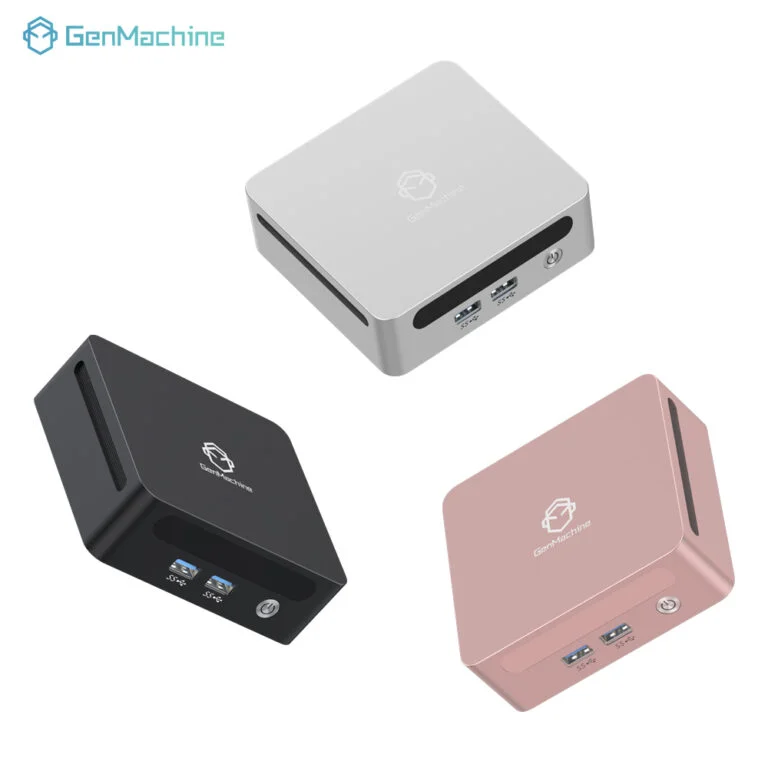
What Makes a Mini PC Good for Gaming?
A gaming Mini PC should balance size with performance. That balance is the whole point, really. If the device is too weak, it will struggle with frame rates. If it runs too hot, performance drops after a few minutes, which is frustrating in a way that feels avoidable.
Key specs to look for
A compact gaming system usually needs:
A modern multi-core processor
Integrated graphics at minimum, or a dedicated GPU if available
At least 16GB of RAM
Fast SSD storage
Solid thermal design
Good port selection for monitors and peripherals
The GPU is often the biggest question. Many Mini PC models rely on integrated graphics, which can work surprisingly well for lighter titles, older games, and esports games. But for heavier AAA gaming, that can feel limited pretty quickly.
CPU and cooling matter more than expected
A fast processor sounds great, but if the cooling system is weak, sustained performance becomes inconsistent. Some Mini PC systems look strong on paper, then throttle under load. That happens more often than people expect.
A reliable Mini PC for gaming should be built with thermal management in mind, not just raw speed. The compact size means airflow is tighter, and that changes the whole experience.
Best Mini PC for Gaming: What Type Fits Which Gamer
| Gaming Need | Best Mini PC Type | Notes |
|---|---|---|
Light gaming | Integrated graphics Mini PC | Good for indie games, emulation, and esports |
Mid-range gaming | Mini PC with strong CPU and better integrated GPU | Balanced for 1080p gaming |
Heavy gaming | Mini PC with external GPU support | Better for demanding titles |
Living room setup | Quiet Mini PC with small footprint | Easy to hide near a TV |
Mini PC vs Traditional Gaming PC
Why a Mini PC can be attractive
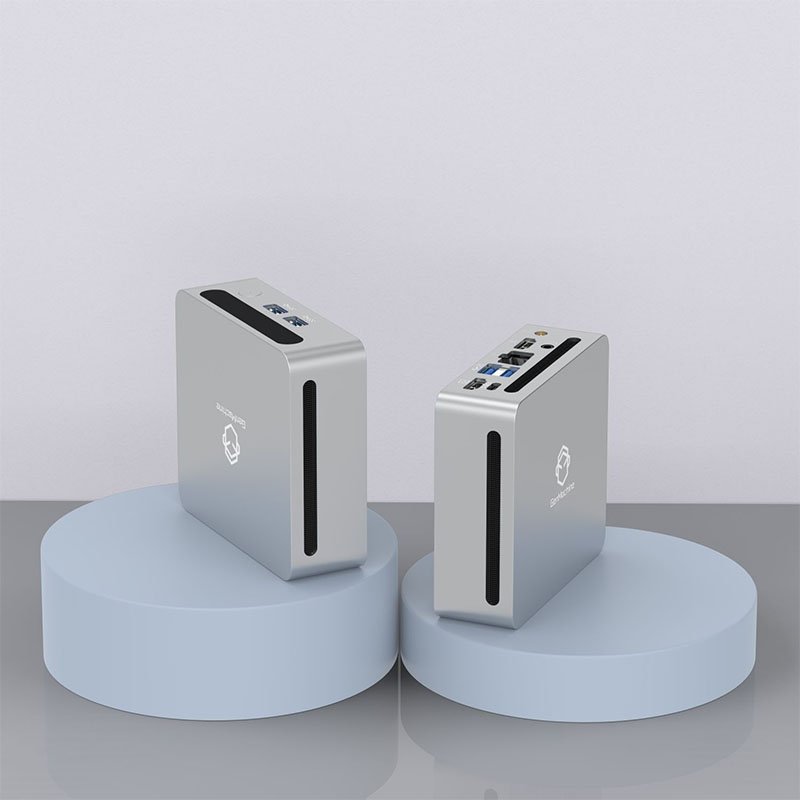
Takes up much less space
Uses less power
Often quieter
Easier to move
Works well in small rooms or shared spaces
Where a full-sized PC still wins
Better thermal headroom
Easier upgrades
More powerful dedicated GPU options
Better long-term gaming performance
What Games Can a Mini PC Handle
This depends heavily on the hardware, but some general patterns show up again and again.
A good Mini PC can often handle:
Indie games
Competitive esports titles
Older AAA games
Cloud gaming platforms
Light emulation
It may struggle with:
High-end modern shooters at max settings
Open-world games with heavy GPU demands
VR gaming
High-refresh 1440p or 4K gaming
So the best Mini PC for gaming is usually the one matched to the right expectations. That part matters more than brand loyalty or marketing claims.
Final Thoughts
A Mini PC can absolutely work for gaming, but the best one depends on what kind of gaming is actually happening. For lighter titles and space-saving setups, a compact system can be a very smart pick. For more demanding games, it gets more complicated, and that’s just the reality of small-form-factor hardware.
The best Mini PC for gaming is not always the most powerful model. Often it is the one that balances performance, heat control, and usability without making the setup feel cramped or overcomplicated.
FAQ
Can a Mini PC run modern games?
Yes, some can. Performance depends on the CPU, graphics solution, RAM, and cooling. Lighter modern games are easier to run than heavily detailed AAA titles.
Is a Mini PC good for esports gaming?
Usually, yes. Many esports games are optimized well and do not require extreme hardware. A strong Mini PC can handle them quite comfortably at 1080p.
Do Mini PCs overheat during gaming?
Some do, especially if the cooling design is weak or the room is warm. Better-built models usually manage heat more effectively, but the compact size always makes thermal design important.
If you want, I can also turn this into a more polished SEO article with:
a stronger intro and conclusion,
more natural keyword placement,
and a version optimized for a specific brand or product page.




