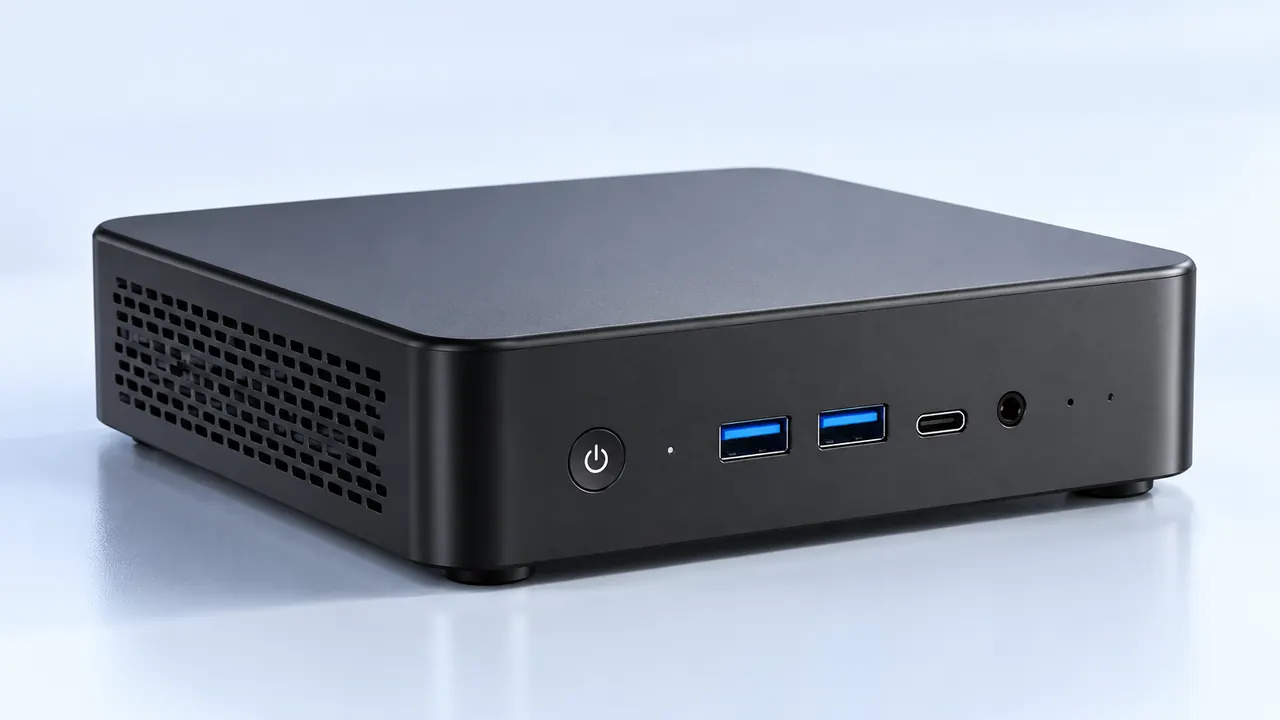
Walking into a modern video game development studio, the visual vibe has totally changed over the last few years. The days of seeing massive, RGB-lit desktop towers stacked underneath every single desk are pretty much gone. Instead, there is this weirdly quiet, minimalist atmosphere. Behind the scenes, tucked away in server rooms or just sitting casually on wire metal racks, there are rows upon rows of tiny metal boxes running quietly in the dark. It turns out that relying on mini PCs for gaming has quietly become the secret weapon for scaling up studio infrastructure without breaking the bank.
It is actually sort of fascinating to watch this shift happen in real-time. Game development requires an absurd amount of computing power for tedious background tasks like automated playtesting, massive code compiling, and running local multiplayer servers. Historically, handling all that heavy lifting meant buying giant, expensive workstation towers. But lately, studio IT managers are figuring out that clustering a bunch of mini PCs for gaming gets the exact same job done, just with way less hassle and a much smaller physical footprint.

Space Efficiency and the Rise of mini PCs for gaming Clusters
Real estate in the major tech hubs where game studios usually operate is insanely expensive. Renting an office space in places like Seattle, Austin, or Montreal means every single square foot of floor space matters immensely. When a studio needs to spin up a dedicated server cluster for testing an unreleased multiplayer map, dedicating an entire climate-controlled room to giant computer cases just doesn’t make financial sense anymore.
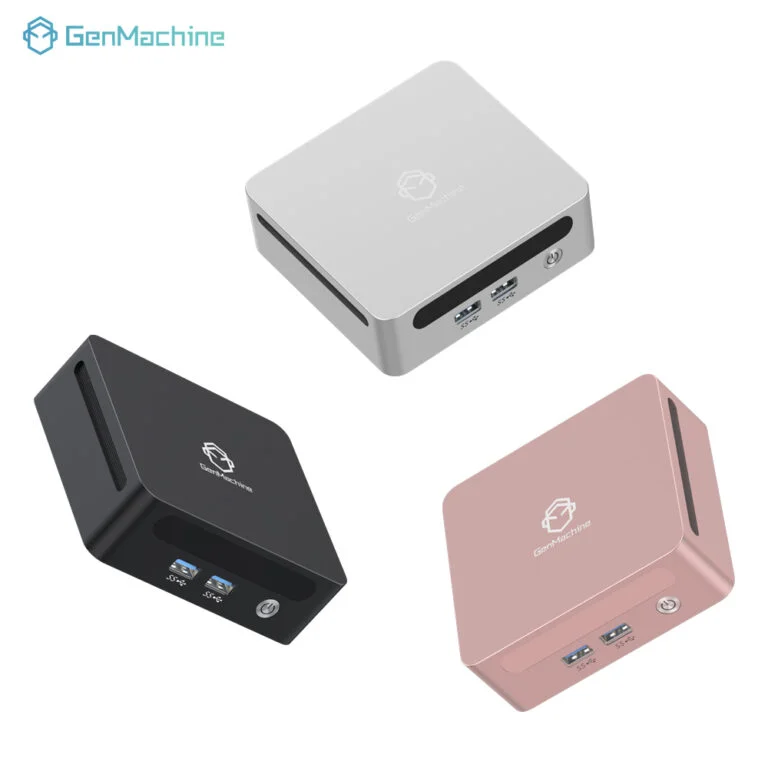
By switching to mini PCs for gaming, hardware engineers can literally stack dozens of powerful machines onto a single standard shelving unit. This kind of physical density solves a whole bunch of awkward logistical headaches immediately.
They completely eliminate the need for heavy, reinforced enterprise server racks (which are incredibly annoying to install).
Moving the testing cluster to another room just takes a single rolling cart rather than a specialized team of movers.
Cable management goes from being a sprawling, tangled nightmare to a tightly contained, highly manageable ecosystem.
Thermal and Power Dynamics in mini PCs for gaming
Whenever packing a ton of high-performance processors into a tightly confined space, heat immediately becomes the biggest enemy. It is just basic physics at play. But the hardware inside these tiny devices has gotten incredibly efficient lately. The mobile-class processors and miniaturized cooling systems found in modern compact mini PCs for gaming are specifically designed to run hot without immediately thermal throttling. In a cluster environment, having dozens of machines that draw significantly less power from the wall while outputting less ambient heat is basically a miracle for a studio’s monthly electricity bill.
| Hardware Approach | Average Power Draw per Node | Physical Space Needed | Heat and Noise Levels |
|---|---|---|---|
| Traditional Workstation Tower | 450W to 600W | Massive (Floor standing) | Noticeably loud, high heat output |
| Old Enterprise Blade Server | 300W to 500W | Requires specialized rack | Sounds like a jet engine |
| Typical mini PCs for gaming | 65W to 120W | Tiny (Easily stackable) | Surprisingly quiet, manageable heat |
Scaling Production Using mini PCs for gaming
Automated testing is probably the most tedious part of making video games. Having virtual bot players run endlessly against digital walls for hours on end to find collision bugs requires dedicated, always-on hardware. Setting up this kind of automated QA pipeline used to take weeks of configuring bulky, stubborn machines.
Today, the straightforward deployment of mini PCs for gaming makes scaling up this process almost trivially easy. When a new project needs more computing juice, the IT team can just pull some fresh units out of a cardboard box and get them online by lunch. The standard routine usually looks a bit like this:
Unbox the new units and flash them with the studio’s standard operating system image directly via a network drive.
Assign static IP addresses and slot them onto the physical networking rack alongside the older machines.
Integrate the new nodes into the automated task-distribution software so they can immediately start compiling code or running test bots.
It is a highly repeatable, incredibly low-stress process that keeps production pipelines flowing smoothly without bottlenecking the main development team.
FAQ
Are they actually powerful enough for modern game development?
Surprisingly, yes. While they might not be used by artists to render cinematic 4K cutscenes in real-time (animators still need dedicated heavy-duty desktop workstations with massive graphics cards for that), they pack more than enough CPU threads and system RAM to handle server hosting, background code compiling, and running automated bot testing. That is exactly what a background studio cluster needs to do.
How long do mini PCs for gaming last in a 24/7 cluster?
Because they generally use laptop-grade silicon that is literally built to survive being shoved into tight, hot spaces, their lifespan is actually quite impressive. As long as the server room has decent basic air conditioning and the air intakes are dusted occasionally, these units easily survive the typical three-to-five-year hardware refresh cycle without breaking down.
Is it difficult to upgrade hardware in these clustered systems?
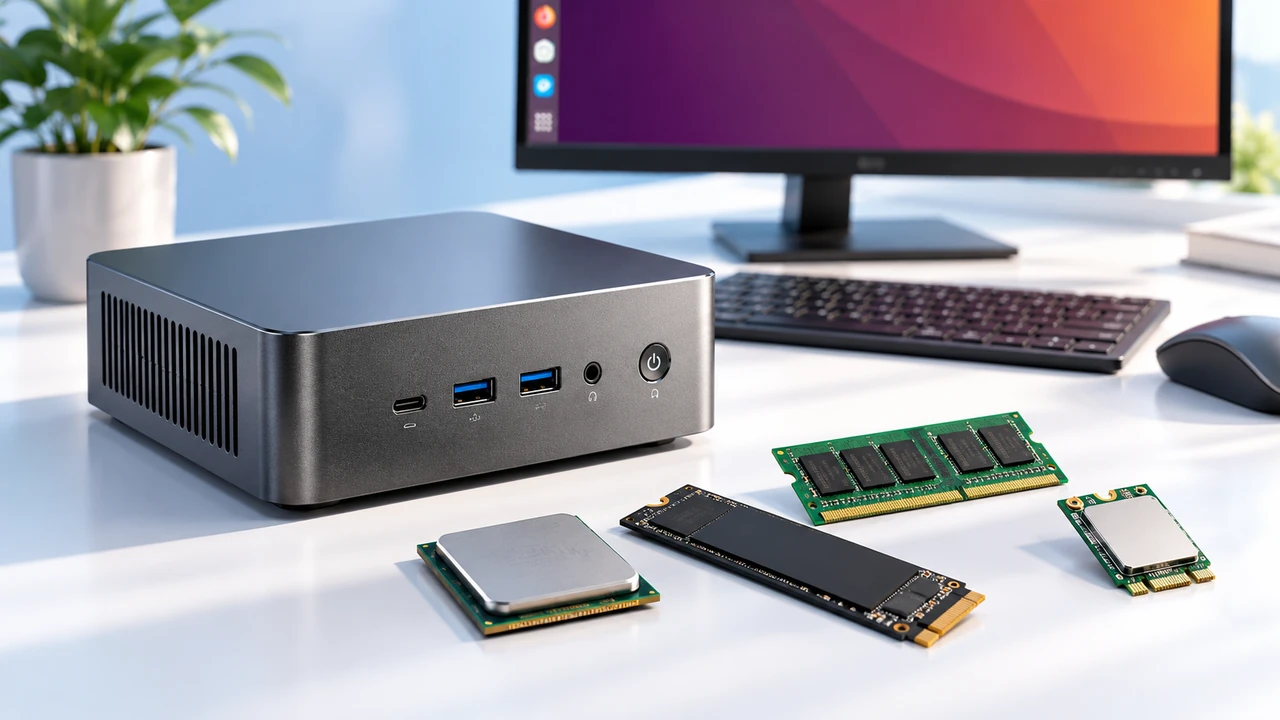
It depends heavily on the specific components. While swapping out a processor or a graphics chip is usually impossible because they are permanently soldered directly to the main board, upgrading memory or adding larger solid-state drives is incredibly easy. Honestly, when a unit in a working cluster gets completely outdated, studios usually just swap the whole box out for a newer model because mini PCs for gaming are relatively inexpensive compared to massive enterprise server equipment.